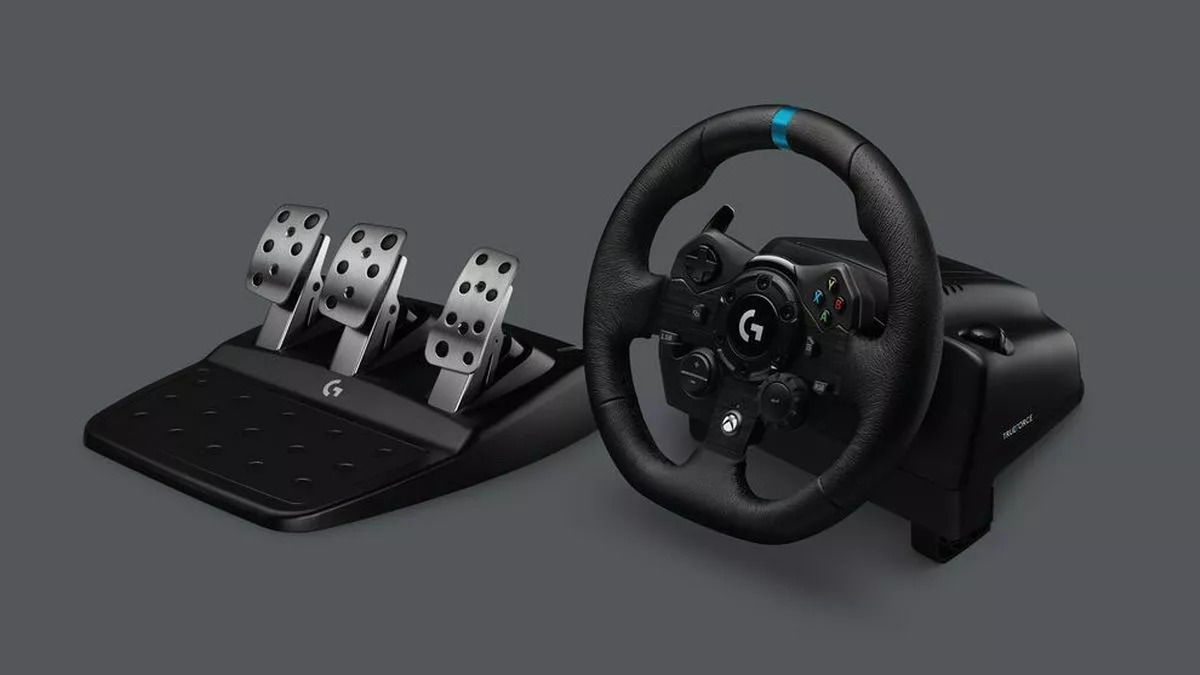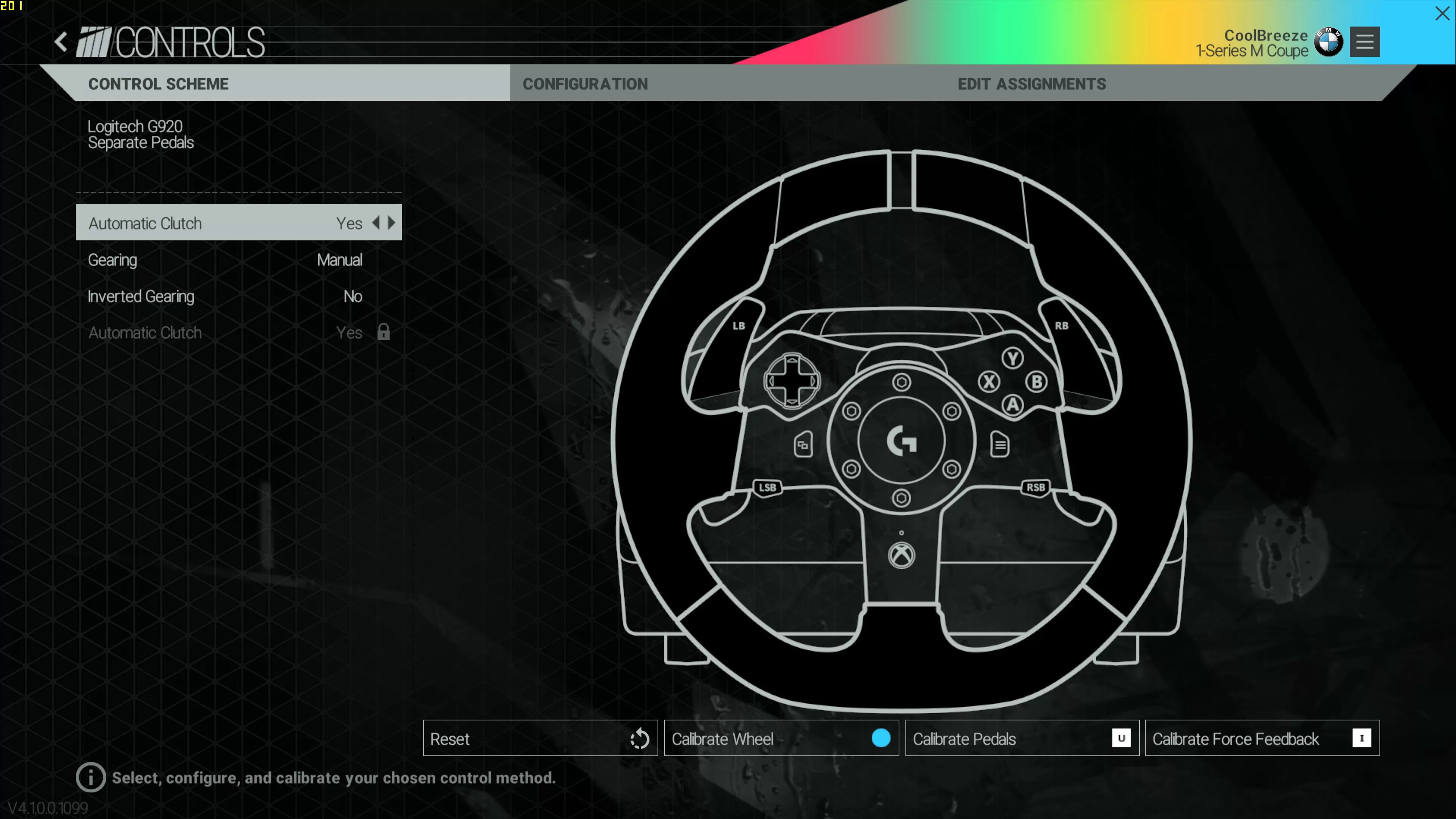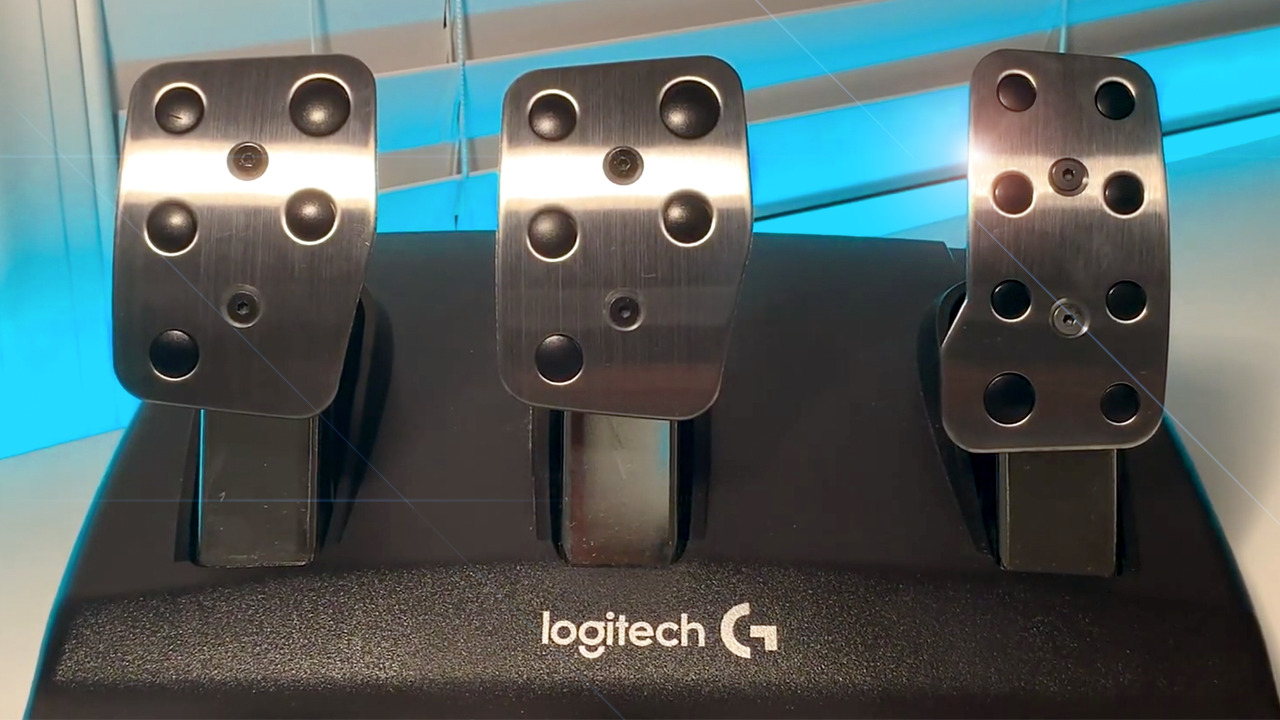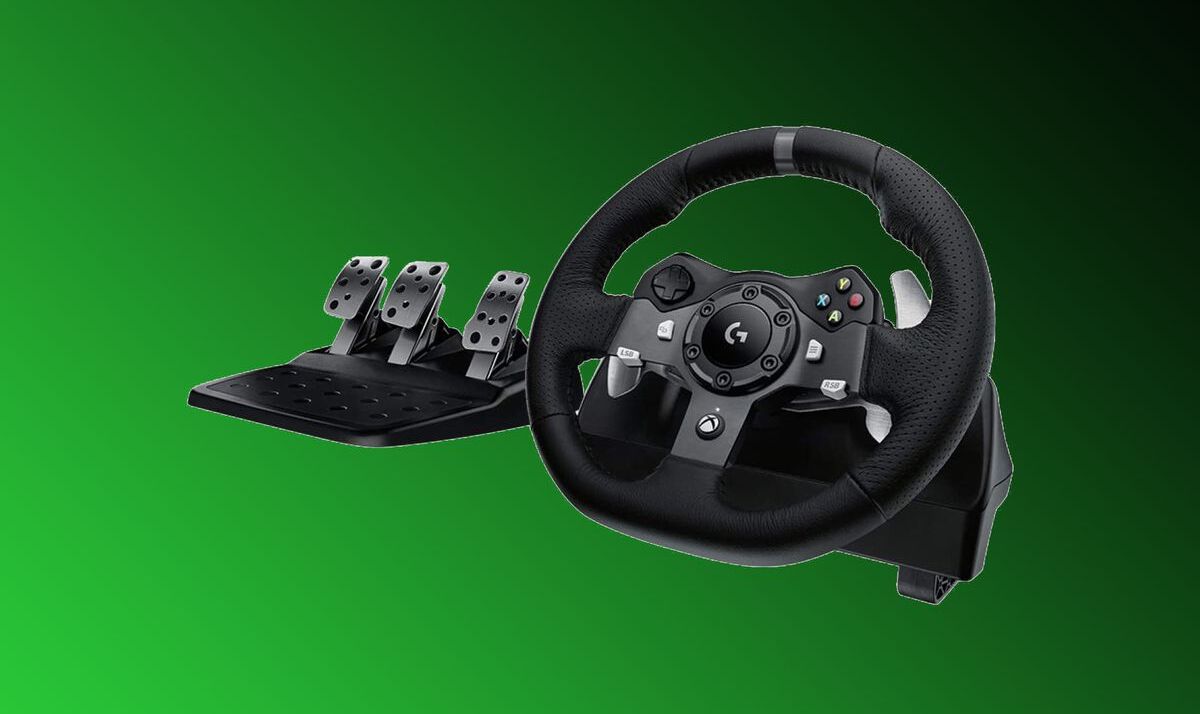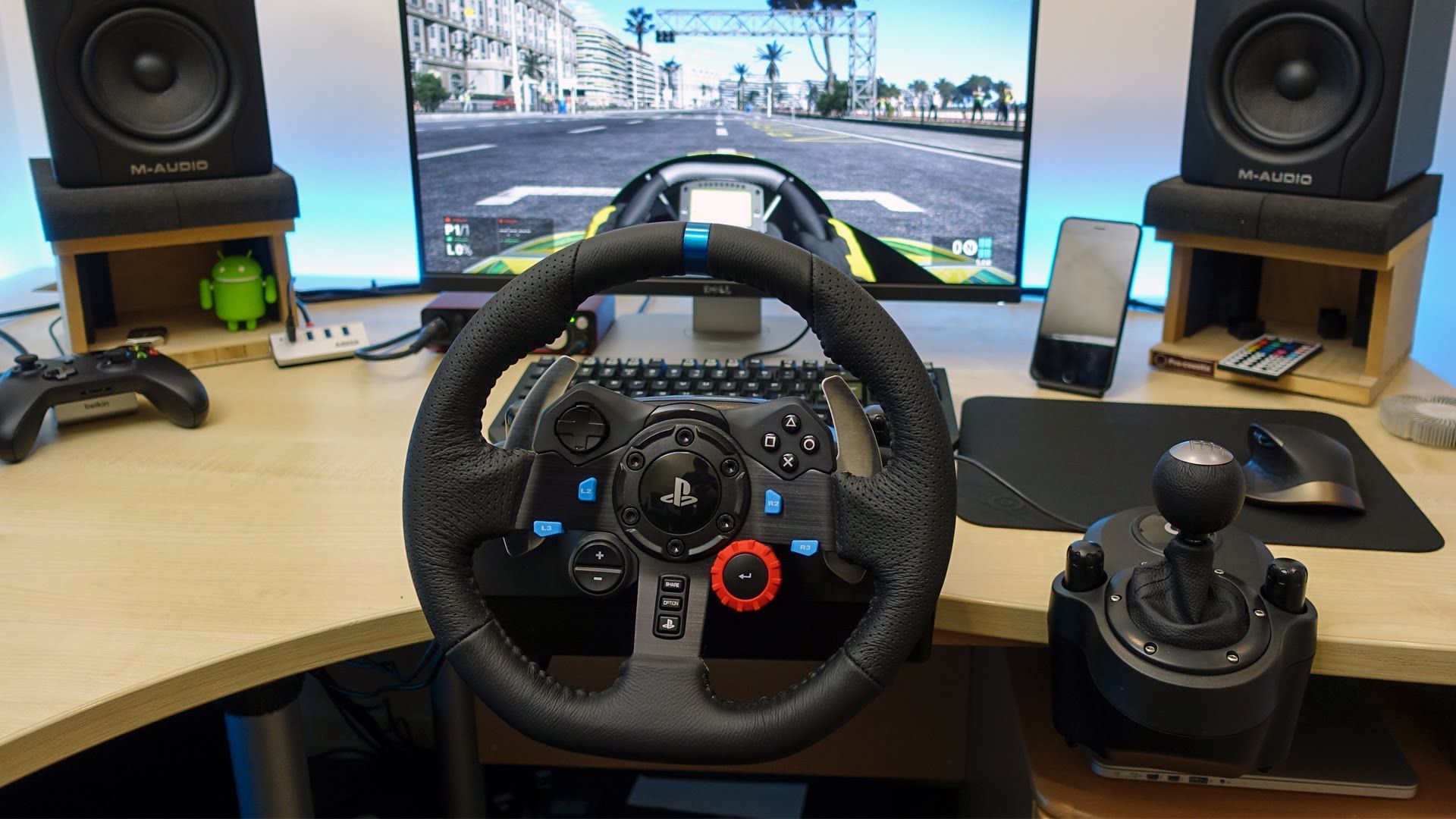
The Logitech G29 is compatible with a wide variety of games across PS5, PS4, PS3, and PC, making it one of the most versatile racing wheels on the market. This comprehensive list of compatible games covers everything from hardcore sims to open-world adventures, helping you get the most out of your wheel.
Which platforms support the Logitech g29 compatible games list?
The Logitech G29 works natively on PlayStation 5, PlayStation 4, PlayStation 3, and PC. It is important to note that the G29 is not compatible with Xbox consoles; the Logitech G920 is the equivalent model designed for Xbox Series X|S, Xbox One, and PC. This distinction ensures you choose the correct wheel for your gaming platform.
Best simulation racing games for the Logitech G29
Simulation racing games are where the G29's force feedback and precise steering truly shine. These titles demand realistic driving physics and reward the wheel's detailed feedback. Top picks include Assetto Corsa Competizione, which offers laser-scanned tracks and authentic GT racing feel. iRacing provides a competitive online racing ecosystem with full G29 support. Project Cars 2 delivers dynamic weather and a vast car roster that fully utilizes the wheel's force feedback. Other excellent sims include rFactor 2, RaceRoom Racing Experience, and Automobilista 2, all offering deep force feedback customization for the G29.
Top arcade and open-world driving games to play
Arcade and open-world games provide a more accessible, fun-focused driving experience with the G29. Need for Speed Heat lets you drift and race through Palm City with responsive wheel controls. Grand Theft Auto V supports the G29 for all driving activities, from high-speed chases to leisurely cruises. The Crew 2 offers a massive open-world USA to explore by car, boat, plane, and bike. To use the G29 in The Crew 2 on PC, open the main menu and select "Options". Go to the "General Controls" sub-menu, select "Wheel", and then map the button for "Nitrous".
Specialist vehicle simulators that work with the G29
Beyond racing, the G29 enhances niche simulators that involve vehicle control. Euro Truck Simulator 2 transforms long-haul trucking into a relaxing yet engaging experience, with the wheel's force feedback conveying road texture and trailer weight. Farming Simulator 19 lets you operate tractors, harvesters, and other agricultural machinery with realistic steering. Microsoft Flight Simulator uses the G29 as a flight yoke substitute, with force feedback adding immersion during turbulence and landings. These titles prove the G29's versatility extends far beyond the racetrack.
How to set up your G29 for the best experience
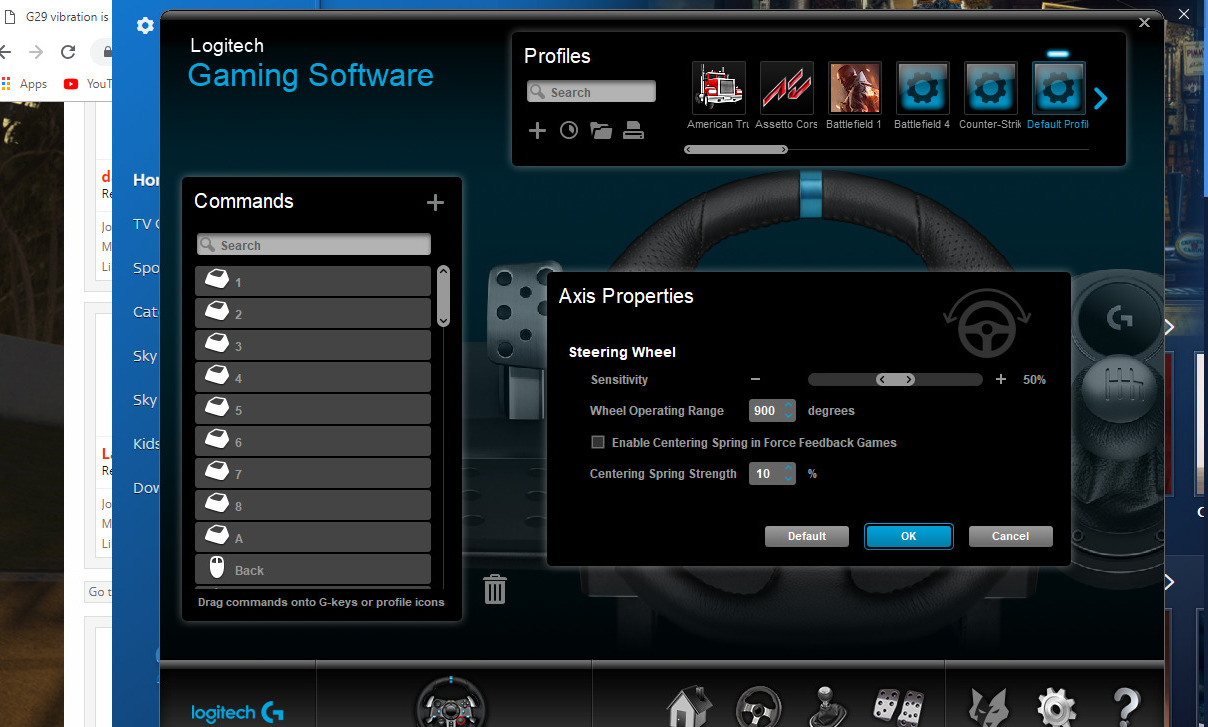
Proper setup is crucial for getting the most from your G29. Start with the mandatory racing wheel setup hub, which covers mounting, pedal positioning, and force feedback calibration for all platforms. For PlayStation users, follow the specific steps to set up a racing wheel on PS5, ensuring the wheel is recognized and configured correctly. PC users should learn how to use a Logitech steering wheel on PC, including driver installation and in-game profile settings. If you are connecting to an older console, the guide to connect Logitech steering wheel to PS4 provides the necessary steps. For those considering the newer model, the list of Logitech G923 compatible games is largely identical, as both wheels share the same game support across platforms.