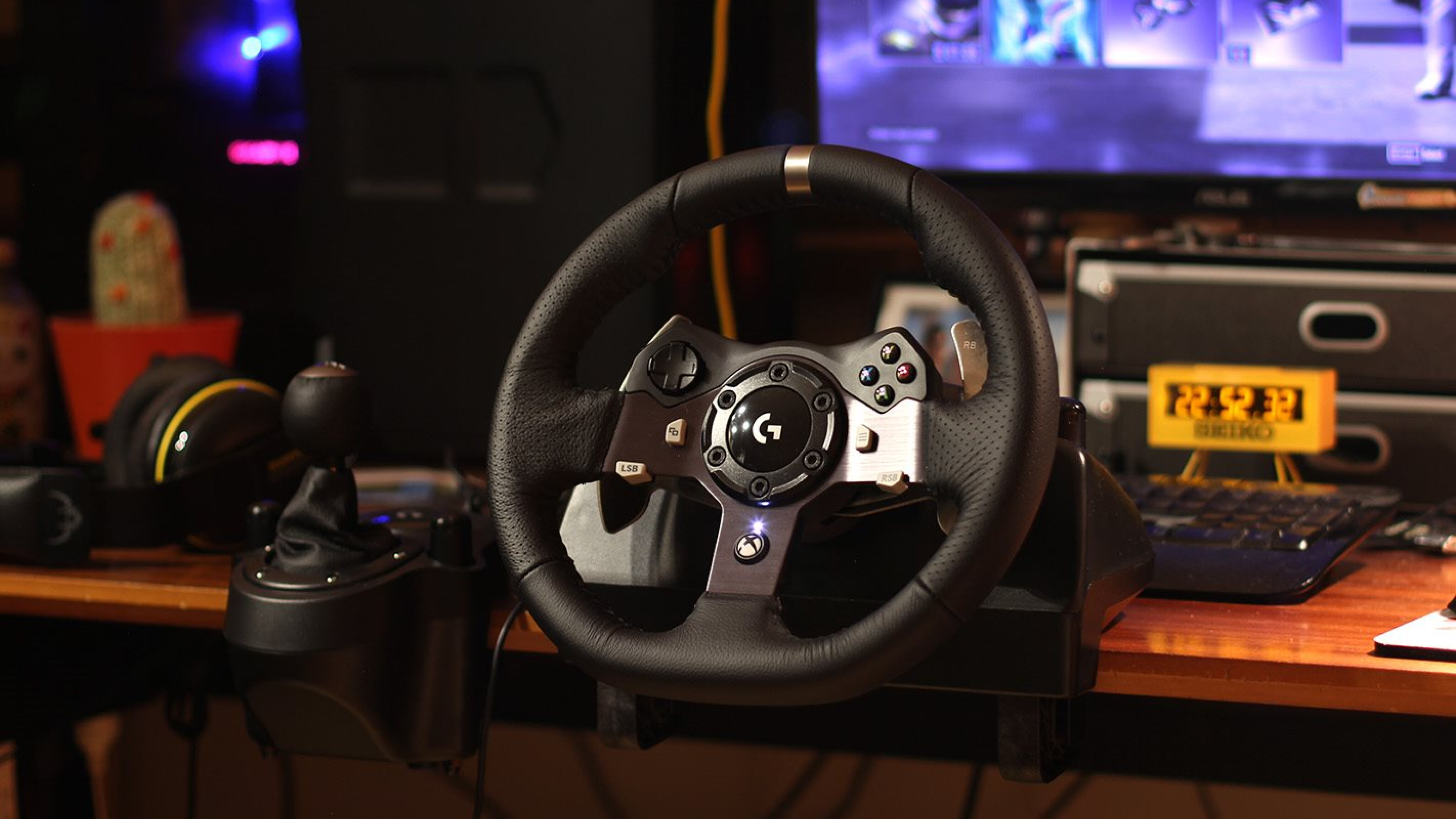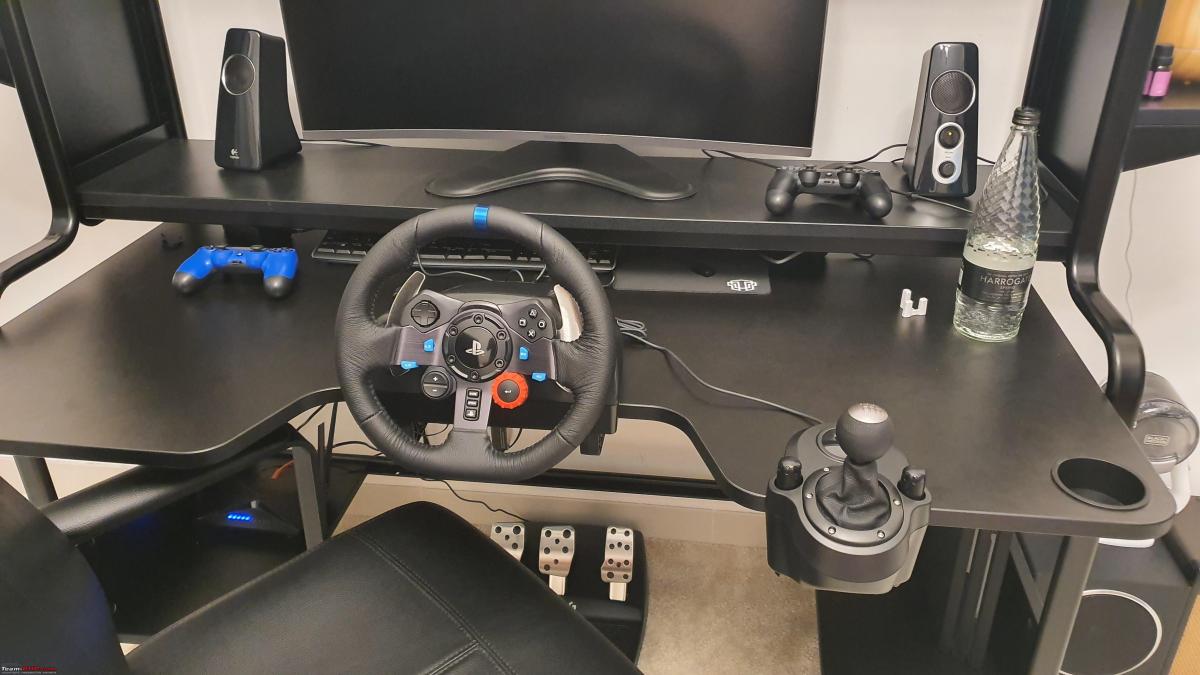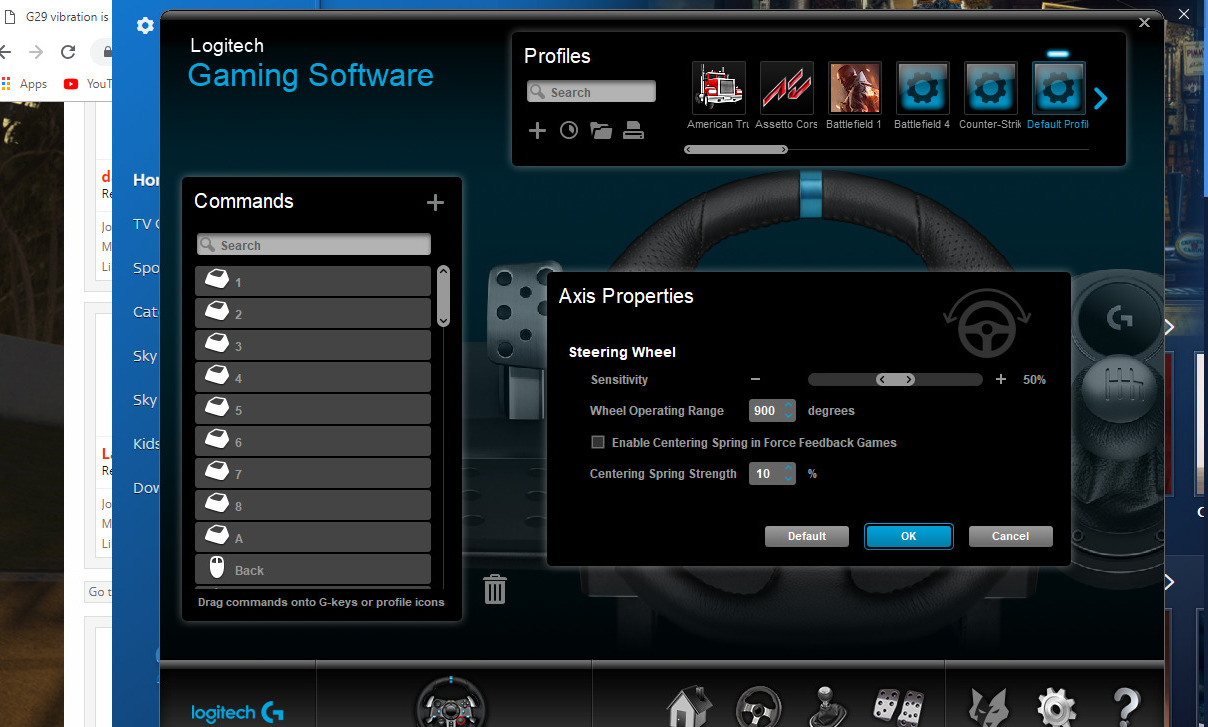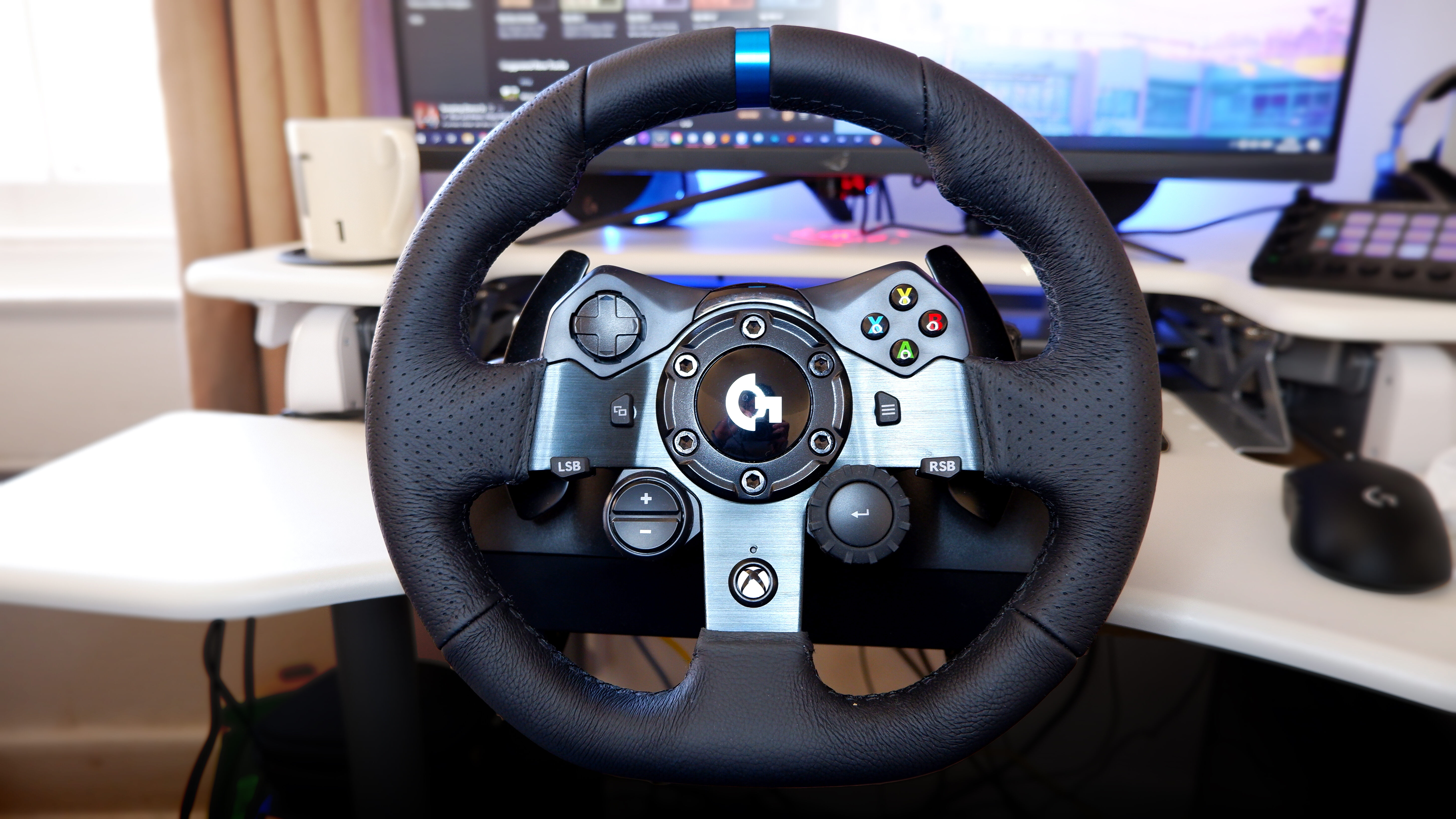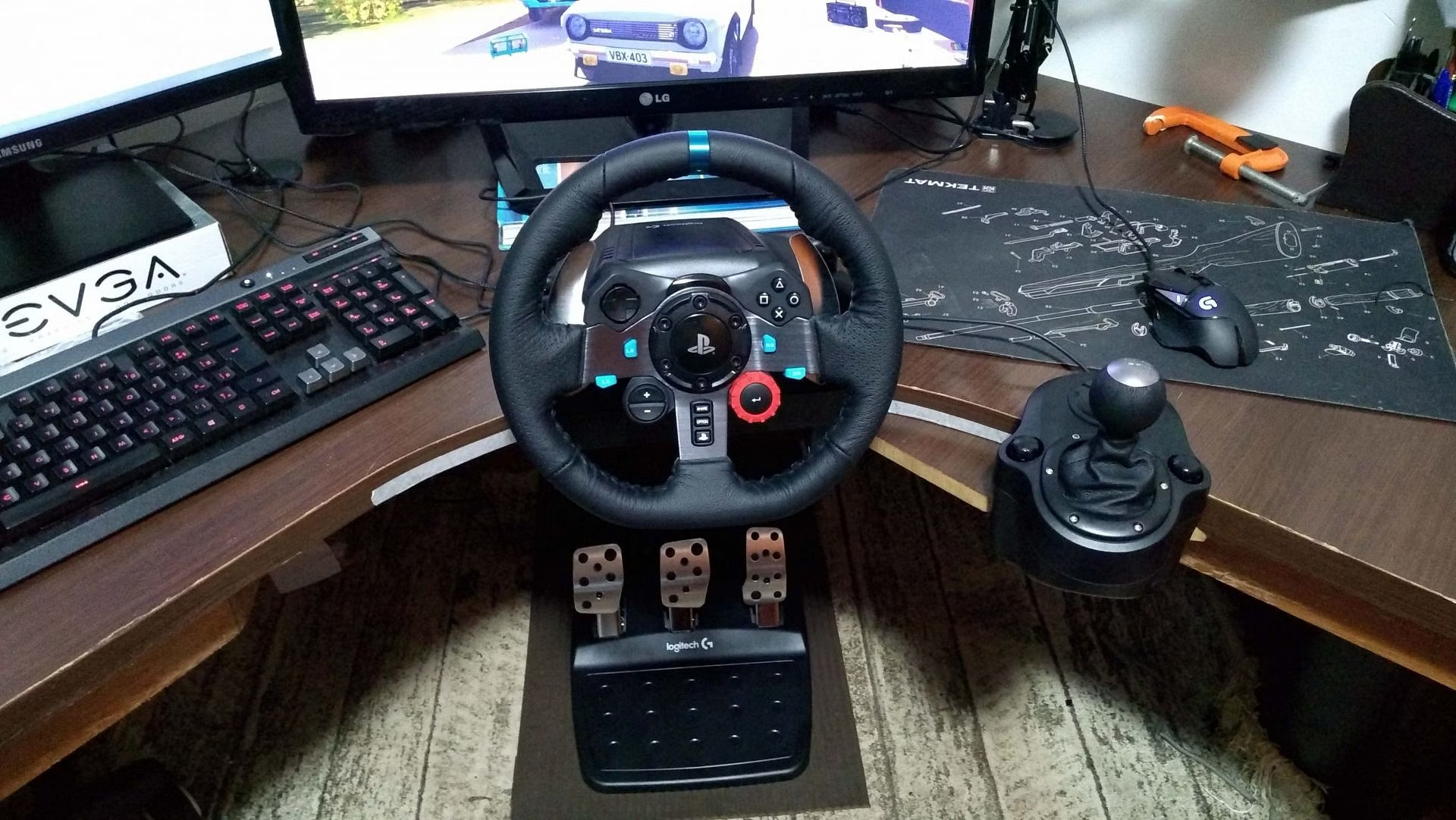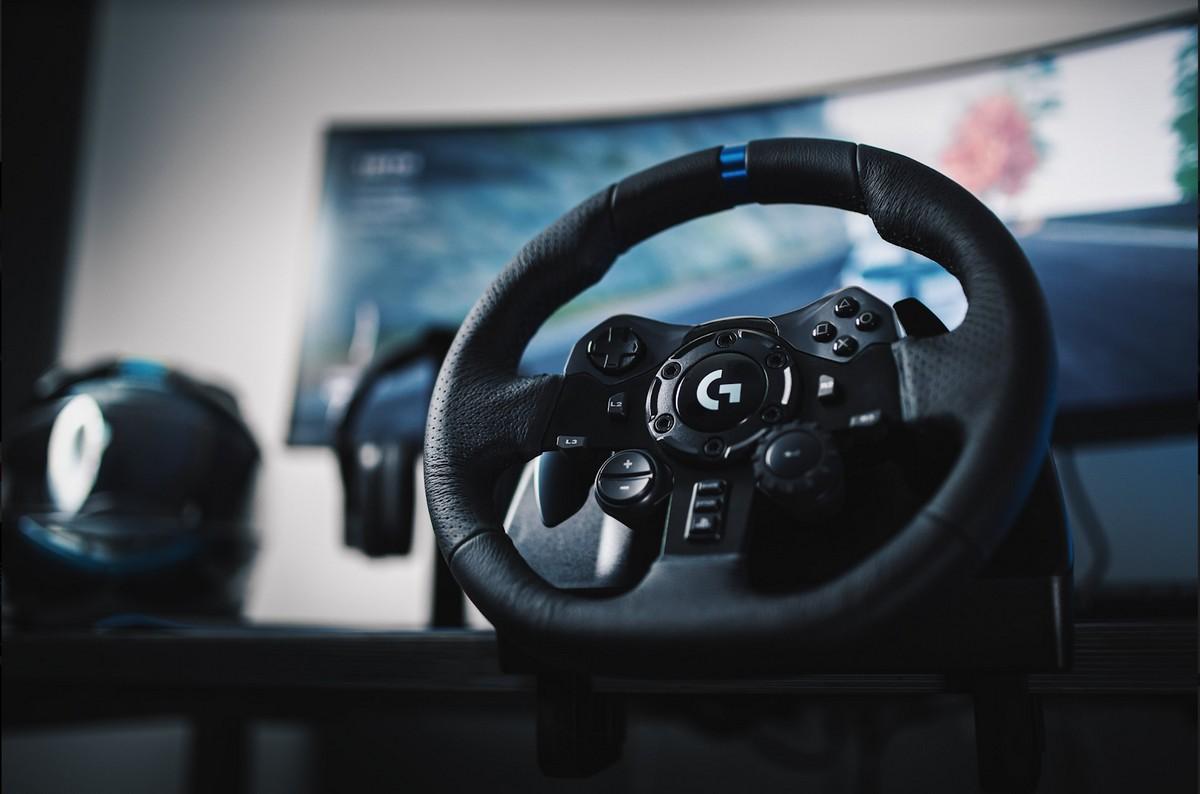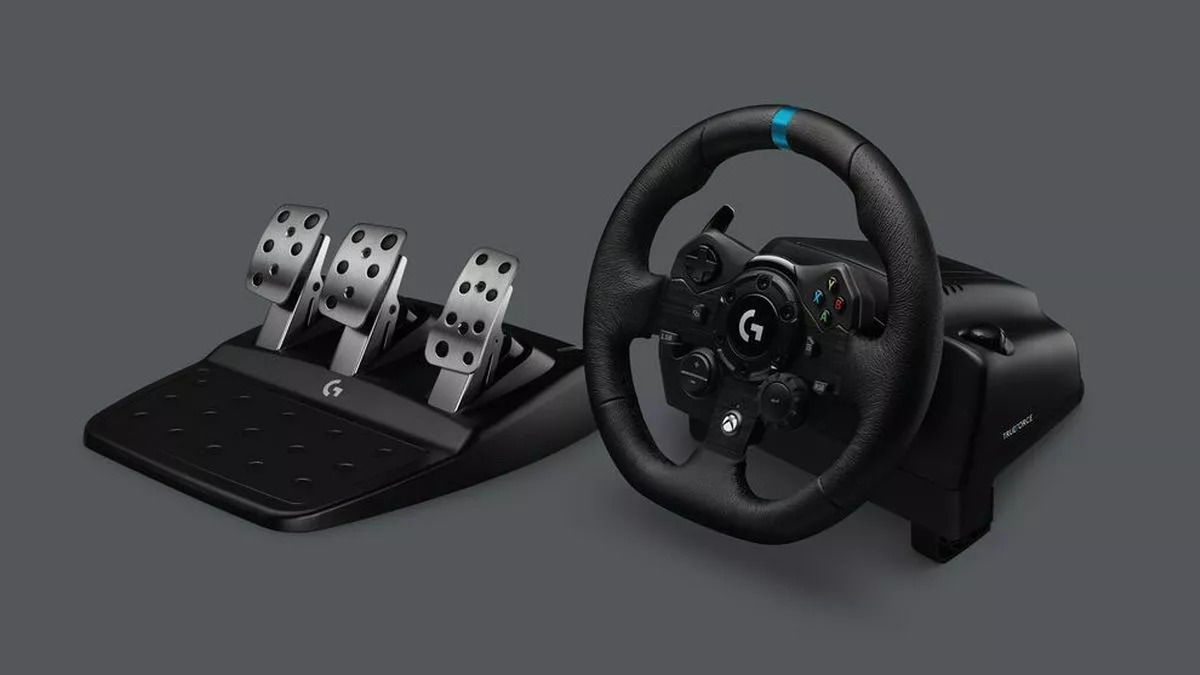
If you're searching for Logitech G923 compatible games, the direct answer is that this racing wheel works with a broad library of titles on PC, PlayStation, and Xbox, but the best experience comes from games that support its TRUEFORCE force feedback. For the most immersive feel, prioritize titles with native TRUEFORCE integration, as they deliver high-fidelity realism by connecting directly to in-game physics. Beyond that, nearly every major racing SIM, arcade racer, and rally title released for these platforms in the last several years will work with the G923, provided you have the correct firmware and connection setup, so take a moment to set up Logitech G923 on PC properly before hitting the track. If you own the older G29, you can find a similarly extensive list of Logitech G29 compatible games spanning many of the same acclaimed sims.
Logitech G923 compatible games: what you need to know
The two things that define the best experience with the G923 are TRUEFORCE integration and your platform (PC, PlayStation, or Xbox). TRUEFORCE is Logitech's next-generation force feedback system that requires specific game integration to function, delivering high-fidelity realism by connecting directly to in-game physics. This means games that explicitly support TRUEFORCE will feel dramatically more detailed than those using generic force feedback. Platform matters because the G923 comes in two variants: one for PC and PlayStation, and another for PC and Xbox. A PlayStation/PC wheel will not work on Xbox, and vice versa. Before you start, quickly check your wheel's model number against your console to ensure you have the right version.
Before you race: firmware, drivers, and connection
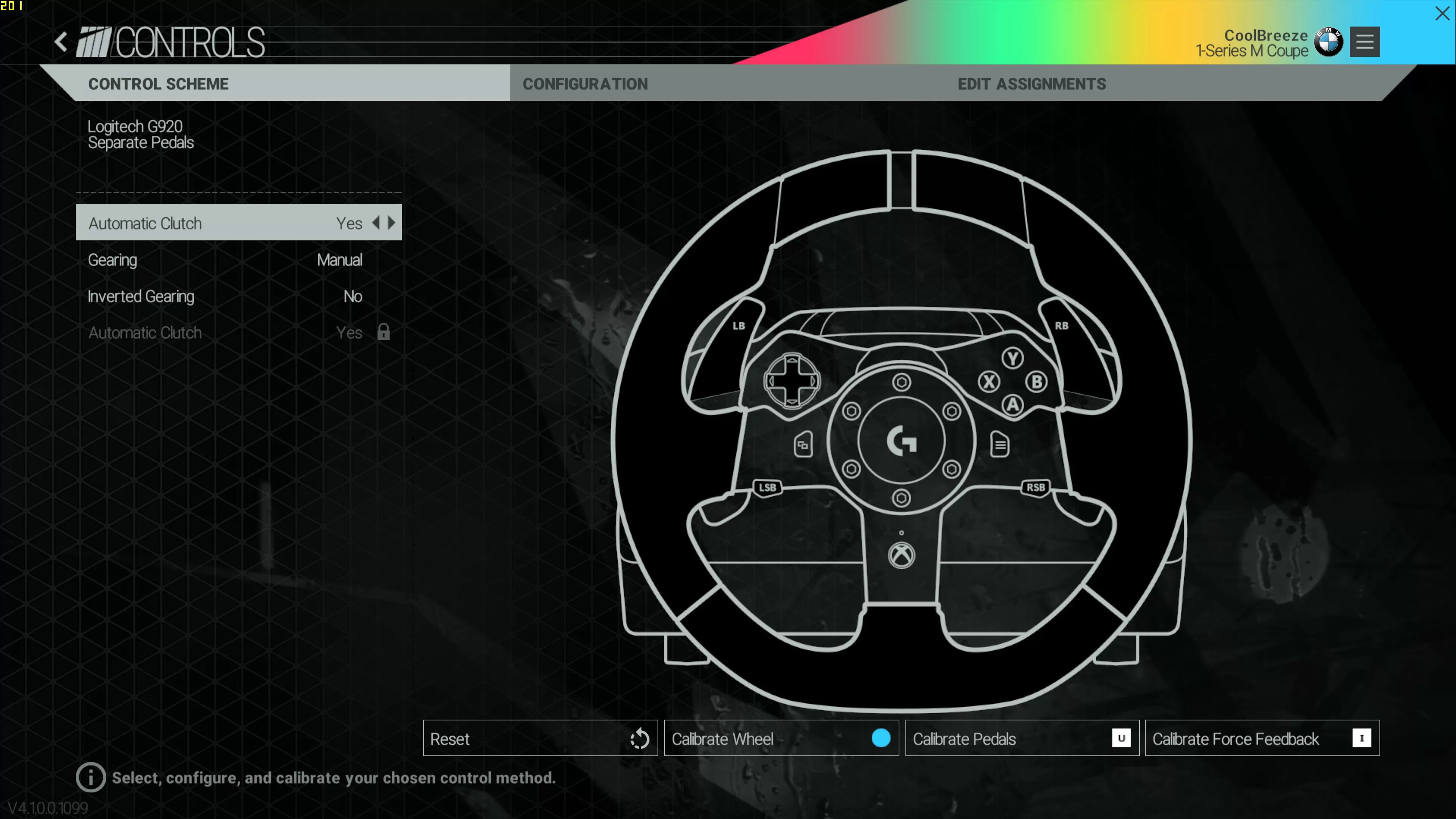
Essential setup reminders: install the latest Logitech G Hub firmware, connect to your platform correctly, and calibrate so the wheel works in all titles. First, download G Hub on your PC and update the wheel's firmware to the latest version, this ensures TRUEFORCE and dual-clutch features are recognized. For PlayStation, connect the wheel directly to the console via USB and set the switch on the wheel base to "PS" mode. For Xbox, set the switch to "Xbox" mode and connect via USB. On PC, choose the appropriate mode based on whether you're using the PlayStation or Xbox version of the wheel. Finally, run the in-game calibration for steering rotation and pedal travel to avoid dead zones or clipping.
TRUEFORCE-supported games
These titles specifically integrate Logitech's high-fidelity TRUEFORCE force feedback, giving you the most detailed road feel, tire slip, and engine vibration. The G923's programmable dual-clutch launch assist also works in several of these games, allowing for faster starts in supported race modes. Here's the curated list:
- Gran Turismo 7 (PlayStation 5/4, PC), Full TRUEFORCE support, dual-clutch on race starts, and dynamic weather effects felt through the wheel.
- Forza Motorsport (PC, Xbox Series X/S), Native TRUEFORCE integration, with detailed curb and tire feedback.
- Forza Horizon 5 (PC, Xbox Series X/S), TRUEFORCE works in open-world driving, including off-road and street races.
- F1 23 (PC, PlayStation 5/4, Xbox), Official F1 game with TRUEFORCE support for kerbs, ERS, and tire degradation.
- Assetto Corsa Competizione (PC, PlayStation 5/4, Xbox), GT3 racing with TRUEFORCE-enhanced physics, including brake lockup and aero balance.
- DiRT Rally 2.0 (PC, PlayStation 4, Xbox), TRUEFORCE delivers surface detail on gravel, tarmac, and snow.
- WRC 9 (PC, PlayStation 5/4, Xbox), Official WRC game with TRUEFORCE support for uneven terrain and jumps.
- GRID Legends (PC, PlayStation 5/4, Xbox), Arcade-sim hybrid with TRUEFORCE for collisions and curb strikes.
- Need for Speed Heat (PC, PlayStation 4, Xbox), TRUEFORCE works in street races and police pursuits, though with less detail than sims.
Full compatibility list by racing category
All other compatible games are grouped below, each marked with platform availability and notable wheel features. These titles support standard force feedback and the G923's 900-degree rotation, but not TRUEFORCE.
Simulation racing
- iRacing (PC), Full simulation, supports 900° rotation and custom force feedback curves.
- rFactor 2 (PC), Advanced tire model, works with the G923's pedals and wheel.
- RaceRoom Racing Experience (PC), Free-to-play SIM, includes official DTM and touring cars.
- Automobilista 2 (PC), Brazilian SIM with diverse tracks and cars, good force feedback.
- Project CARS 2 (PC, PlayStation 4, Xbox), Weather and time-of-day effects, works with G923.
Arcade racing
- Need for Speed Unbound (PC, PlayStation 5, Xbox Series X/S), Street racing with stylized graphics, works in standard mode.
- The Crew Motorfest (PC, PlayStation 5/4, Xbox), Open-world arcade, supports wheel but not TRUEFORCE.
- Burnout Paradise Remastered (PC, PlayStation 4, Xbox), Classic arcade, works with G923 in legacy mode.
- TrackMania Turbo (PC, PlayStation 4, Xbox), Stunt racing with precise steering, no force feedback detail.
Rally racing
- DiRT 5 (PC, PlayStation 5/4, Xbox), Arcade-style rally, supports handbrake and G923 pedals.
- WRC 10 (PC, PlayStation 5/4, Xbox), Official WRC game, works with G923 but no TRUEFORCE.
- Richard Burns Rally (PC), Hardcore rally SIM, requires manual setup for G923.
Formula 1
- F1 2020 (PC, PlayStation 4, Xbox), Older F1 title, works with G923 but no TRUEFORCE.
- F1 2021 (PC, PlayStation 5/4, Xbox), Career mode, supports G923 with standard force feedback.
- F1 2019 (PC, PlayStation 4, Xbox), Legacy F1 game, compatible with G923.
GT racing
- Gran Turismo Sport (PlayStation 4, PC via emulation not official), PS4 classic, works with G923 in PS4 mode.
- Assetto Corsa (PC, PlayStation 4, Xbox), Original SIM, supports G923 with community settings.
- NASCAR Heat 5 (PC, PlayStation 4, Xbox), Oval racing, works with G923's rotation.
- GRID 2019 (PC, PlayStation 4, Xbox), Arcade-sim, compatible with G923.
How to check if an unlisted game supports the G923
For newer or unlisted titles, use this quick method: open the game's controller settings and look for "steering wheel" or "force feedback" options. If the game detects the G923 as a generic wheel, it will usually let you bind steering, throttle, and brake. Then, check Logitech's official support pages for the G923, which list verified games and known issues. You can also search the game's community forums for "G923" to see if other players report working force feedback. If the game doesn't have a wheel option, it may still work with the G923 in "gamepad emulation" mode, but force feedback will be absent.
Next steps: dial in your G923 settings
Once you've confirmed your game, fine-tune force feedback, rotation angle, and pedal sensitivity using platform-specific guides. On PlayStation, set the wheel to "PS" mode and use in-game settings for force feedback strength. On Xbox, use the "Xbox" mode and adjust the wheel's sensitivity through the game's options menu. For a complete walkthrough, refer to the racing wheel setup guides for PC, PlayStation, and Xbox to get the most out of your G923. These guides cover everything from mounting to pedal calibration, ensuring you have the best possible experience across all compatible titles.
For the wider topic, see racing wheel setup.