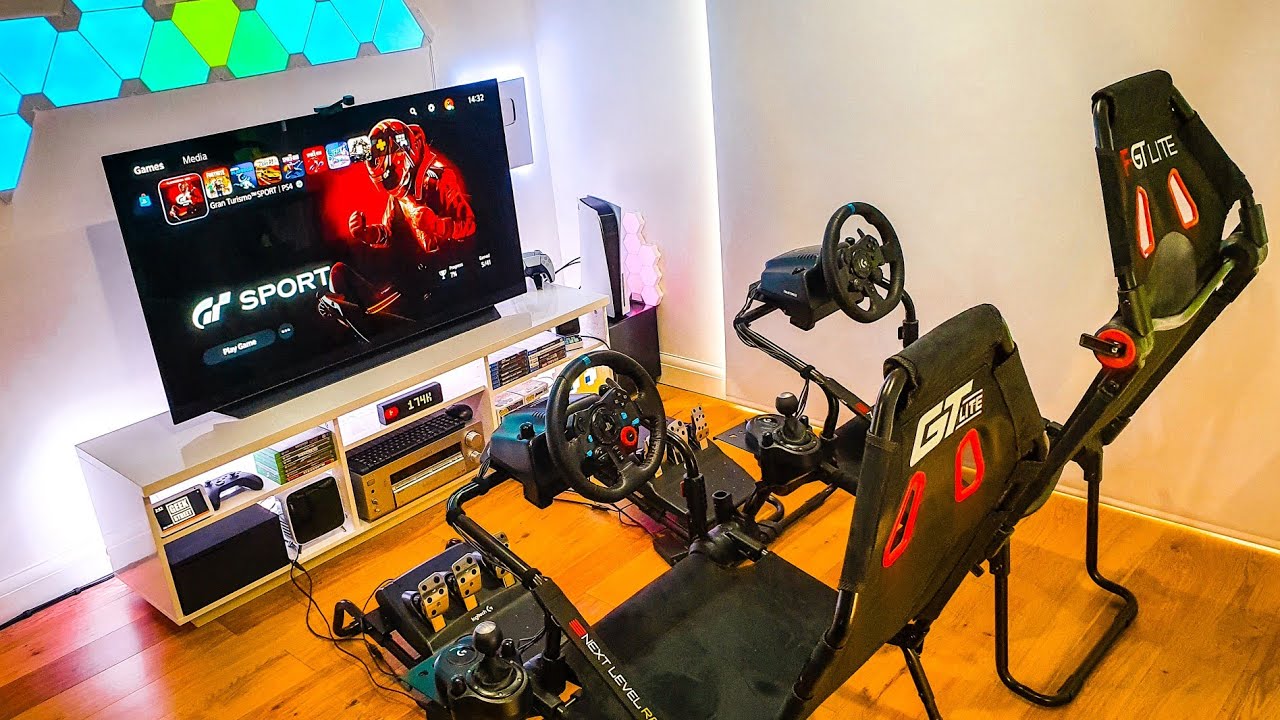
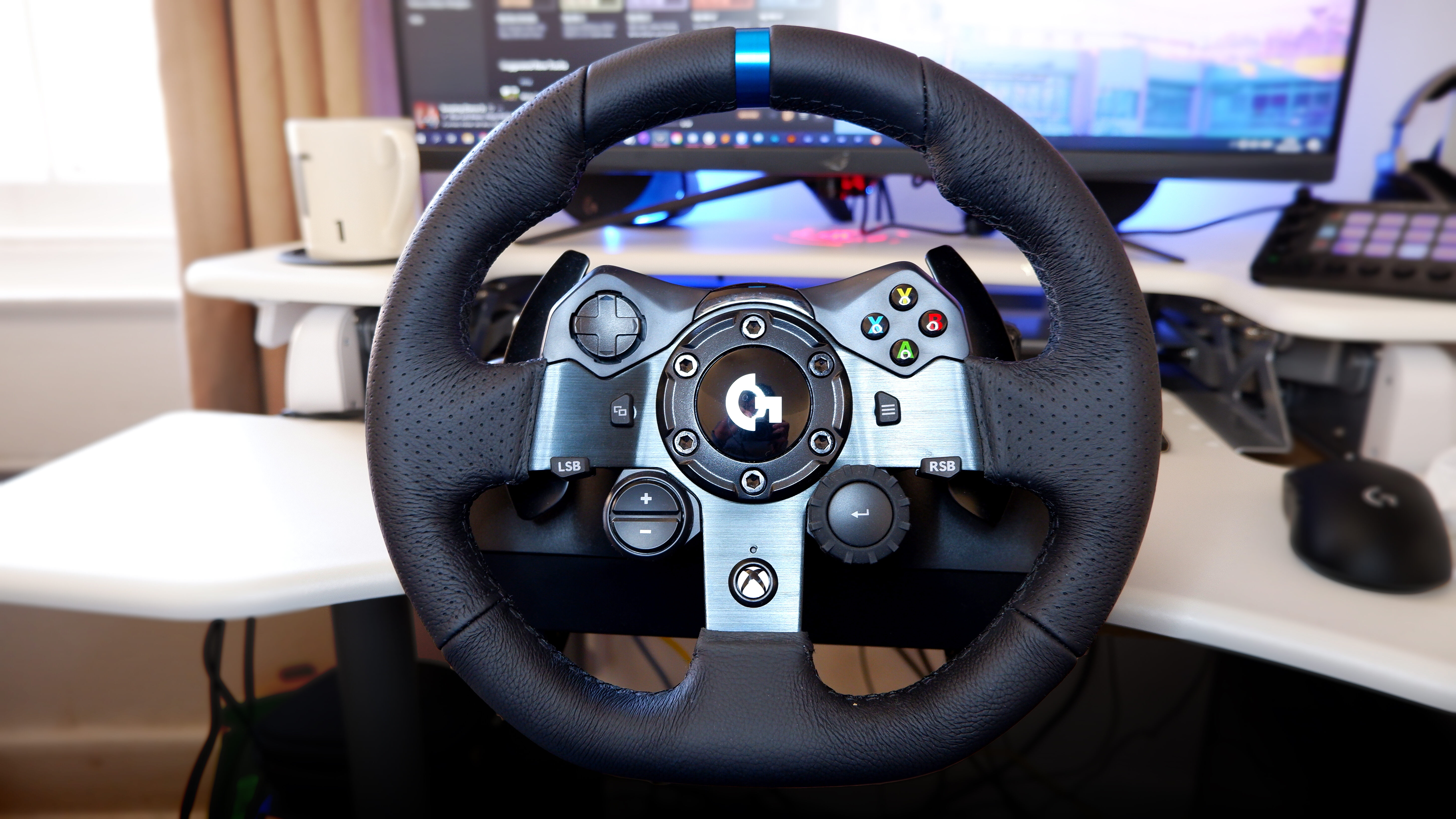
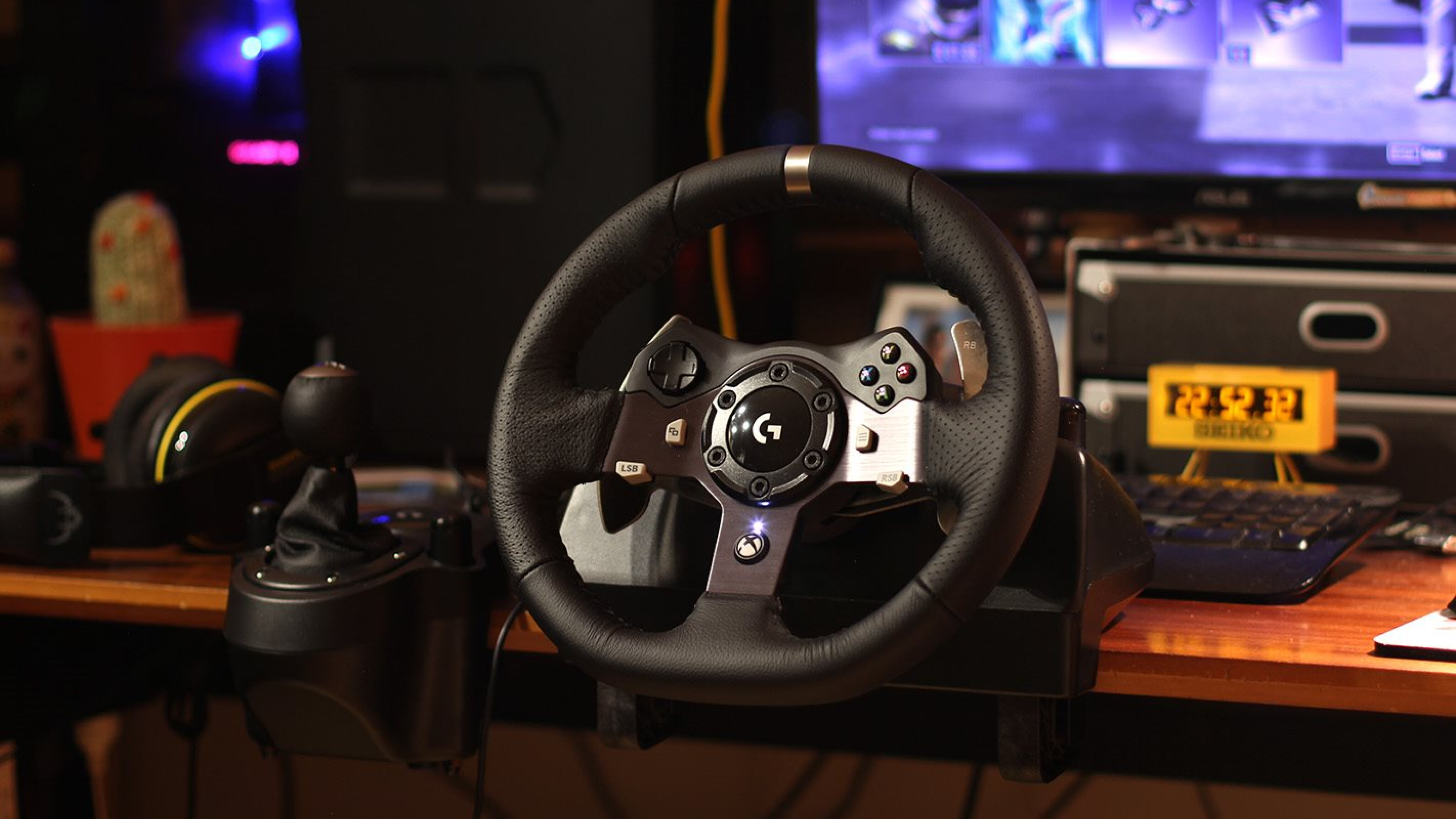
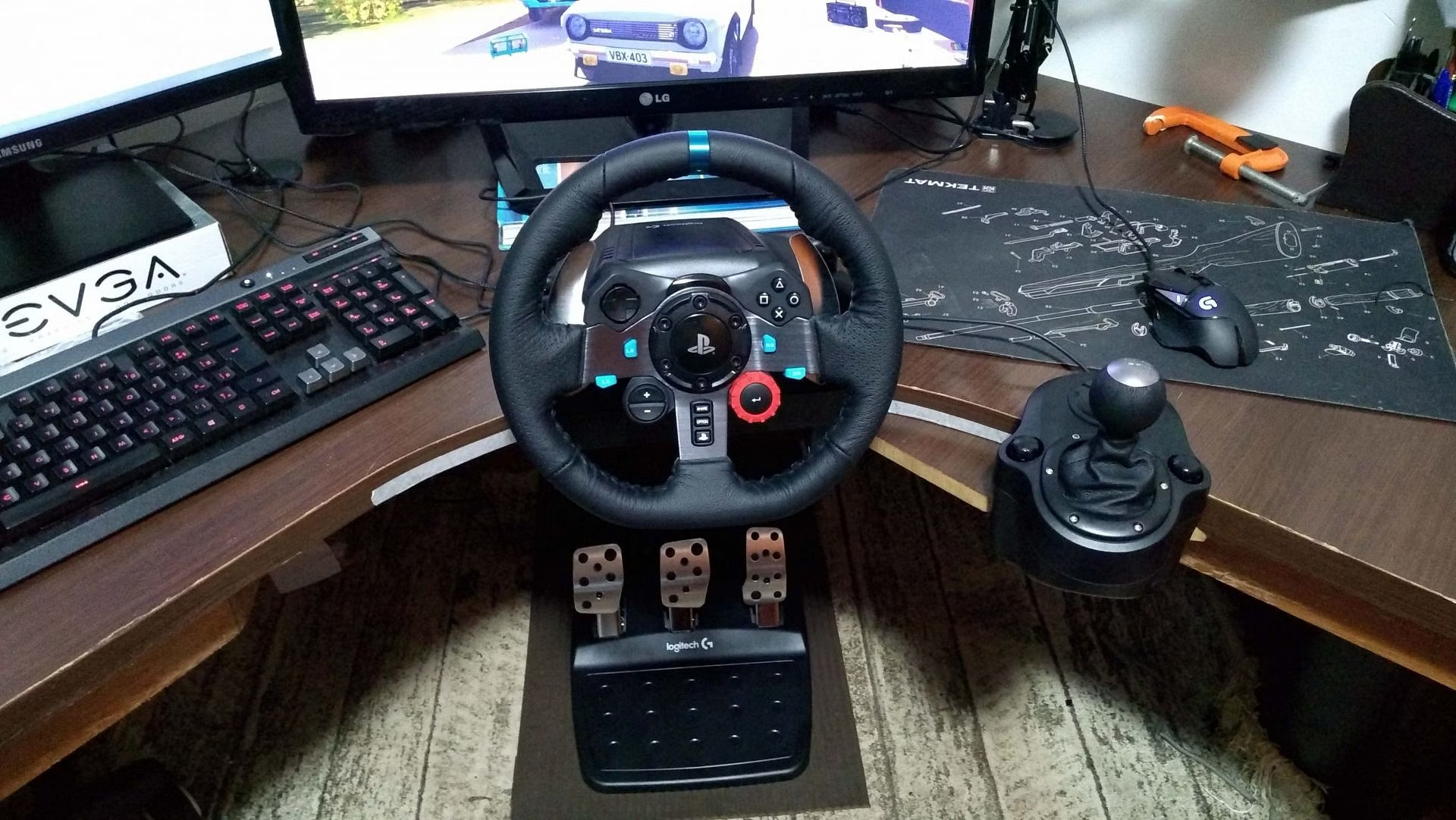
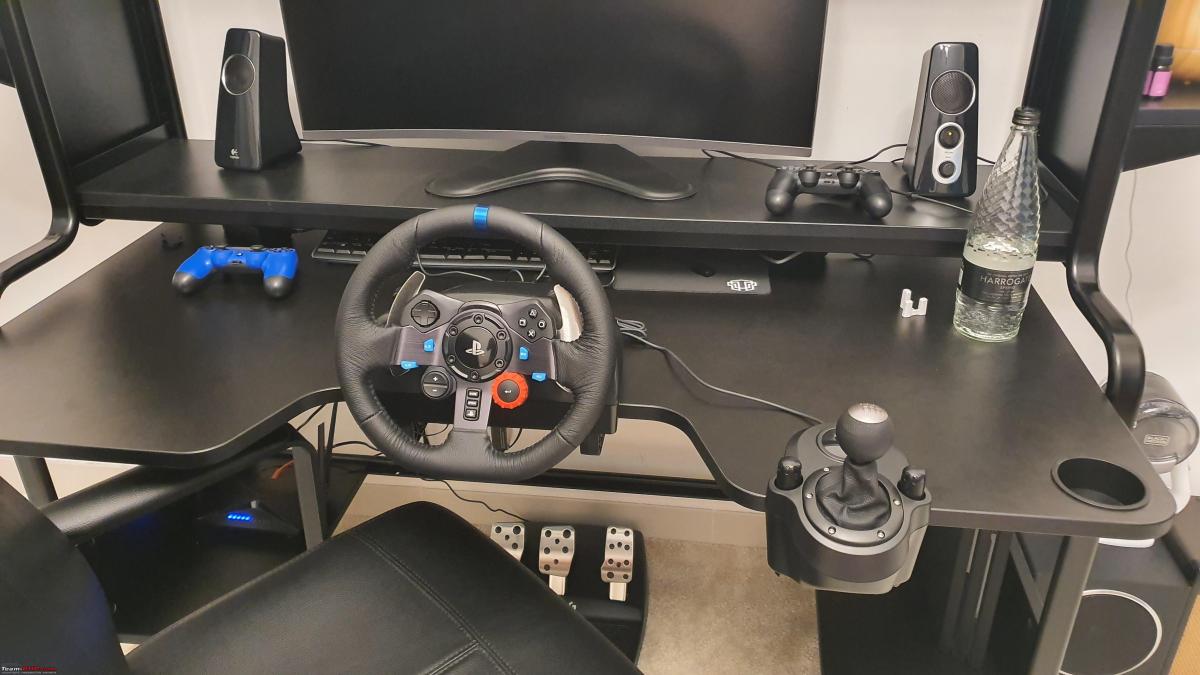
This tag collects our guides to force feedback racing wheels, aimed at anyone who owns or is thinking about buying a Logitech or Thrustmaster wheel for PC or console play. The articles are written for everyday users who want their gear to work correctly, whether they are setting it up for the first time or troubleshooting an issue that has developed over time. The focus is on practical, hands-on help with the hardware and its official software, not on advanced sim-racing tuning.
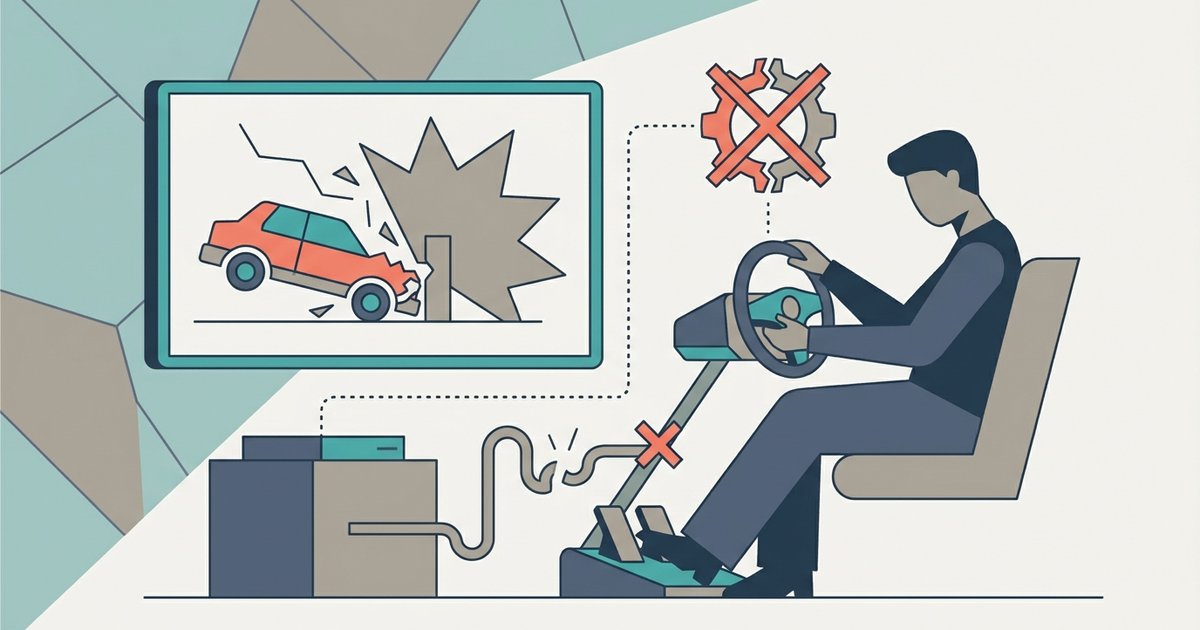
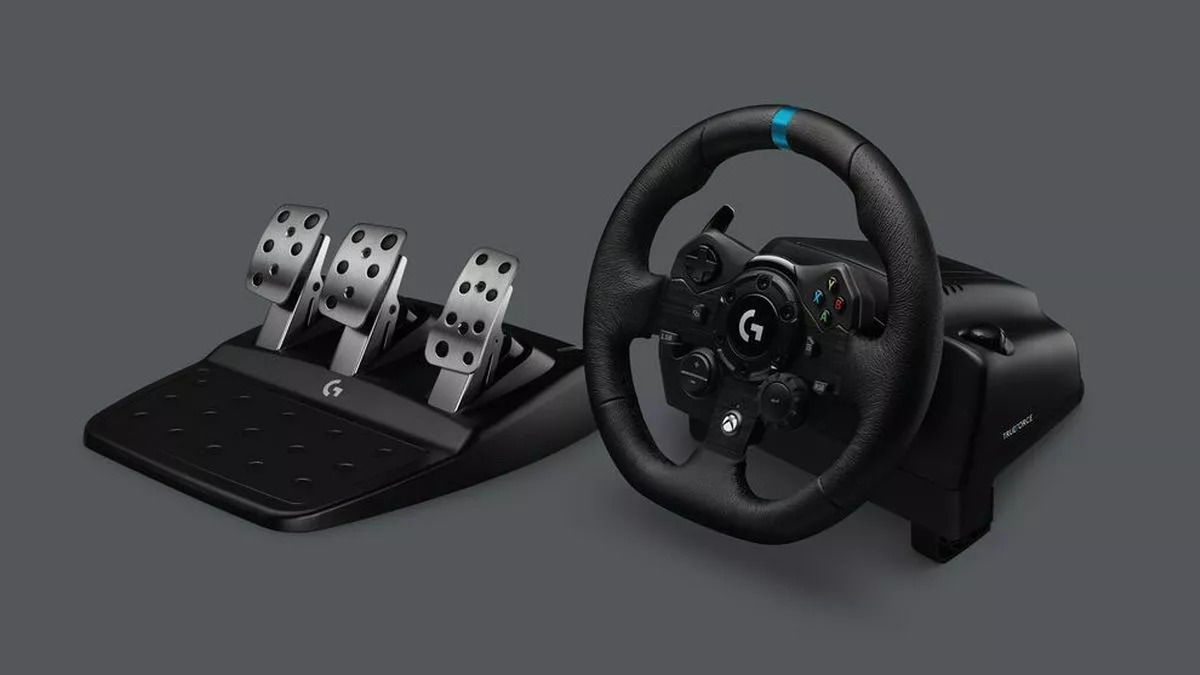
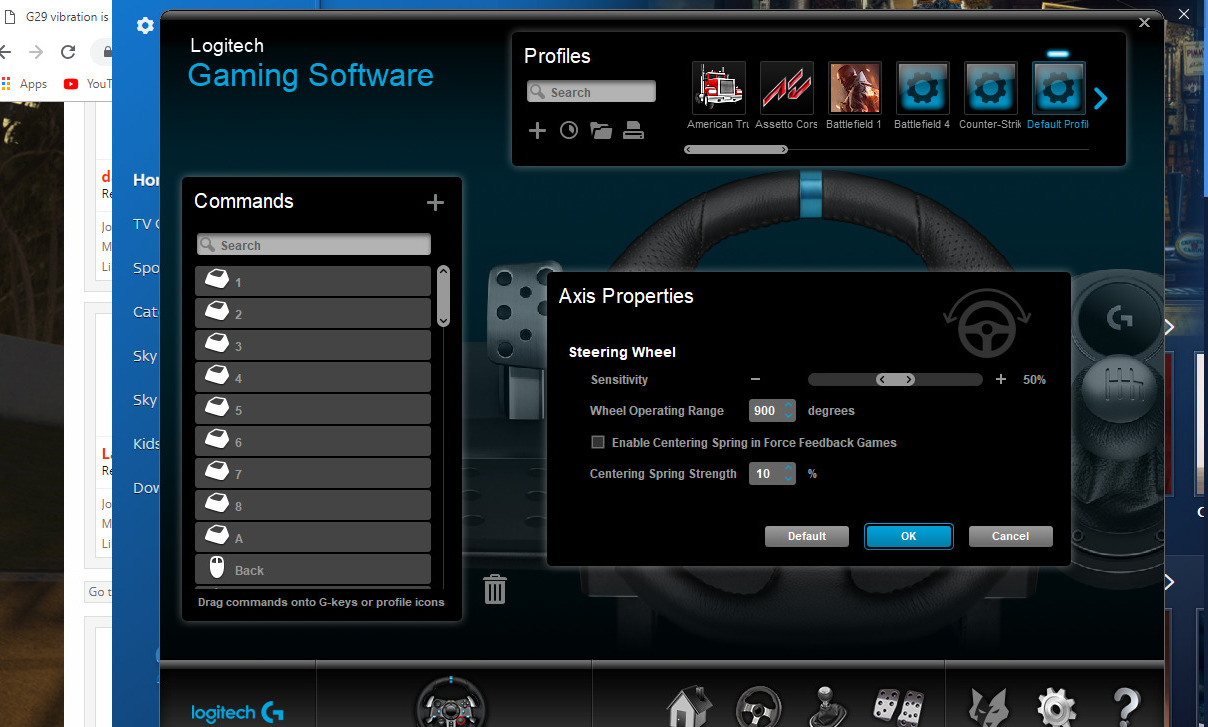
The articles here fall into two main themes. The first is setup and connectivity: several pieces walk through the initial installation of popular models like the Logitech G29, G920, and G923 on Windows PCs, including how to get the wheel recognized by the system and how to configure it for specific racing titles. The second theme is troubleshooting and adjustment. For example, one guide explains how to fix a G29 whose force feedback feels too weak or has stopped working entirely, while another covers the separate topic of turning off vibration for those who find it distracting. There is also a guide on calibrating the G29 to ensure the wheel’s centering and rotation are accurate.
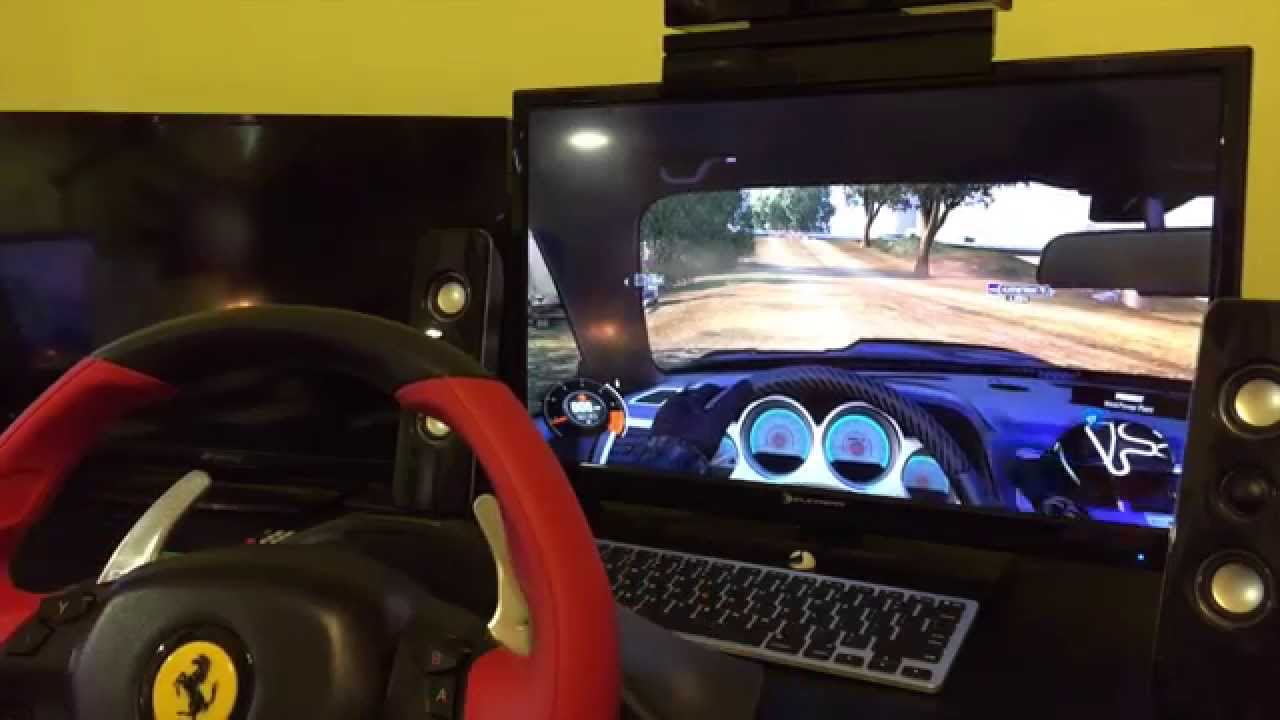
Beyond the raw setup, the tag also addresses compatibility and safe use. One article lists which games officially support the G923, helping you avoid buying software that will not work with your wheel. Another covers using the Thrustmaster Ferrari 458 Spider on a PC, which often involves understanding its console-specific design. None of these pieces encourage bypassing protections or cheating; instead, they focus on legitimate configuration, proper calibration, and getting the most from your hardware within its intended design.