Buying a drone and delivery
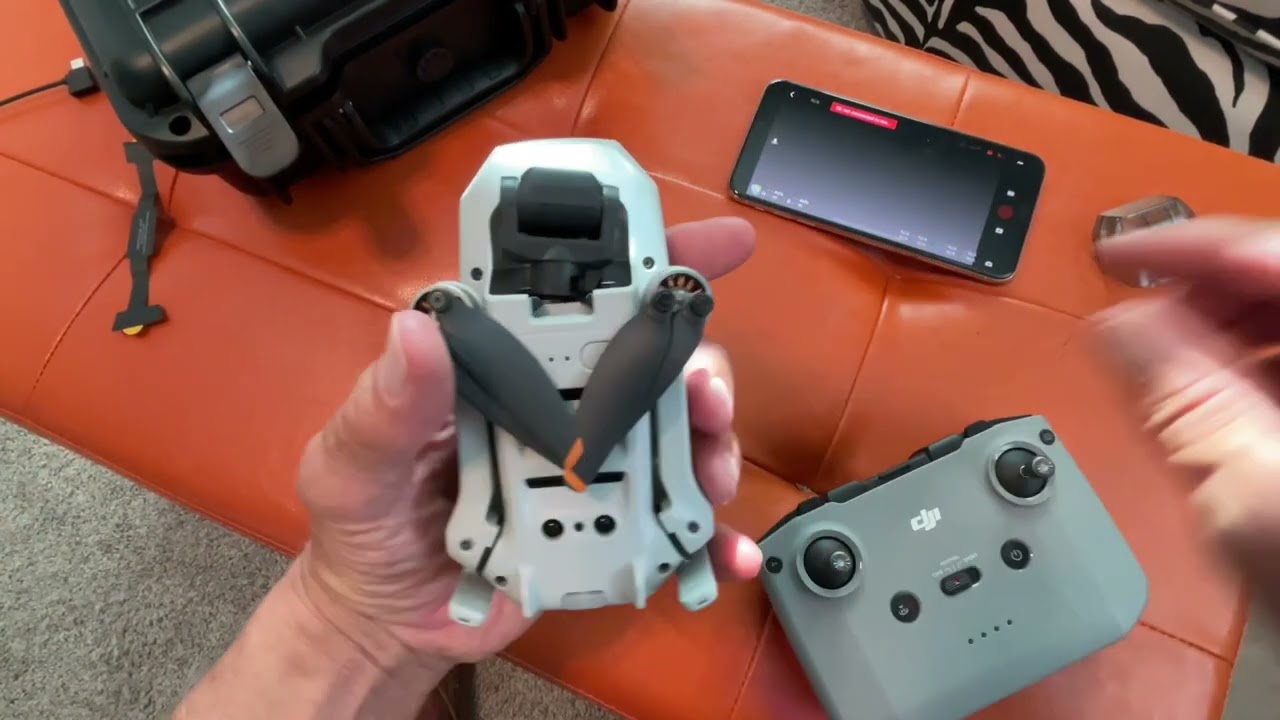
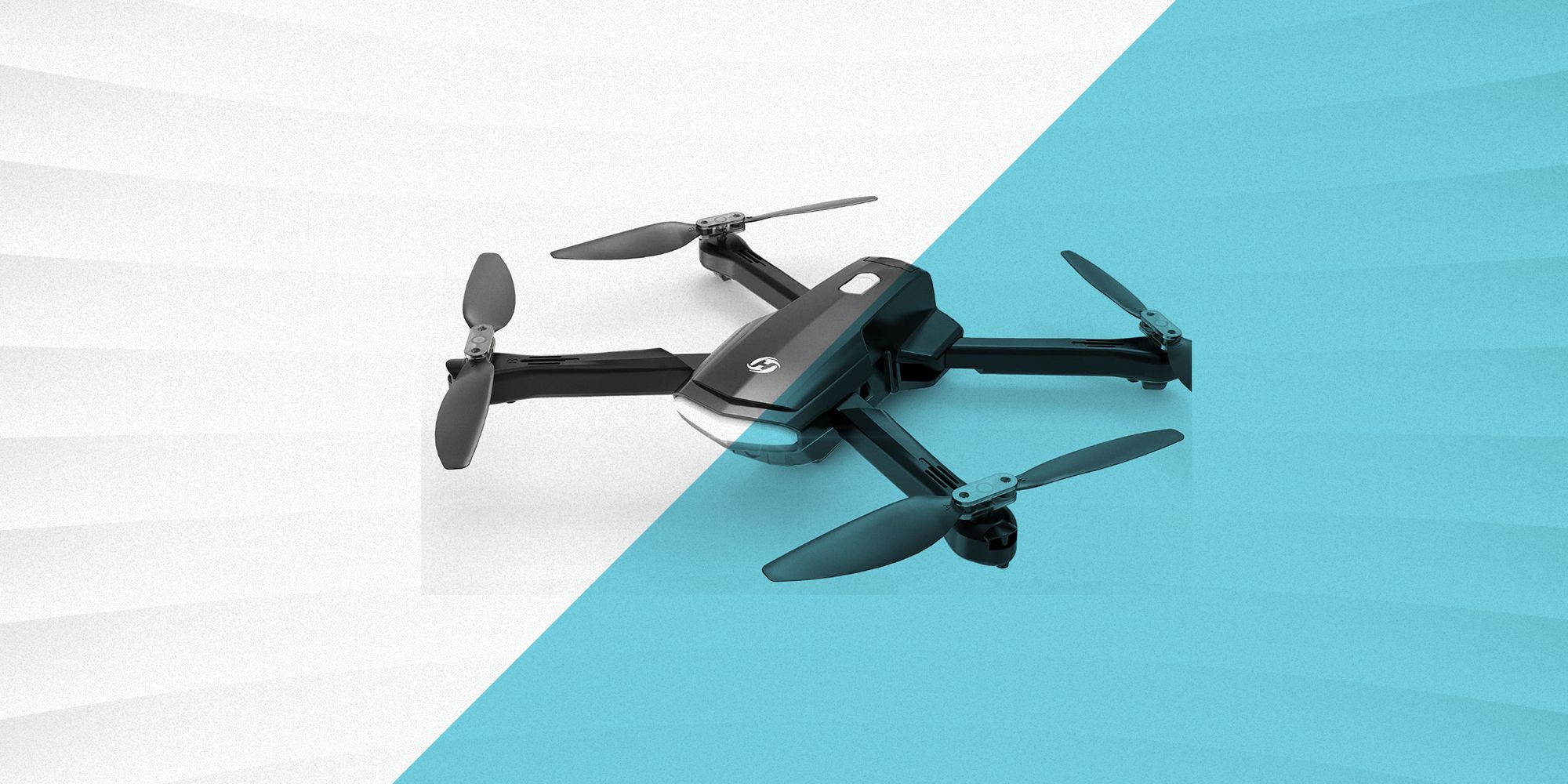
Before buying a drone, ask yourself honestly where you will actually fly it and how much cargo space you have for carrying it. A simple online query to purchase a drone will surface dozens of retailers. The real decision is whether you want a ready-to-fly unit from a local electronics store or a specialized racing frame that requires assembly. If you need the drone in your hands by the weekend, you can order walmart drone delivery for eligible household items in select areas, though drone delivery of an actual camera quad is not a standard offering. No soldering or firmware flashing is required.
That speed comes at a cost, though. A $300 ready-to-fly package includes a transmitter, battery, charger, and often a spare set of props. If you instead buy a bare frame, motors, an FC stack, and a separate receiver, you will quickly surpass that $300 figure. You must also add a decent soldering station, heat shrink, a smoke stopper, and two extra batteries for tuning. The time spent diagnosing a motor that stutters at low throttle can eat an entire Saturday. A pre-built unit usually flies out of the box after a simple compass calibration.
Building and electronics assembly
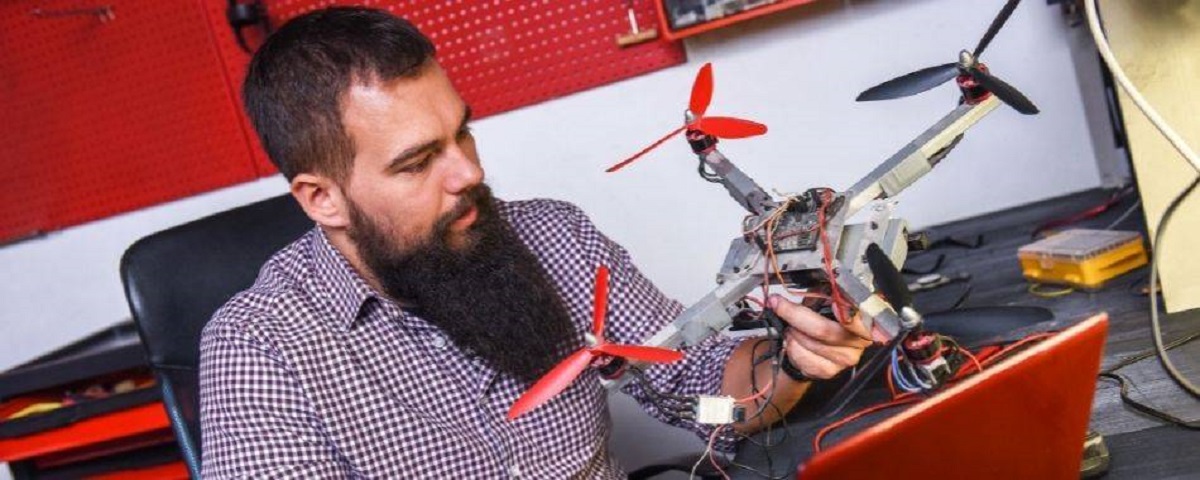
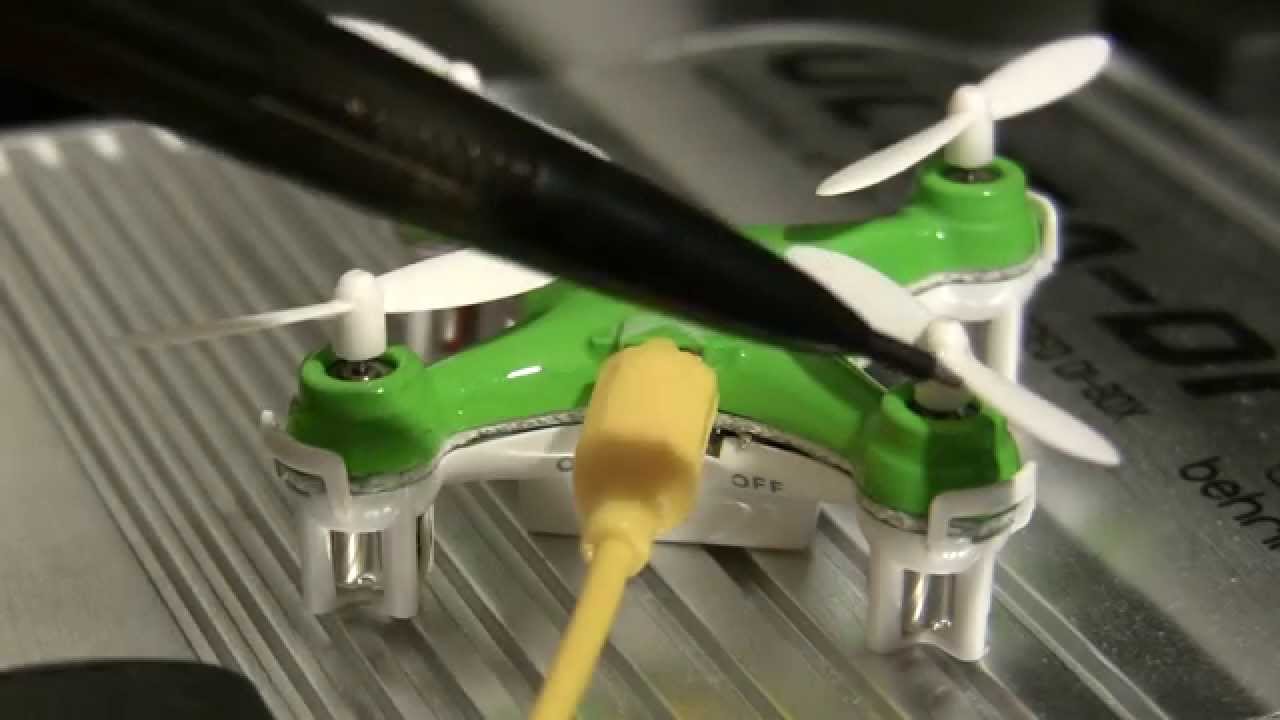
Start by choosing a frame that suits your flying style. A lightweight 5-inch works for racing, while a sturdier 3-inch suits indoor cruising. Once the frame is assembled, you'll need to solder drone ESC and power distribution board connections. A clean joint here prevents intermittent power loss that can cause a crash mid-flight. If you're wondering how to build a drone from scratch, expect to spend several evenings just on wiring and testing continuity. Many hobbyists attempt to build a drone with Arduino for custom flight logic. That route demands experience with microcontroller programming and careful pin mapping. After the electronics are mounted, you must bind a drone receiver to a radio transmitter before you can arm the motors. This pairing step often trips up beginners who skip the failsafe setup. You need to choose the right battery for a diy drone to prevent voltage sag from ruining your flight times and to avoid overheating components. A 4S pack on a 3-inch build may fry the motors on the first punch-out if the motors are not rated for that voltage. For a step-by-step reference, a build a drone from scratch PDF can walk you through each torque spec and wire gauge. Nothing replaces the feel of tightening a prop nut until it bites. The hidden cost is time: one loose screw or cold solder joint can take an hour to diagnose, so keep spare parts and patience on your bench.
Tuning, troubleshooting, and countermeasures
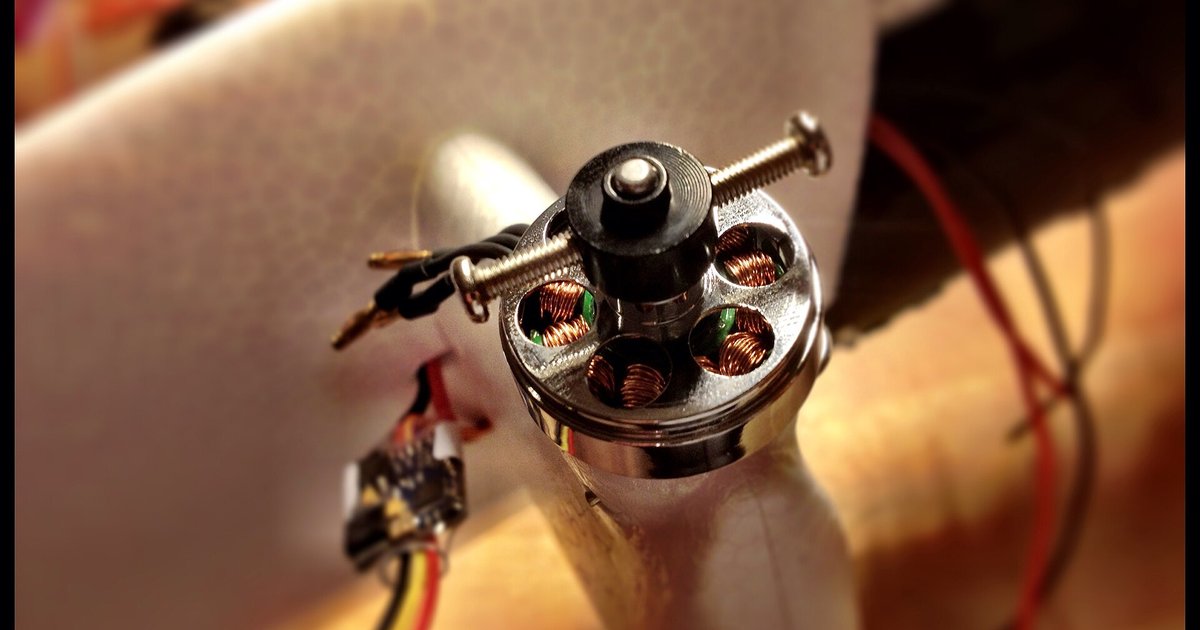
When your quad refuses to lift off and instead vibrates on the ground, the first place to look is the motor and ESC pairing. You can troubleshoot drone motor stuttering or desync by checking that all three motor wires are soldered cleanly. Also confirm the ESC protocol, like DShot or Oneshot, matches what your flight controller expects. A loose bullet connector or a cold solder joint on the power lead often causes the same shuddering behavior. If the motors spin up smoothly in Betaflight but twitch under load, you may need to set the motor idle speed back to the default value of 5.5%. You could also reduce the ESC's timing setting. Beyond hardware fixes, sometimes the problem is radio interference. A nearby Wi-Fi router on 2.4 GHz can swamp a receiver's signal, so try flying in a different location before swapping parts. On the more advanced side of countermeasures, you can build a drone jammer from a common RF module and a directional antenna. Remember that jamming is illegal in most jurisdictions without a license. It is useful only for understanding how your own video link might be attacked. Finally, to avoid these headaches from the start, learn how to set up a drone properly. Calibrate the accelerometer on a level surface, bind the receiver before mounting it, and always run a motor test without props first. We believe every drone problem is a physical problem first and a software problem second.
Flying, careers, and in-game piloting
Whether you are piloting for a living or just for fun, the first step is always knowing where you are allowed to fly. Before you launch, pull up an app or website that lets you fly a drone map to check for controlled airspace, temporary flight restrictions, or no-fly zones near national parks. For those looking to turn this into a career, the types of jobs available with a drone license range from inspecting cell towers and mapping construction sites to filming real estate listings. Most employers require at least a Part 107 certificate before they will let you touch their equipment. Even if your flying stays strictly recreational, the skills transfer surprisingly well to a virtual cockpit. When you pick up a controller for a video game, you might need to use the drone in Ghost Recon Breakpoint to scout enemy patrols or tag objectives before moving in. That task becomes much easier if you already understand throttle management and yaw control from real-world practice. Keep in mind that the same principles of airspace awareness apply whether you are dodging a Cessna at 400 feet or avoiding a virtual SAM site in a forest. The muscle memory for smooth camera work and obstacle avoidance builds faster when you treat every flight, real or digital, with the same respect for your surroundings.