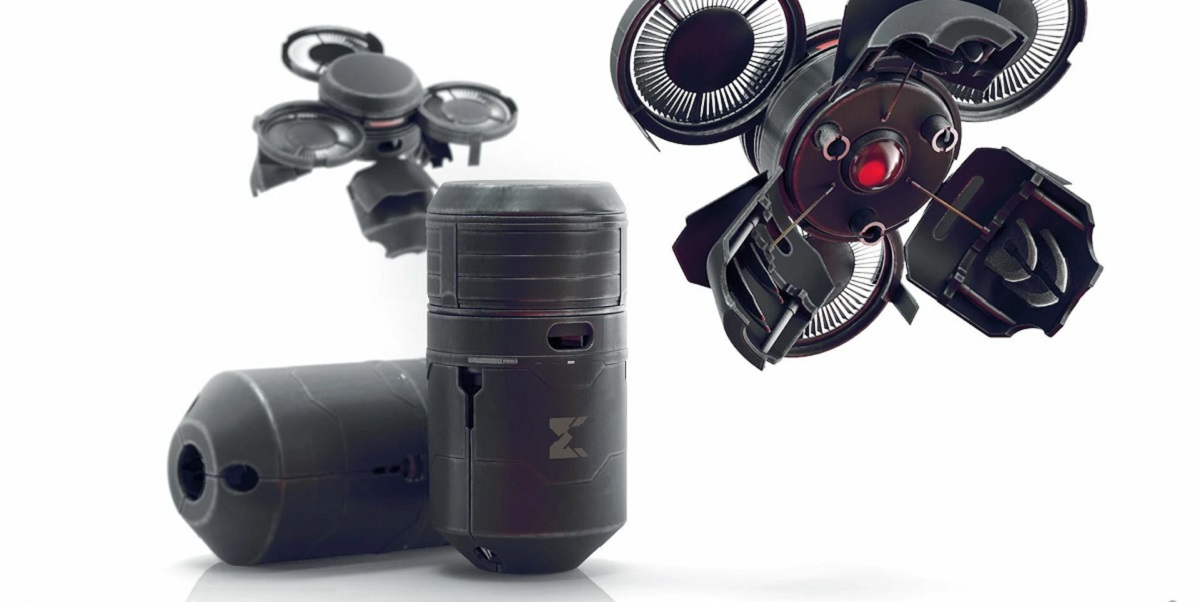
To use the drone in Ghost Recon Breakpoint, you first need to unlock it by completing the "Eagles Down" main mission and then visiting the Infirmary in Erewhon to speak with a Ghost squad member. Once unlocked, this surveillance drone becomes your primary tool for scouting areas safely, marking enemies, identifying points of interest, and setting beacons on your map, giving you a critical tactical advantage on Auroa.
How to use the drone in Ghost Recon Breakpoint
Once unlocked, you must equip the drone in your loadout menu before you can use it. After it is equipped, you can deploy it at any time by pressing the designated button on your controller or keyboard. While controlling the drone, your character remains vulnerable, so choose a safe, concealed location before launching.
Drone controls are intuitive and responsive. For keyboard and mouse users, movement is typically handled with the WASD keys, while the mouse controls the camera and rotation. Controller users will use the analog sticks: the left stick for movement and the right stick for camera control and rotation. You can ascend and descend to get a better vantage point, and you can rotate the drone to scan your surroundings without changing its position. Remember that the drone has a limited battery life, and you will need to return it to your character to recharge.
Surveying, tagging enemies, and scouting ahead
The primary function of the standard surveillance drone is to gather intelligence. Use the camera controls to pan and zoom, scanning enemy encampments from a safe distance. When you aim your crosshairs at an enemy, you can mark them, which shares their location with your entire squad. This tagging is not permanent, as tags have a duration and can be lost if an enemy moves out of sight, so you must update your marks regularly.
Scouting ahead with the drone allows you to identify patrol routes, locate mission objectives, and spot valuable loot before you ever set foot in a hostile area. This intelligence lets you plan your infiltration route, identify snipers, and avoid unnecessary firefights. By taking your time to scout, you transform a dangerous base into a predictable puzzle.
How to execute sync shots with your drone
Your standard surveillance drone is essential for coordinating sync shots. In co-op, this number increases to up to 12 enemies. To execute a sync shot, mark your targets with the drone's camera, then coordinate with your squadmates to fire simultaneously. This allows you to eliminate multiple high-value targets at once without raising an alarm.
It is important to distinguish this ability from the consumable Syncshot Drone item. The Syncshot Drone is a separate, single-use item that performs the same function for solo players without requiring manual coordination. You unlock the Syncshot Drone by adding the "Syncshot Drone" skill to your Skill Tree.
Hacking devices and distracting enemies
The drone is not just for observation; it can also interact with the environment. You can use the drone to hack terminals, disable alarms, and access enemy networks to gather Intel. Hacking often requires completing a mini-game, and you are vulnerable while doing so, so ensure the area is clear before you begin.
You can also use the drone to create distractions. By activating environmental hazards like generators or car alarms, you can lure enemies away from their posts. This creates a window of opportunity for infiltration or allows you to isolate a single guard for a stealthy takedown. The drone's ability to manipulate the environment is a powerful tool for controlling the flow of battle.
Upgrading your drone via the skill tree
To improve your drone's performance, you must invest skill points in the Recon branch of your Skill Tree. These upgrades enhance your drone's range, battery life, speed, and the area in which it can mark enemies. Prioritizing these upgrades will make your drone more effective for longer periods, allowing you to scout larger areas and maintain your tactical advantage throughout a mission.
Specialized drones: medic and syncshot drones
Beyond the standard surveillance drone, Ghost Recon Breakpoint offers two specialized variants. The Healing Drone is unlocked by adding the "Field Medic" perk to your Skill Tree. This drone allows you to remotely heal and revive fallen teammates, making it invaluable for keeping your squad in the fight during intense engagements.
The Syncshot Drone is a consumable item that you unlock via its own skill in the Skill Tree. Unlike the standard drone's marking function, the Syncshot Drone automatically marks and eliminates up to three enemies in solo play (or up to 12 in co-op) in a single, coordinated attack. This is a powerful tool for solo players who need to clear a room without relying on AI teammates.
Drone combat tips and enemy drone threats
In the middle of combat, you can still use your drone for quick scans to locate flanking enemies or identify priority targets. However, be aware that your thermal and night vision skills for your drones cannot be used during Ghost War (player versus player) missions, so you must rely on standard optics in PvP.
You must also be aware of enemy drones. Auroa is patrolled by surveillance Azraël drones and various combat drones like Aym and Behemoths. These enemy drones require different tactical approaches; some can be avoided, while others must be destroyed. Understanding these threats is as important as mastering your own drone, as a single enemy drone can compromise your position and alert an entire base. For anyone interested in the real-world technology that inspired these tools, the game's portrayal of buying, building and flying drones offers a compelling simulation of modern reconnaissance.
\nRelated reading: How To Fix A Drone and How To Set Up A Drone.