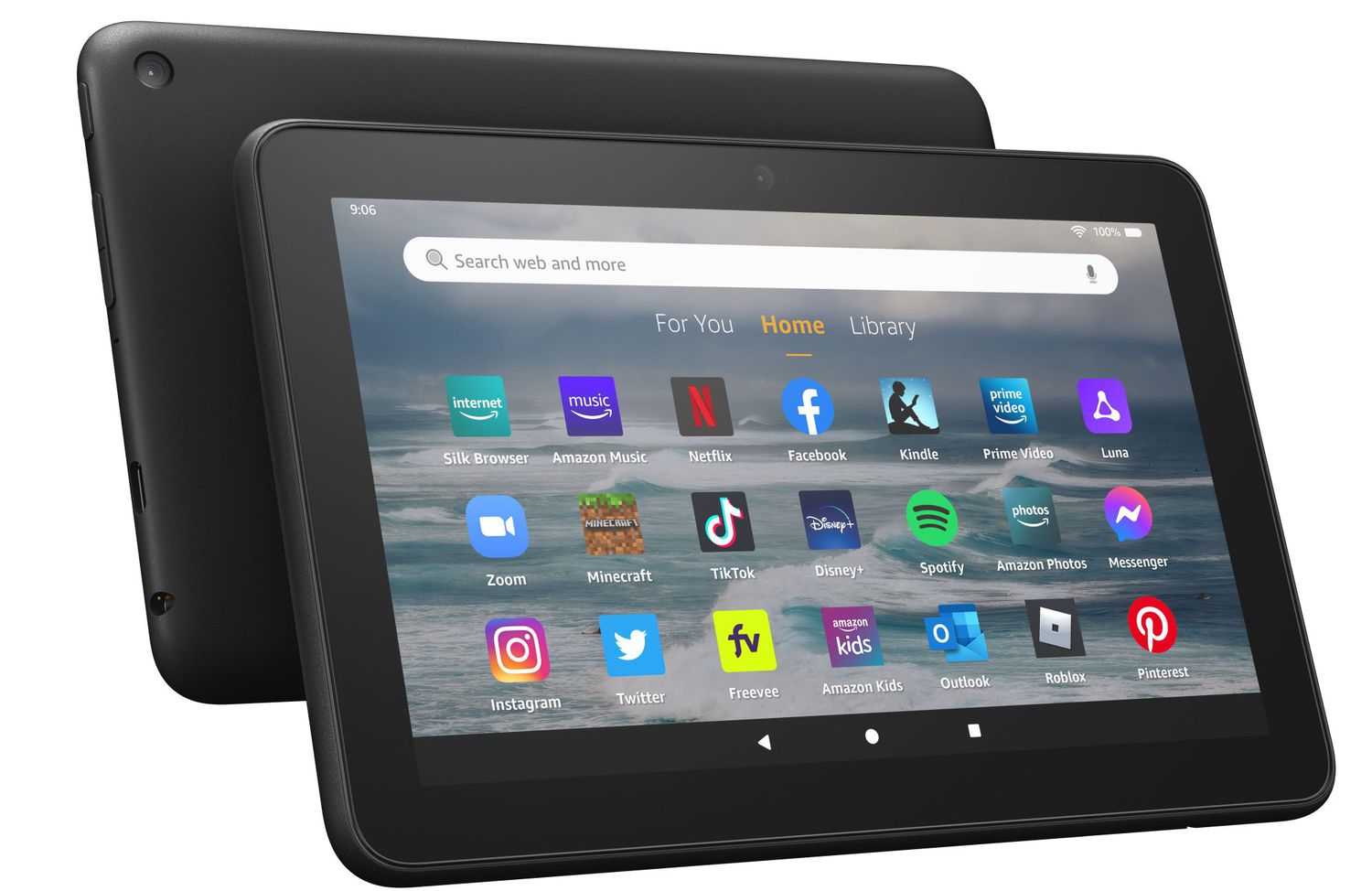
Yes, a forced firmware update can partially or completely break a jailbreak by overwriting modified system files and patching exploits, but the severity depends on the update version and what modifications you made.
What breaks after a jailbreak fire tablet update
If you have already gone through the steps to jailbreak a Fire tablet using Fire Toolbox or a similar method, the update will often revert critical changes. Not all of them are equally fragile. Understanding exactly what fails, and what does not, is the key to deciding whether to block that update or accept the loss of functionality.
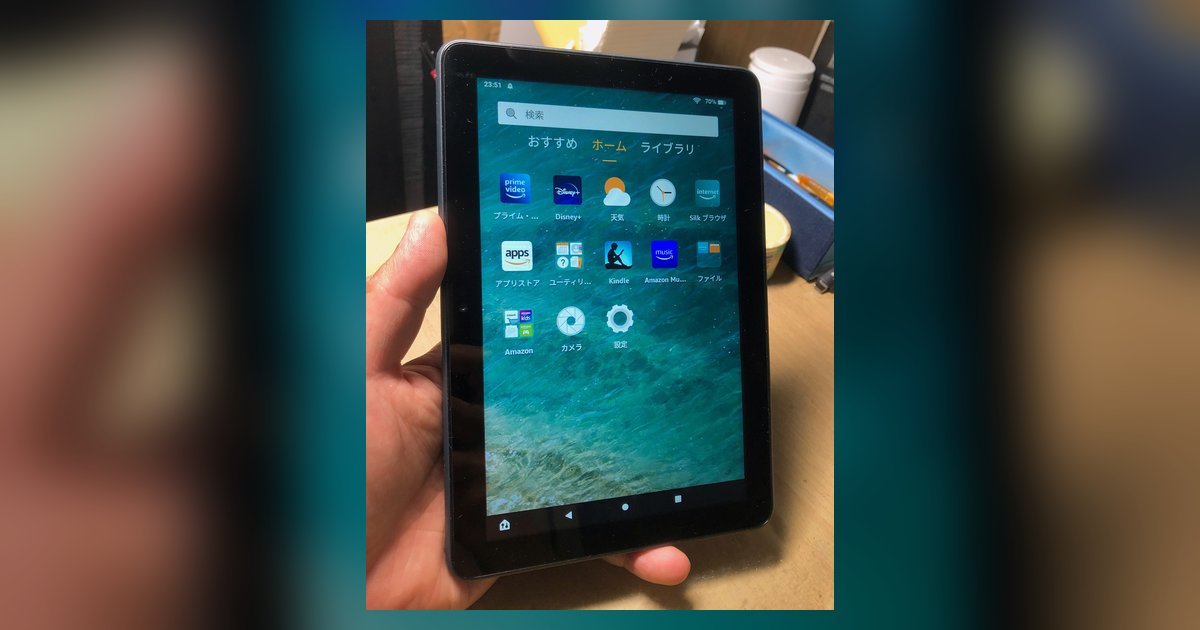
The most common failure after a Fire OS update is the loss of a custom launcher, such as Nova Launcher or Lawnchair. The update restores Amazon’s default launcher, so your tablet boots directly into the ad-filled home screen again. Lockscreen ads, which you previously removed, will return because the update reinstalls the package responsible for those ads. More critically, if the update bumps your Fire OS to a newer major version, the exploit used to disable OTA firmware downloads may be permanently patched. Once that happens, you may not be able to re-disable future firmware downloads on that version. Any future forced installation will overwrite your modifications again. Additionally, system-level tweaks like removing Amazon’s “For You” row or disabling the stock keyboard app are wiped clean. These require a full re-jailbreak from scratch, and if you are working with a different device, the process to jailbreak score 7c tablet models follows its own specific steps.
When the jailbreak survives an update
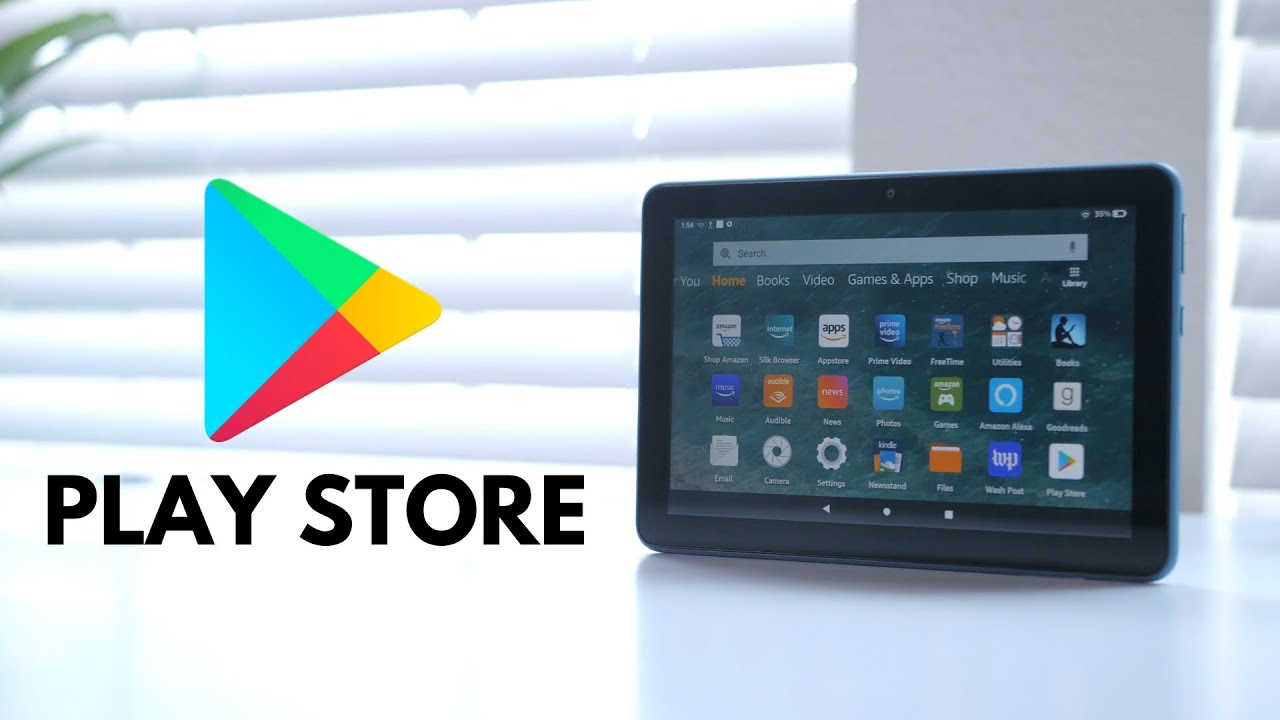
There is a common misconception that everything breaks equally, but the reality is that simple app sideloading via APKs usually survives while deep system modifications do not. If all you did was install the Google Play Store, a file manager, or a third-party browser by downloading APKs, those apps remain after the firmware installation. They live in the user data partition, not the system partition. The same applies to sideloaded games or streaming apps. However, any modification that required granting “system app” permissions will be erased. This includes replacing the launcher, disabling OTA firmware downloads via package disabler commands, or editing the “build.prop” file. Interestingly, if you only used Fire Toolbox to install Google services without changing the default launcher, the Play Store often continues to work. You may lose the ability to disable future firmware downloads.
How to block forced updates before they break things
To prevent the failure scenario, you must block new firmware versions proactively before the download. The most reliable method is using a DNS filter. Set your Wi-Fi connection to use a custom DNS server to block Amazon’s update servers. Alternatively, you can disable the device software update package via ADB commands, though the exact method may vary depending on your Fire OS version. This hides it from the update service. A simpler, albeit less convenient, approach is to keep the tablet in airplane mode permanently and only enable Wi-Fi when you manually download apps. If you already received a notification that new firmware is pending, do not tap “Restart now” or “Install later”. Instead, immediately disable Wi-Fi and run the ADB command to block the updater before the next reboot. Once the firmware installs, you cannot reverse it, so act before the reboot completes.
Unlike other guides that only list generic steps, this page focuses on the specific system partition behavior of Fire OS that determines exactly which modifications survive an Amazon firmware overwrite. For a deeper understanding of the broader topic, see Jailbreaking Devices: What It Means and the Risks, which explores the general implications and security concerns of jailbreaking devices.