
35 practical, step-by-step guides written for everyday owners of Amazon’s budget-friendly tablets. Whether you just unboxed your first Fire and need help with the basics, or you’ve had one for a while and want to tweak how it works, these articles speak directly to the questions that come up during normal use. The content is aimed at non-technical readers who want clear, safe instructions for setup, maintenance, and everyday troubleshooting.
The articles group naturally around a few recurring themes. One major cluster covers setup, account, and connectivity tasks, registering the device, pairing AirPods or headphones, managing Wi-Fi dropouts, and removing an SD card. Another theme is personalization and control: changing the lock screen, customising the home screen, pinning apps, and managing storage and files. A third theme focuses on safety, security, and legitimate alternatives, for example, articles that explain how to disable ads, turn off Amazon apps, or approve downloads are written to help you manage the device responsibly, not to bypass protections. Similarly, pieces on jailbreaking or sideloading Google Play are framed strictly as discussions of legal alternatives and supported workarounds, never as instructions for piracy or cheating.
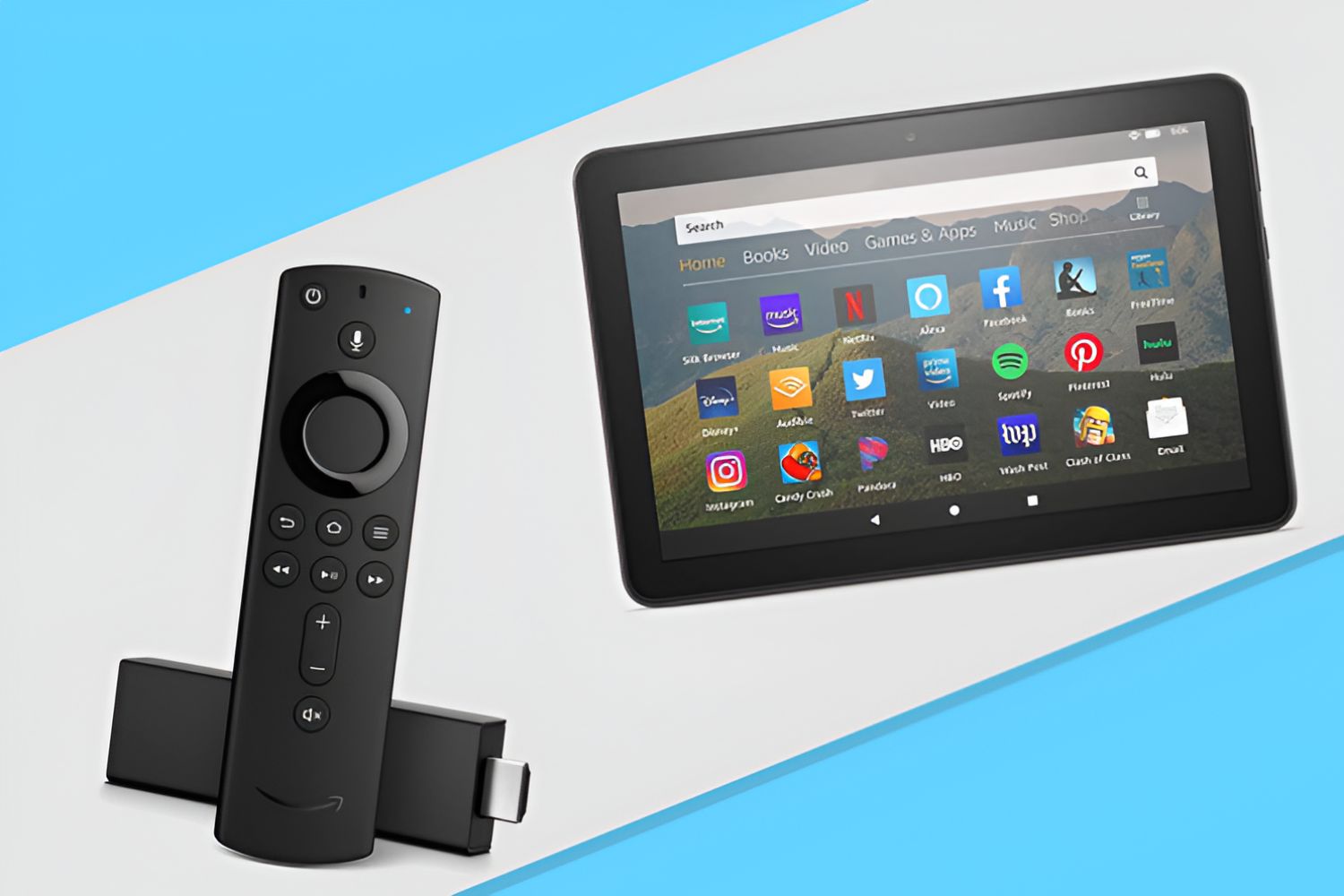
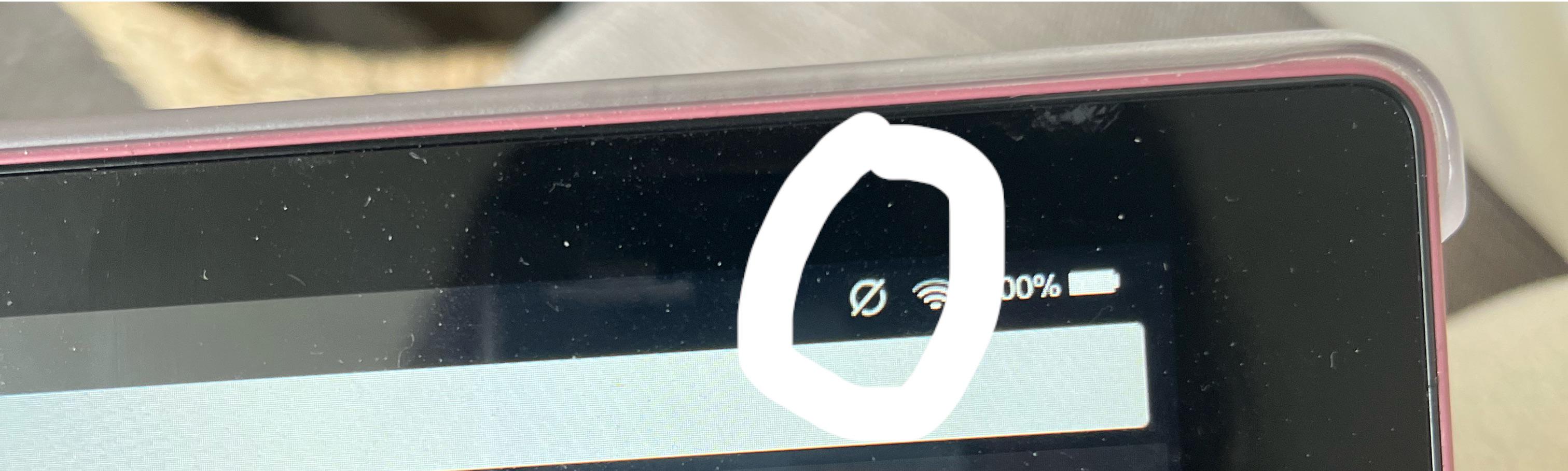
Specific topics you’ll find here include how to set a timer, how to use Alexa, how to mirror your Fire Tablet to a Fire Stick, and how to get Roblox running or updated. There are also answers to simple but confusing questions, like what the circle with a line through it means, or what the task switcher does. Whether you’re trying to approve downloads for a child’s profile or figure out why the tablet keeps dropping Wi-Fi, this tag gives you plain-language help for the problems that actually come up.