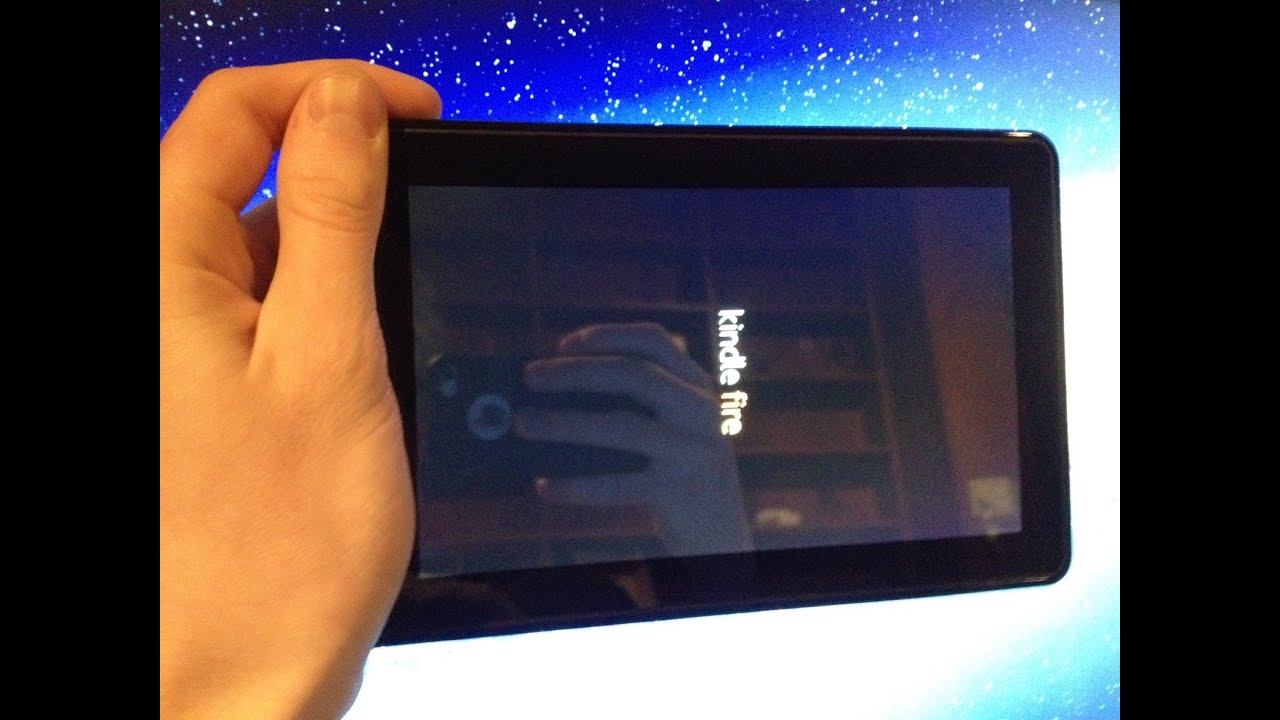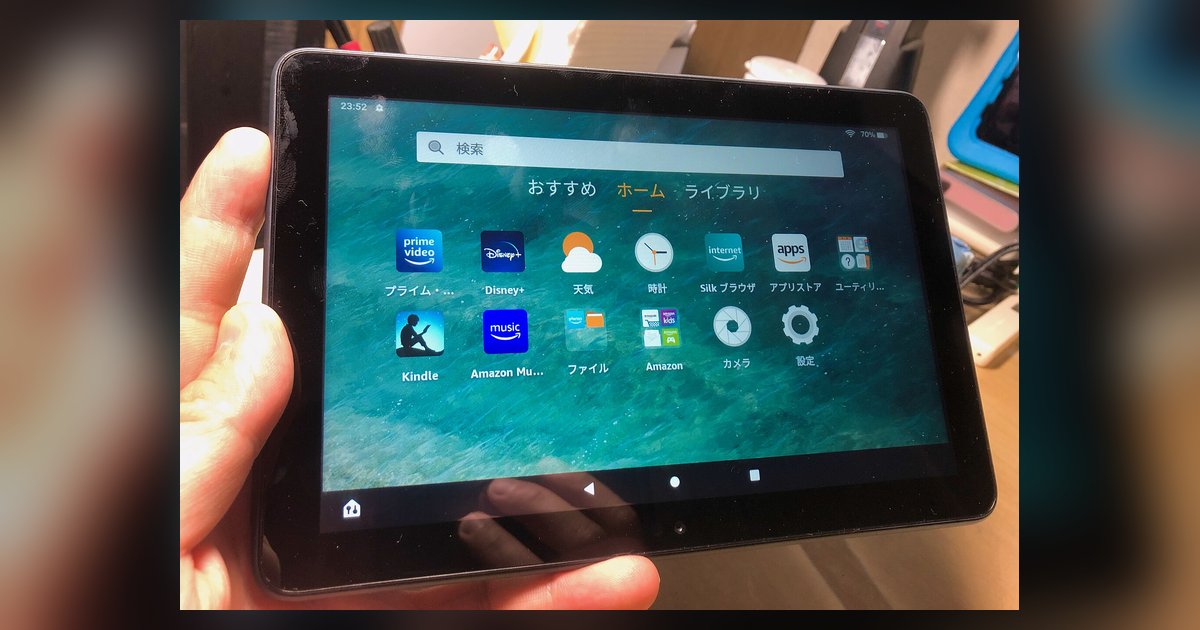
Your tablet is stuck in a boot loop because the Google Play Services APK was installed before the Google Services Framework, causing a critical system conflict. You may need to factory reset the tablet from recovery mode to fix this.
Why the wrong APK order causes fire tablet restarting
Fire OS uses a heavily modified version of Android that depends on specific system processes to run. When you install Google Play Services first, it immediately starts calling for the Google Services Framework, which is not yet present. The tablet’s system sees this missing dependency as a fatal error and forces a reboot to try to recover, but because the APK files are already active on the system partition, the reboot loads the same broken state, creating an endless loop. The correct order must always be: Google Services Framework first, then Google Play Services, then Google Play Store. Installing them in reverse is like plugging a lamp into a wall socket before the wiring is connected, the system shorts out.
Factory reset from recovery mode
Since your tablet cannot boot past the Amazon logo or the spinning circle, you must enter the recovery menu. Power the device off completely, then press and hold the correct button combination for your Fire tablet model to enter recovery mode. When the recovery menu appears (a list of text options on a black screen), use the volume buttons to highlight “wipe data/factory reset,” and press the Power button to select it. Confirm the reset on the next screen. This erases all user data, including the misordered Google Play APKs, and returns Fire OS to its original state. After the reset, the tablet will reboot normally, do not interrupt it.
When a reset doesn't work
If your tablet still loops after a factory reset, the boot loop may have corrupted the system partition itself. In that case, you must use the Fire tablet with a computer running Windows and the free software called Fire Toolbox. Connect the tablet via USB, put it into recovery mode again, and use Fire Toolbox’s “Flash Stock Firmware” option to rewrite the entire operating system. This is a deeper fix that replaces any damaged system files. If you cannot access a computer, you can also call on Amazon Fire tablet support through the Amazon website to request a firmware image file, though this process is more complex. Never attempt to sideload any APK until the tablet boots stably.
Reinstalling Google Play the right way
After the reset, download the required APK files from a trusted source: Google Services Framework, Google Play Services, and Google Play Store. Install them strictly in this order: Services Framework first, then Play Services, then Play Store. After each APK, wait for the installation to finish and do not open any app until all three are installed. Then restart the tablet manually once. This sequence prevents the system conflict. If you want to get Pokemon Go on your Amazon Fire tablet, you must follow this exact order first, otherwise the game’s location functions will also trigger a restart. If you need the correct APK versions for your specific Fire OS, you can download Google play store on a Fire tablet with a step-by-step compatibility check. For security, never attempt to register your Fire tablet without an Amazon account.
Fire OS treats a missing Google Services Framework as a fatal system error because the pre-installed Play Services APK demands a dependency that does not exist yet, forcing an unrecoverable reboot loop that can only be broken by wiping the device from recovery mode.