What jailbreaking devices actually means for your hardware
Jailbreaking devices sounds like a dramatic escape from a locked-down environment, but in practice, that's rarely what happens on most systems. When you hear the term, it sounds like you're cracking open a system-level lock to gain root access. True jailbreaking, where you exploit security vulnerabilities to remove a manufacturer's restrictions, is most commonly associated with iOS devices. For other platforms, the process is far more mundane. If you want to jailbreak a Fire tablet, you may be toggling a developer setting to allow app installs from unknown sources, though Amazon still controls the operating system, and you may not gain full administrative privileges. The same logic applies when you jailbreak an Android phone: you may be enabling a permission that lets you sideload APK files, though true rooting involves bypassing the underlying kernel or bootloader. Even when you jailbreak a smart TV, you may be switching on a developer mode or installing a file manager to load unofficial apps from a USB drive. The term implies a dramatic escape from a locked-down environment, but for most devices, the actual action is closer to adjusting a privacy setting on your phone. Setting that expectation matters because the legal and security risks of toggling a developer switch are vastly lower than the risks of a true iOS jailbreak, and the word itself often scares people away from a simple, low-risk procedure.
Unlocking specific streaming sticks and budget tablets
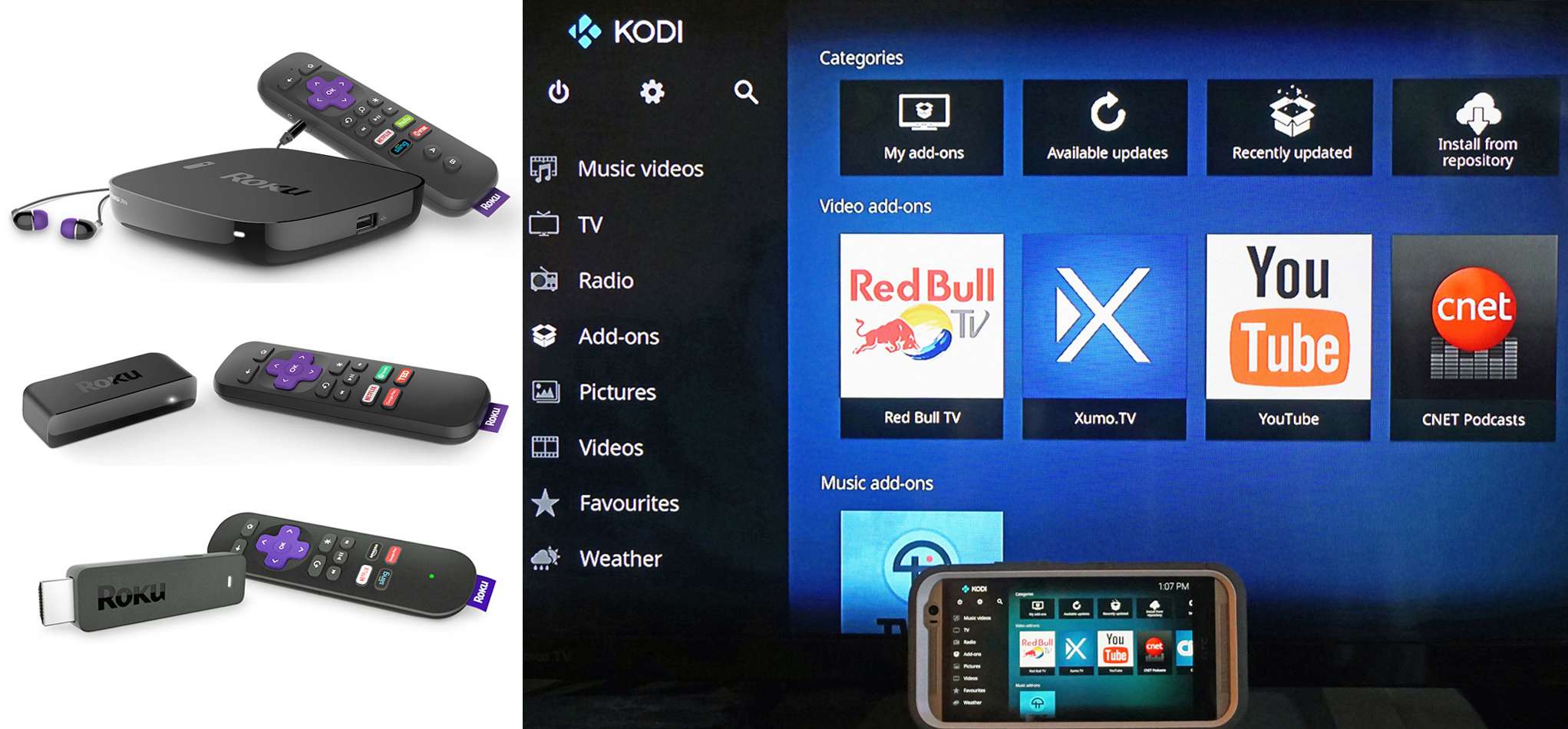
When you pick up a budget tablet or a streaming dongle, the process of enabling unofficial software is usually simpler than you think. On a Fire TV Stick, for instance, you are just toggling "Apps from Unknown Sources" in the settings; there is no system-level exploit involved. The same logic applies if you want to jailbreak a Google Chromecast, you are actually sideloading an APK via the Downloader app rather than breaking any security lock. Similarly, someone who wants to jailbreak Roku TV will find that Roku's operating system does not allow true modification at all; the common workaround is to use Developer Mode to sideload a private channel. Even with low-end Android tablets, the steps are consistent. If you try to jailbreak score 7c tablet, you will simply enable Developer Options and check "USB Debugging" to load apps from outside the Google Play Store. None of these actions bypass the core operating system in the dramatic way that an iPhone hack does. The real risk here is not legal trouble but rather installing a poorly coded app that slows the device down or introduces adware. Since these platforms already allow sideloading by design, the term "jailbreak" overstates what you are actually doing, and understanding that difference keeps you from worrying about risks that do not apply.
Keeping it working after the fact
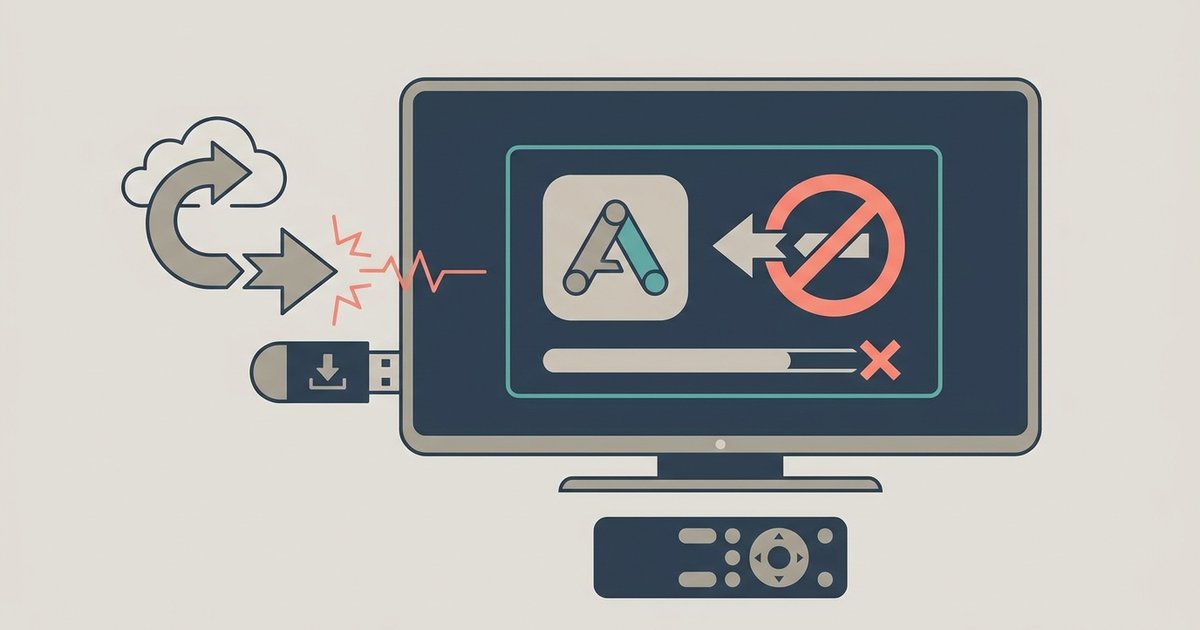
Once you’ve sideloaded an app or enabled developer mode, the device doesn’t stay frozen in time. The next system update that arrives over Wi‑Fi can quietly undo the change you made, or, worse, break something that was working fine. This is especially true on platforms where the process is really just flipping a permission switch rather than modifying the operating system kernel. On an Amazon tablet, for example, a routine Fire OS update may reset settings that allowed sideloaded apps, so the launcher or app store you installed could stop launching until you re‑enable those settings. If you’re researching whether jailbreaking a Fire Tablet after an update will still work, the short answer is that it usually does, but only after you repeat the original setup steps. On iOS, the stakes are higher: a signed iOS update can patch the exploit your mod relied on, leaving you with a device that either refuses to boot or loses all tweaks until a new exploit is released. The practical takeaway is to disable automatic updates the moment you finish the process, and check community forums before installing any official patch. Unlike a standard settings tweak that a manufacturer can silently revert, a full system modification ties your device’s functionality to an unpatched vulnerability that no over‑the‑air update will ever intentionally preserve. Treat every update as a potential reset, because, in most cases, that is exactly what it is.