Smart TV Game Cheating Risks: What You Need to Know Before You Try
Smart TV game cheating risks are real and can cost you your device, your account, and your access to online services, so before you consider any “mod” or “trainer” for TV-based games, understand exactly what you are risking and why the safe path is the only sensible one.
Why Cheats and Exploits on Smart TVs Are a Trap
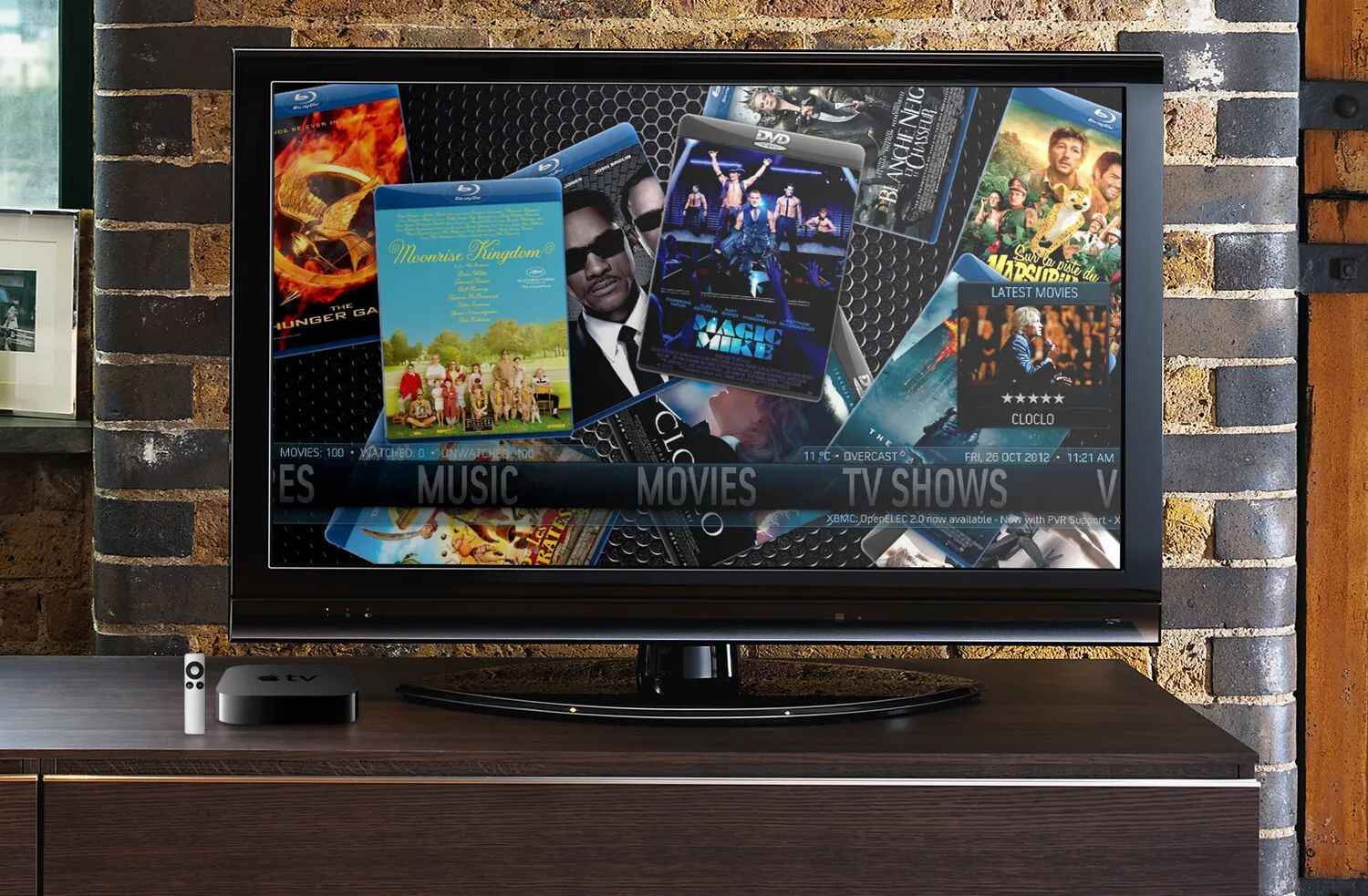
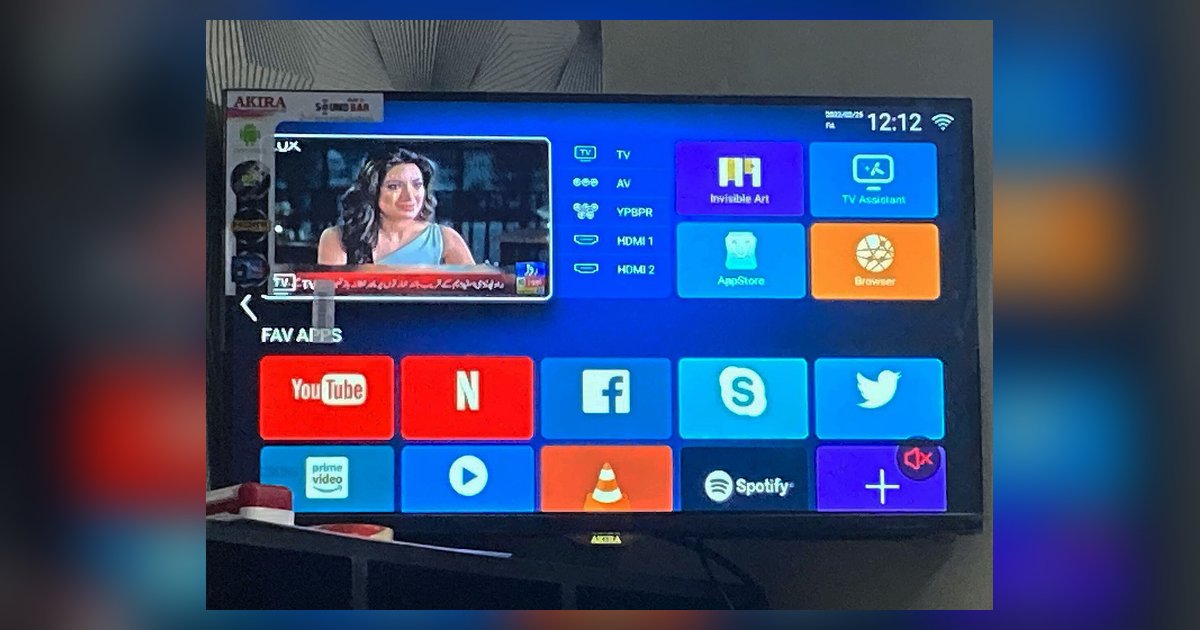
Smart TVs are not just displays; they are full computing devices running operating systems like Android TV, Tizen, or webOS. They connect to your home network, store personal data, and link to your gaming and streaming accounts. When you install a cheat tool for a game on a Smart TV, you are not just modifying game code, you are giving an unknown third-party application deep access to a device that also handles your payment information, passwords, and other sensitive data.
Unlike a PC or a console, a Smart TV rarely has robust antivirus or sandboxing for sideloaded apps. Cheat tools are almost always distributed outside official app stores, which means they bypass the security reviews that legitimate apps undergo. This is a primary vector for malware. A cheat app can be repackaged with a Trojan, a keylogger, or a remote-access tool that watches everything you type, including your Amazon, Google, or banking credentials. The result is not a better game score, it is identity theft or a hijacked home network.
Furthermore, Smart TV operating systems are tightly integrated with the hardware. Malware that gains system-level privileges can brick the TV, force it to mine cryptocurrency in the background, or turn it into a bot for attacking other devices on your network. You will not get a refund, and the manufacturer will not repair a device damaged by unauthorized software.
Platform Policies: Google, LG, and Microsoft Draw the Line
Every major platform that supports Smart TV gaming has explicit rules against cheating. Google Play’s policies, which govern Android TV apps, prohibit apps that attempt to deceive users or enable dishonest behavior, including game cheats that affect the gameplay of other apps. This is not a gray area, if a tool modifies another app’s behavior to give you an unfair advantage, it violates Google’s terms and can be removed, and your Google account can be suspended.
LG, which powers many Smart TVs with webOS, requires users to accept its Terms of Use and Privacy Policy before accessing smart services. These terms include an Arbitration Agreement for dispute resolution, meaning if you violate the terms and cause harm, you are not heading to court, you are heading to a binding arbitration process that is designed to favor the platform. That agreement also gives LG broad rights to terminate services if you misuse the device, including using cheats that interfere with online multiplayer.
For console-style gaming on Smart TVs, such as Xbox Cloud Gaming or PlayStation Remote Play, the rules are even stricter. The Microsoft Services Agreement for Xbox Live explicitly states that cheating, modding, or using unauthorized third-party software can lead to account suspension or device bans. A device ban means your TV’s unique hardware identifier is flagged, and you may be permanently locked out of Xbox Live, even if you create a new account. This is not a temporary penalty, it is a permanent loss of access to your purchased games and subscriptions.
Account Bans and Permanent Loss of Purchased Content
One of the most overlooked consequences of Smart TV game cheating is the financial loss tied to account bans. Modern gaming on Smart TVs is increasingly tied to cloud services and digital storefronts. If you cheat in an online game, the platform’s enforcement team can ban your account. That ban does not just remove your access to the cheated game, it can revoke your entire digital library, including games you bought legitimately, as well as any in-game currency or downloadable content.
For example, if you use a cheat in a multiplayer shooter streamed to your TV via Xbox Cloud Gaming, a ban under the Microsoft Services Agreement can strip your entire Xbox profile. You lose hundreds of dollars in games, and you lose the ability to play any future titles on that account. The same applies to Google Play Games on Android TV: a violation of Google’s policies can result in the termination of your Google account, which also kills your Gmail, YouTube, and cloud storage. Cheating on a Smart TV is not a victimless act, it is a direct path to losing your digital life.
Breaking the Game for Others and Ruining the Community
Cheats and exploits are not just about your own advantage. Many Smart TV games are online multiplayer, meaning your cheat directly affects other players. Aimbots, wallhacks, or speed hacks make the game unplayable for honest players. That frustration drives people away from the game, shrinking the player base and shortening the game’s lifespan. When a game dies because of cheaters, everyone loses, including the developers who worked to create it and the players who supported it.
Beyond ruining the experience, some cheats actively harm other users’ devices. For example, an exploit that sends malformed data packets to other players can crash their game clients or, in rare cases, overload their Smart TV’s memory, causing a reboot or a system freeze. This is not just a nuisance; it is a form of cyberattack. You are deliberately causing technical harm to strangers’ hardware. That is not a prank, it is a violation of computer fraud laws in many jurisdictions, even if you never intended to steal data.
Terms of Service Violations Are Not Minor Infractions
Many users assume that violating a terms of service agreement is a civil matter with no real consequences. That is false. Platform terms are legally binding contracts. When you click “I agree” on LG’s Terms of Use or the Microsoft Services Agreement, you are entering into a contract. Breaking that contract can result in immediate termination of services, and as noted, LG’s agreement includes an arbitration clause that limits your legal recourse. You cannot sue LG for cutting off your smart services if you violated the terms, you agreed to arbitration, and you will lose.
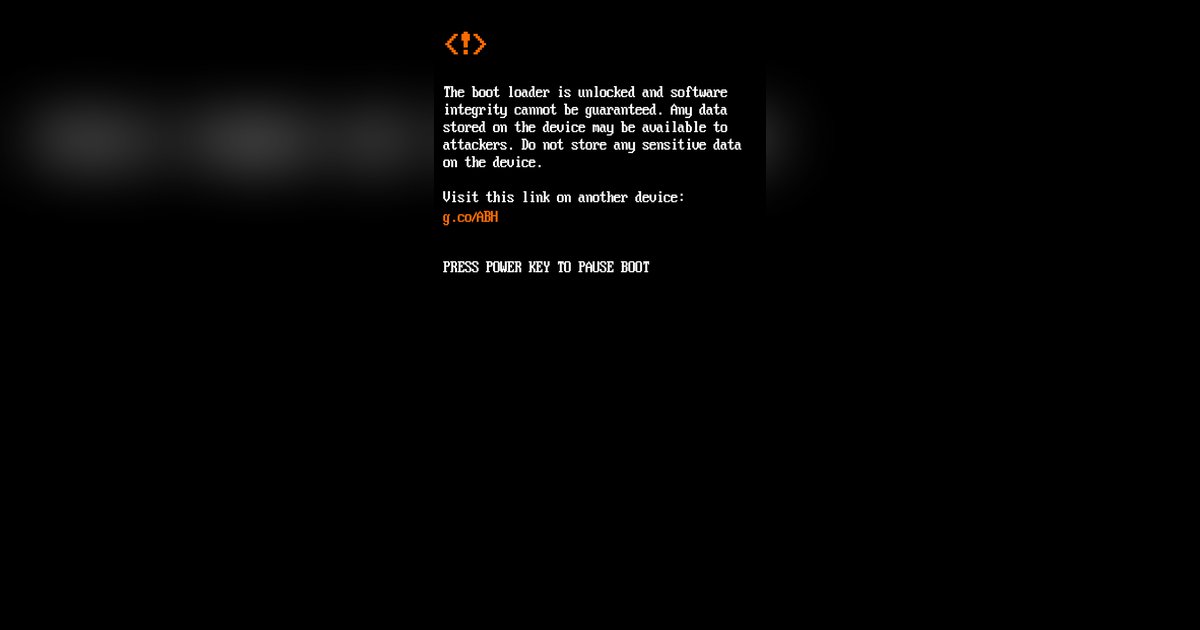
Moreover, some cheating tools require you to disable security features on your TV, such as “Unknown Sources” or developer mode. This voids your warranty and makes you solely responsible for any subsequent malfunction. If your TV catches fire, or if your network is compromised, the manufacturer will point to your modification as the cause. You have no legal standing to claim damages because you breached the contract first.
How to Play Fairly and Protect Your Smart TV
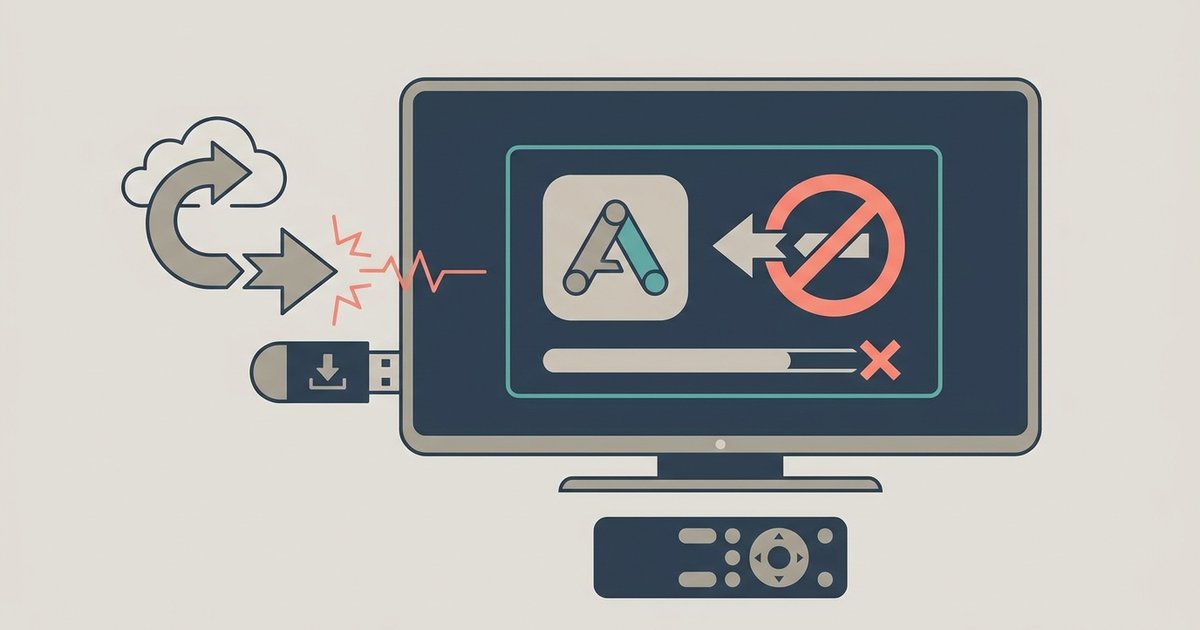
The safe path is straightforward. First, only install games and updates from the official app store for your TV’s operating system, Google Play, LG Content Store, Samsung Apps, or the built-in store for your brand. Do not sideload anything, and do not follow online guides that tell you to enable developer options to install “mods.” Those guides are traps.
Second, keep your TV’s firmware updated. Manufacturers release security patches that close vulnerabilities that cheats and malware exploit. An outdated TV is an open door. Enable automatic updates if available.
Third, use a separate, limited account for gaming on your TV if the platform allows it. Do not link your primary Google, Microsoft, or LG account to a TV that you use for sideloading or testing. This limits the blast radius if something goes wrong.
Fourth, if you encounter a cheater in an online game, do not try to “hack back” or download a counter-cheat. Instead, use the in-game reporting feature. Most platforms have a “Report Player” button that sends a log of the match to the enforcement team. Follow up with the platform’s official support channels, for Xbox Live, that means the enforcement team via the Xbox website, referencing their code of conduct. For Google Play, use the “Flag as inappropriate” option on the player’s profile. Do not post about it on public forums with the cheater’s username, as that can be considered harassment and get you banned.
Finally, remember that the goal of gaming is enjoyment and fair competition. A cheat may give you a temporary win, but it steals the game from everyone else and puts your entire digital life at risk. The responsible choice is to play within the rules, report those who do not, and keep your Smart TV secure.
Reporting Cheaters Safely and Effectively
When you report a cheater, be specific. Note the date, time, game title, and the cheater’s gamertag or player ID. Use the platform’s official reporting tool, not third-party websites. For Xbox Live, go to the official enforcement page and submit a complaint with video evidence if you can capture it. For Android TV games, use the Google Play Games reporting feature. For LG webOS games, contact LG support directly and reference their Terms of Use.
Do not engage with the cheater in chat. Do not threaten them. Just report and move on. Platforms have automated detection systems that also flag unusual behavior, so your report adds to the evidence. If enough players report the same account, the system will act faster.
In summary, smart TV game cheating risks are severe and permanent. Malware, account bans, device bans, and legal arbitration are the likely outcomes. There is no “safe” cheat. The only safe way to enjoy Smart TV gaming is to play fairly, keep your system updated, and use official reporting channels to keep the community clean. Your TV, your accounts, and your wallet will thank you.
\nRelated reading: How To Hack Android Phone By Sending A Link, How To Jailbreak A Smart TV, and How To Enable Developer Mode On Samsung Smart TV.