No, changing your Roku email does not delete your purchase history or channel ownership. Your purchases are permanently linked to your Roku account itself, not the email address on file, so they survive any email update intact.
Why your purchases survive a Roku email change
Roku assigns each profile a unique, internal ID the moment you create it. This ID is a fixed string of numbers and letters that never changes. It stays the same even when you update your contact email. Transaction records, channel entitlements, and rental expiration dates are all indexed to that internal ID. They are not tied to the email field. The email address you see in your settings is merely a contact label. It tells Roku where to send receipts and password-reset links. It has no bearing on what you own. When you use the official "change Roku email" option on Roku's website under "Account Information," the system updates only that label. Your library, your subscriptions, and your watch history stay tied to the underlying ID. Nothing gets erased. This is why you can safely update your credentials for other services without losing data, much like when you change email on YouTube and your channel remains intact. Each service protects purchase records with its own internal identifiers.
The one thing that actually erases your library
The common mistake that erases your library is creating a brand-new Roku profile with a different email. This happens instead of updating the email on the existing profile. If you sign up for a second Roku profile, even using the same credit card, that new profile gets its own fresh internal ID. It starts with a blank slate. None of the purchases from your original profile transfer over. Roku has no mechanism to merge two separate internal IDs. The result is a completely empty purchase history. You will have to rebuy every channel and movie you previously owned. To avoid this, always use the "Update email" option in your existing settings. Never abandon your old profile and start a new one. If you have forgotten your password, use the "Forgot email or password" link on the login screen. Do not create a new profile.
Your Roku purchases are locked to an unchangeable internal ID, not your email address, so updating your contact email never erases your library, only creating a brand-new account does.
What to check after you update your email
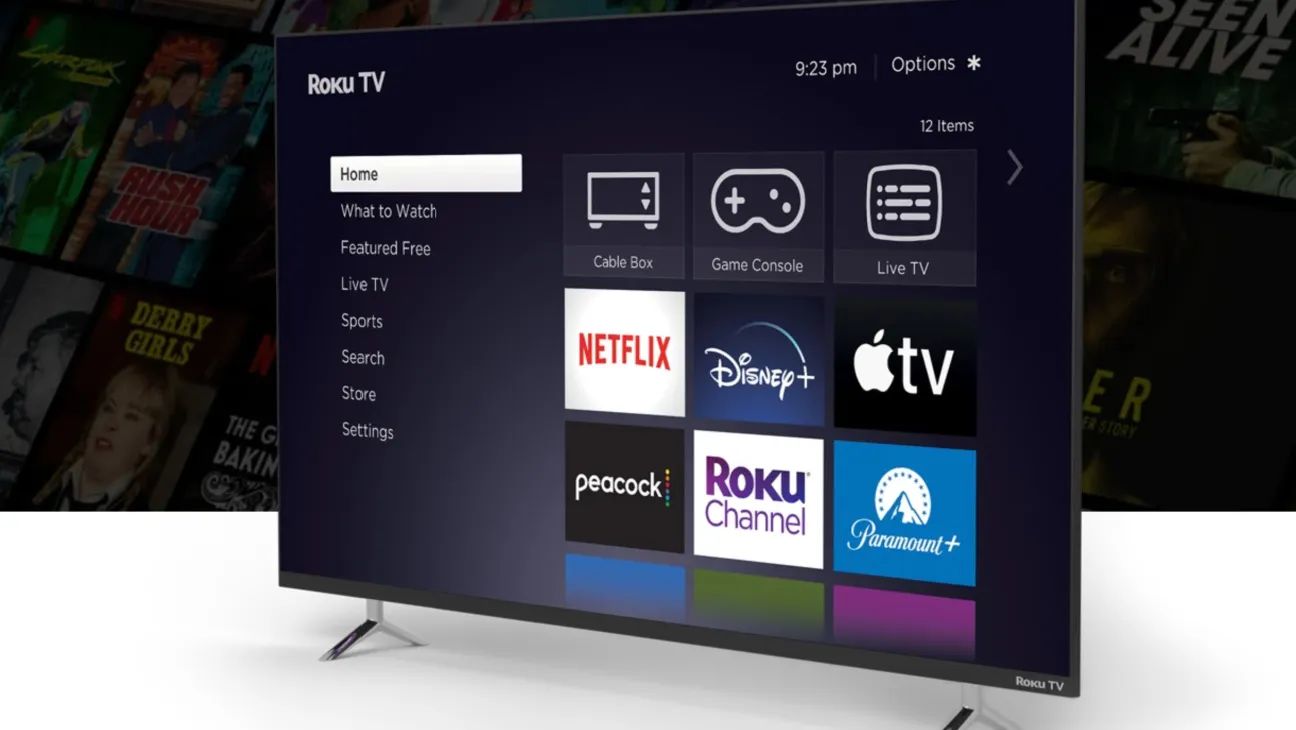
Immediately after you complete the email change, you can verify your library on your Roku device. Once it powers back on, check that your subscriptions and purchased content are still accessible. Every channel you previously subscribed to should appear there with an active status. Next, play a movie or TV show you purchased before the change. Select any title from your purchased library. Verify that it streams without prompting you to buy or rent it again. If everything looks correct, also check that your billing email has synced. On the Roku website, check your billing information to confirm the new email is listed under the payment method. Roku sends purchase receipts to this billing email. If it still shows your old address, update it manually. As long as those two checks pass, your library is intact. Channels visible in "My subscriptions" and purchased content playable means the email change was successful. If you also sell on marketplaces, you can change etsy email to keep your shop notifications separate from streaming receipts.