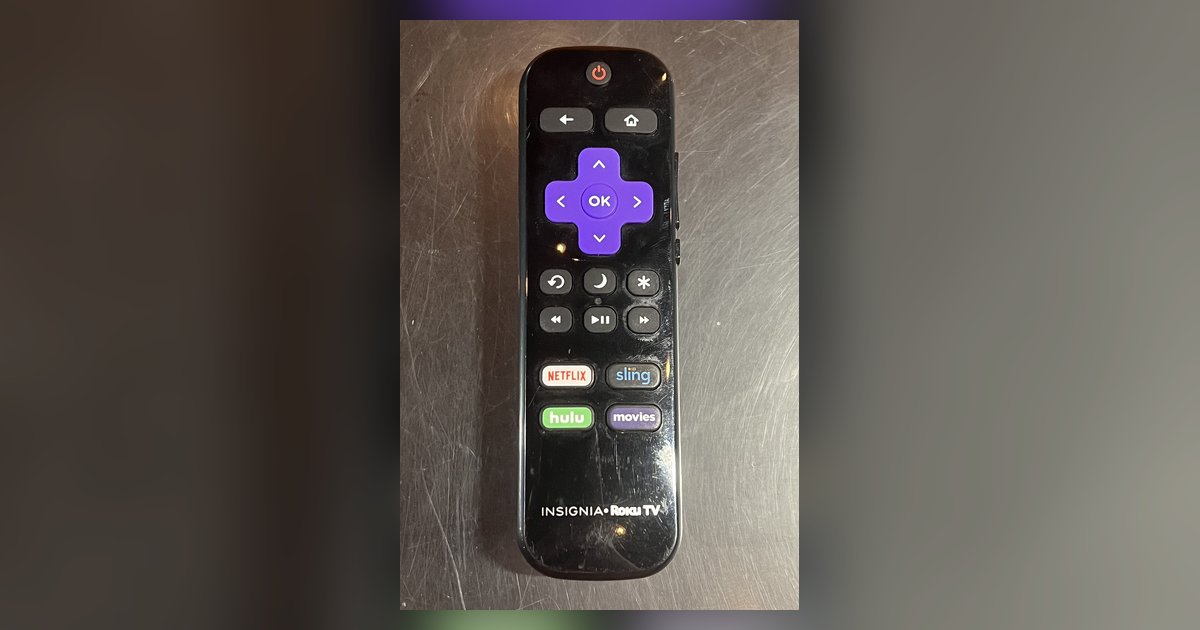
Signing out of your Roku TV simply removes the locally stored authentication token and cached preferences from that one device; it does not delete your Roku account or cancel any subscriptions. The action forces a fresh login on that television but leaves your account, billing agreements, and purchase history untouched on Roku’s servers.
How to sign out of your Roku TV without losing anything
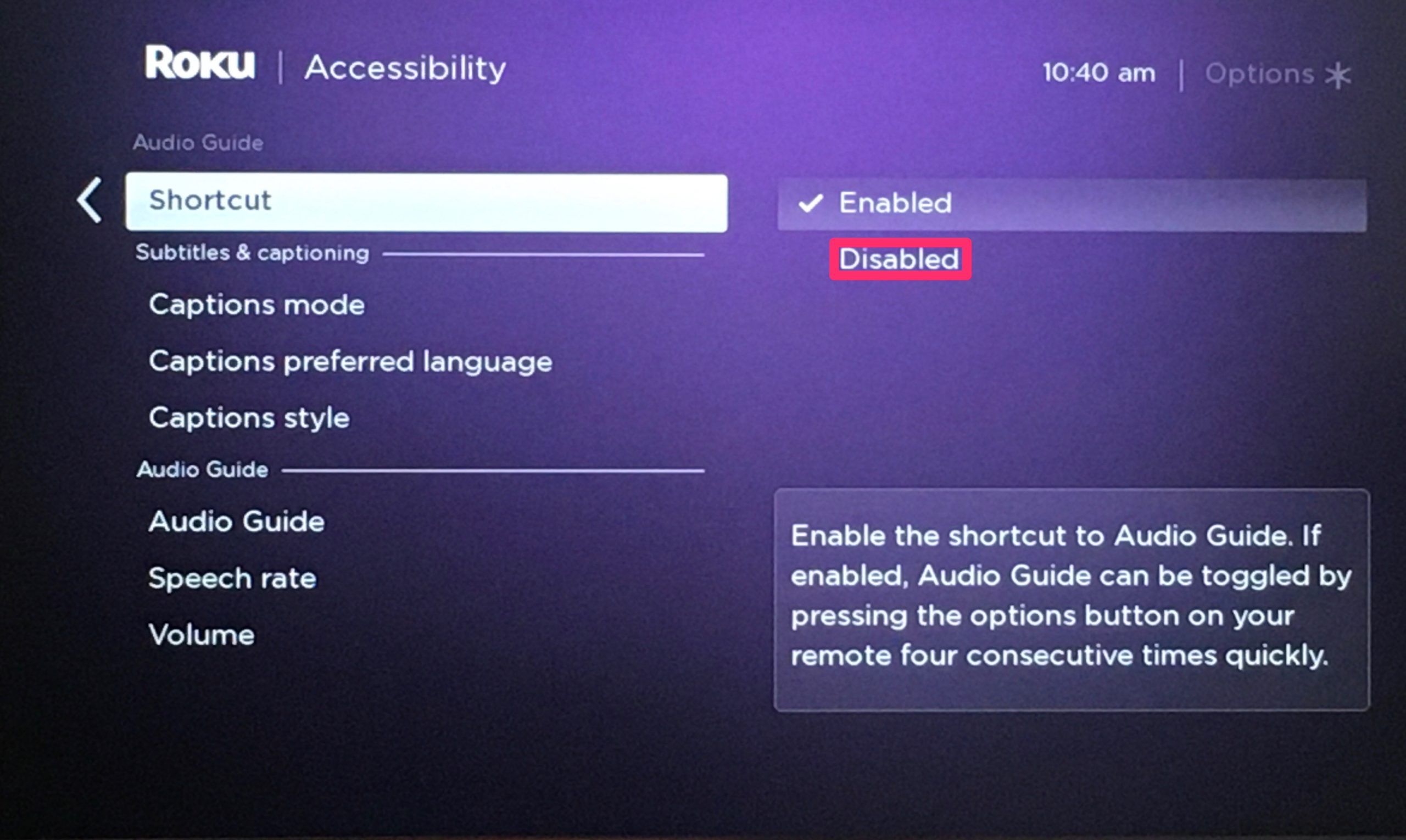
Press the Home button on your remote, scroll down to Settings, then navigate to System > Advanced System Settings and select Sign Out. Confirm the action when prompted. No. The local sign-out action is a simple authentication disconnect, not an account deletion or billing termination.
What actually gets removed
The only thing a sign-out deletes is the locally stored authentication token and cached preferences on that one TV, forcing a fresh login if you sign back in. This token is a small piece of data that proves your device is authorized. Without it, the TV no longer knows which Roku account was linked. Cached preferences, like your home screen layout or the last channel you opened, also disappear from that specific television. Nothing is sent back to Roku’s cloud; the server-side record of your account, your subscriptions, and your purchase history stays untouched. When you choose to "sign out of Roku TV" through the Settings menu under System > Advanced System Settings, you are only wiping that local handshake.
Skip the factory reset menu by mistake
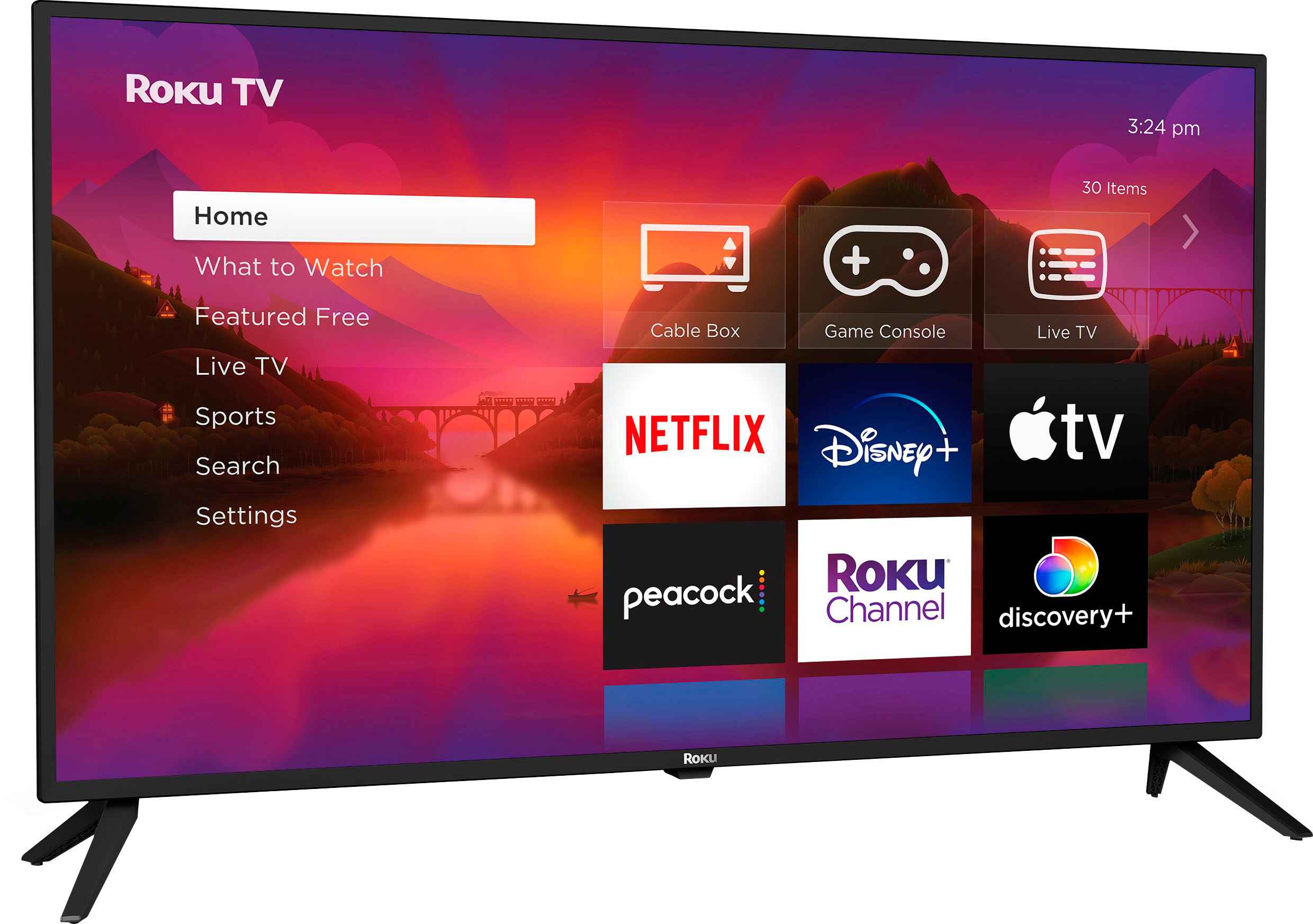
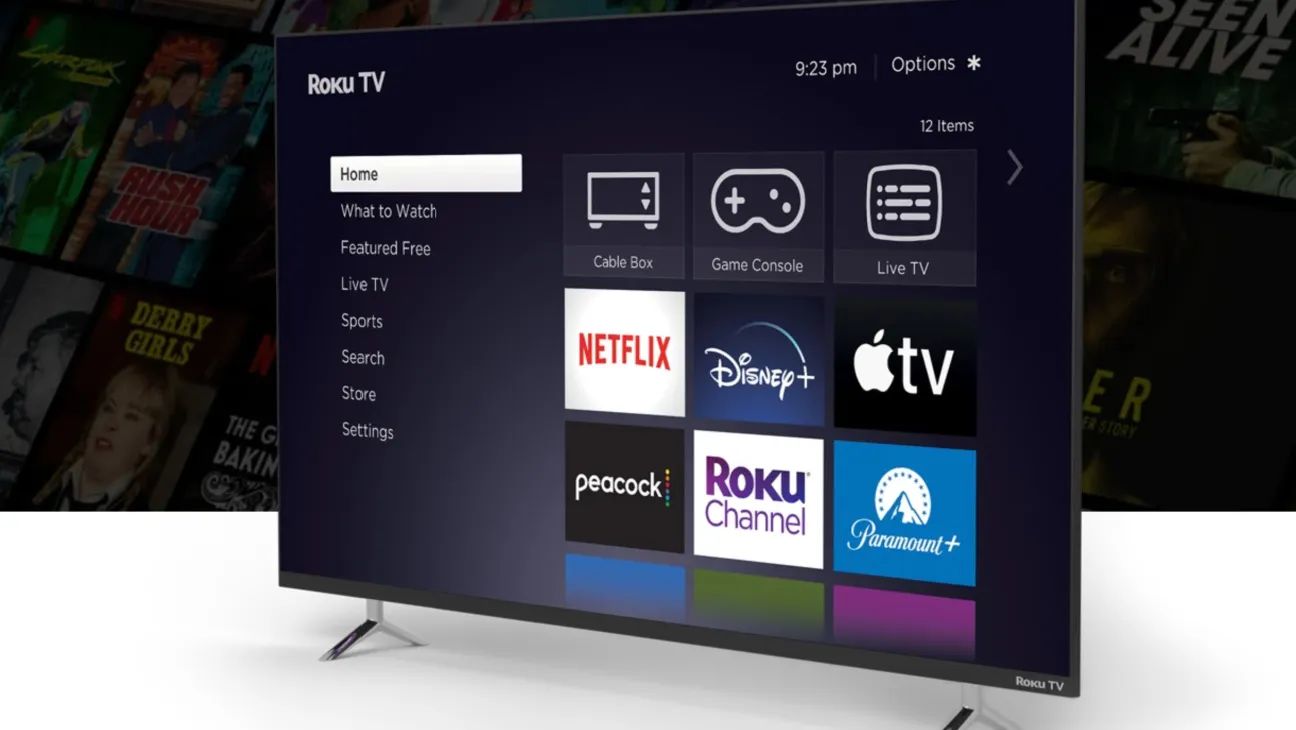
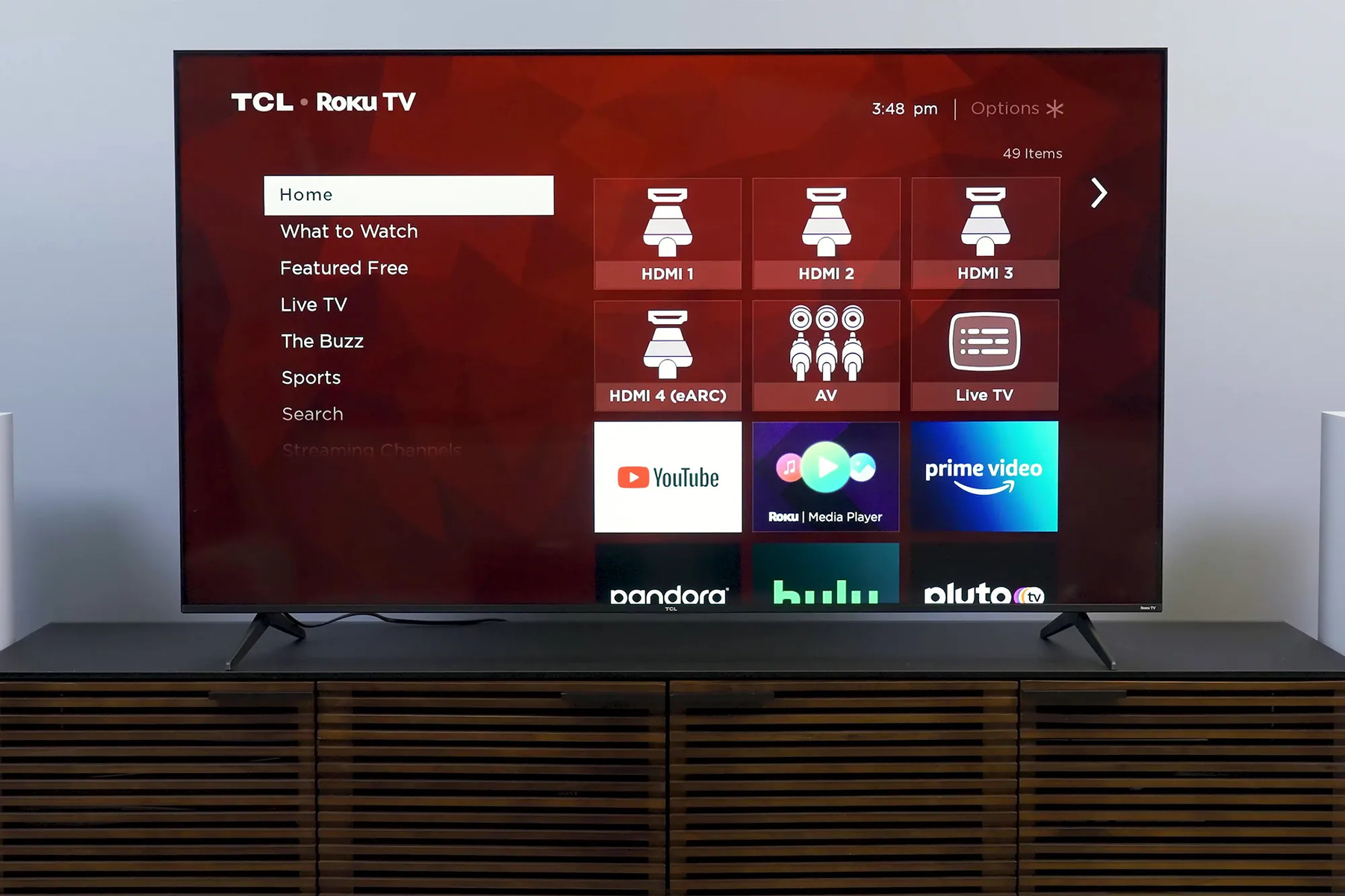
Do not select Factory Reset when you only intend to sign out. The warning about wiping device memory sounds drastic, and users mistake the disappearance of channel tiles post-sign-out as proof their subscriptions were erased. When you sign out, every channel icon vanishes from the home screen because the TV no longer knows whose account to display. A user who just signed out sees a blank grid and assumes their paid services, like Netflix or HBO Max, were cancelled. In reality, the channels are still active on the account; the TV simply lost its permission to show them. The same confusion arises when you remove a Netflix account from a non-Roku smart TV: the app disappears locally, but the subscription remains billed to your email. Roku’s own interface reinforces this fear by displaying a “Factory Reset” warning in the sign-out menu, even though a sign-out is not a reset.
Restore your subscriptions on a new device
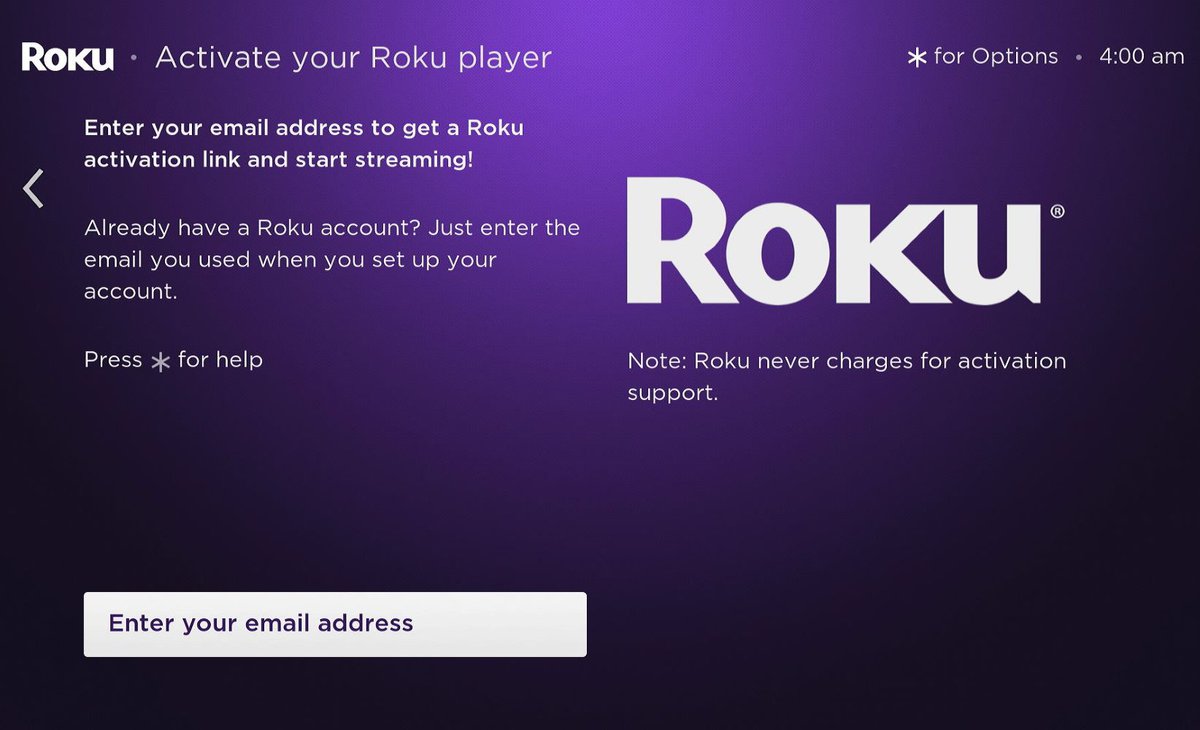
During the initial setup of any new Roku player or TV, enter the same email and password you used on your previous device. Your billing agreements are tied to your Roku account email, not the hardware, so logging into any Roku device immediately restores access to every paid subscription. For example, if you buy a new Roku TV and enter the same email and password during setup, every channel you previously subscribed to, including premium ones like HBO Max or Sling TV, reappears without an extra charge. The same logic applies if you log out of Netflix on a Vizio TV: that logout only affects the Vizio hardware; your Netflix plan continues billing your credit card and remains ready to stream on any other device. Roku’s subscription management page will show all active billing agreements regardless of which TV you signed out of.
Write down these local settings before you sign out
Go into your TV’s picture and audio menus and photograph or note every value you changed, because preferences that were never synced online, like a specific TV's display calibration or Wi-Fi passwords, are gone for good after a sign-out. If you had carefully adjusted the backlight, contrast, and sharpness on your living room Roku TV, those values are stored only in the local memory that gets cleared during sign-out. The same applies to Wi-Fi credentials: after signing out, the TV forgets your home network’s password, so you’ll need to re-enter it. Also, any custom channel logins that were saved directly on the TV will be lost. To preserve these, note them down before you sign out of Netflix on a Samsung smart TV or any Roku device. The account itself is safe, but the local tweaks are not. For a broader look at managing these local settings, see the guide on signing out of streaming apps.