Facebook's privacy and account controls are scattered across several menus, and Meta moves them often enough that any set of instructions ages fast. This guide is a map of the...
You can use Messenger without an active Facebook profile, but you cannot use it without ever creating a Facebook account. Meta's supported route is to create a Facebook account, deactivate...
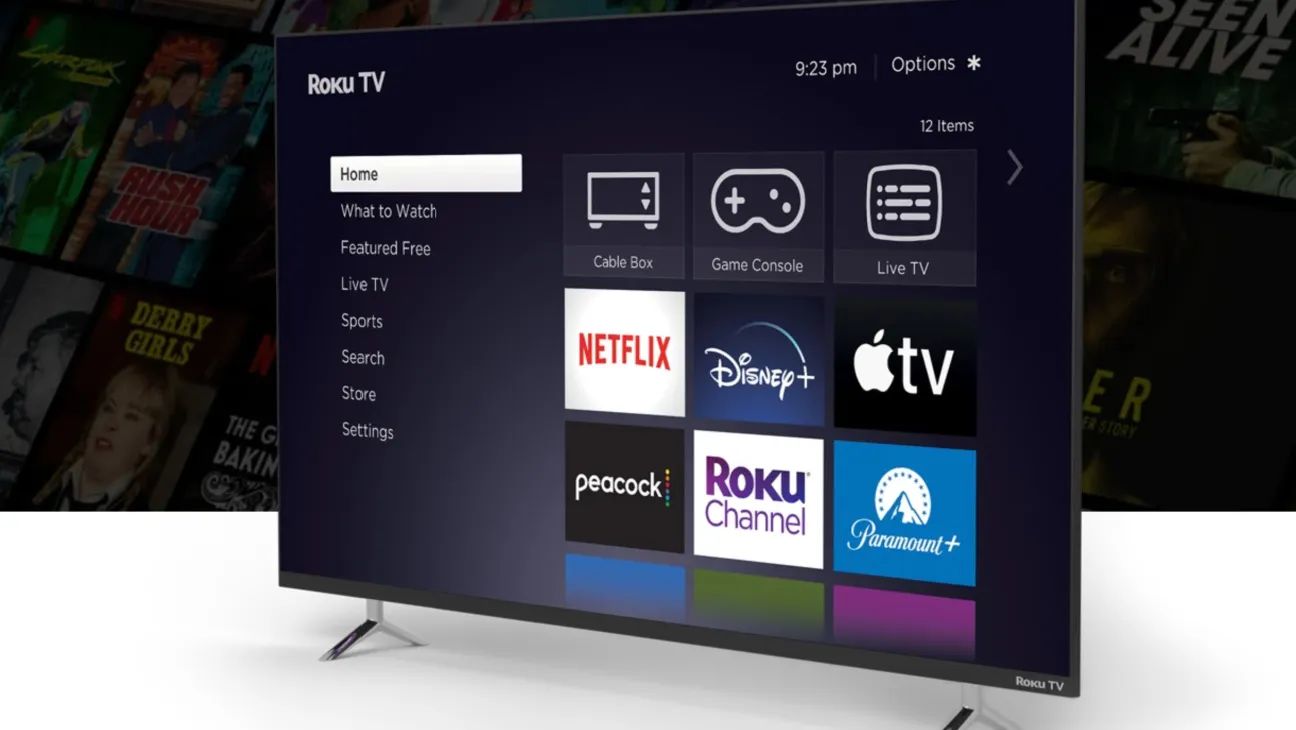
Before you start: what signing out streaming apps actually does When you sign out streaming apps on a smart TV, you are simply disconnecting that specific television from the app’s...
No, changing your Roku email does not delete your purchase history or channel ownership. Your purchases are permanently linked to your Roku account itself, not the email address on file,...
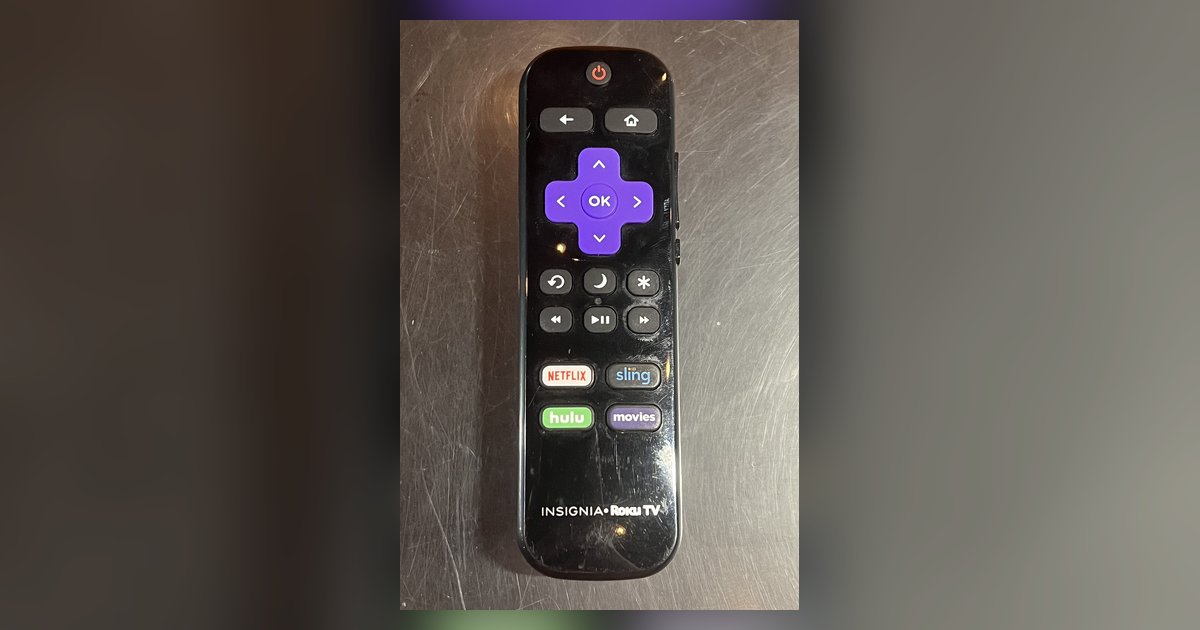
Signing out of your Roku TV simply removes the locally stored authentication token and cached preferences from that one device; it does not delete your Roku account or cancel any...
You don't need the old console to sign into your account on a new one; just log in with your email and password. However, any game saves not backed up...
Before You Call: Immediate Steps for Blocking a Stolen SIM Card If your phone is gone, the fastest way to block a stolen SIM card is through your carrier’s app...
To change my phone number, you need to request a new number from your current mobile carrier, it’s an account-level change, not something you do by editing or replacing the...
To log out in Among Us, you cannot use a traditional logout button because the game does not have one. Instead, you must sign out of the platform your account...
To sign into Among Us, you simply open the game and let it automatically log you in using the account already active on your device, no email or password entry...
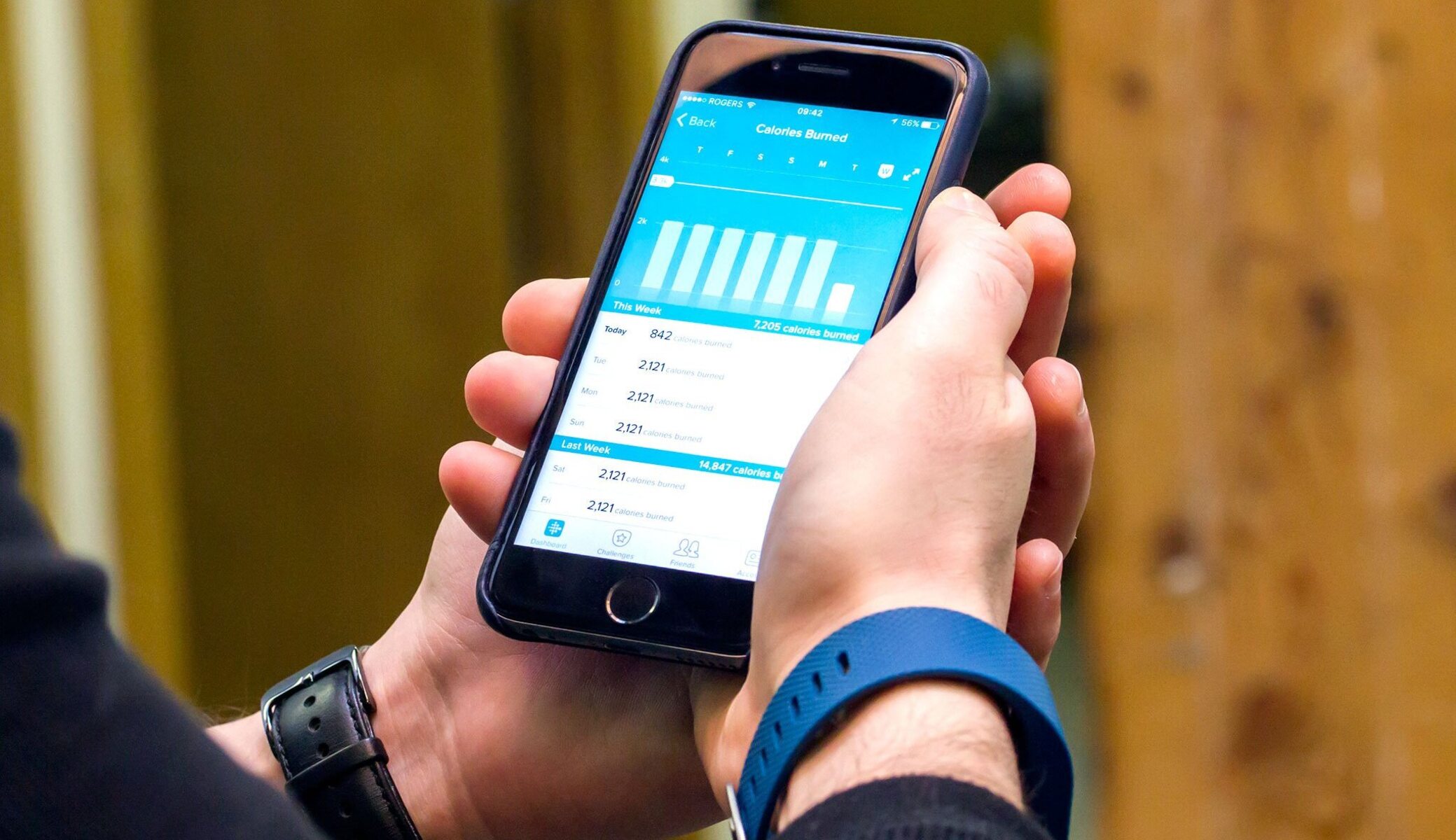
To remove a Fitbit device from your account, you must first unlink it in the Fitbit app and then perform a separate factory reset on the device itself. This two-step...
This website uses cookies so that we can provide you with the best user experience possible. Cookie information is stored in your browser and performs functions such as recognising you when you return to our website and helping our team to understand which sections of the website you find most interesting and useful.
Strictly Necessary Cookies
Strictly Necessary Cookie should be enabled at all times so that we can save your preferences for cookie settings.
If you disable this cookie, we will not be able to save your preferences. This means that every time you visit this website you will need to enable or disable cookies again.