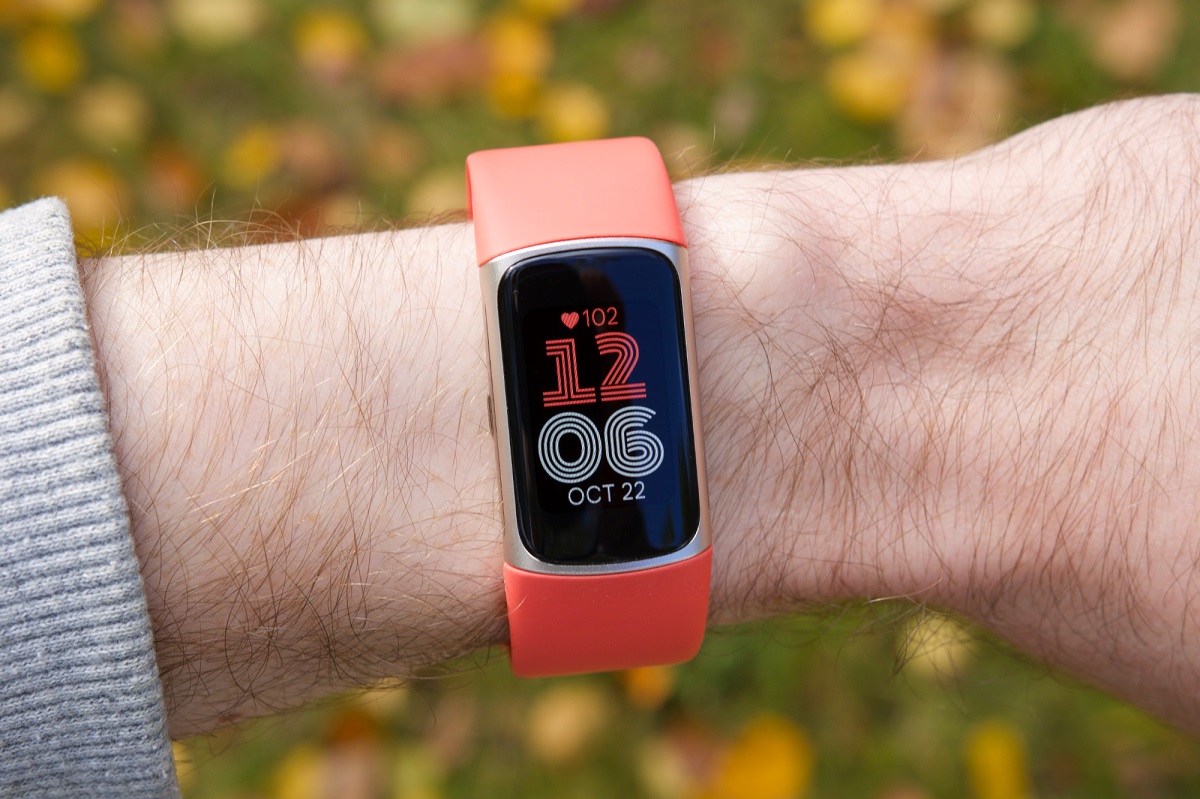
A Fitbit swap lets you replace an old device with a new one on your existing account, typically after an upgrade or a replacement. How a Fitbit swap works Swapping...
You cannot delete the primary Meta account that your Oculus account has migrated to directly from your VR headset, but you can remove additional profiles right from the device settings....
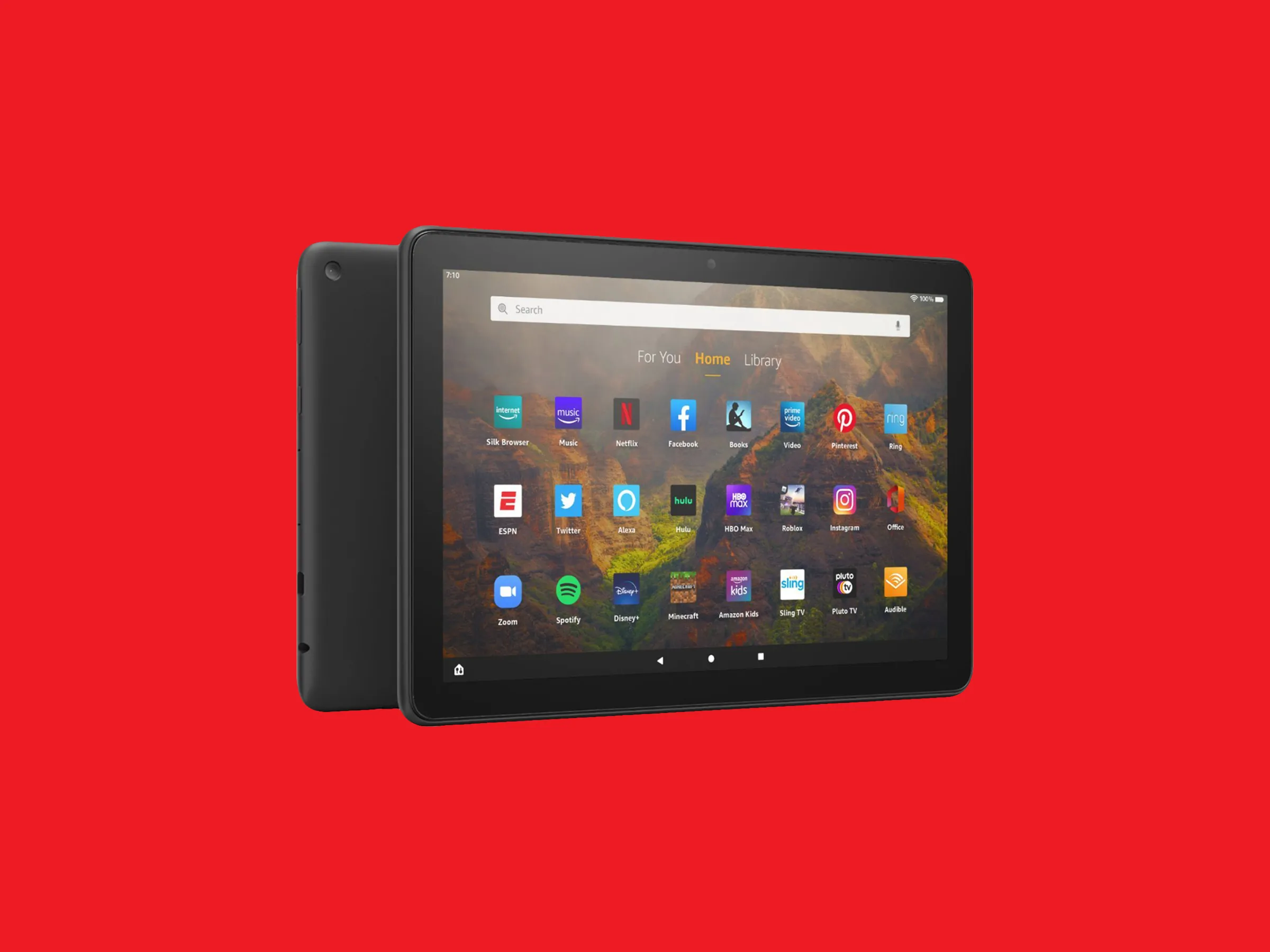
To remove an email account from your Amazon Fire tablet, open the Email app and delete the account from its settings, this clears the address and all messages stored locally...
To change your PlayStation email, sign in to your account on the PlayStation website, go to Account Management, and select Security. This is the standard method for updating your sign-in...
An email ID is the unique username or login identifier for an email account, commonly the part before the @ sign, used to authenticate and access your inbox. It is...
What Is A Credit Memo In Banking A credit memo in banking is a notice from your bank that funds have been added to your account, increasing your available balance....
If your credit card disappeared from online banking, it is almost always due to a routine bank action like an expired card being replaced, a pending activation, or a system...
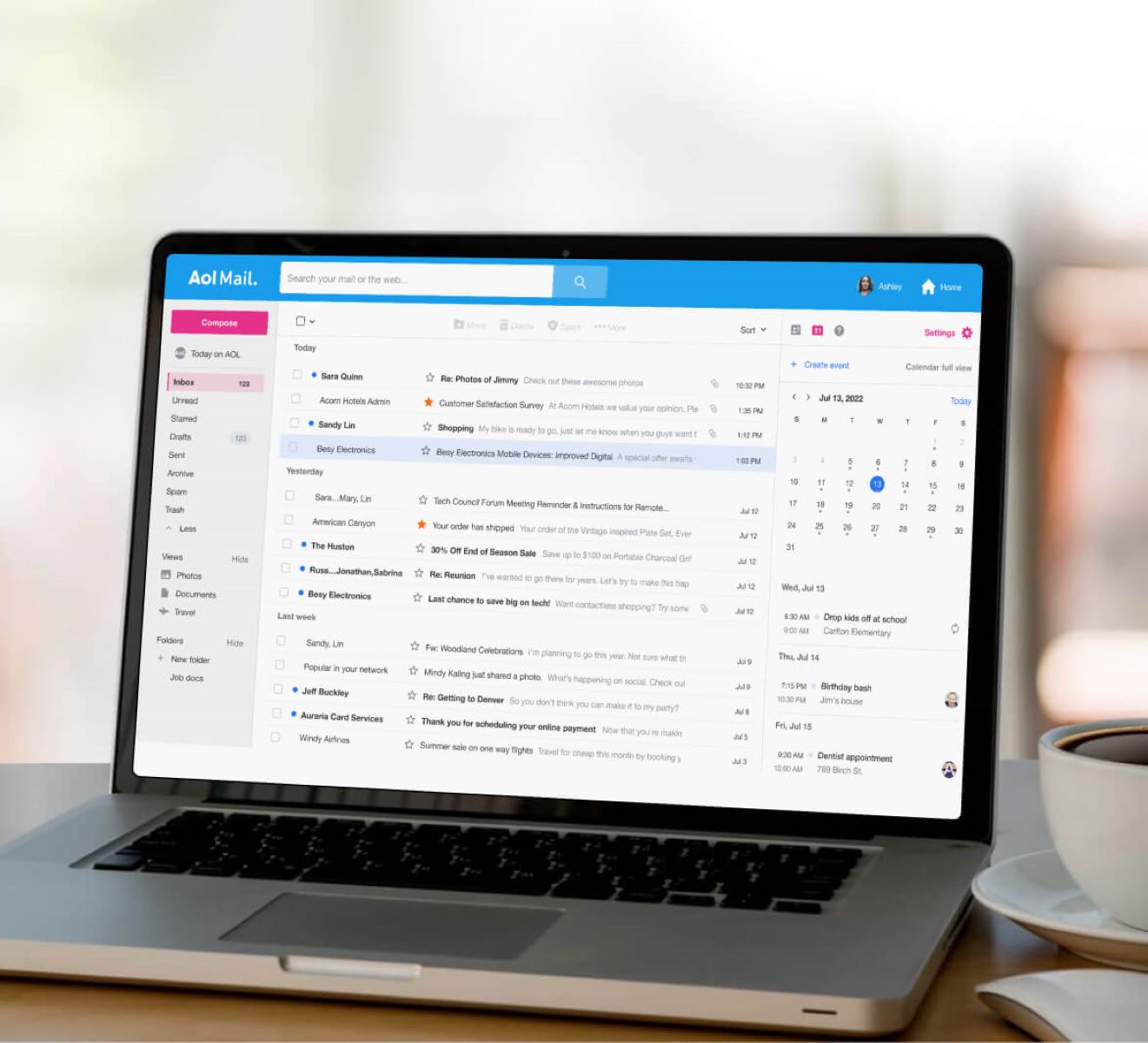
To delete an AOL email account permanently, you must use a web browser and navigate to the official account termination page. This process will ensure your account and all associated...
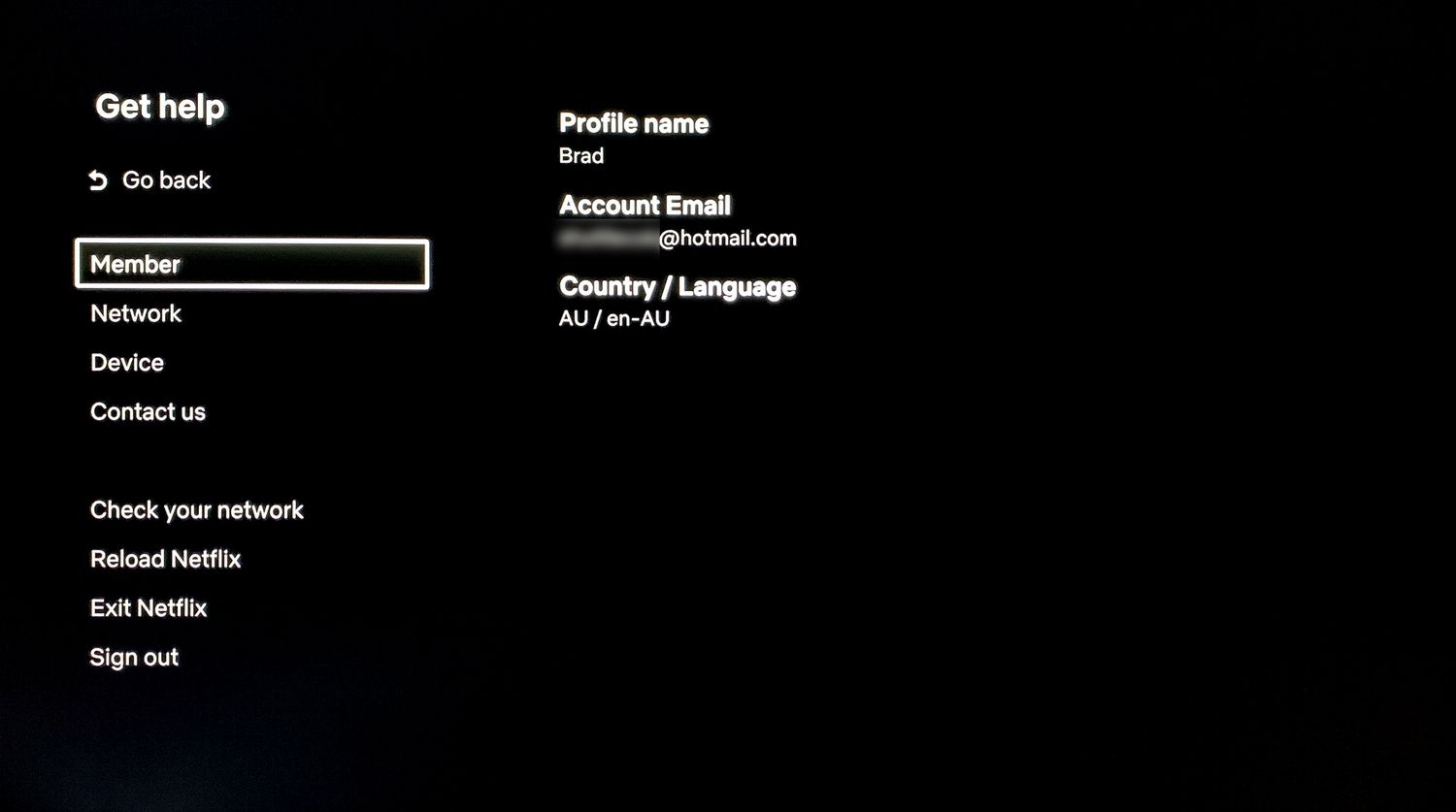
To remove your Netflix account from a smart TV, you can sign out directly on the television or use a remote method. The process for removing your Netflix account from...
To download PayPal statements, log in to your account and go directly to PayPal.com/reports/accountStatements, where you can request a monthly or custom transaction history report for record-keeping or tax purposes....
The PayPal Resolution Center is located within your PayPal account at the dedicated URL www.paypal.com/resolutioncenter. You can navigate to it after logging in by clicking the "Help" link at the...
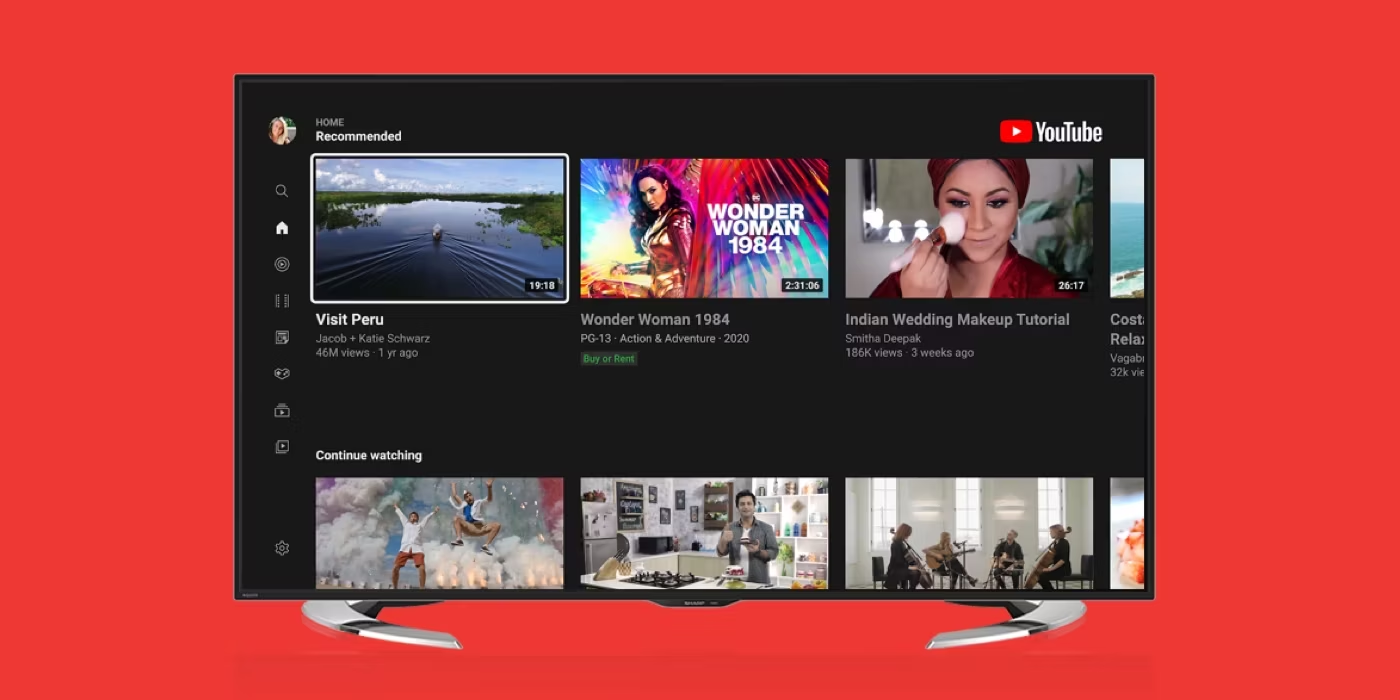
To sign out of YouTube on your smart TV, open the YouTube app, navigate to the left menu, select your profile picture or account icon, choose the account you want...
This website uses cookies so that we can provide you with the best user experience possible. Cookie information is stored in your browser and performs functions such as recognising you when you return to our website and helping our team to understand which sections of the website you find most interesting and useful.
Strictly Necessary Cookies
Strictly Necessary Cookie should be enabled at all times so that we can save your preferences for cookie settings.
If you disable this cookie, we will not be able to save your preferences. This means that every time you visit this website you will need to enable or disable cookies again.