To log out in Among Us, you cannot use a traditional logout button because the game does not have one. Instead, you must sign out of the platform your account is tied to, such as Steam or Google Play, to switch accounts or play as a guest.
Why there is no 'log out' button in among us
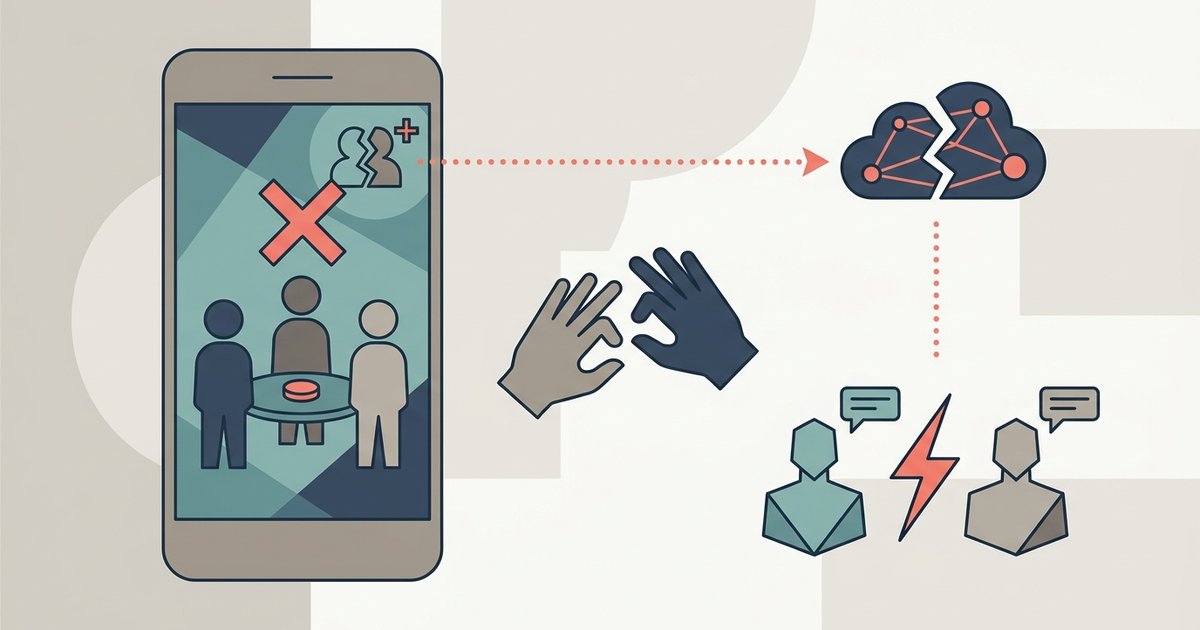
Among Us accounts are automatically created and linked to the credentials of the platform you are playing on, such as Steam, Epic Games, Google Play, Apple ID, or Xbox Live. Because the game treats your platform login as your identity, it never asks for a separate username or password, and no logout button exists in the settings menu. This design means that to "log out," you must disconnect from the platform itself.
How to switch accounts by logging out of your platform
If you want to switch to a different Among Us account, you need to sign out of the platform you are using on your device. The exact steps vary by platform, but the general approach is the same: force the game to see a different login credential when it launches.
- On Android, go to your device's Settings, find Google, and remove or switch the Google Play account linked to Among Us.
- On iOS, open Settings, tap Game Center, and sign out of your Apple ID.
- On PC (Steam), sign out of Steam entirely or switch to a different Steam account before launching Among Us.
After signing out of the platform, reopen Among Us. The game will either prompt you to log in to a new account or show a grey light in the top left corner, indicating you are not logged in. This is how to log out in among us effectively, as it forces the game to start fresh without your previous account.
How to unlink your among us account via the web portal
If you want to permanently disconnect a platform from your Among Us account, you can unlink it using the Innersloth account management page. This is useful if you no longer want a specific login method tied to your progress or cosmetics. To unlink an account, navigate to accounts.innersloth.com, select your primary account, and sign in via that platform. The page will display accounts already merged and offer options to unlink platforms such as Google Play, Steam, Epic Games, Apple, Xbox Live, and Itch.io. Unlinking an account would involve a similar process, though the specific steps for unlinking are not detailed as a direct "log out" in the provided official documentation. Note that Nintendo Switch account linking is currently under development, and PlayStation accounts cannot be linked.
Understanding guest mode vs. a full account
When you are not logged into a platform account, Among Us puts you in Guest Mode. A grey light in the top left corner of the main menu indicates a "NOT LOGGED IN/GUEST ACCOUNT" status, which may occur if you are offline or need to log in to your platform service. In Guest Mode, you are limited to Quick Chat and randomized names. Without an account, players can use Guest Mode, which limits them to Quick Chat and randomized names. If you want free chat or a custom display name, you must log in with a full account. If a child's account is linked to a full account, both accounts will inherit the child's account permissions.
How to permanently delete your among us account
If you no longer want your Among Us account at all, you can delete it permanently. Deleting an Among Us account will permanently erase all linked accounts, Stars, XP, Beans, Pods, and purchased Cosmetics. On iOS, this can be initiated within the game via "Settings" and then "Data," where a "Delete Account" option is available. For platforms other than iOS, deleting an Among Us account requires submitting a ticket to Innersloth support, providing your Account Support ID, the platform used for login, and the platform account name. Deletion requests for child accounts are only processed when submitted from a verified adult email address. This step is irreversible, so only proceed if you are certain you want to remove all progress and purchases.
\nRelated reading: How Do I Sign Into Among Us, How To Log Out Of Among Us Account Mobile, and Among Us How To Get Stars For Free.