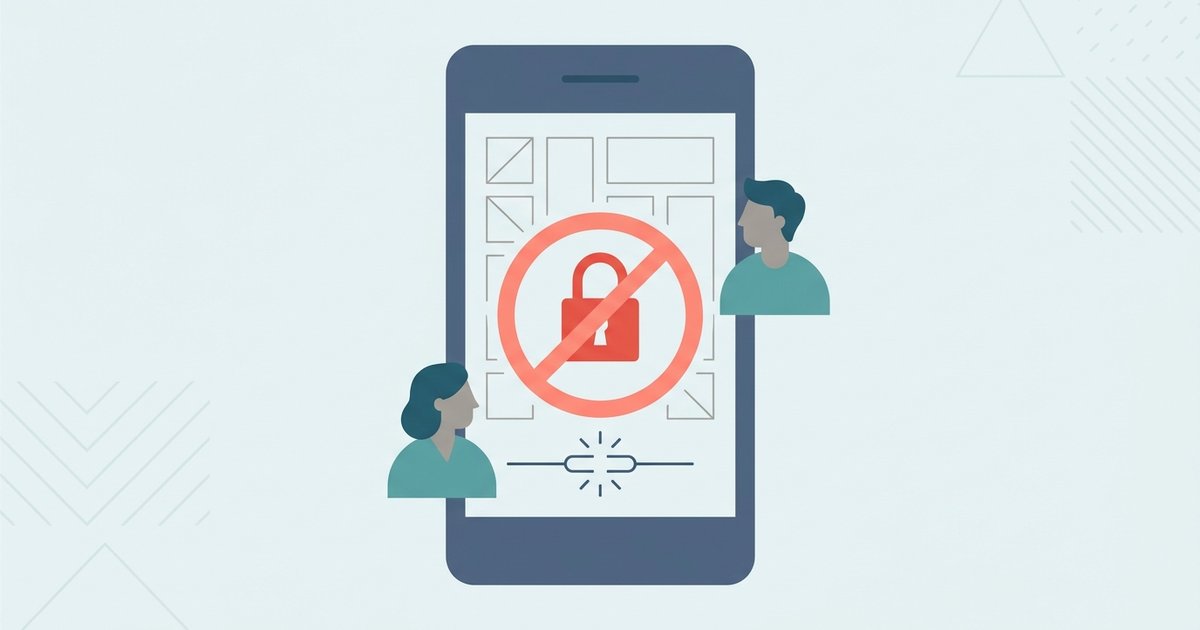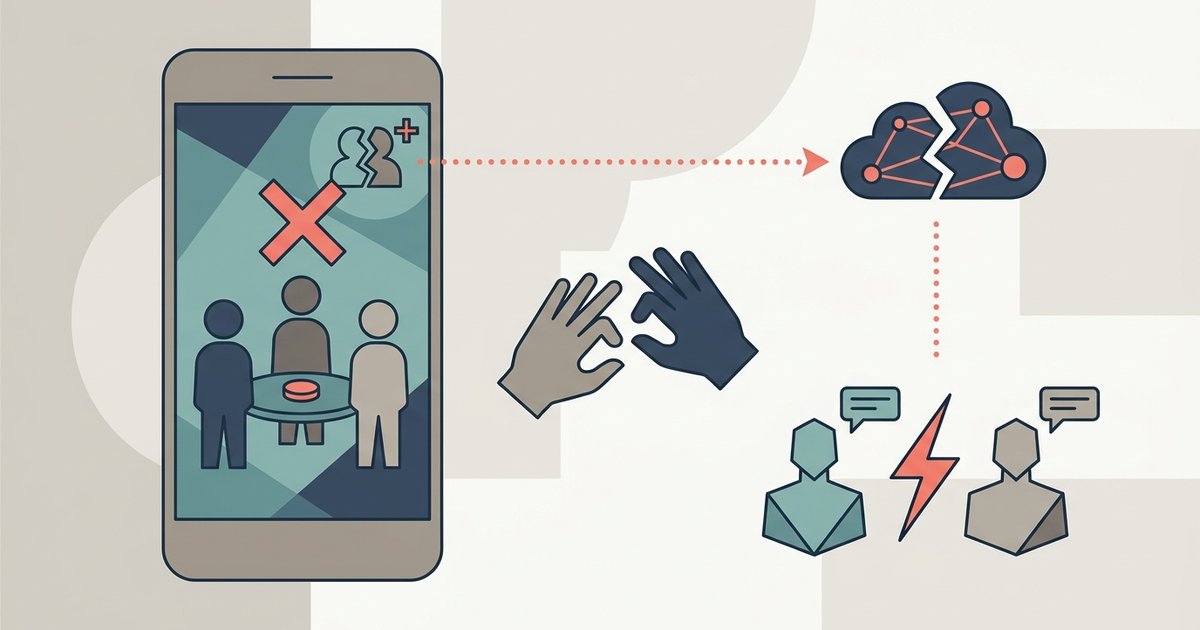
The in-game friend request fails because you are likely typing the friend code with capital letters or hyphens, or you are on a different server region than your friend. Switch to the same server and type the code in plain, uppercase letters without any dashes.
Switch to the same among us server region
Friend requests may silently fail due to network issues or account settings. Among Us may experience issues with friend requests due to server or network problems. The game searches for players using their unique friend code. To manually change your region before sending the request, check your game settings for server region options and select the same region your friend is using. If there are no other issues, the request should reach the recipient's pending list. If you are unsure which server your friend is on, ask them to check their own globe icon before you attempt to add a friend on among us. This step may help if server-related issues are preventing the request from going through.
Type the friend code without hyphens
A common mistake causes the game to reject the request. This happens if you include dashes or special characters in the text field. The friend code is an alphanumeric string, for example, ABC123. The input field expects letters and numbers without dashes, spaces, or special characters. If you type “ABC-123” or “#ABC123”, the game may treat the entry as invalid. It shows no error message. The request simply fails without feedback. Always type the code in plain, uppercase letters without any dashes, spaces, or special characters. If you are on console and need to type quickly, remember that the virtual keyboard may auto-capitalize. Manual lowercase letters will break the request. For players using an Xbox controller, you may also need to check how to enable crossplay on among us Xbox to ensure the console version accepts the code format correctly. Even with a valid code, the request can still fail if your platform's crossplay settings aren't active, so review the requirements for playing Among Us with friends and crossplay.
When the friend code still shows 'not found'
If the code is correct and the server matches, but the request still shows “not found,” the problem is likely with the recipient’s account. They may have pending requests disabled in their settings, a full friends list, or a different game version. Open your own settings and verify that “Allow Friend Requests” is toggled on. If your friend has it off, your request disappears silently. If their friends list is full, the game will not notify you. You will simply get a “not found” result. Finally, check that both you and your friend are running the same version of Among Us. Go to the title screen and look at the version number in the bottom-right corner. If one of you is on an older build, the friend system may be incompatible until that player updates. To coordinate play sessions after fixing the request, you can read how to play with friends in among us. That guide covers lobby codes and party systems. This option does not require any friend codes at all.
This is the most common reason for the request to silently disappear or instantly error out, and fixing these two details resolves the issue for the vast majority of players.