This tag collects all of our practical guides to playing and managing the popular social deduction game Among Us, aimed at everyday players, parents, and party hosts who want to smooth over the technical and social snags that come up around the game. Whether you are trying to get a game started with distant friends, troubleshoot a login error, or set up a safe environment for younger players, these articles are written for non-experts who just want the game to work.
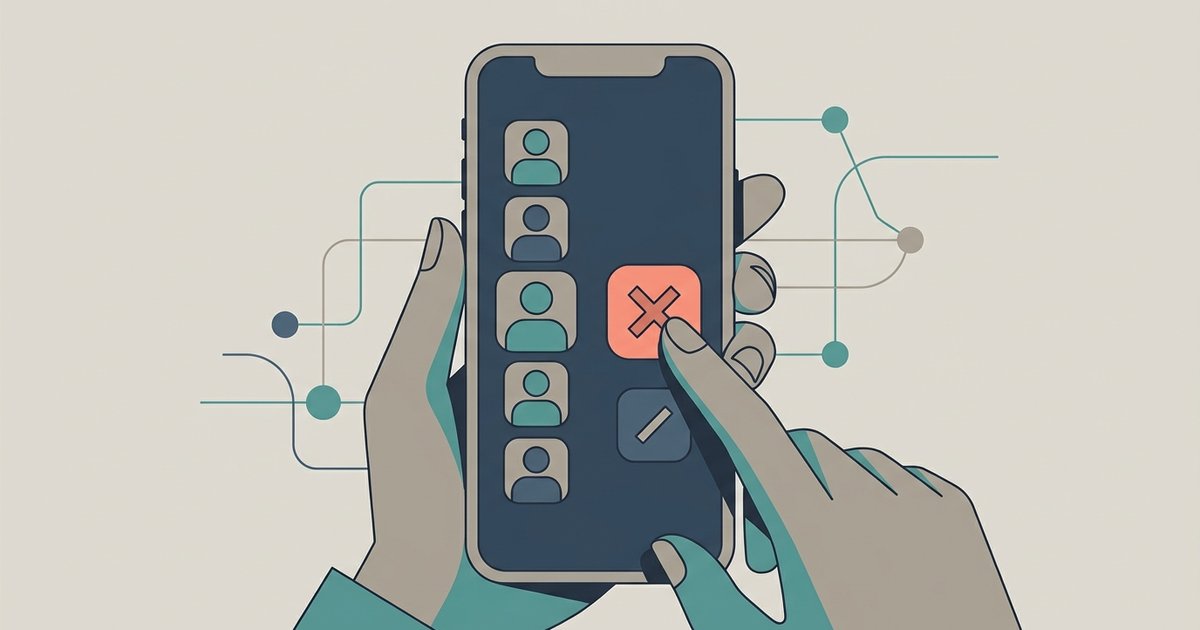
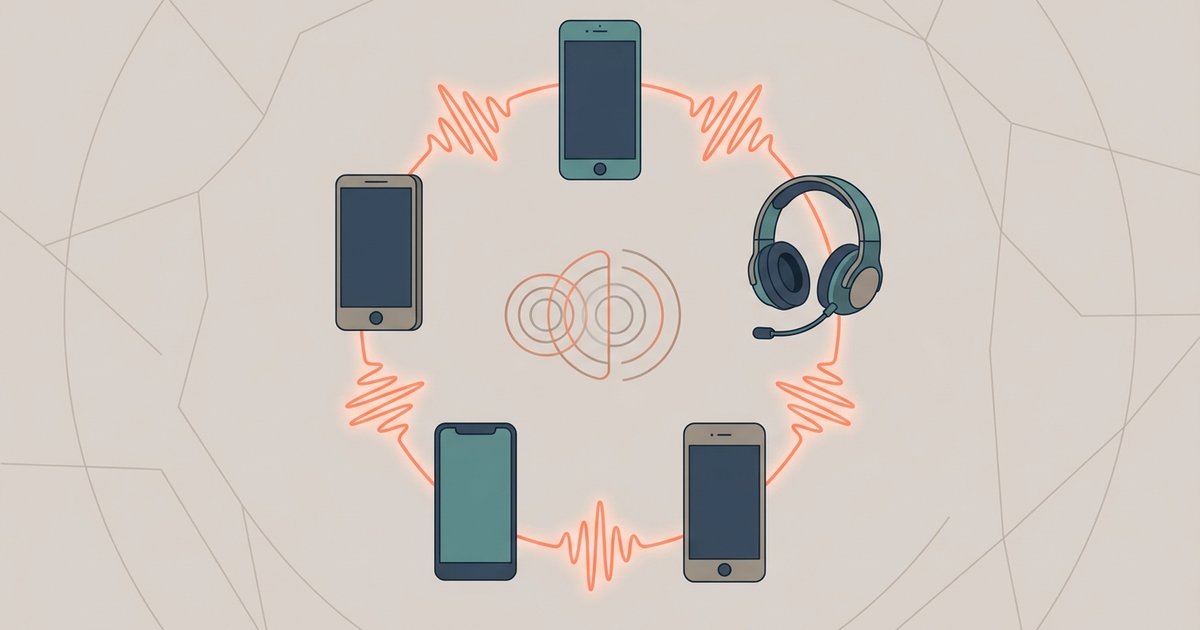
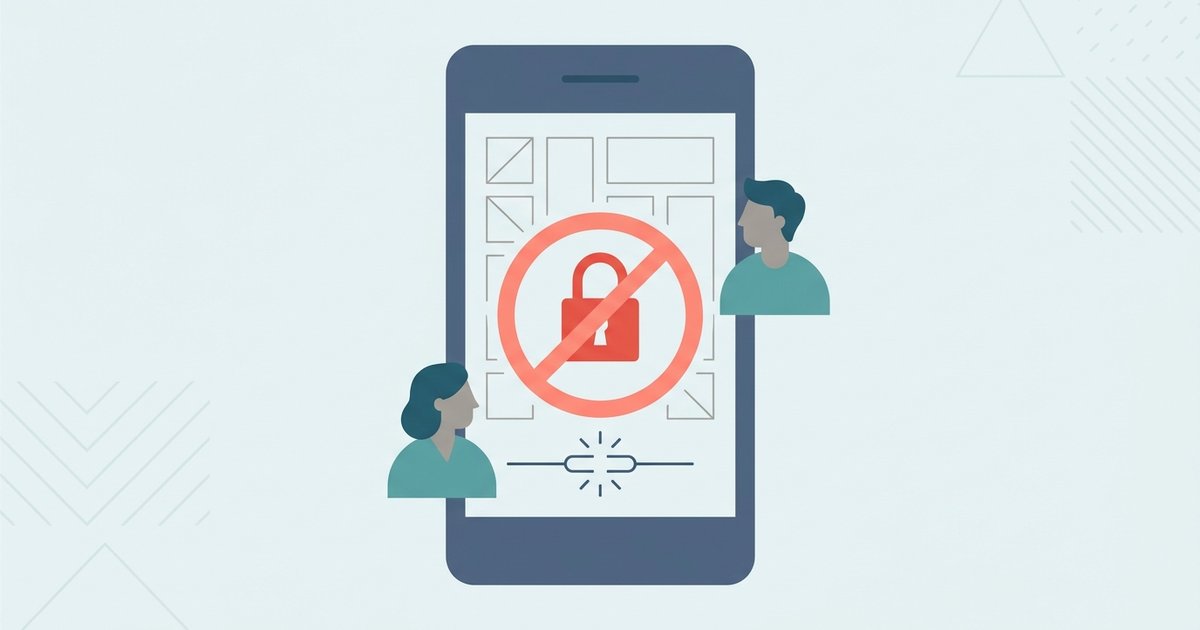
The articles here solve two main kinds of problems. The first is account and access trouble: you will find clear steps for signing in, logging out on mobile, adding friends, and fixing friend request or private lobby code errors. The second is play setup and rules, covering how to start a game without a download, enable crossplay between Xbox and other platforms, set up proximity chat, and understand special modes like Shift and Seek. Several guides also focus on safety and fair play, such as turning off parental controls, kicking or banning disruptive players from a private lobby, and explaining what a duplicate login detected message means, so you know exactly what is happening with your account without resorting to any workarounds.
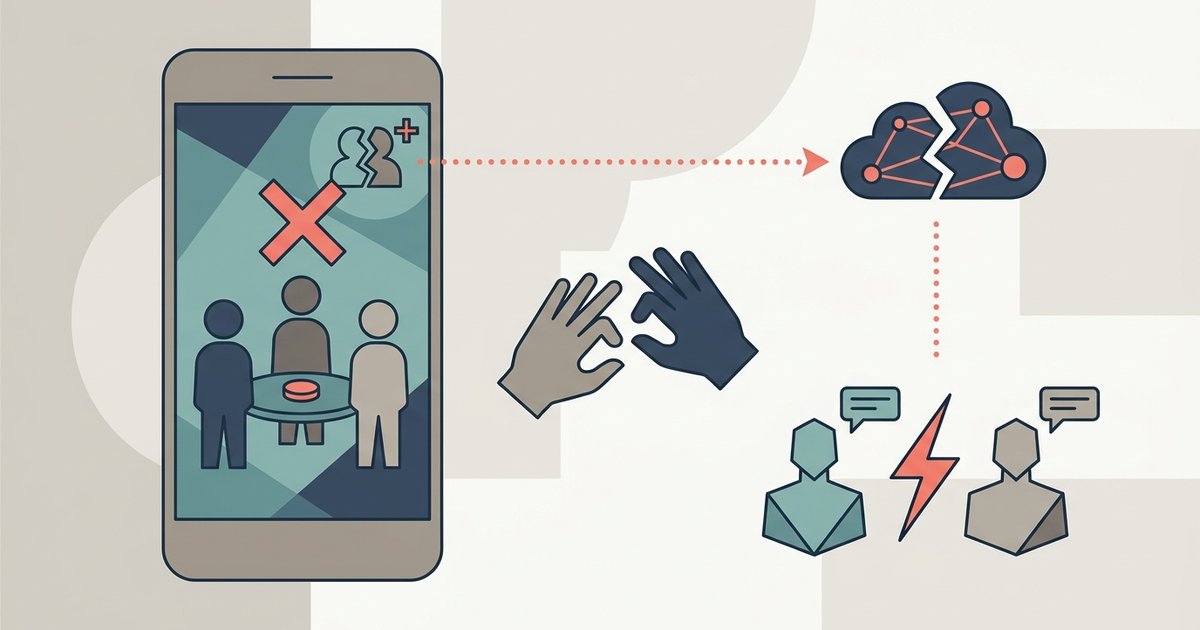
Specific topics covered include using a private lobby code, playing Among Us in real life as a physical party game, and using voice chat without Discord as a legal alternative. You will also find practical limits explained, like how many players can join a private lobby. These guides are meant to help you actually play with friends, protect your account, and manage the game’s settings, never to bypass restrictions or cheat. They are straightforward, family-friendly walkthroughs for getting the most out of Among Us on your own terms.