This tag collects articles about playing and managing games on phones and tablets, written for everyday consumers who want practical, straightforward help. Whether you are a parent setting up a child’s device or an adult trying to get a favorite title running on a smaller screen, these guides focus on the real-world questions that come up when mobile gaming meets daily life.
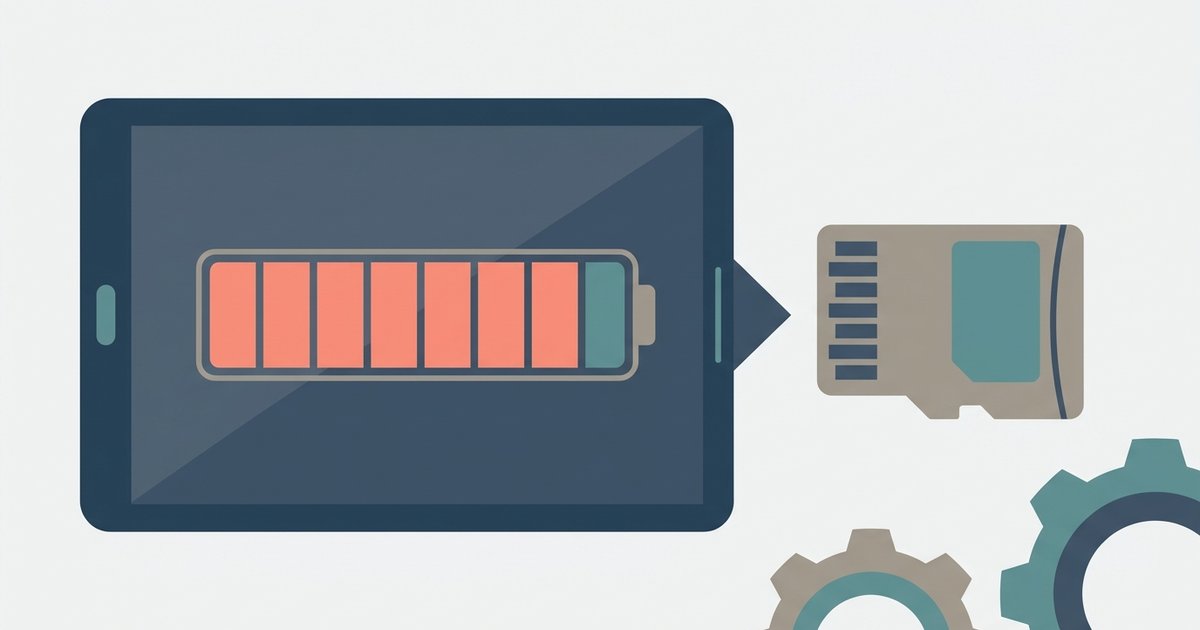
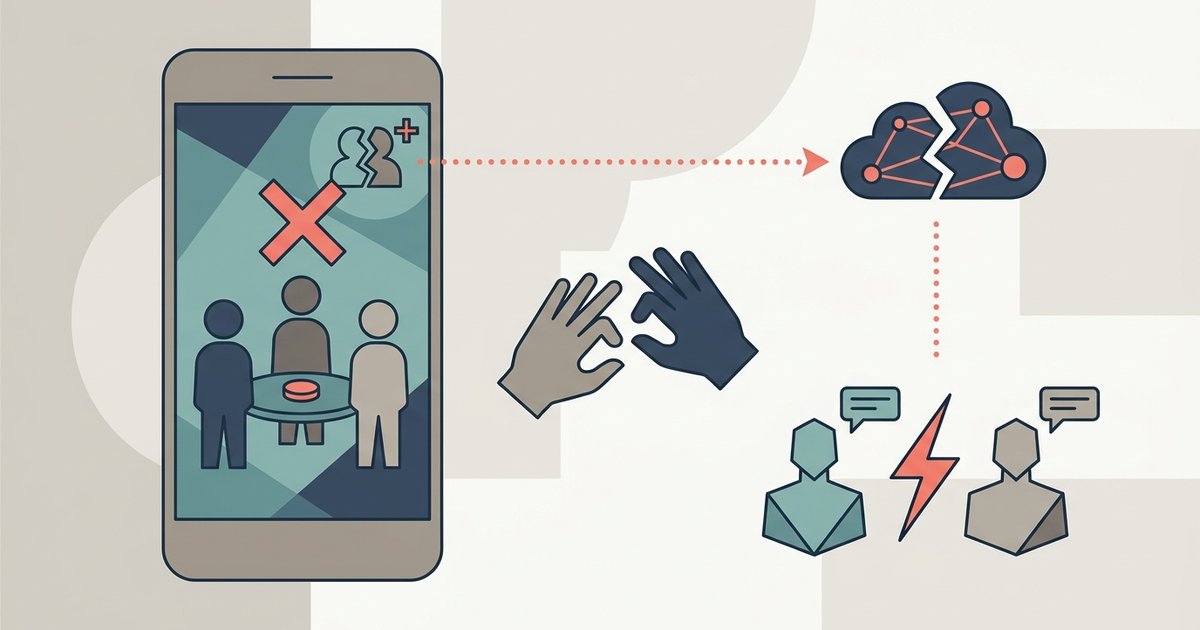
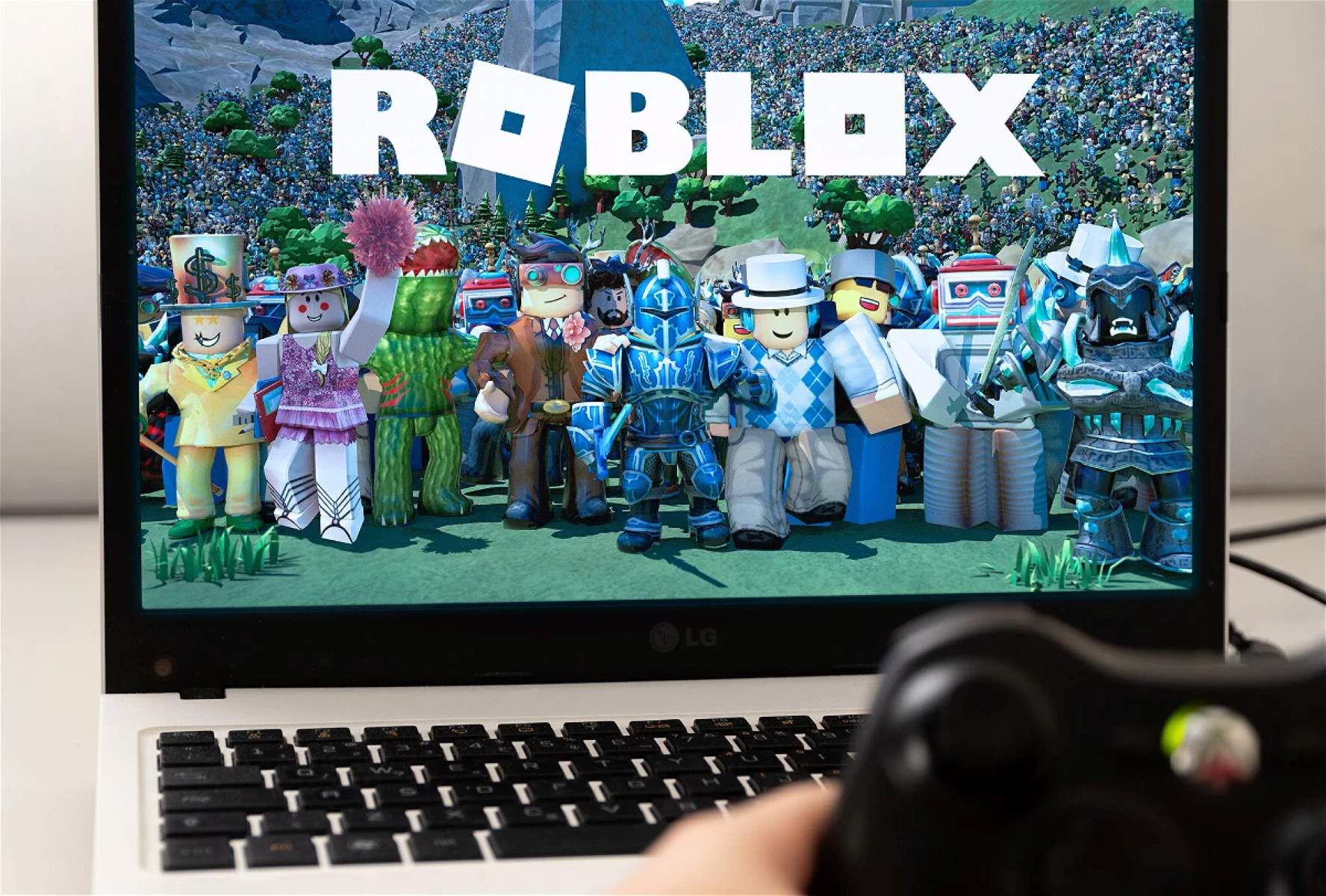
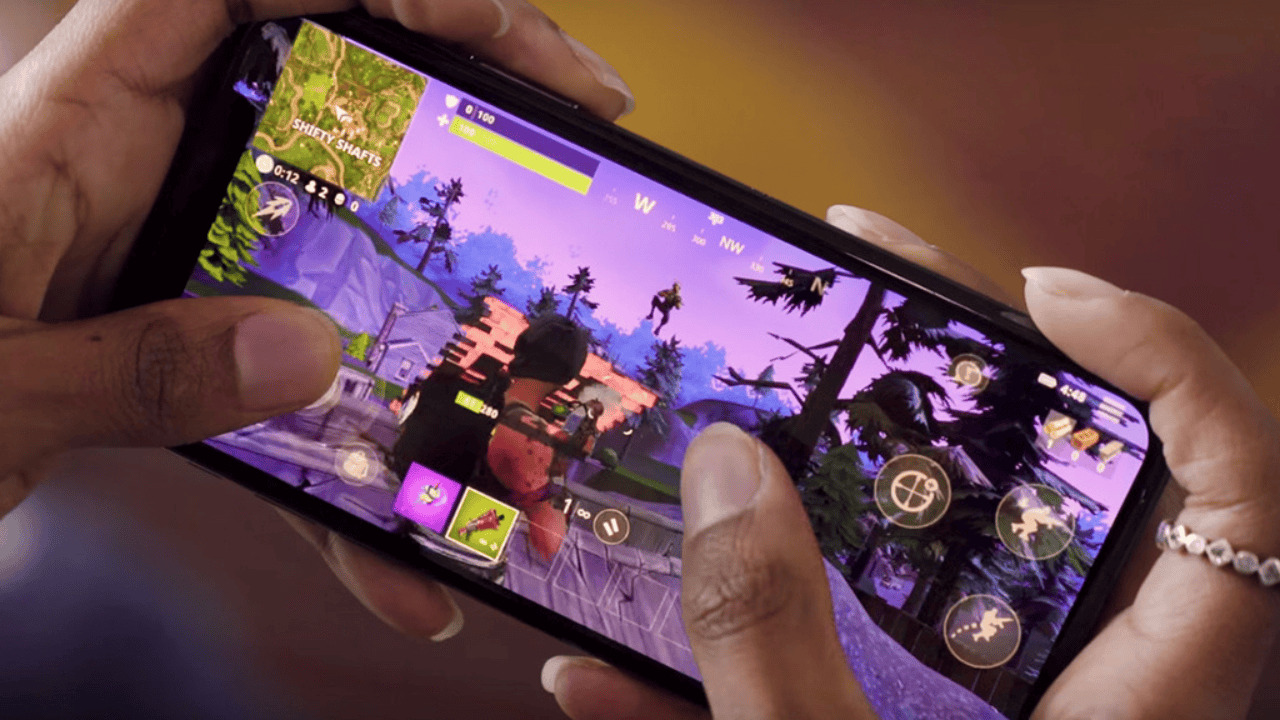
The articles fall into two broad themes. One is access and setup: getting games downloaded, signed in, and ready to play. For example, you can learn how to download Fortnite or GTA 5 on a phone, how to use a game controller with Roblox, and how much storage Roblox needs on a tablet. The other theme is account and safety management. Several pieces walk through signing into Among Us, logging out of your Among Us account, turning off parental controls, and fixing a friend request that is not working. A few also touch on money and hardware, like receiving PayPal payments from games and using the PlayStation Backbone controller. Across all of these, the tone is practical and neutral, no workarounds, no risky tricks.
What these articles help you do is clear: get a game installed, get into your account, manage who can play, and solve common glitches like a stuck friend request. They also explain why certain features matter, such as why Pokemon Go Pokestops are important, so you understand the game better rather than just following steps. If you are troubleshooting a login, checking storage, or setting up a controller, this tag gives you plain answers for the problems most mobile players actually run into.