You need at least 200 MB of free space for the initial app download, but Roblox will quickly expand to 1–2 GB once you join experiences and cache assets. If you have less than 500 MB free, the installation will likely fail or the app will crash on launch.
Why the Roblox tablet storage size is misleading
When you look at the Play Store or App Store listing, Roblox shows a compressed download size that can range from roughly 100 MB to over 220 MB. That number is the size of the installer package, not the final app on your tablet. After the download finishes, the operating system unpacks and installs the app. The installed app immediately requires more space than the listing suggests. On top of that, Roblox does not include all its game assets in the initial package. The first time you launch the app, it pulls additional framework files. These files can double the on‑device size to around 400-500 MB before you even tap a game. If your tablet shows “only 200 MB free” because you trusted the store number, that unpacking step will fail silently, so you may want to redeem Roblox gift card on Amazon tablet only after confirming enough free space. You will be left with an error or an endless loading screen.
The hidden cache that eats your space
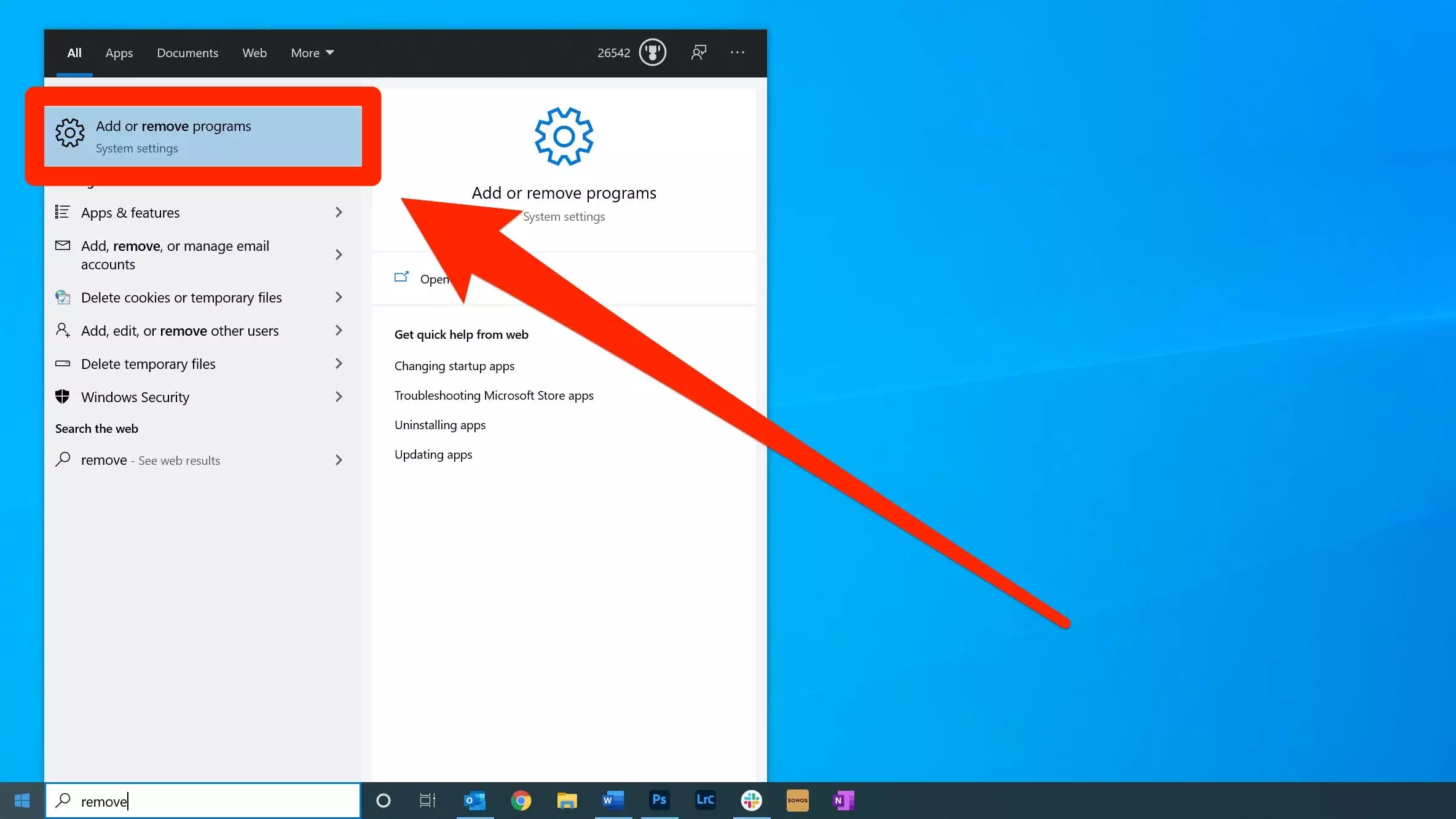
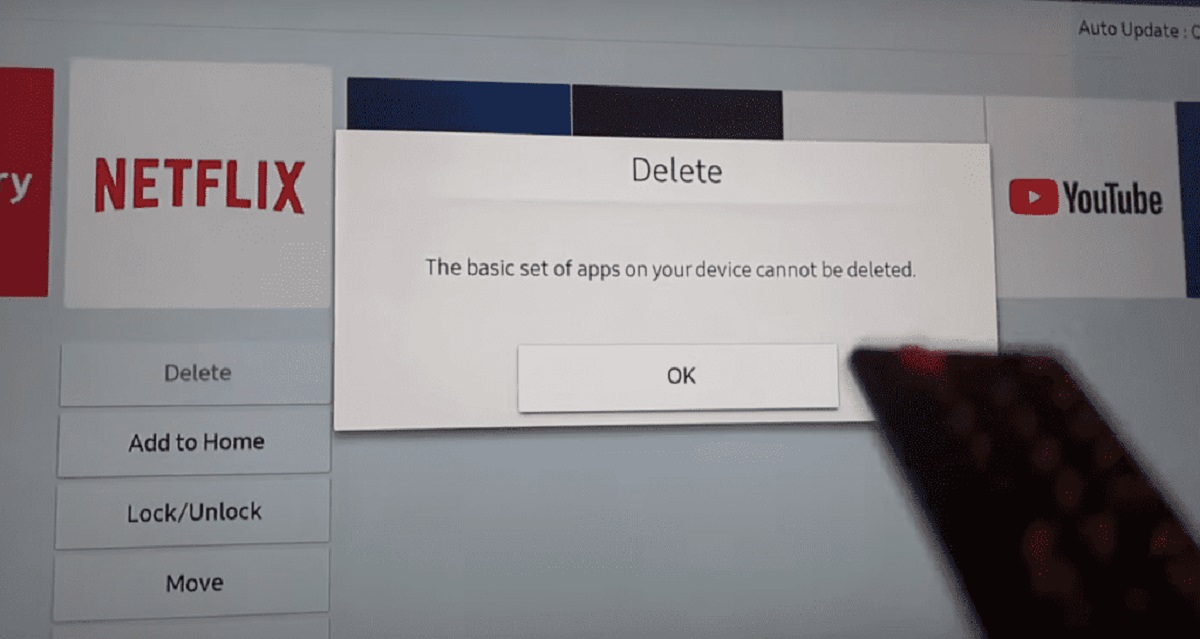
Every time you join a Roblox experience, the app downloads textures, meshes, and sounds into a local cache that grows indefinitely. On a tablet used regularly, this cache often reaches 2-4 GB. It is stored in the app’s private data folder that the system’s “app info” screen may not clearly show as consumed space. The cache is not automatically cleaned. Roblox expects the operating system to manage it, but most tablets do not purge old assets aggressively. If you ever need to reclaim space, you must go to your tablet’s Settings, find Roblox in the app list, and tap “Clear data” (not just “Clear cache”). This resets the app completely, wiping your login and all downloaded assets. You will have to re‑download Roblox and re‑enter your credentials. For a workaround on specific devices, you can also update Roblox on an Amazon kid tablet by using the Amazon Appstore to clear the cache without losing your account data.
When you don't have enough space
Low‑storage tablets show three specific failure symptoms. First, the download from the store loops without completing. The progress bar reaches 100%, then restarts from zero repeatedly because the system cannot write the unpacked files. Second, the app closes immediately after the Roblox logo appears. This happens because the startup process tries to allocate cache space that does not exist. Third, you may see “insufficient storage” errors even when the app store says you have just enough free space. The store only checks the compressed download size. The system enforces a real‑world limit that includes the unpacked app and its first‑launch data. If you want to test Roblox without installing anything, you can play Roblox in your browser on most tablets. That method uses no local storage beyond the browser’s own cache. For users who need the full app on a mobile device, the correct process is to download Roblox studio on mobile only after you have verified at least 1 GB of free space. The Studio version adds its own editor assets on top of the game cache. Always check your tablet’s available storage in the Settings menu under “Storage” before attempting the install. Keep at least 500 MB free as a safety buffer even after the initial setup.
The store listing tricks you into thinking the size is small, but the real installation footprint is a consequence of how the app handles its data after download.