This tag collects practical guides about managing digital storage on everyday devices, phones, tablets, PCs, smart TVs, and streaming sticks. It is written for regular consumers who are running out of space, want to clean up cluttered libraries, or need a straight answer about how much room a particular app or activity will require. If you have ever stared at a “storage full” warning and wondered what to delete first, these articles are for you.
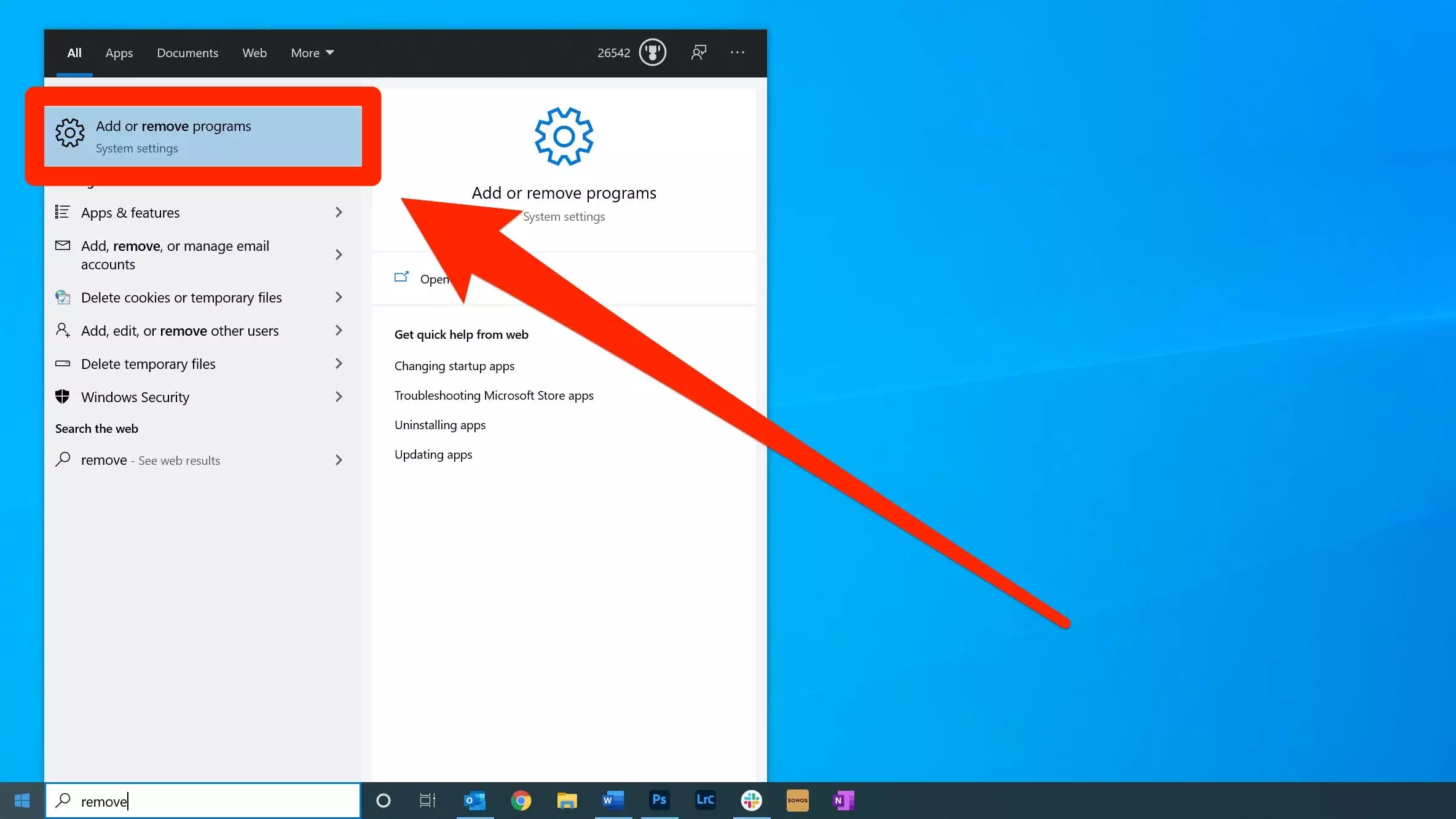
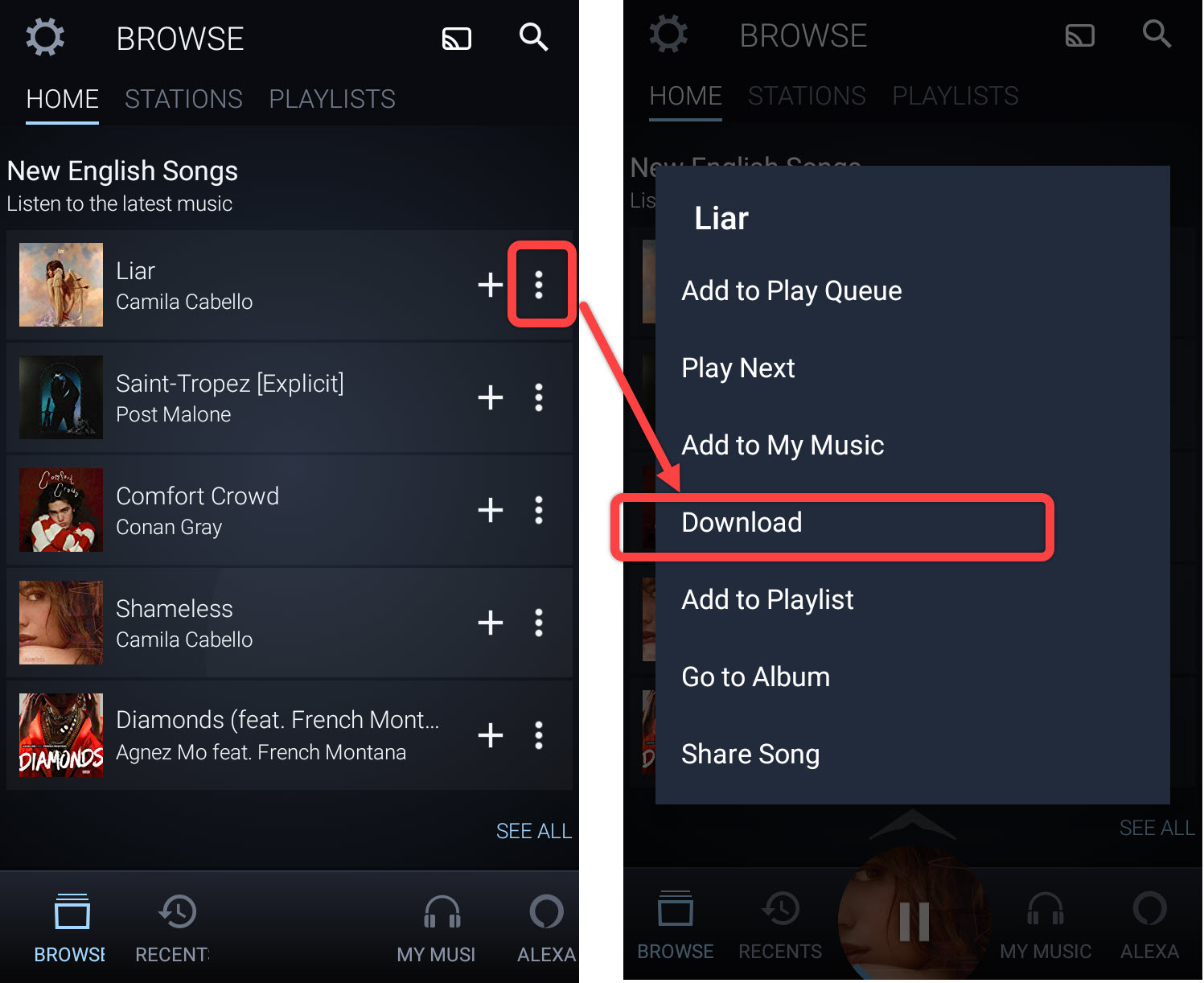
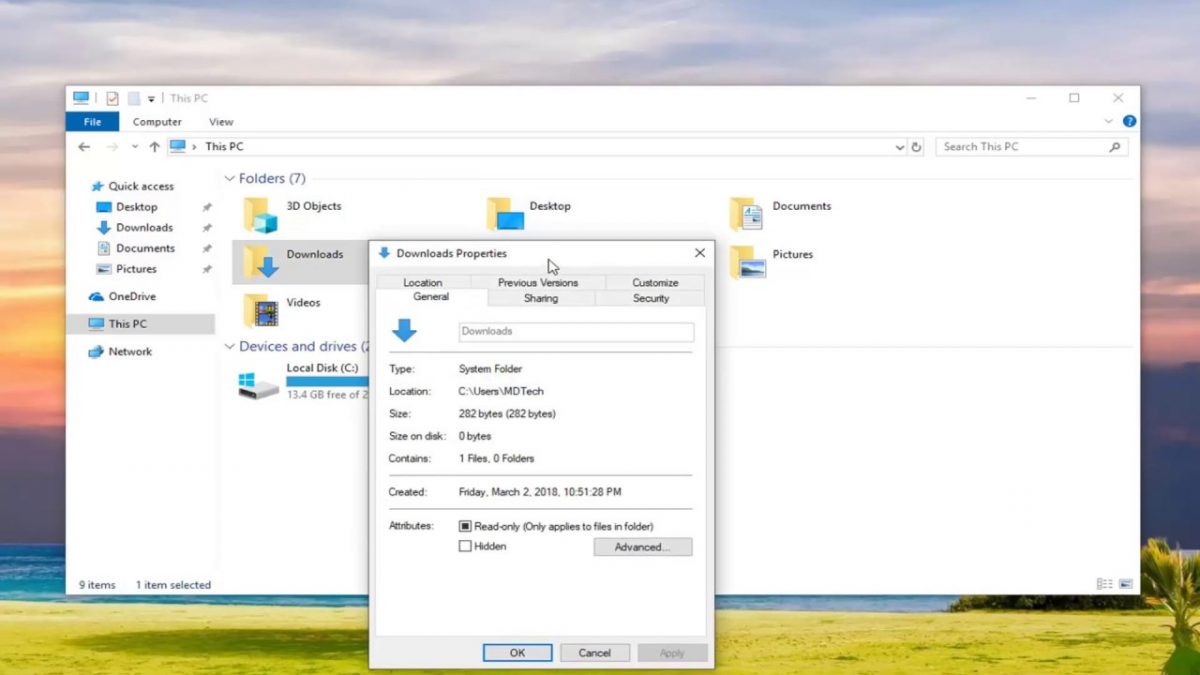
The pieces here fall into two broad themes. The first is reclaiming space by clearing out specific types of files. For example, one guide walks through emptying your Downloads folder without accidentally removing something important, while another explains how to delete purchased or downloaded songs from Amazon Music on various devices. A third article covers removing games from a PC, which is often the biggest space hog on a computer. The second theme is understanding capacity before you commit to something. You can read about how much free storage a Firestick actually reserves for sideloaded apps, what Roblox needs on a tablet, and how much space you should budget to screen-record a movie on your phone. These are planning tools, not just cleanup chores.
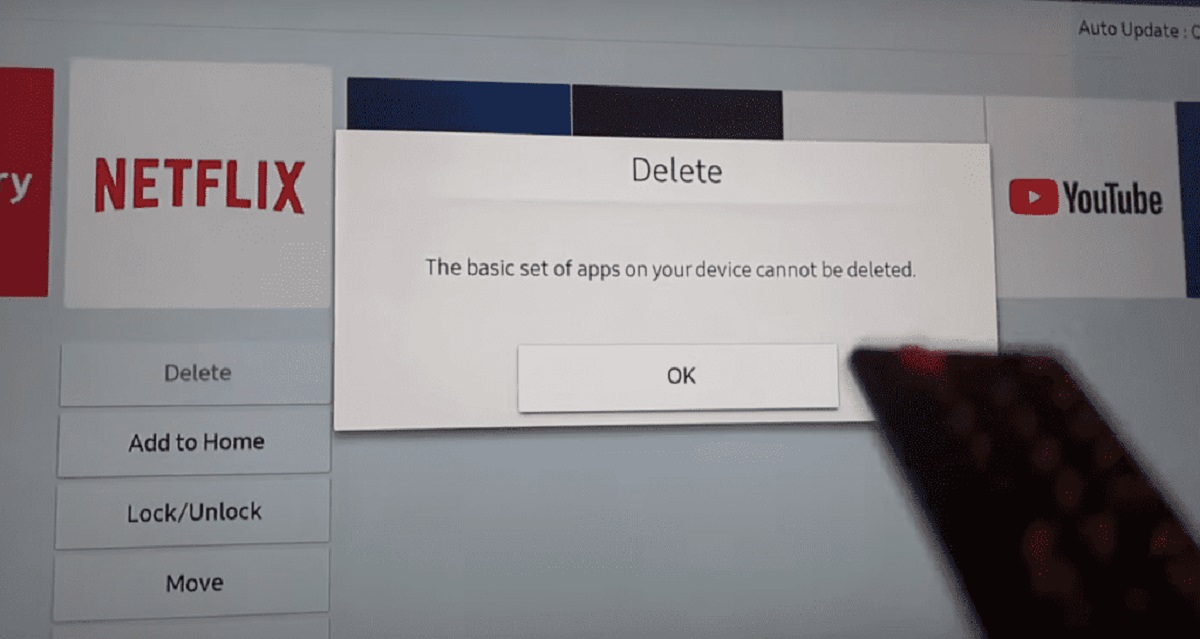
Some of these articles also touch on the legal and safe side of deletion. The guide to uninstalling YouTube TV on a Samsung Smart TV, for instance, is about properly removing an app you no longer use, not about circumventing any service. Likewise, the Firestick storage piece clarifies what is realistically available for legitimate sideloading, and the screen-recording article helps you estimate storage so you do not run out mid-capture. In all cases, the goal is straightforward: help you manage your own device’s space, legally and safely, without guesswork.