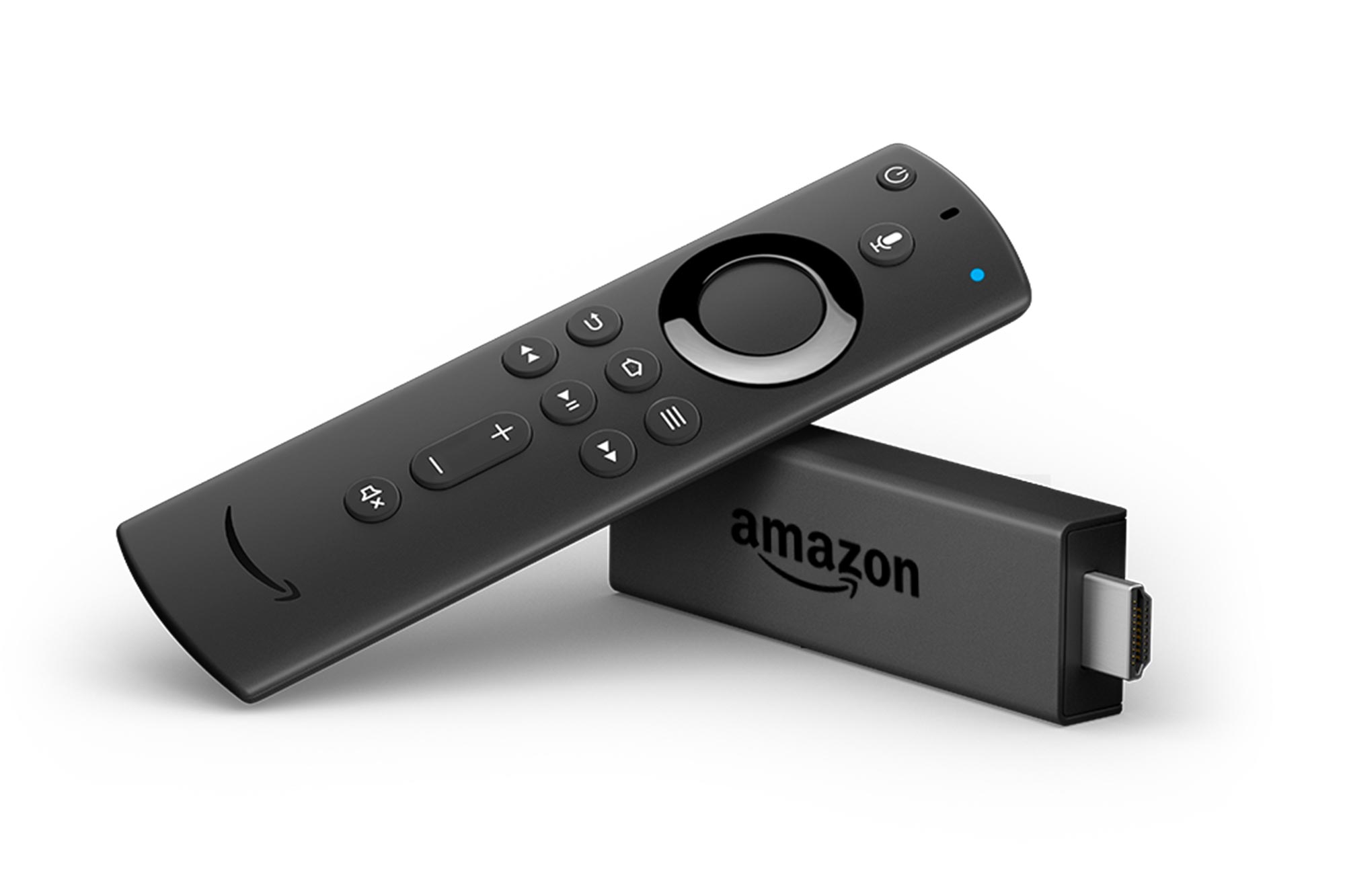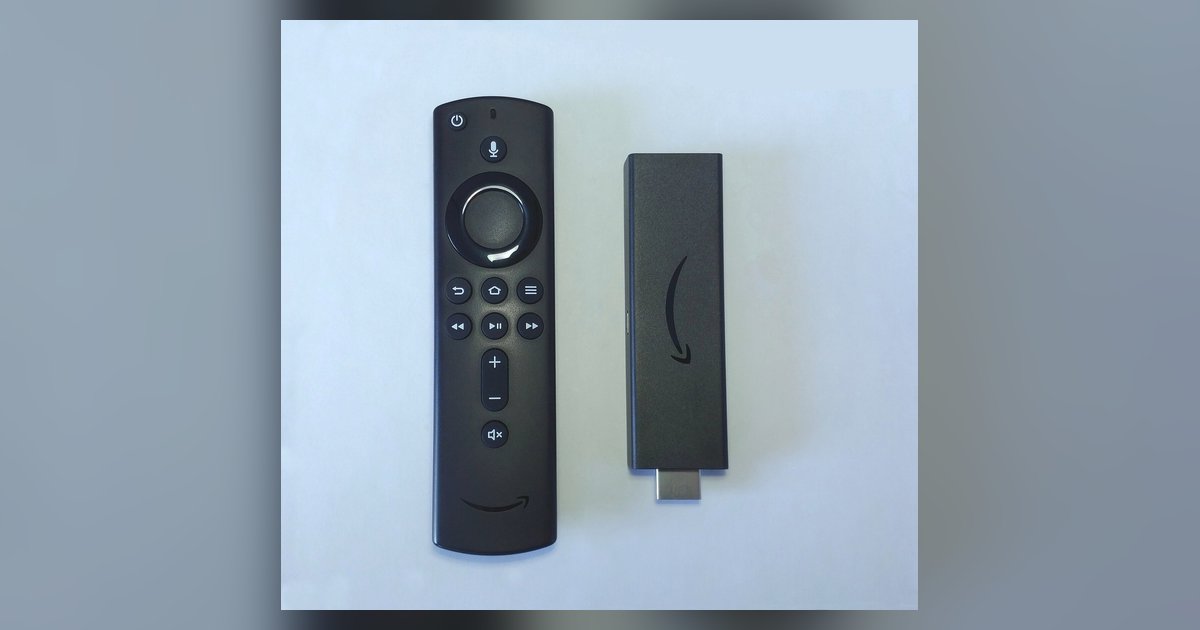
Actual Firestick free space for sideloaded apps is roughly 4.5GB to 5.5GB, despite the device having 8GB of total internal storage. After the Fire OS system files take their cut, that is all the usable room you get, which is why hitting “insufficient storage” after installing Downloader and a few IPTV apps is not your imagination, the advertised capacity is already halved before you add a single sideloaded APK. If you are just setting up a Firestick, clearing this space early helps you avoid error messages later, and keeping your storage lean can also fix buffering or constant lag on a sideloaded Firestick app.
Why your 8GB Firestick free space shows much less available storage
Fire OS, Amazon’s custom Android fork, reserves a significant portion of storage for the operating system itself, including core services, the launcher, and system partitions. Pre-installed bloatware also consumes additional storage space. This includes Amazon Prime Video, Music, Photos, the Appstore, Alexa, and several background services. The remaining 4.5GB to 5.5GB is what you see as "Available" under Settings > My Fire TV > About > Storage. Do not waste time clearing Amazon app data to recover system partition space. It is permanently locked.
The real free space on different Firestick models
The Firestick Lite and standard 3rd Gen (non-4K) both ship with 8GB of total storage, but the exact free space available for sideloading varies depending on system updates and pre-installed content. The 4K Max, however, doubles the hardware to 16GB, leaving you with significantly more free space after OS and bloatware compared to 8GB models. Buy the 4K Max if you plan to sideload heavily. The extra 8GB is the only meaningful headroom for serious sideloaded libraries. Before you connect your Firestick to a laptop with HDMI for a fresh setup, check your model first. If you own a Lite, skip the laptop transfer and upgrade the hardware instead.
What actually eats your storage after sideloading starts
Once you allow Firestick to download from unknown sources and begin sideloading, hidden storage killers emerge. App caches, especially from streaming apps and IPTV services, can swell to hundreds of megabytes per app. Kodi’s thumbnail cache and its textures13.db database file can grow significantly after scraping a full media library. IPTV Electronic Program Guide (EPG) data, often downloaded daily, can add significant storage usage. Meanwhile, leftover APK files in the Downloader folder accumulate silently. Open Downloader’s file manager now and manually delete every old APK. Then go to the Firestick’s manage installed applications menu and clear the cache for every streaming app you use daily.
When the answer is effectively zero
Heavy Kodi builds like Titanium or Maven, large game ROMs from retro emulators, or three IPTV apps each with fat EPGs can push the Firestick’s free space to effectively zero. At that point, even ruthless cache clearing fails because the system refuses to install or update any app. You must now offload data to a USB drive via an OTG cable or upgrade to a 4K Max or an external Android box. A Firestick on a smart TV is a streaming dongle, not a storage server, and its 8GB limit is a hard wall. No amount of jailbreak tricks will turn it into a 64GB device. This is the single truth no competitor will state plainly: you cannot software-hack your way past a physical storage ceiling. Stop trying to clear space and buy external storage or a new device immediately.