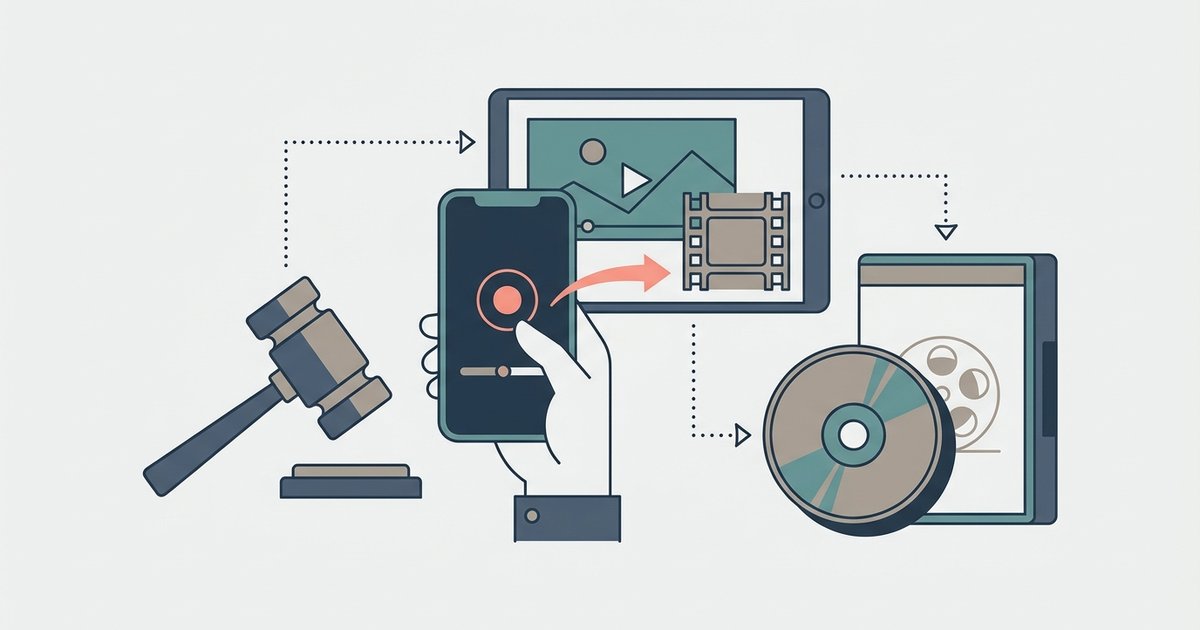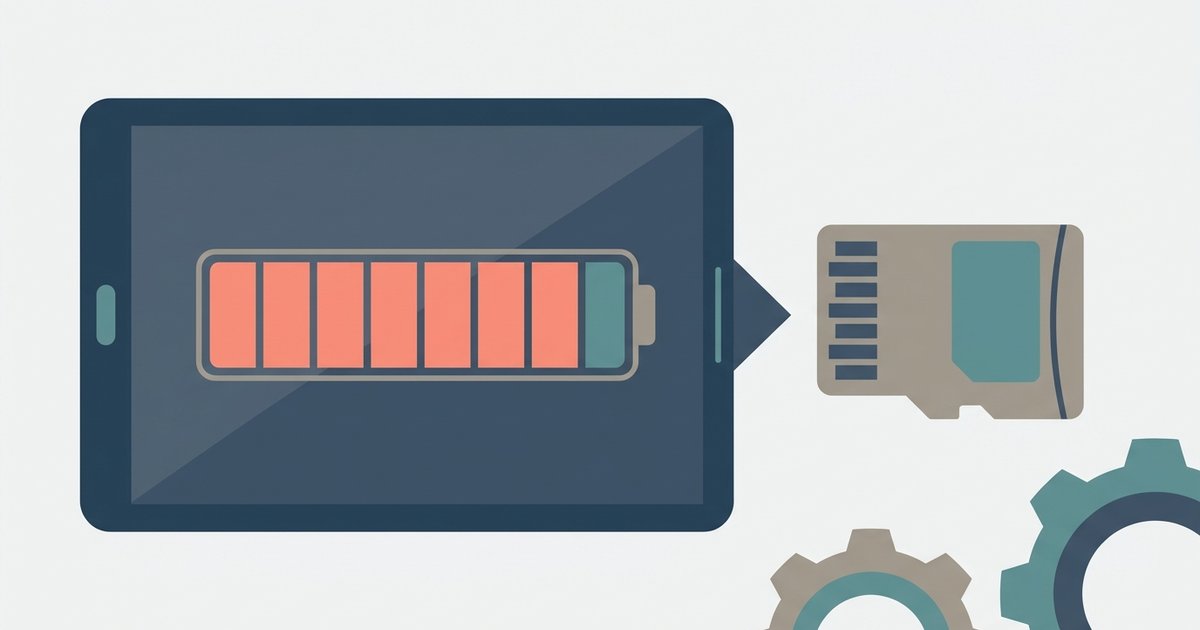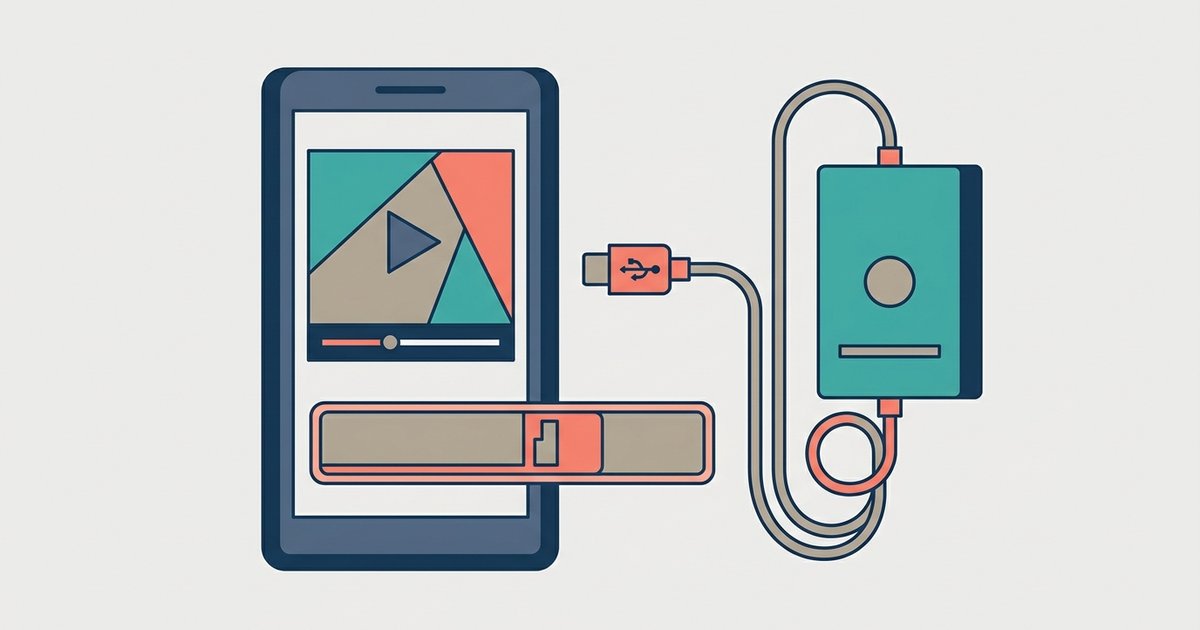
Screen recording a 2-hour movie at high resolution can easily consume 20-40GB of storage, far more than a direct download. The exact amount depends entirely on your recording resolution, frame rate, and bitrate, not just the movie's length.
Why screen record movie files are much larger than downloads
A movie you download from a streaming service, like a 4-6GB file from Netflix or Disney+, is highly compressed using codecs like H.265 or AV1. These codecs discard visual data your eyes barely notice. A screen capture, however, records every pixel your phone displays in real-time. It often uses a less efficient codec like H.264 at a high bitrate to avoid lag. Even if you capture a movie that’s already compressed, your phone re-encodes the entire stream without the original compression optimizations. That’s why a 2-hour film that you’d download from Disney+ as a 5GB file can balloon to 30GB as a screen capture. You’re essentially creating a raw, lossy copy of the playback, not a polished download.
The simple math to calculate your exact file size
To estimate your screen capture size, use the formula: bitrate (in Mbps) × duration (in seconds) ÷ 8 = file size in MB. Most phones default to bitrates like 10 Mbps for 1080p at 30 fps, 20 Mbps for 1080p at 60 fps, or 50 Mbps for 4K at 30 fps. For a 90-minute movie (5,400 seconds):
- 720p at 8 Mbps: ~5.4 GB
- 1080p at 10 Mbps: ~6.75 GB
- 1080p at 20 Mbps: ~13.5 GB
- 4K at 50 Mbps: ~33.75 GB
For a 2-hour movie (7,200 seconds), double those figures. 720p is ~7.2 GB. 1080p at 10 Mbps is ~9 GB. 1080p at 20 Mbps is ~18 GB. 4K is ~45 GB. Check your phone’s screen capture settings to see your actual bitrate. These settings are often in the screen recorder's options or your phone's system settings. Many phones let you choose between “high quality” (higher bitrate) and “efficient” (lower bitrate, but still larger than a download). If you’ve ever wondered why you can’t download Netflix content for offline use, the answer is often licensing, not storage. A screen capture bypasses that limit at the cost of massive space, but if you want a simpler way to watch offline, you can install it on your phone for direct downloads that use far less storage.
When your phone will just stop capturing
If your phone runs out of free storage mid-capture, the screen capture app will stop abruptly. On many devices, it will discard the entire file, leaving you with nothing. On some older Android phones using FAT32 storage, there may be a 4GB file size limit for individual files. A 2-hour 4K capture that exceeds 4GB will simply fail to save past that point, corrupting the clip. Some devices may split large captures into segments to avoid file size limits. You’ll still lose the last part if space runs out. To avoid this, ensure you have at least 1.5 times the estimated file size free before starting. If you want to save space, consider downloading the movie legally instead. For example, you can download Amazon Prime movies to a USB flash drive via a computer. This uses far less storage than a screen capture, and you can also explore screen recording Tubi movies legally as a compliant alternative that respects the platform's terms. Always test a short 5-minute clip first to confirm your settings and free space.
A screen recording re-encodes an already-compressed stream into a bloated, real-time copy, consuming up to ten times the storage of a direct, legally-licensed download; for a more efficient approach, explore how to download on Tubi to understand the broader topic of saving movies directly to your device.