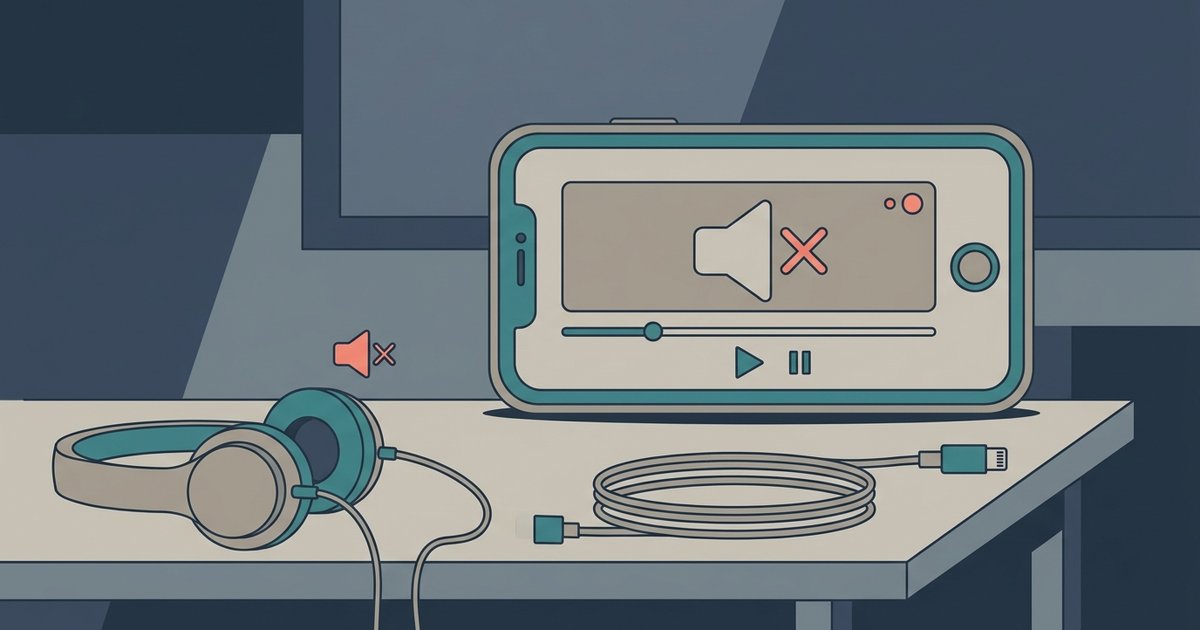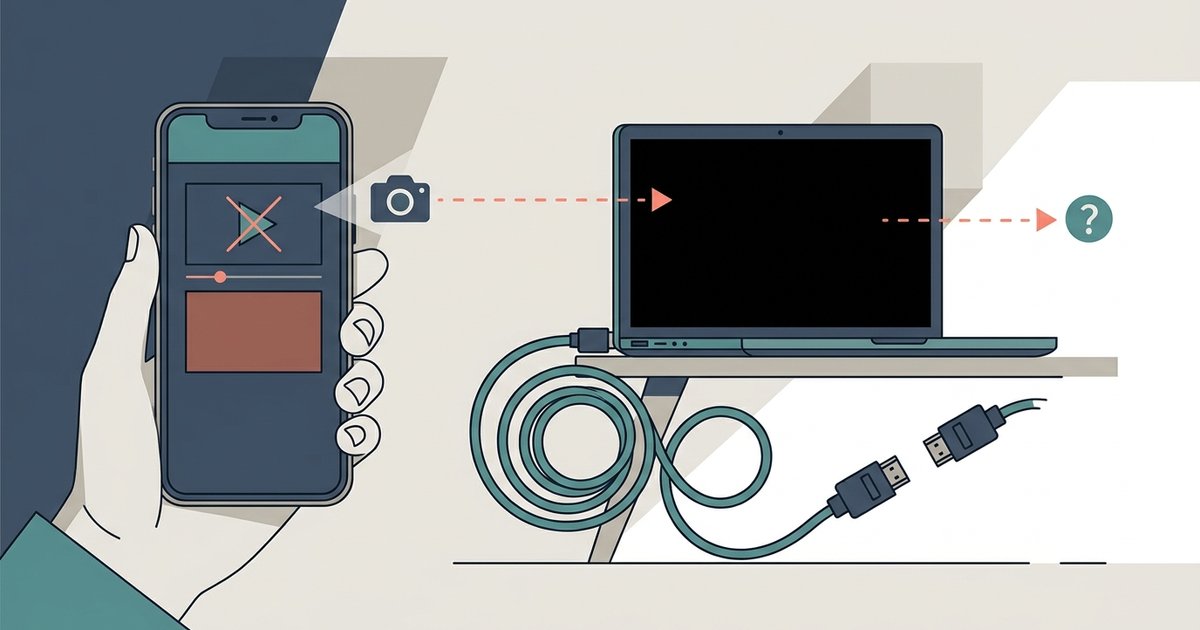
If your Tubi screen recording is a black screen, the app's digital rights management (DRM) protection, called Widevine or FairPlay, is intentionally blocking the video layer while allowing audio to pass through. No setting can toggle this block. It is a legal requirement from the content studios. If you see a black screen, your device’s screen recorder is working exactly as Tubi’s security system demands.
The Tubi screen recording black screen is working as intended
Widevine and FairPlay are hardware-level DRM systems that encrypt the video stream directly on your device’s graphics chip. When you start a screen recording, the operating system sends a signal to the video decoder. The DRM module responds by blanking the video layer, leaving only the audio track intact. This is not a glitch or a bug. It is a studio mandate from content licensors like Disney, Warner Bros., and Paramount. The black screen proves that Tubi’s protection is functioning correctly. On an Android phone running Widevine L1, the screen recorder captures a black rectangle even though the video plays perfectly on the display. On an iPhone, FairPlay enforces the same block, making it impossible for any native recorder to grab the video frames.
Why disabling hardware acceleration does not fix it
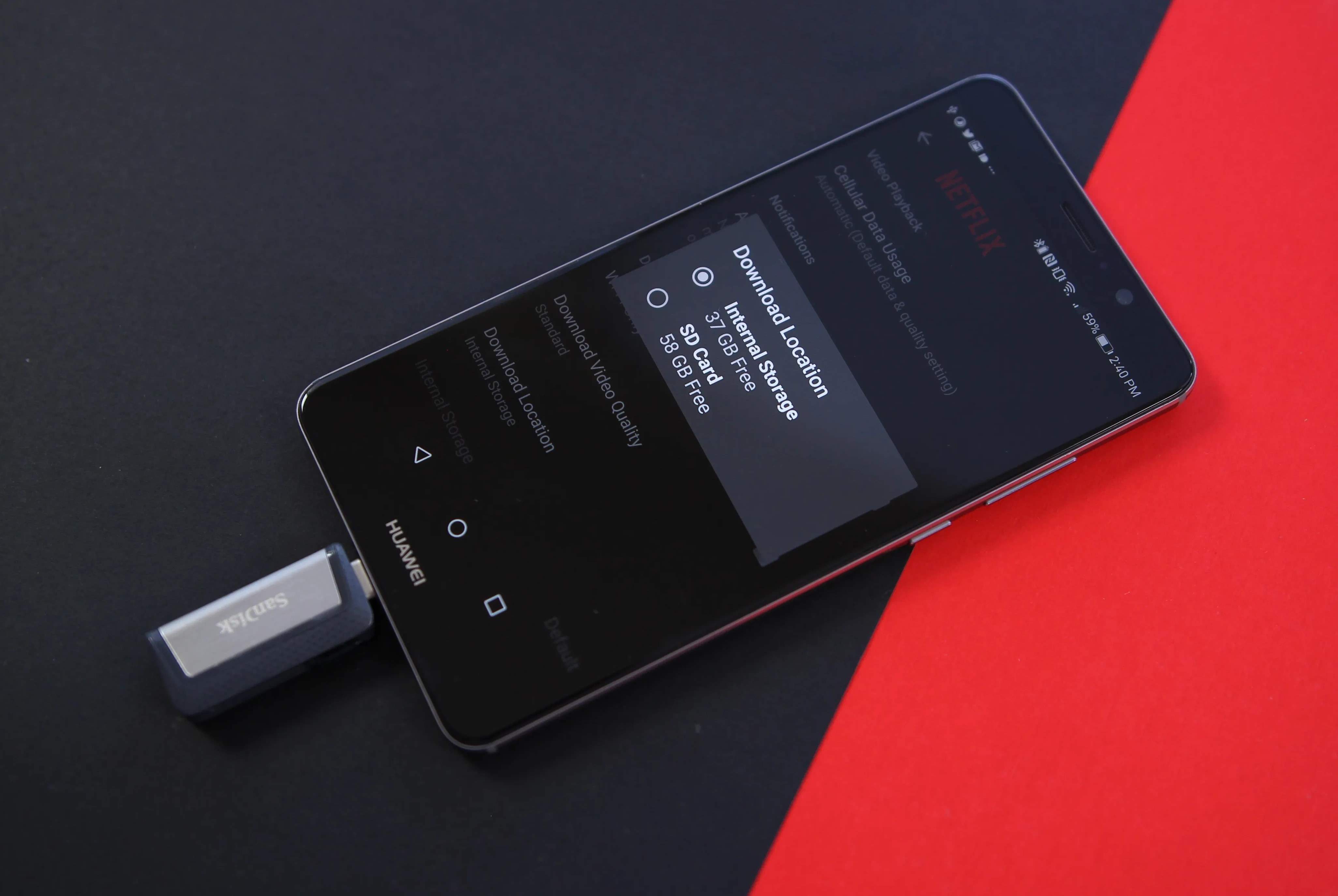
Turning off browser hardware acceleration does not bypass the recording block. This trick worked years ago on older DRM systems that relied on software rendering, but Tubi uses hardware-level encryption that makes that approach obsolete. When you disable hardware acceleration in Chrome or Edge, the browser can no longer decode the DRM-protected video stream. Tubi refuses to play the movie at all. Instead of a black screen, you get an error message like “This video is not available” or a frozen spinner. The only outcome is a broken playback experience, not a recordable one. Even switching to a different browser like Firefox with DRM disabled causes Tubi to block the stream entirely. Before attempting any workaround, understand the legal risks of screen recording Tubi movies legally, as circumventing DRM can violate copyright law. The correct way to view Tubi content offline is to use the official download on Tubi feature. Open the mobile app and tap the download button on any supported title. That feature is the only legal way to save movies, and it stores files inside the app’s encrypted container, not your camera roll. If you manage to capture video but end up with silent footage, the same DRM restrictions often cause Tubi screen recordings with no sound.
What happens if you try third-party recording tools
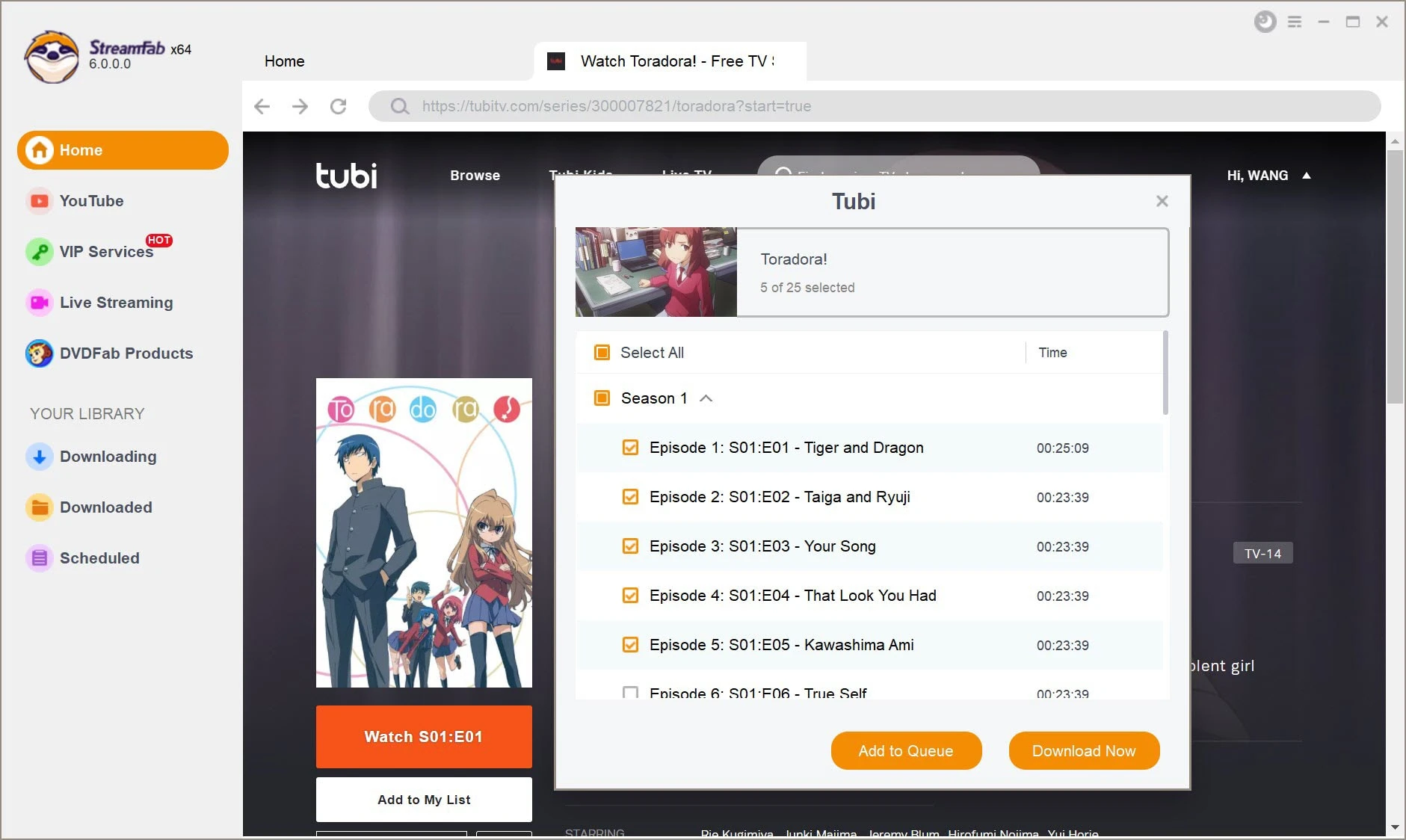
Third-party screen recorders, virtual machines, and capture cards all hit the same wall. Tools like OBS Studio, AZ Screen Recorder, and HDMI capture devices record a black video because the DRM protection operates at a lower level than any software can intercept. On a virtual machine, Tubi detects the non-standard graphics driver and refuses to play any video. You will see a “Playback error” screen instead of a black one. Do not attempt to decrypt the stream or modify the DRM handshake. Tubi’s terms of service explicitly prohibit circumvention, and your account may be banned or permanently locked. Tubi’s security team monitors for unusual playback patterns, such as repeated attempts to record the same title. To legally access offline content, follow the instructions to download from Tubi TV and use only the app’s download feature. To watch on a bigger screen without recording, follow the steps to get Tubi on your smart TV to install the app directly on Roku, Fire TV, or Samsung Smart TVs. For mobile users, the steps to download movies on the Tubi app detail exactly how to find the download icon on supported movies. None of these methods involve screen recording, because that option is permanently blocked by design.
Tubi is the only free streaming service that offers legal offline downloads on select titles without a paid subscription, a feature its ad-supported competitors do not match. For a complete guide on how to download on Tubi, including which titles are eligible and the steps to save them for offline viewing, refer to our broader topic on How To Download On Tubi.