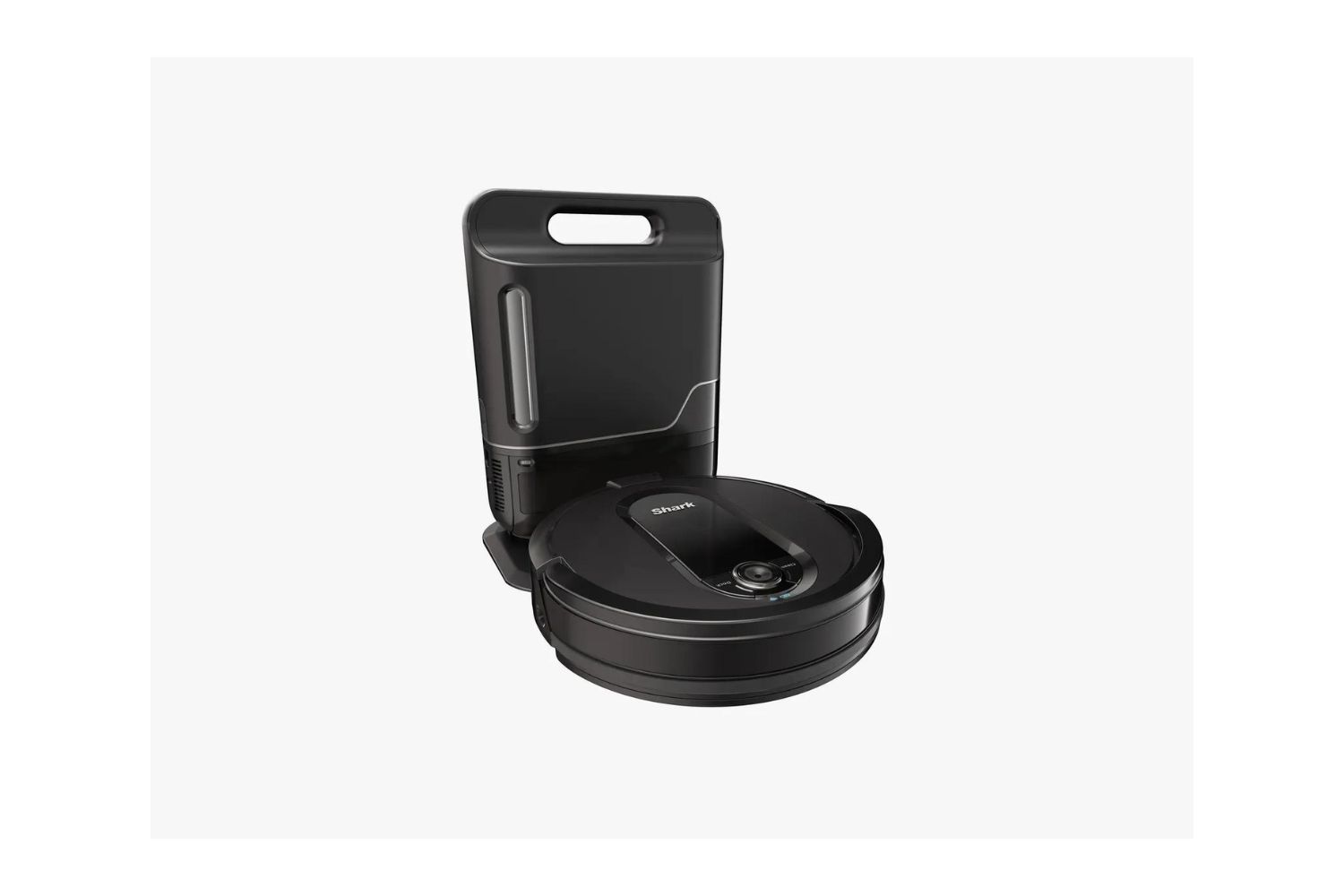
The typical shark robot vacuum charge time is 3 to 4 hours for most standard models. If you own a self-emptying model from the IQ, AI, or EZ series, or you are charging the vacuum for the first time, expect a full charge to take up to 6 hours.
Charging times by Shark model type
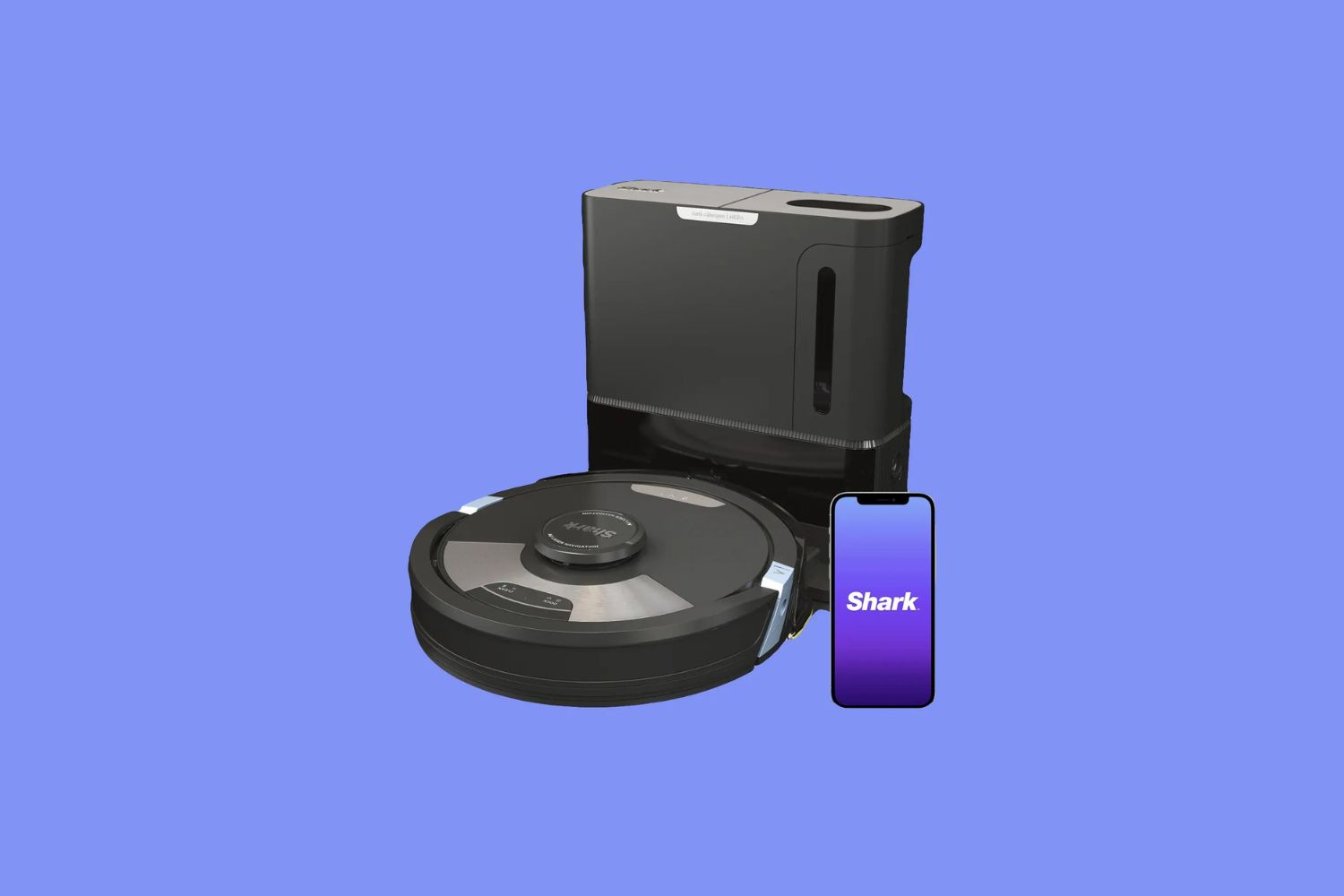
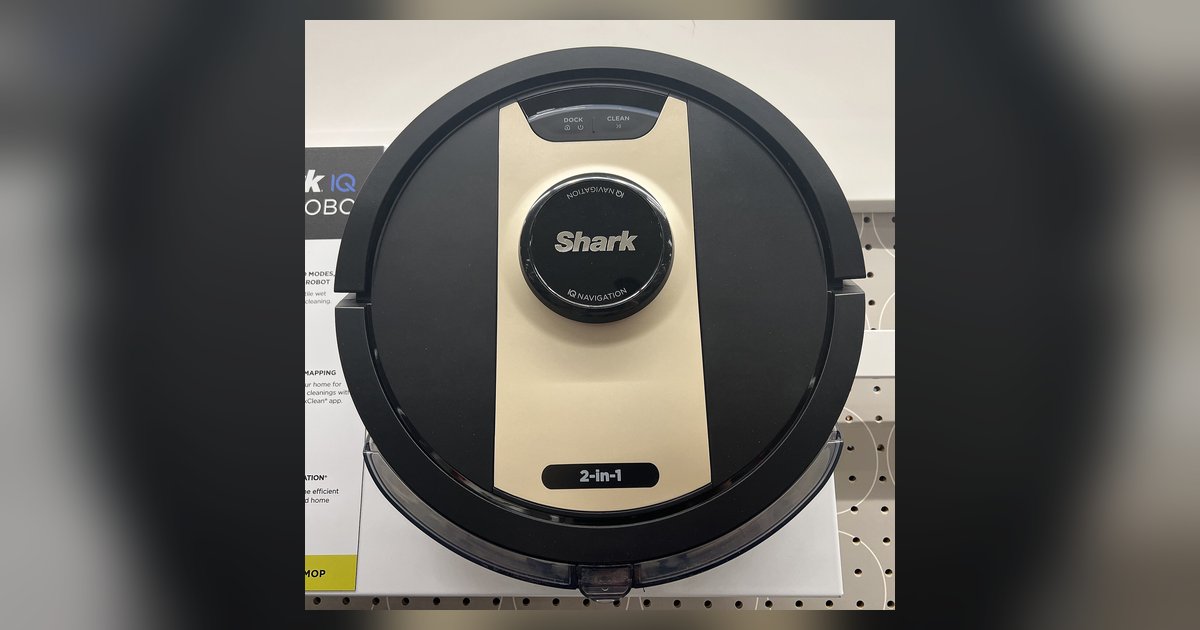
Shark robot vacuums fall into two charging categories. Standard models without a self-emptying base generally reach full power in 3 to 4 hours. Self-emptying models from the IQ, AI, and EZ series require up to 6 hours for a complete charge. Additionally, the initial charge for a new Shark robot vacuum, such as the EZ Robot or IQ Robot, also takes up to 6 hours. This longer first charge conditions the lithium-ion battery for optimal performance.
How the Shark robot vacuum charging process works
When the battery level drops low, the robot automatically navigates back to its charging dock using onboard sensors. Once docked, the charging contacts align and the battery begins replenishing. Most Shark models indicate charging is complete with steady blue lights on the dock or the robot. Many models also feature "Recharge and Resume," which allows the vacuum to return to its dock, recharge, and then continue cleaning where it left off, ensuring full coverage even after a low-battery interruption.
Factors that affect Shark robot vacuum charging speed
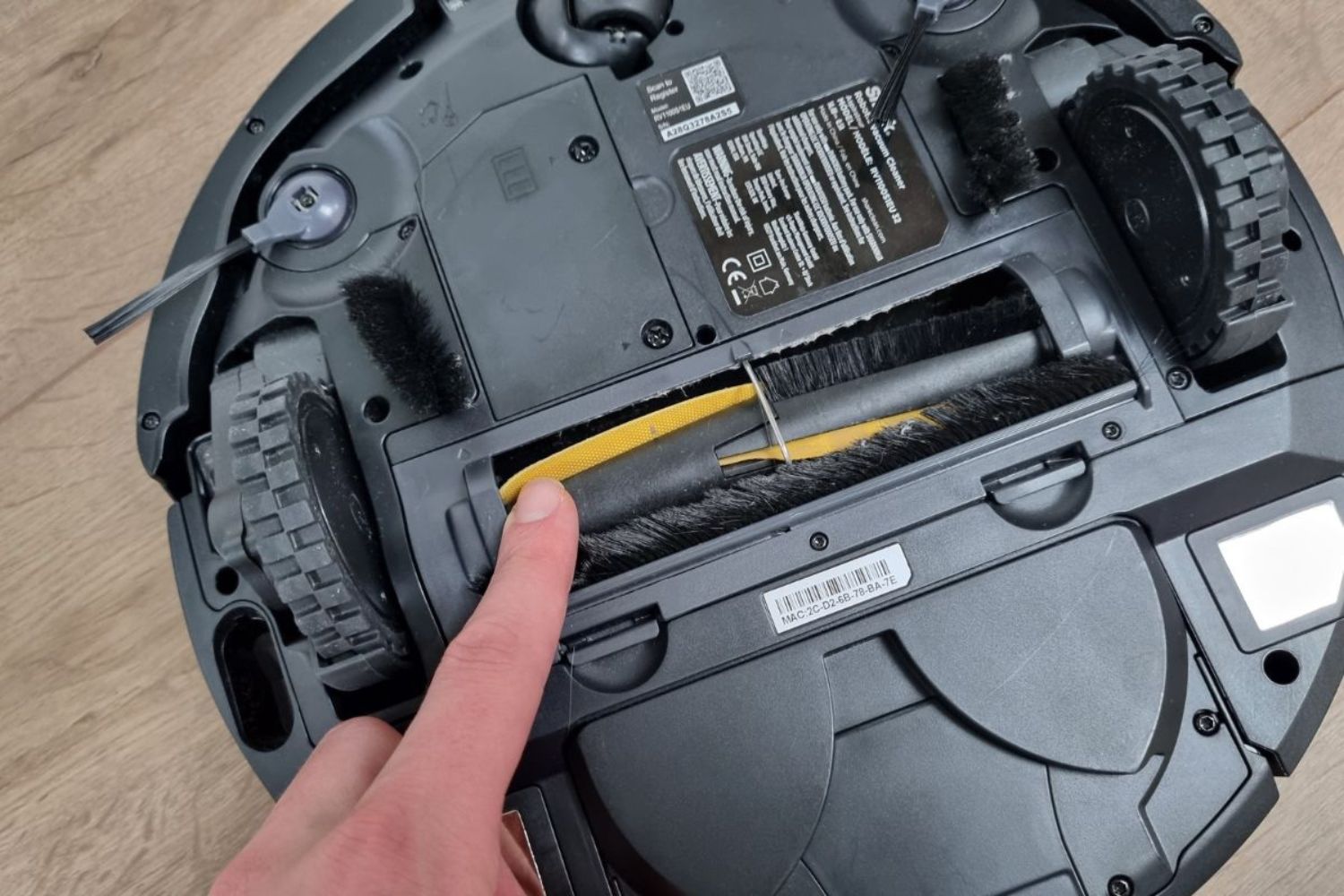
Several verified factors can influence how quickly your vacuum charges. Battery age plays a major role, older batteries charge more slowly. The quality of the connection between the robot and dock matters: dirty charging contacts or a dock that is not properly positioned can extend charging time. Shark robot vacuums use rechargeable lithium-ion batteries, which maintain steady performance but degrade over time. For best results, ensure the dock is placed against a wall with clear access and that the charging contacts on both the robot and dock are clean.
What to check if your Shark robot vacuum won't charge
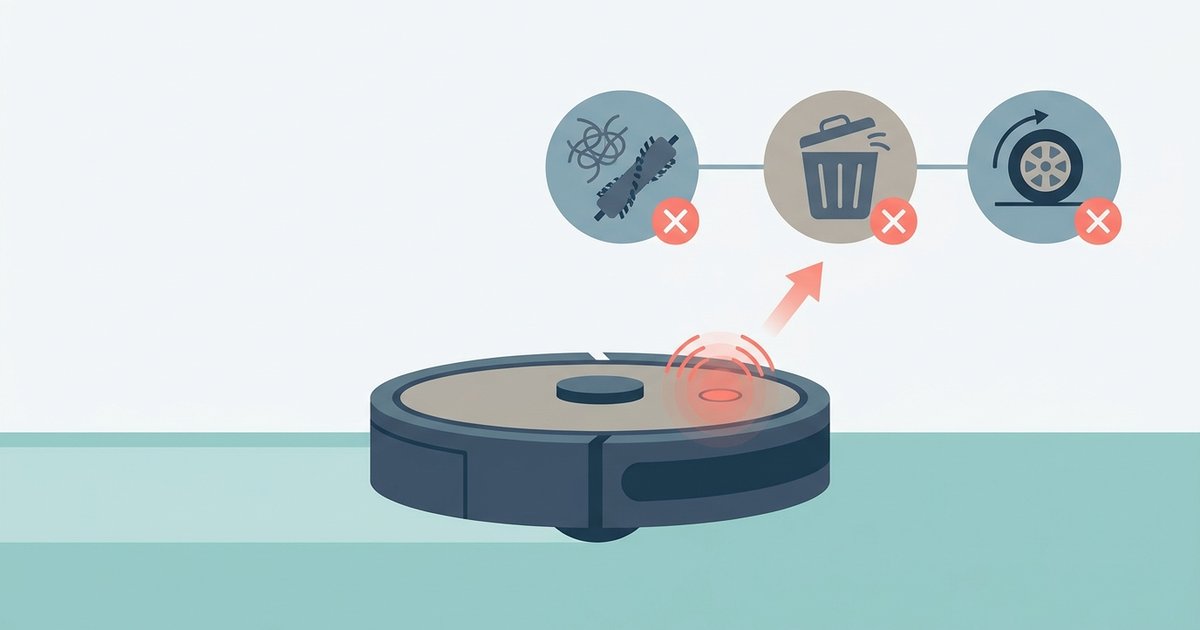
If your vacuum is not charging, start with these simple checks. First, verify the charging dock is securely plugged in and receiving power. Next, confirm the robot is properly seated on the dock, listen for the click that indicates contact. Inspect the charging contacts on both the robot and dock for dirt or debris; even a thin layer can block charging. If these steps do not resolve the issue, you may need to consult the manual or consider a battery replacement.
Tips for maintaining battery health and charge efficiency
To get the most from your battery, always allow a full charge before starting a complete cleaning cycle, this helps maintain battery health. Keep the charging contacts clean by wiping them occasionally with a dry cloth. Position the dock in a location with at least 3 feet of clearance on each side and in front, so the robot can dock easily. If you need to fix your Shark robot vacuum, start with these basic checks before assuming a larger problem. For long-term care, a Shark robot vacuum battery replacement guide can help you identify when the battery no longer holds a charge effectively. Regular maintenance also includes knowing how to clean the filter on your Shark robot vacuum, as a clogged filter can force the motor to work harder and drain the battery faster. When the battery no longer supports a full cleaning cycle even after a full charge, it may be time to replace it.