This tag collects practical guides for charging and power management across a wide range of consumer electronics, from gaming peripherals and smartwatches to drones, doorbells, and robot vacuums. It is written for everyday owners who want to keep their devices powered safely and efficiently, whether they are troubleshooting a slow charge, checking if a battery is full, or simply learning the basics of a new charger. The articles assume no prior technical knowledge and focus on clear, step-by-step instructions.
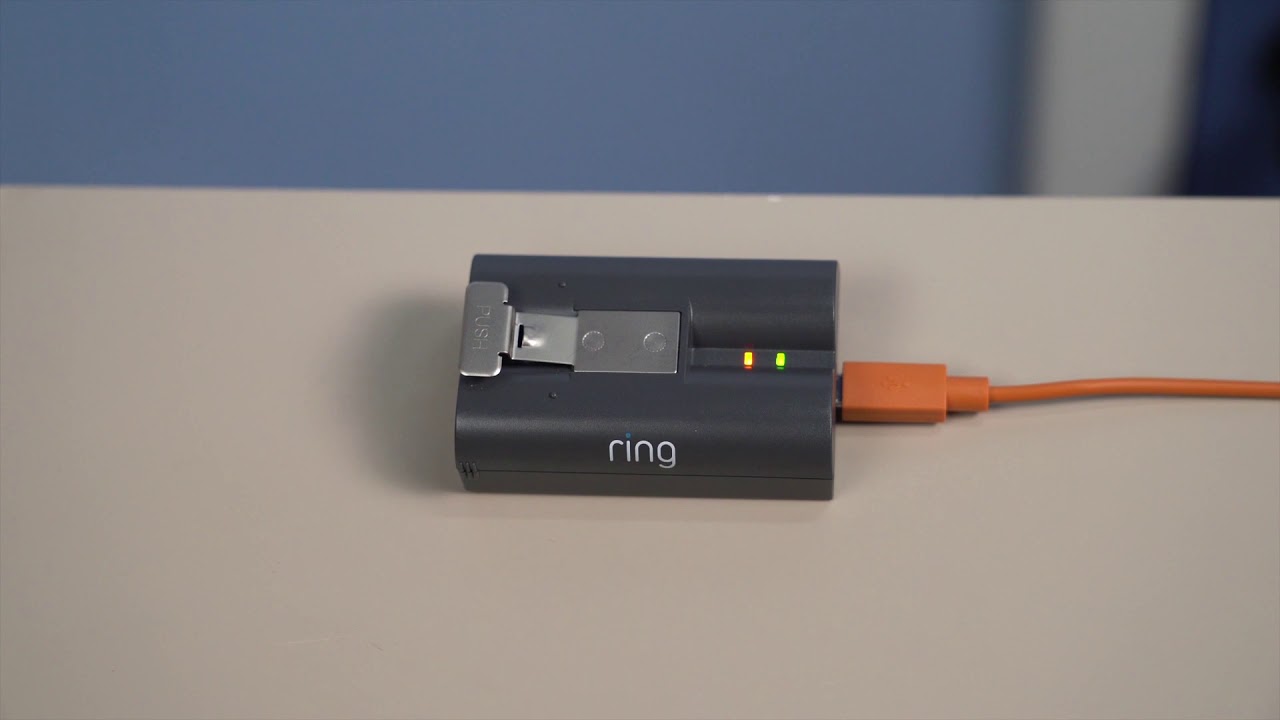
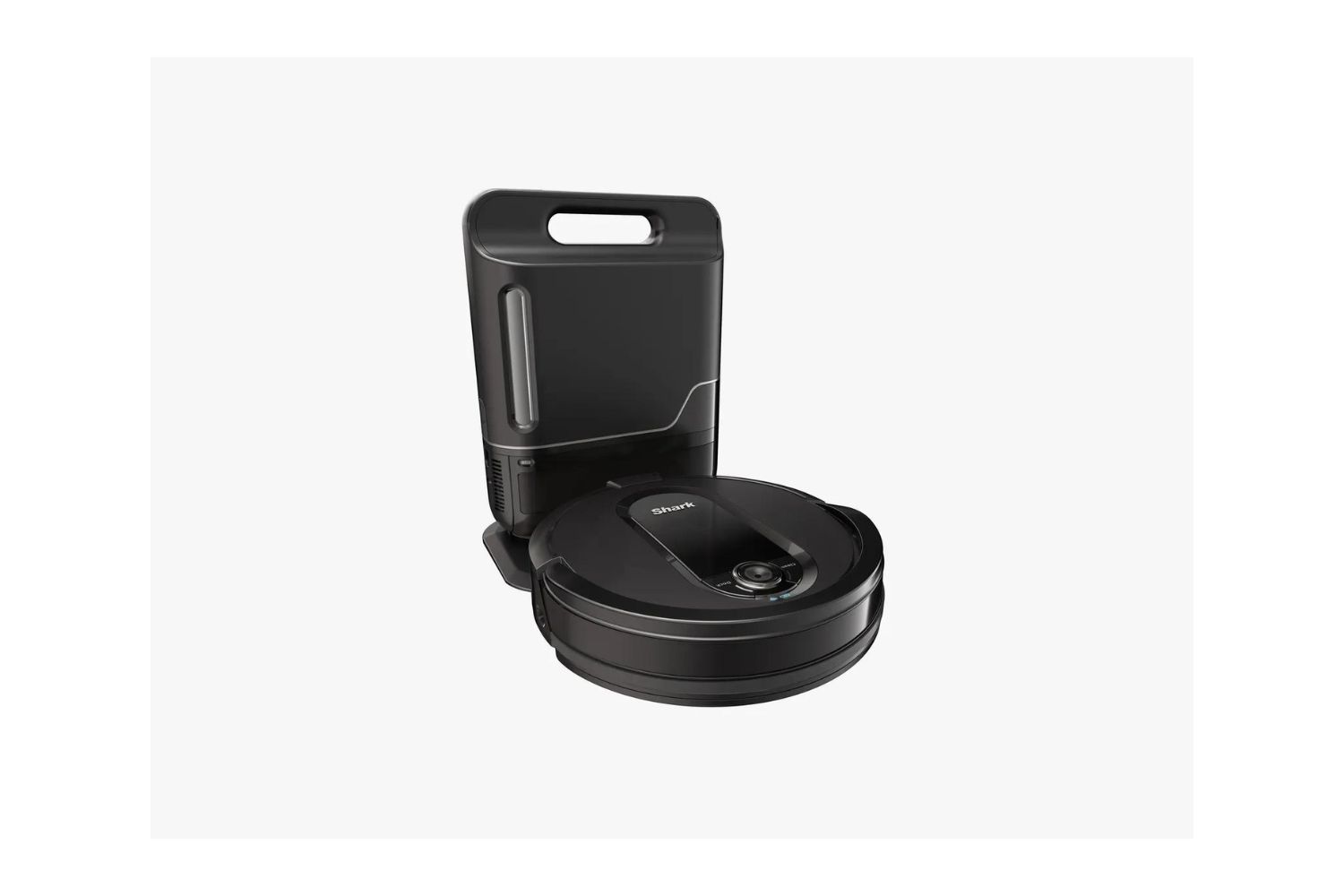
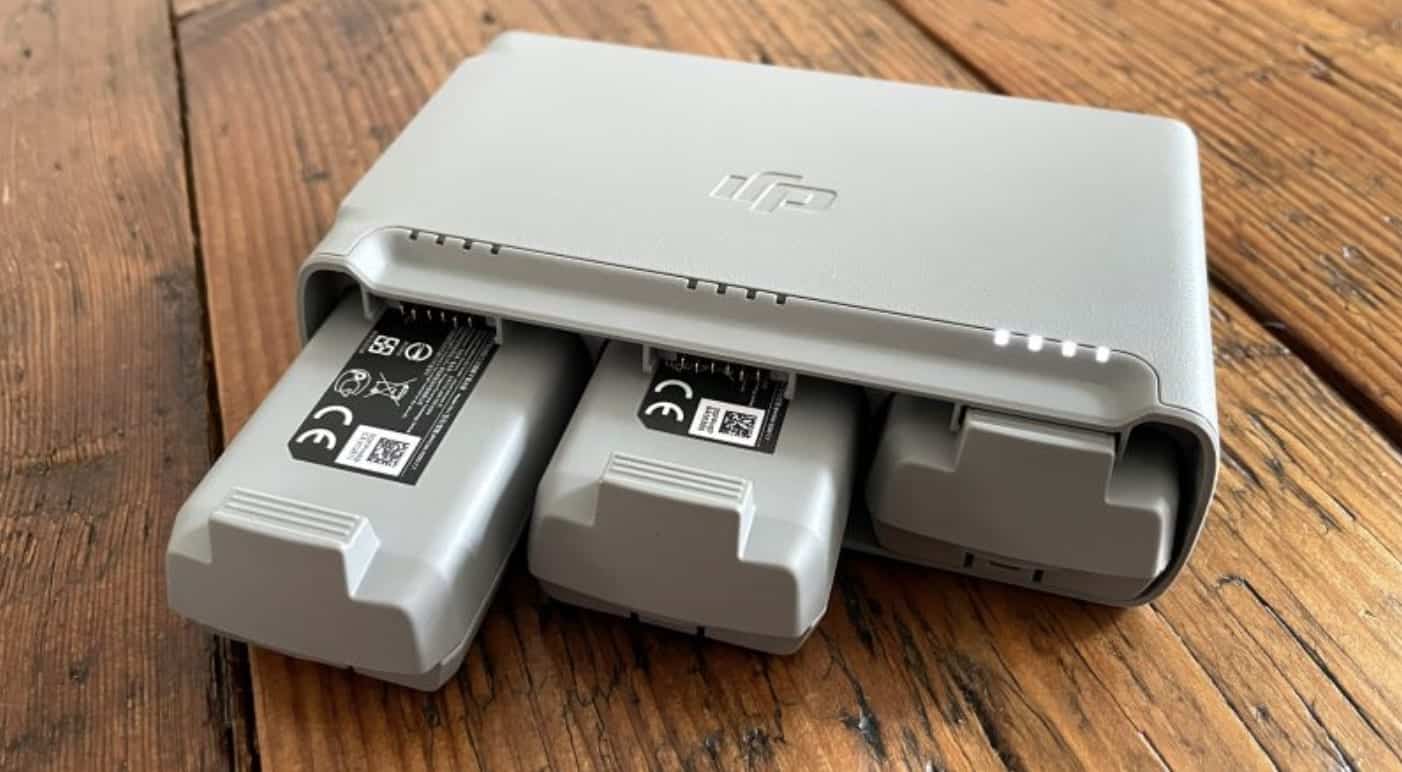
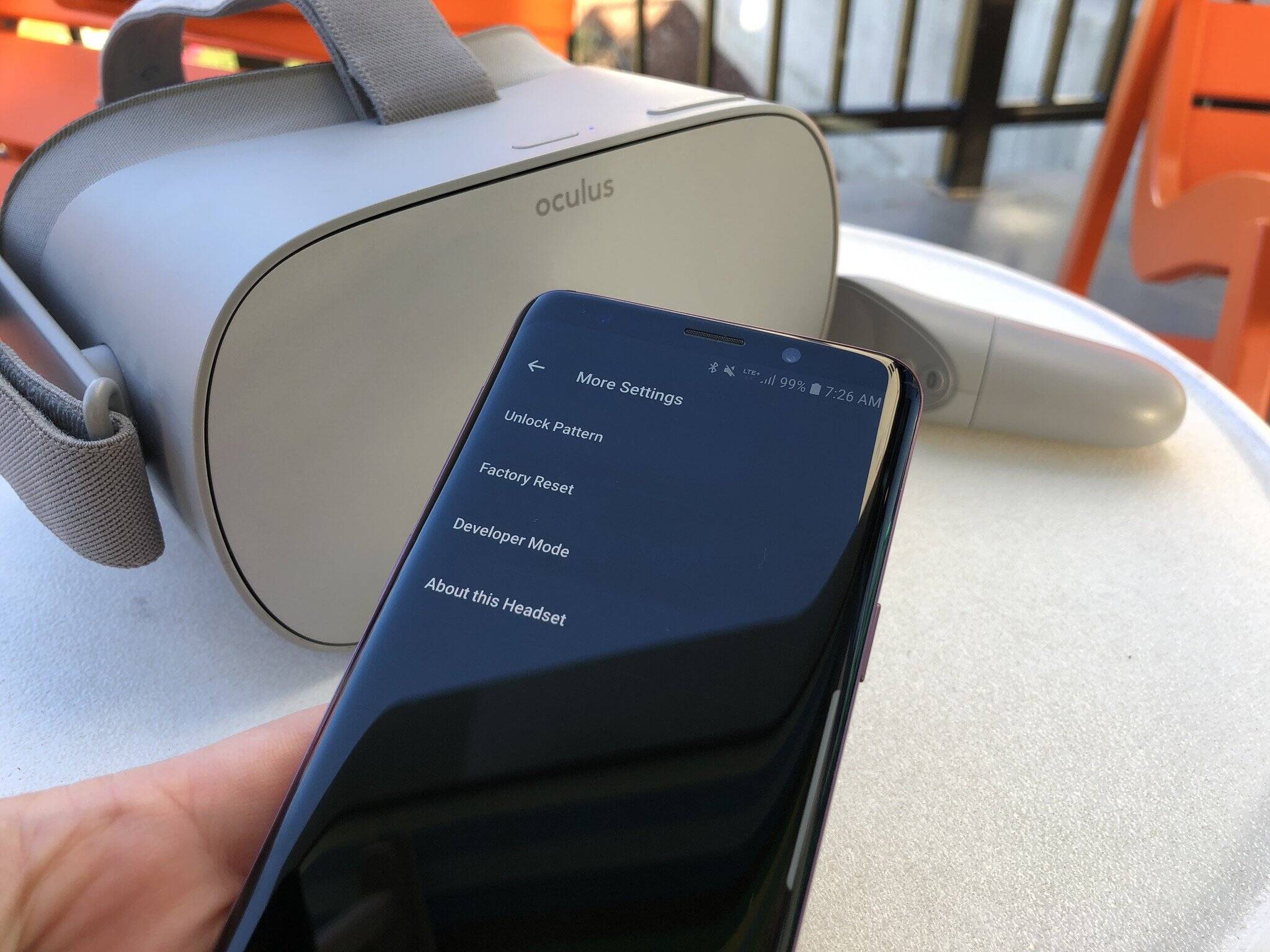
The content falls into two main themes. First, there are direct how-to guides that help you complete a specific task, such as charging a PlayStation controller, a Halo charger, or a VR headset, as well as understanding how long a Shark robot vacuum takes to charge. Second, there are diagnostic and indicator-focused articles that explain what a green light on an Anker power bank means, how to tell if a DJI Mini 2 is fully charged, or why a Ring Video Doorbell is not charging. These pieces help you read the signals your devices give you, so you know when to unplug, when to wait, and when something might be wrong.
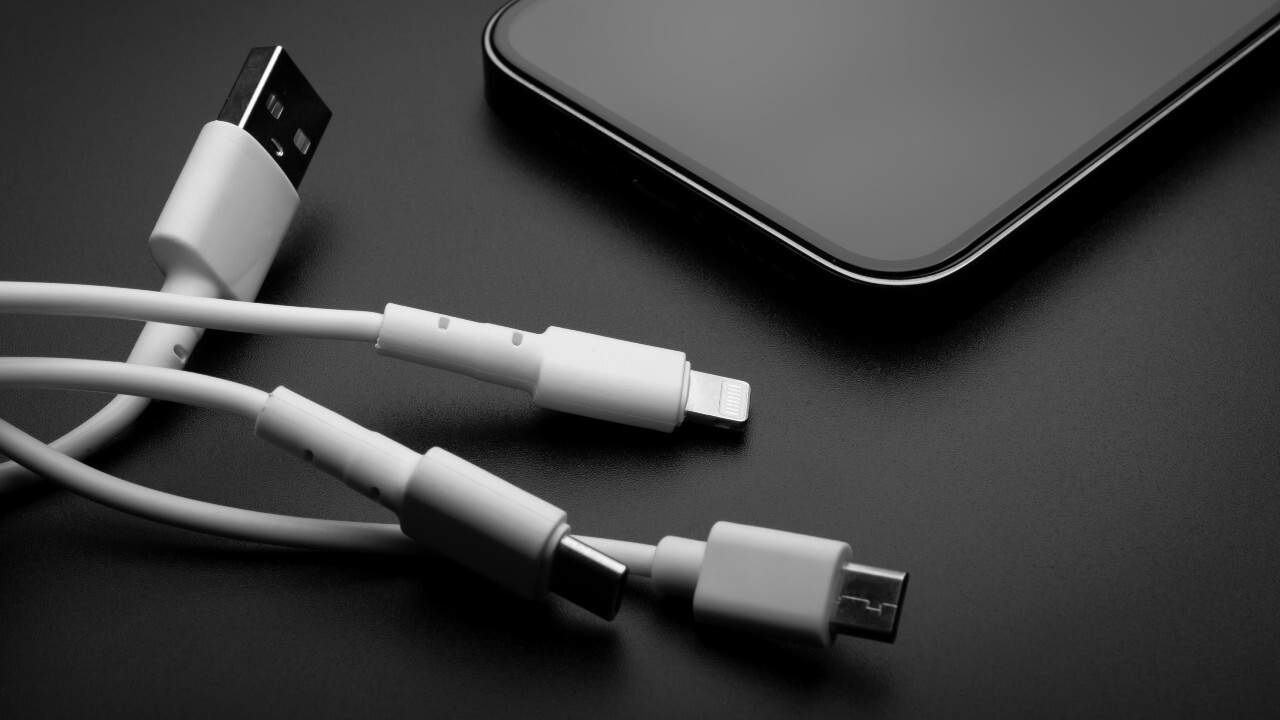
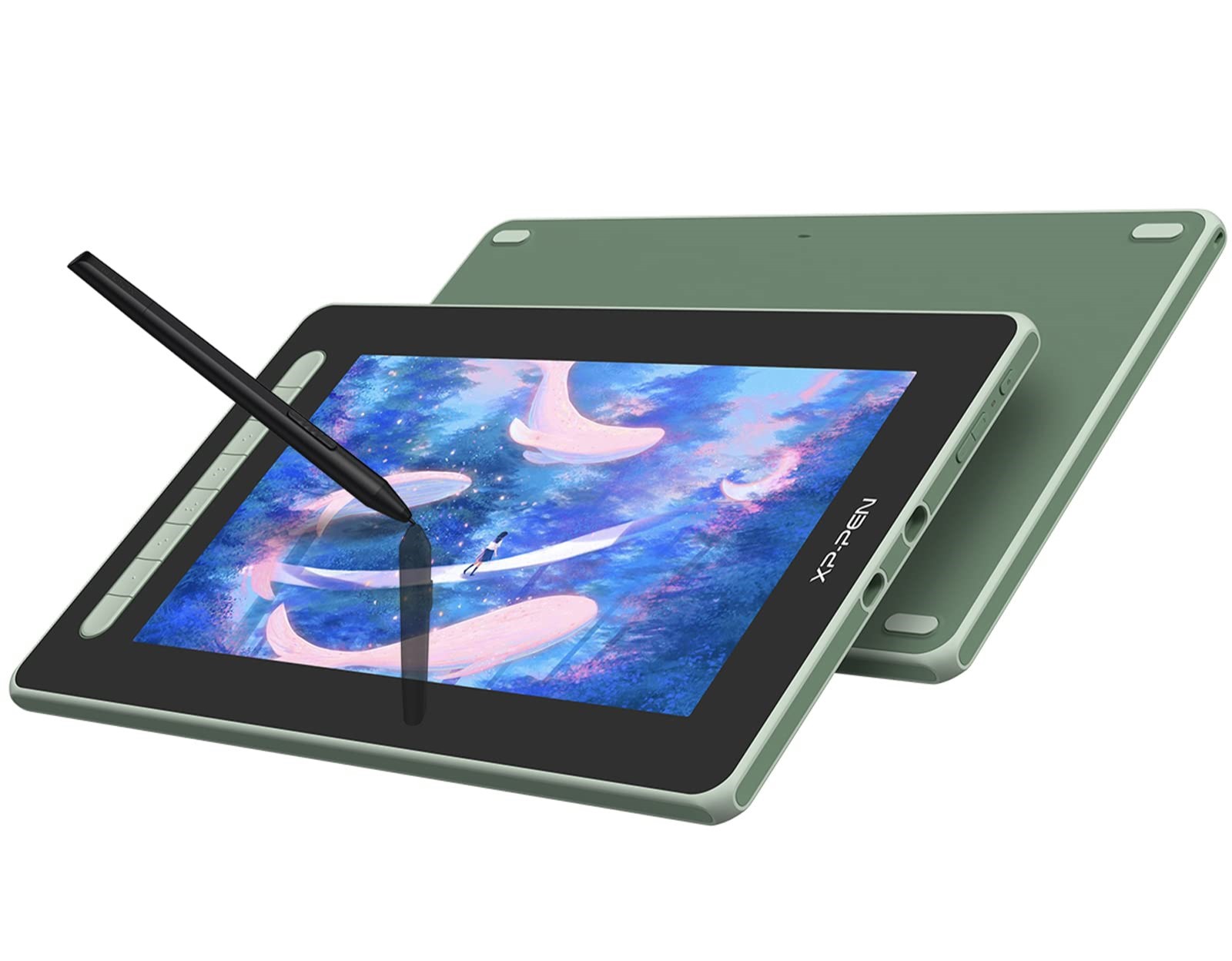
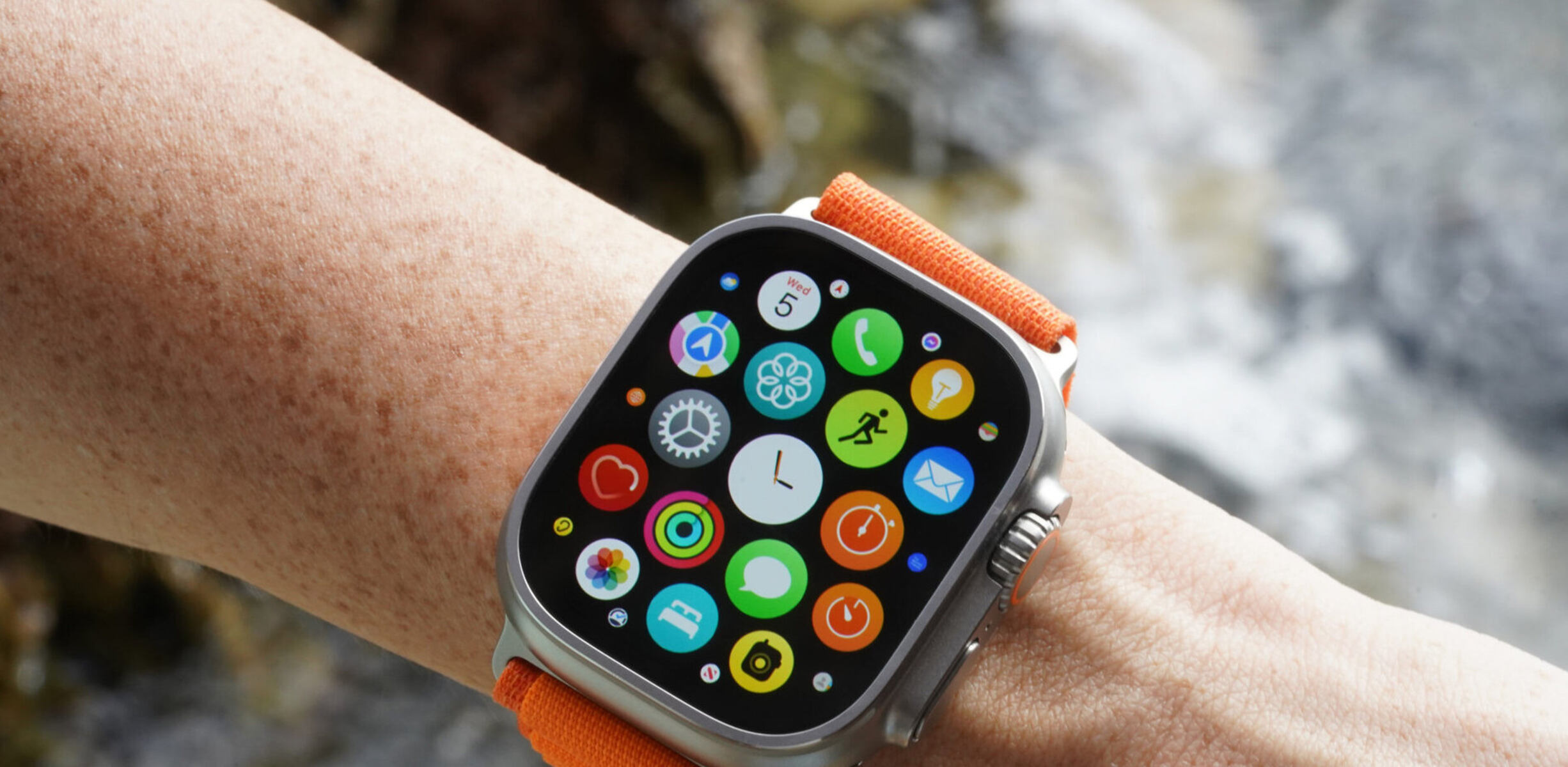
Several articles also cover the broader context of device care and alternative power methods, such as charging wireless earbuds without their case or fixing smartwatch charging issues. A few entries, like the guide to turning on an Xp-Pen stylus or understanding a USB charger’s functions, are more about basic operation and safe usage rather than troubleshooting. Across the board, the focus is on helping you act confidently: charge correctly, recognize full or faulty states, and resolve common power problems without guesswork.