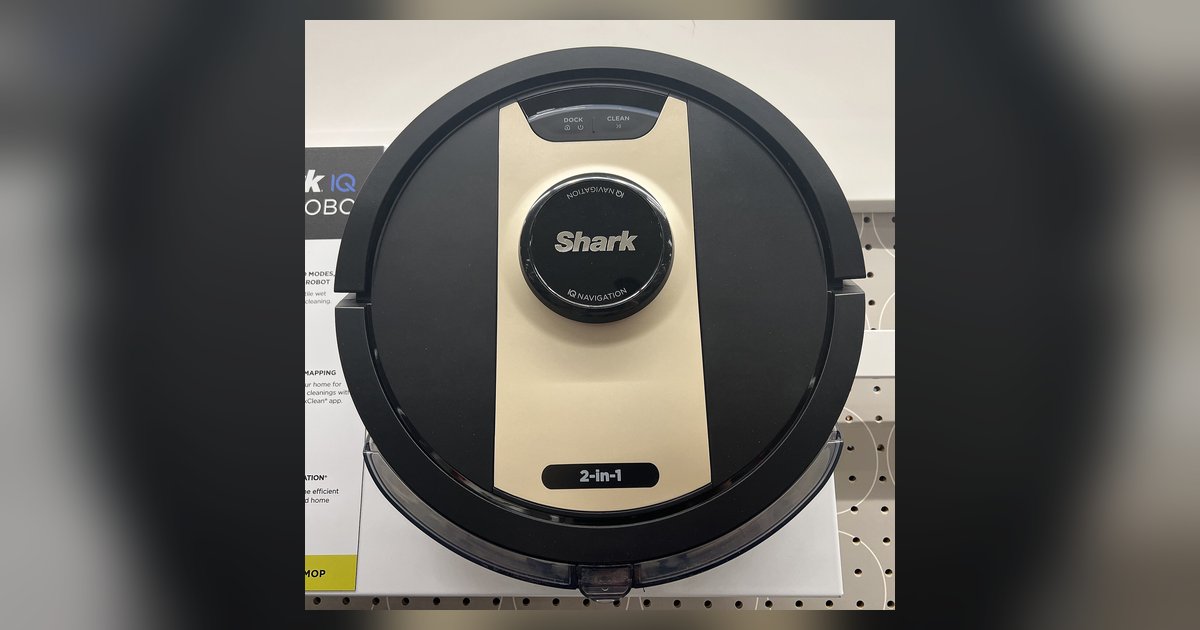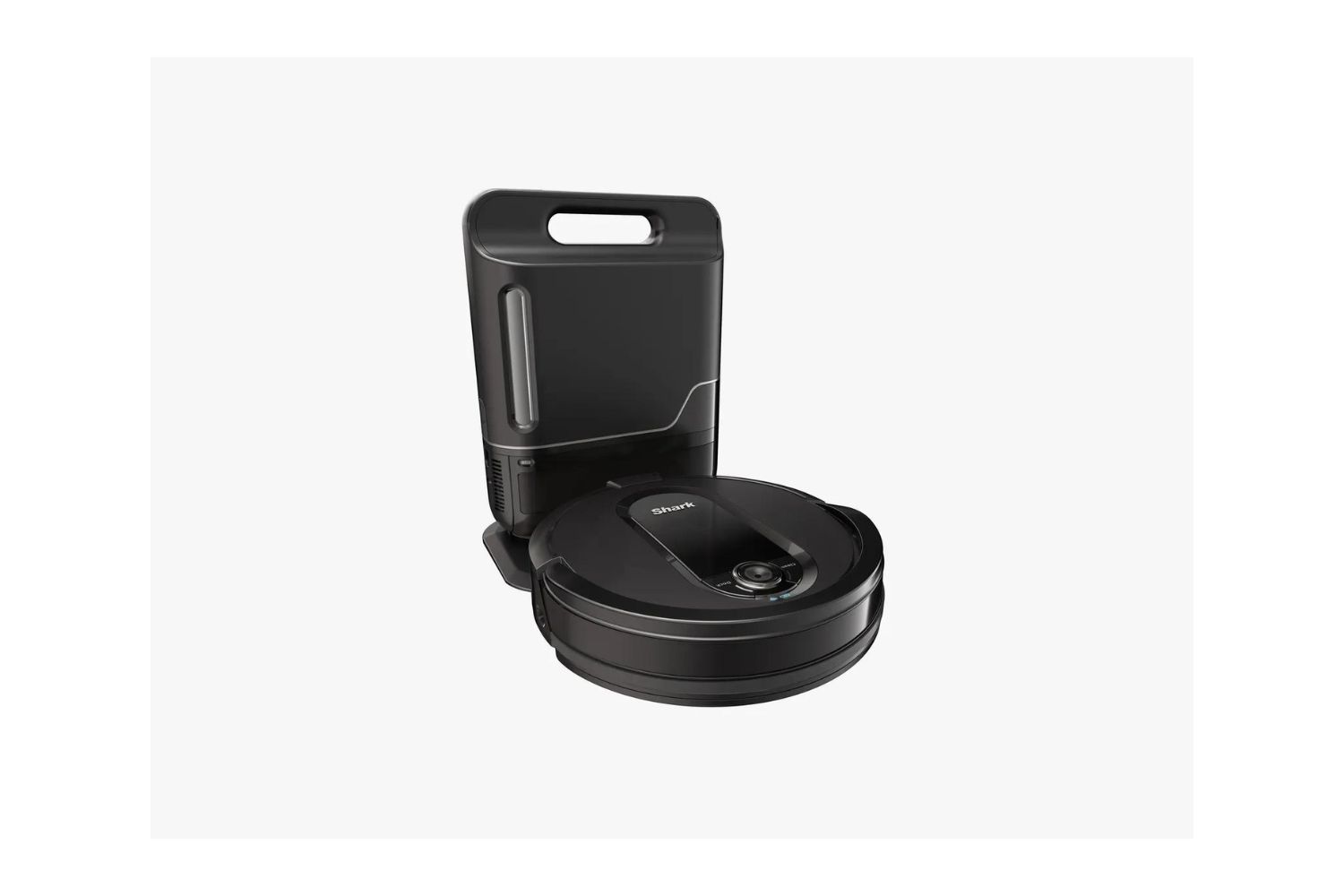
This tag collects all of our articles about Shark robot vacuums, aimed at owners who want to keep their devices running well or solve a specific problem without calling support. Whether you have just unboxed a new model or have been using one for years, these guides are written for the person who wants clear, practical steps for the everyday issues that come up with these machines.
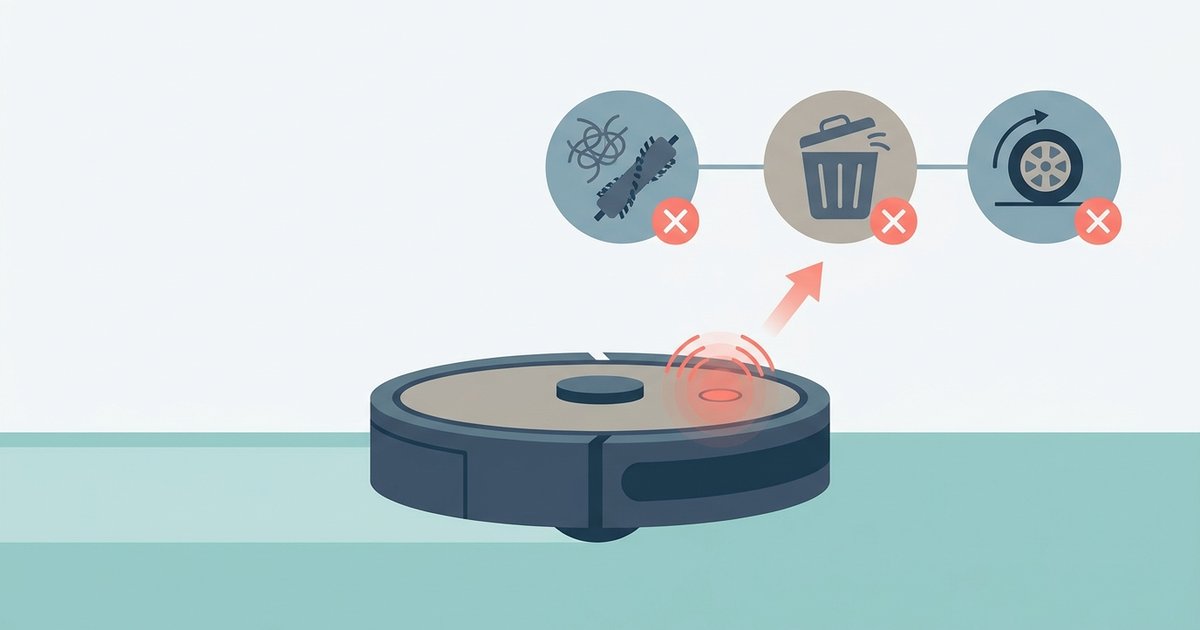
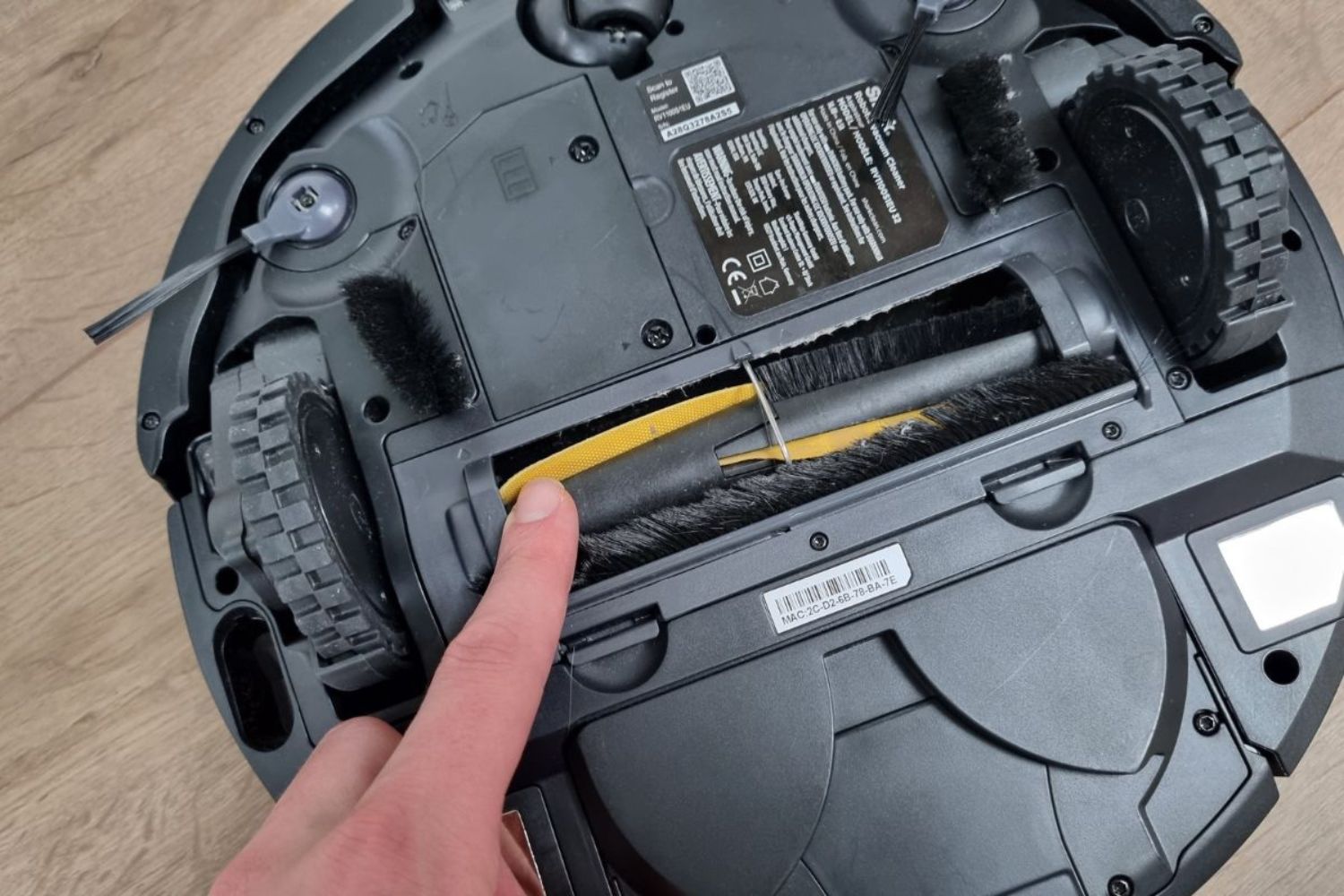
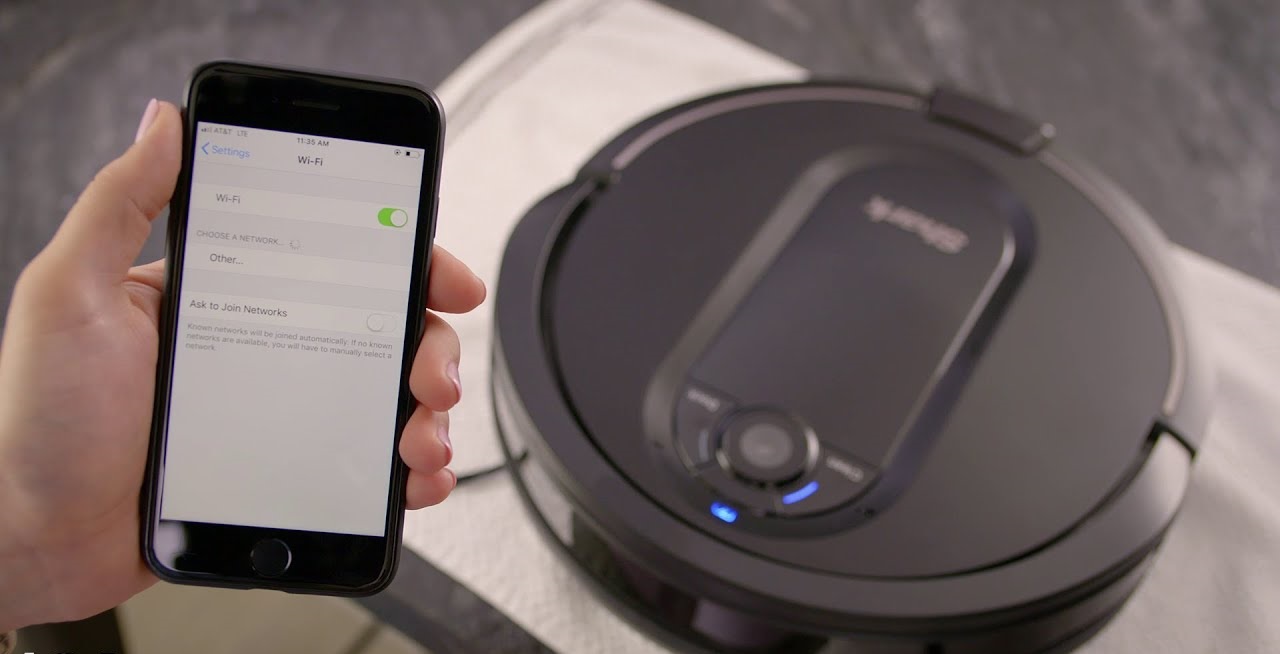
The articles here cover three main areas of ownership. First, setup and connectivity: several pieces walk you through getting the vacuum on your home network, including what to do when the Wi‑Fi connection drops and needs to be re‑established. Second, routine maintenance and repair: you will find instructions for emptying the dustbin, cleaning the filter, and even replacing the battery when the time comes, along with a general guide to fixing common faults. These pieces focus on what you can safely do at home to extend the life of your robot. Third, operation and troubleshooting: this includes how to power the unit off properly, how long a full charge should take, and a plain‑language explanation of the error codes the vacuum may display. For those concerned about the more technical side, the hard reset guide is presented as a safe, manufacturer‑sanctioned procedure to restore normal function, not as a workaround or hack. The goal across all of these is to give you the confidence to handle the day‑to‑day realities of owning a Shark robot vacuum.