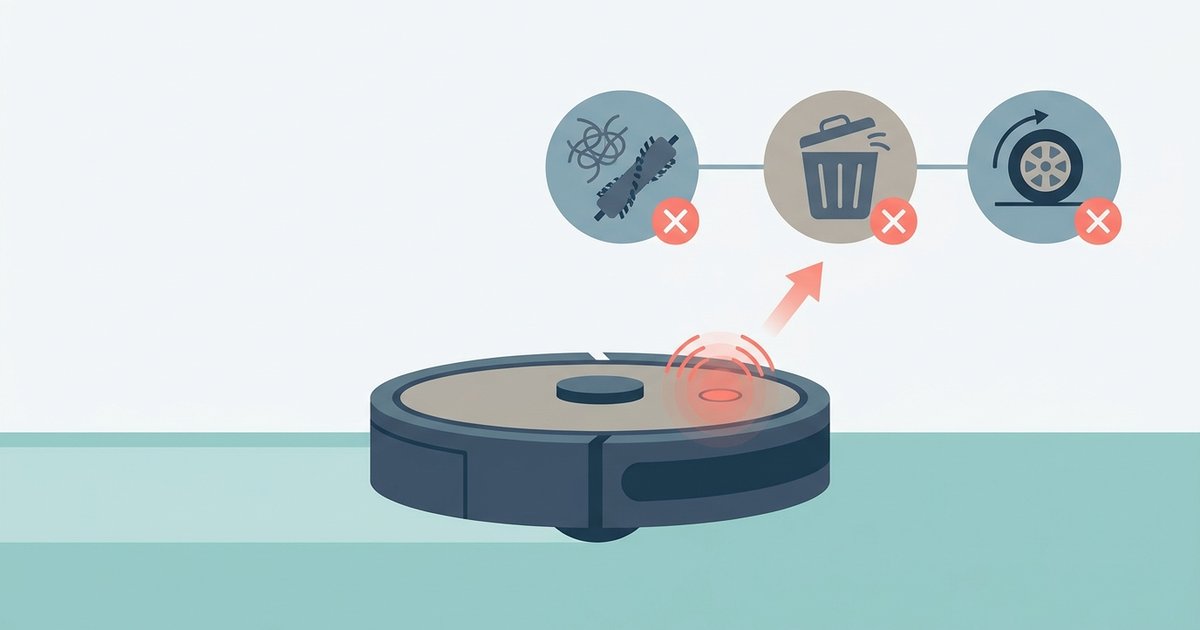
Flashing red lights paired with beeps are your Shark's error codes, and the number of flashes or beeps before a pause tells you exactly what's wrong—like a '3-flash' meaning a suction blockage or 'Clean plus Dock flashing' indicating a charging error.
Decoding shark robot error codes from flash and beep patterns
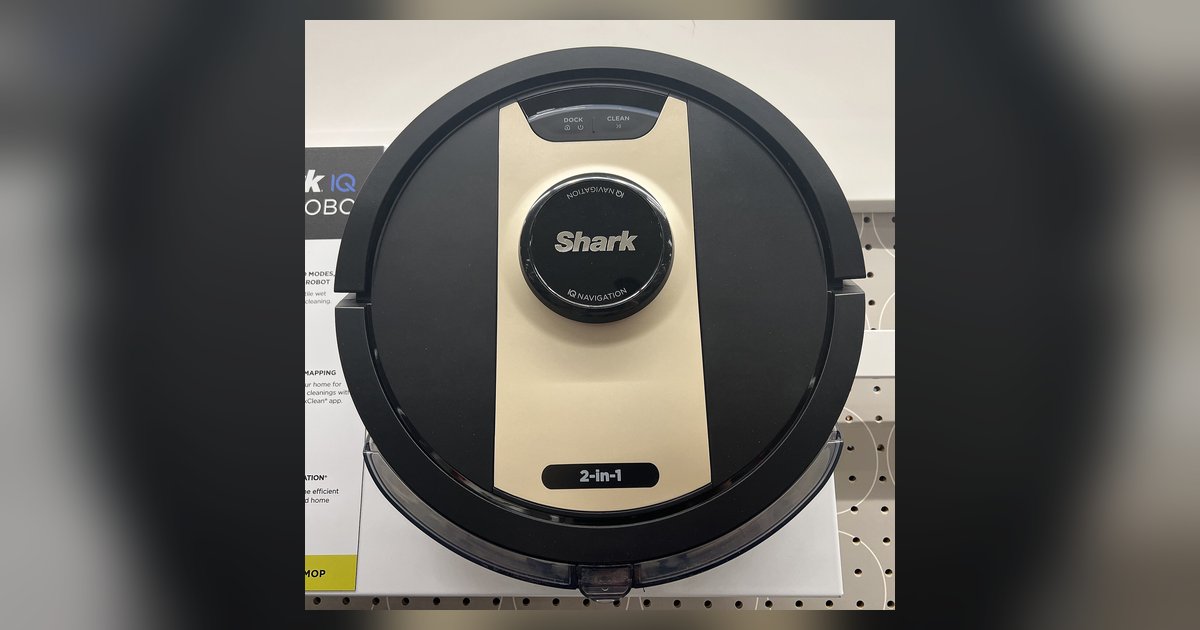
Flashing red lights paired with beeps are your Shark’s error codes. The number of flashes or beeps before a pause tells you exactly what’s wrong. A ‘3-flash’ means a suction blockage. ‘Clean plus Dock flashing’ indicates a charging error. If you’re staring at a pattern you don’t understand, you’ve already done the right first steps by cleaning sensors and resetting the dock. Now decode the specific sequence your robot is showing.
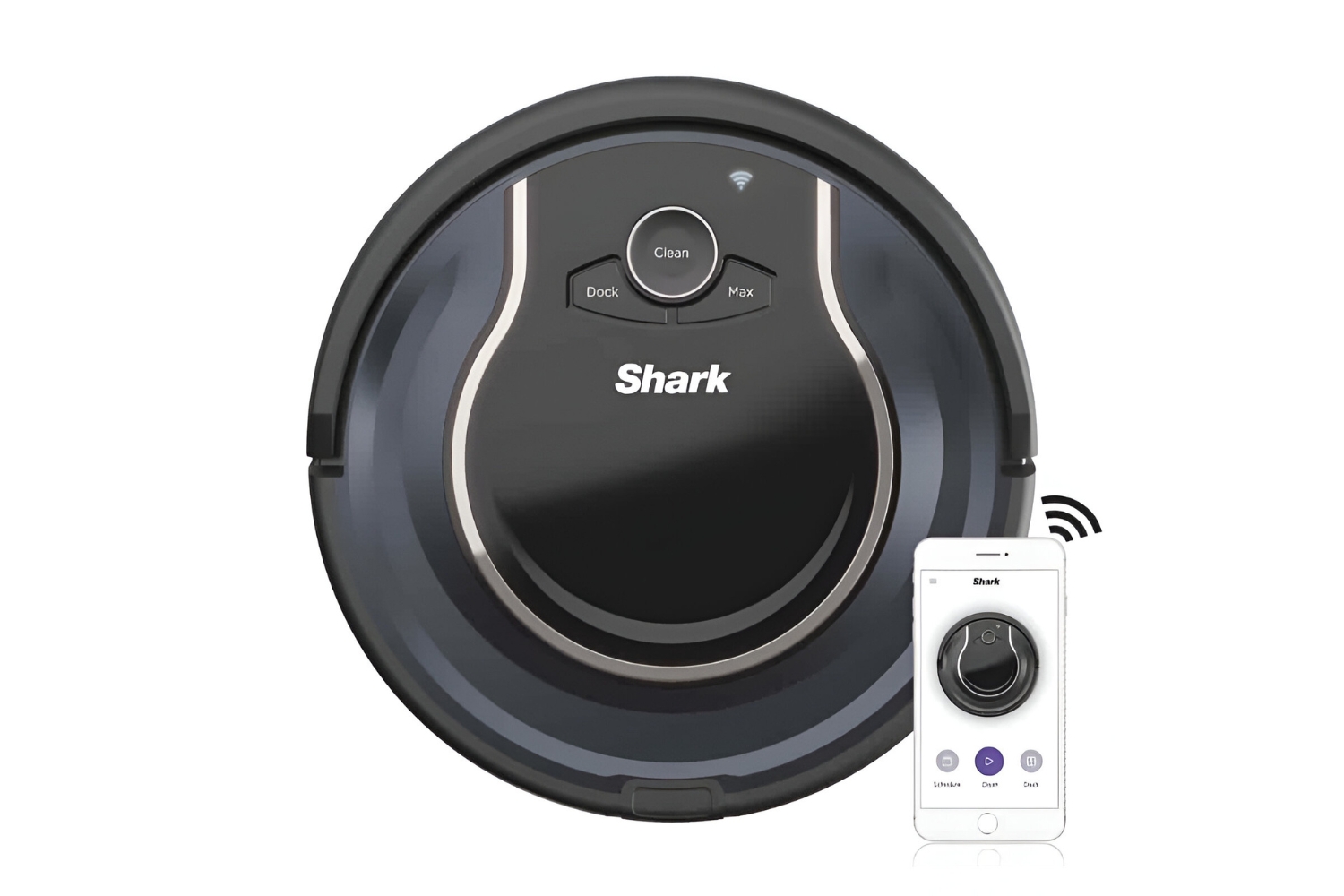
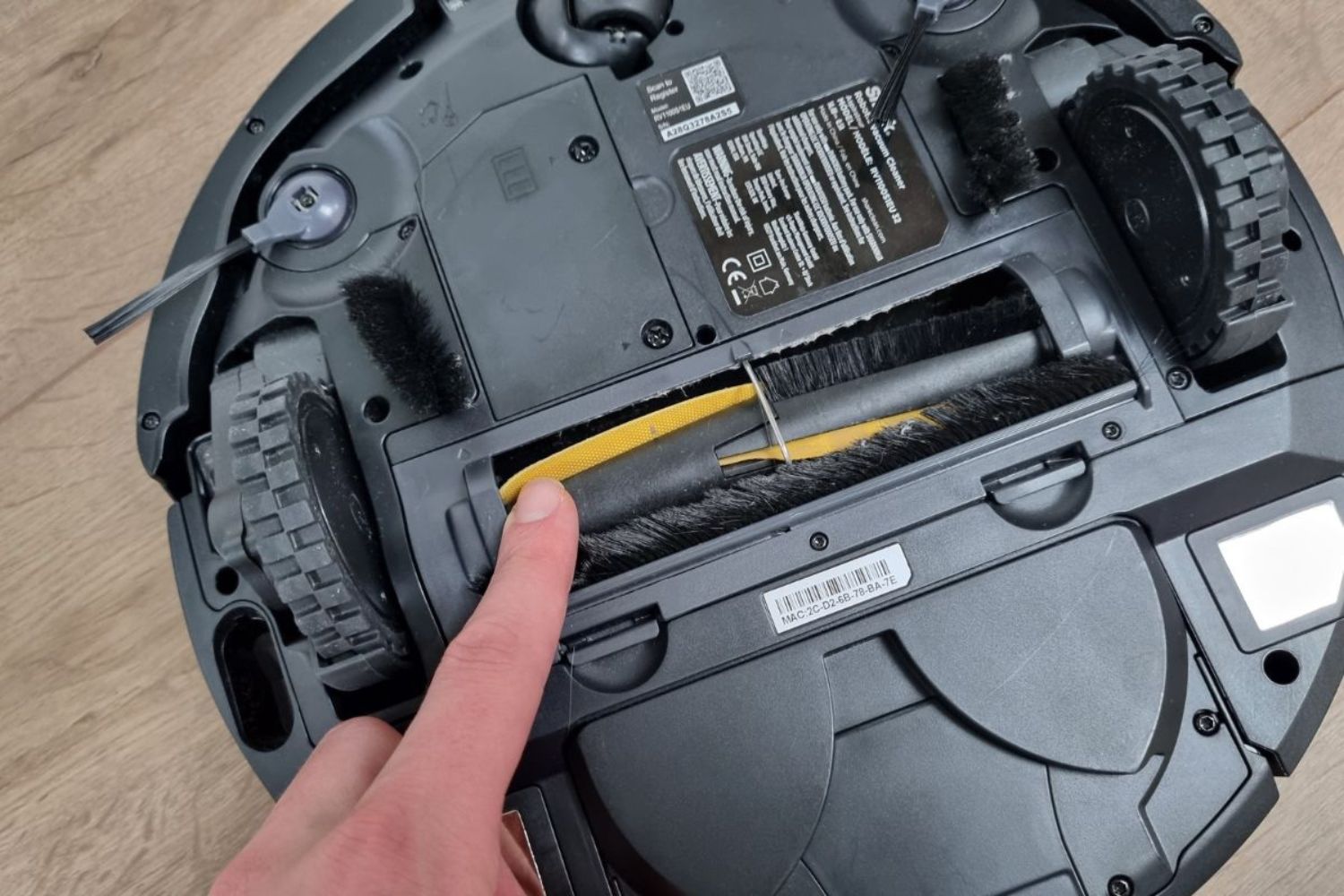
Watch the red light on the robot’s top panel or listen to the beeps. Count the flashes or beeps in a single burst. Note the pause before the next burst. A 2-flash pattern signals a brush roll jam. Remove the brush roll and clean all hair and debris from both ends and the bearings. A 3-flash pattern indicates a suction blockage. You must empty the dustbin completely, remove the dustbin, clear the intake tube, and tap out the filter. A 4-flash pattern points to a battery error. Check that the battery is properly inserted, the battery door is secured, and the charging contacts on both the robot and the dock are aligned. A 5-flash pattern means the robot’s side wheel is stuck. Power off the robot, then inspect the side wheel and its housing for obstructions, removing any debris. If you see the Clean button and the Dock button flashing together, the robot cannot connect properly to the dock’s contacts. Verify the dock is plugged into a live outlet, not a switched outlet. Beep patterns mirror these counts: two beeps for a brush jam, three for a blockage, four for battery trouble, and five for a wheel issue. If you hear a continuous beep with no pause, the robot is stuck on an obstacle, not giving an error code.
When the indicator lights don't point to a clear error
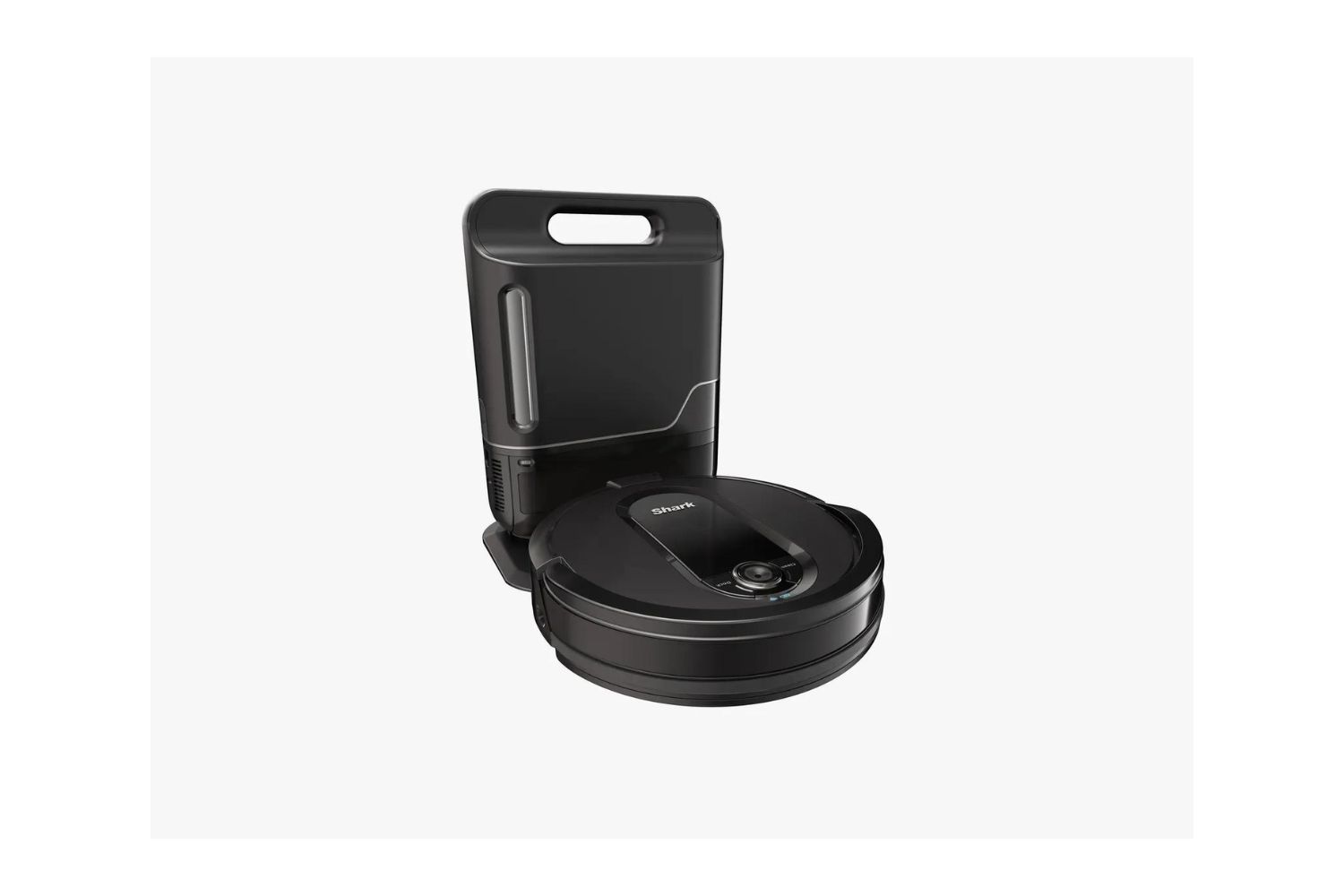
A solid red light that never flashes is not an error code. It means the battery is too low to run. The robot is in a deep sleep state until it charges. A single red flash that occurs once and then stops is the standard charging indicator. It shows the robot has just been placed on the dock and is confirming connection. Do not confuse these with the repeating patterns described above. The dock alignment error is a separate issue not shown by flashing patterns. If the robot sits on the dock but the Clean and Dock lights are off, the alignment pins are not making contact. This often happens because the dock is on a thick carpet or the robot is slightly tilted. Physically reposition the dock on a hard, level surface. Do not try to decode a flash sequence for this problem.
Clearing the error and getting back to cleaning
After clearing any physical jam or blockage, perform a hard reset by holding the Clean button until the lights cycle. Let the robot reboot. If the error returns immediately, you may need to reset robot vacuum cleaner by pressing the Clean and Dock buttons simultaneously. This clears all stored settings. If the code still appears after both resets, the issue is likely internal. Contact Shark support. For a 4-flash battery error that persists after cleaning contacts, the battery may need replacement. Following these steps for each specific pattern is how to fix your robot vacuum without guesswork.