This tag collects our guides for Shark robot vacuum owners, written for anyone who wants to keep their device running smoothly without calling a repair technician or waiting on customer support. Whether you are setting up a new unit, troubleshooting a persistent error, or simply maintaining the machine for better performance, these articles walk you through the practical steps with clear, jargon-free instructions.
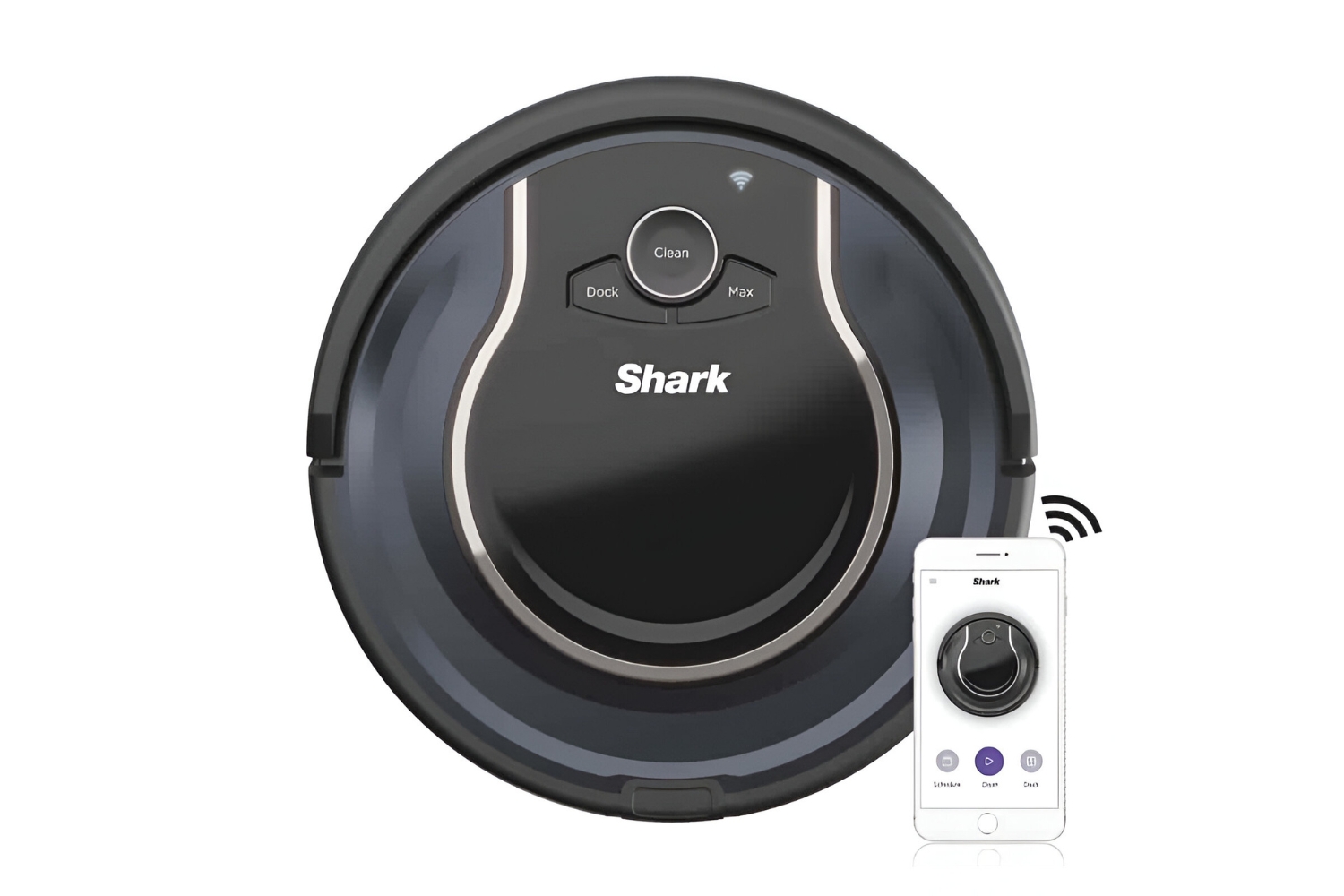
The articles fall into three main themes. Setup and connectivity pieces help you get the vacuum on your home network, including how to connect a Shark to Wi-Fi, how to reconnect it after a drop, and how to perform a clean hard reset when the app stops responding. A second group covers everyday maintenance and routine fixes: emptying the dustbin, cleaning the filter, understanding how long the battery takes to charge, and following a safe battery replacement procedure. The third theme is diagnostics, articles that explain why your robot keeps going in circles, what the various error codes mean, and how to resolve common faults without opening the unit or voiding your warranty.
Several specific topics appear throughout the list, such as turning off the Shark AI model, fixing a vacuum that has stopped working mid-cycle, and resetting the cleaner when it behaves erratically. Importantly, the guides on resets and error codes are framed as safe, manufacturer-approved troubleshooting steps, not as workarounds for software restrictions or attempts to bypass safety features. They help you restore normal operation, understand what the machine is telling you, and decide when a professional repair is the better choice.