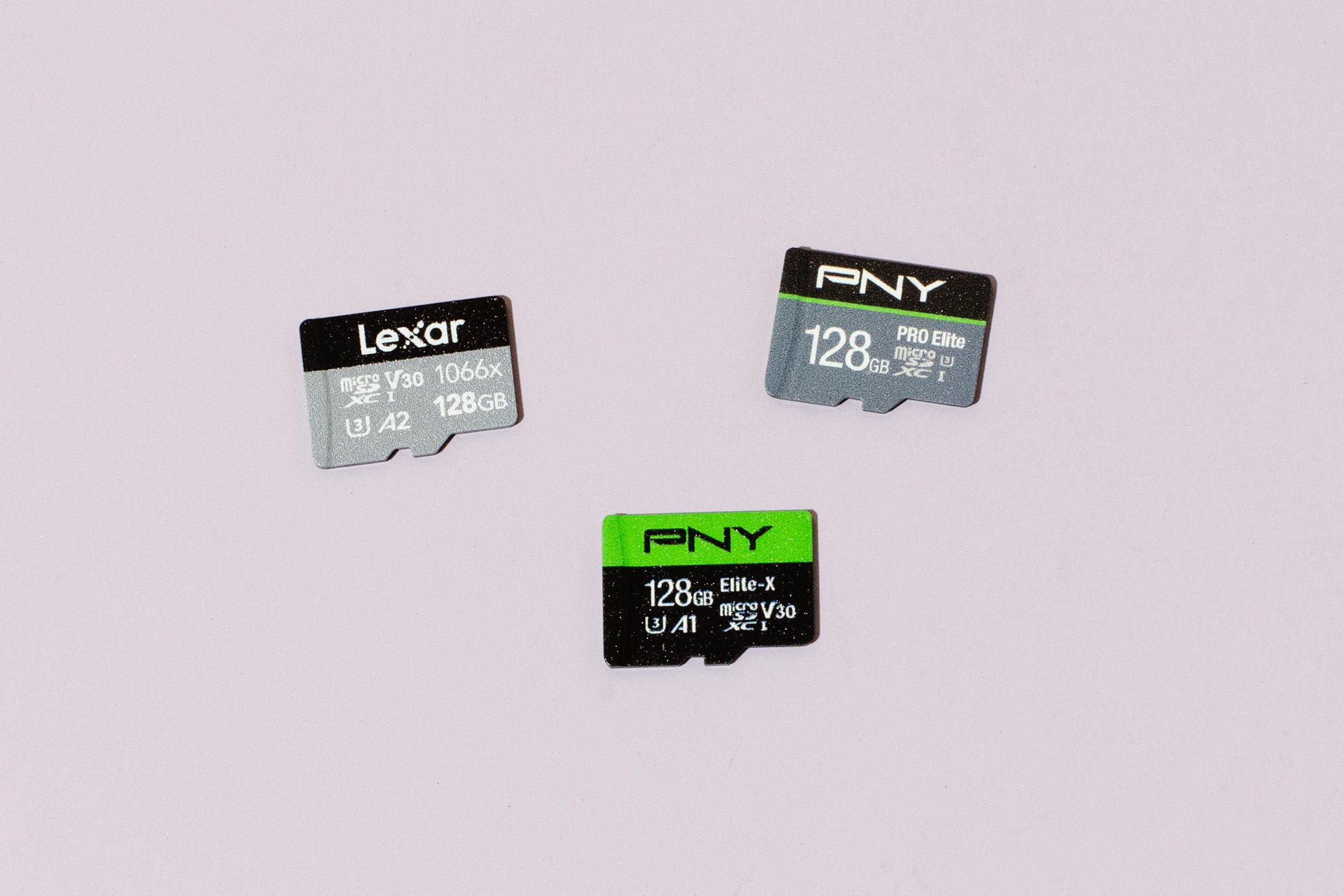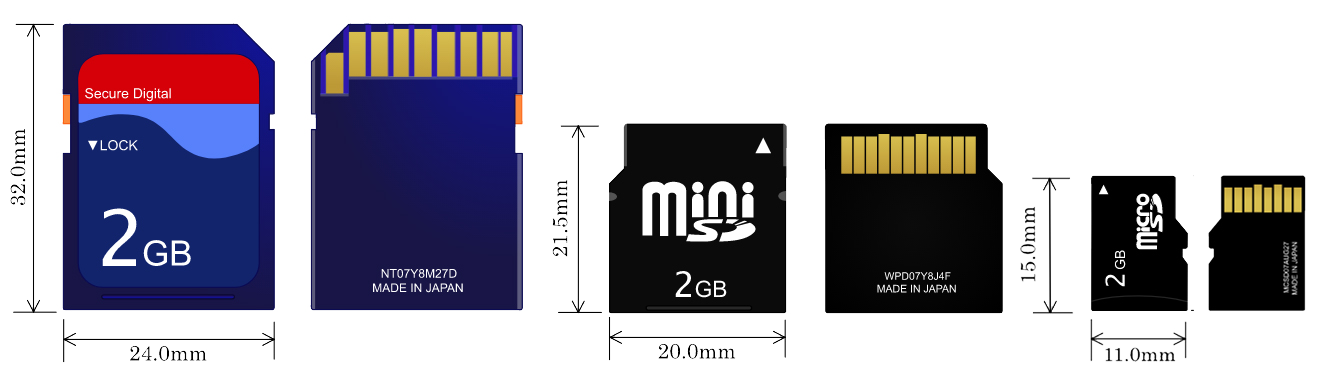
The largest micro SD card you can buy today is a 2TB card, which represents the current maximum capacity commercially available under the SDUC standard. While the SD Association’s specification allows for future cards up to a theoretical 128TB, a 2TB card is the largest micro SD card you can purchase for your smartphone, drone, or handheld console right now, and buying a micro SD card of this size requires careful sourcing to avoid counterfeit products.
Understanding the SDUC standard for maximum capacity
To understand why 2TB is the current ceiling, you need to know how micro SD cards are categorized. The SD Association defines four distinct capacity standards, and each one uses a different file system to manage data. These standards are:
- SDSC (Secure Digital Standard Capacity): Supports up to 2GB. These are the oldest cards, now rarely used.
- SDHC (Secure Digital High Capacity): Ranges from 2GB to 32GB. Most older devices and basic cameras support this standard.
- SDXC (Secure Digital eXtended Capacity): Spans from 32GB up to 2TB. This is the standard for most modern high-capacity cards you see today.
- SDUC (Secure Digital Ultra Capacity): The newest standard, enabling capacities from 2TB up to a theoretical maximum of 128TB.
The SDUC standard was created precisely to break the 2TB barrier that SDXC could not exceed. However, the physical and technological challenges of packing that much flash memory into a micro SD card's tiny form factor mean that 2TB is the practical limit for now. The 128TB figure is a roadmap for the future, not a product you can buy today.
Device compatibility is the real limit
While a 2TB SDUC card exists, buying one is only half the battle. The most significant constraint you will face is whether your device can actually read it. A host device, whether it's a phone, camera, or laptop, must explicitly support the SDUC standard to recognize and use a 2TB card.
Here is the key compatibility rule: SDUC host devices are fully backward compatible. This means a device that supports SDUC can also use older SD, SDHC, and SDXC cards without issue. However, the reverse is not true. An older SDXC-only device cannot read an SDUC card. Before purchasing a 2TB card, you must check your device's official specifications to confirm it lists "SDUC" or "2TB" as a supported capacity. If it only mentions SDXC, you will need to stick to a 1TB card, which is the maximum capacity for that standard.
Benefits of a massive-capacity micro SD card
If you have a compatible device, a 2TB micro SD card transforms how you store data. The primary benefit is the sheer volume of content you can keep on a single card without swapping. Consider what you can fit on 2TB:
- Vast media libraries:
- High-resolution video: Record hours of 4K or even 8K footage directly to the card without worrying about running out of space mid-shoot.
- Large applications and games: Install dozens of modern smartphone games or keep entire PC game libraries on a handheld device like the Steam Deck.
- Offline entertainment: Download entire Netflix, Spotify, or Audible libraries for long flights or commutes, eliminating the need for constant internet connectivity.
For content creators, drone pilots, and frequent travelers, this means carrying a single card instead of a case full of smaller ones. The convenience of having all your essential files in one portable, wallet-friendly location is the main reason to invest in the largest capacity available.
Limitations to consider before you buy
Despite the benefits, there are several drawbacks you must weigh before spending money on a 2TB card. These limitations go beyond just the price tag:
- High cost: 2TB micro SD cards are premium products. They cost significantly more per gigabyte than a 512GB or 1TB card. You are paying a heavy premium for the convenience of maximum capacity.
- Potential for slower speeds: Some high-capacity cards prioritize storage density over write speed. If you are recording 4K video or using the card for a camera burst mode, a slower write speed can cause dropped frames or errors. Always check the card's speed class (e.g., U3, V30) to ensure it meets your device's performance needs.
- Increased data loss risk: Putting all your data on one card creates a single point of failure. If a 2TB card is lost, corrupted, or physically damaged, you lose a massive amount of irreplaceable data. The cost of professional recovery for a failed 2TB card is also much higher than for smaller cards.
- Compatibility issues with older devices: As mentioned, many current devices, especially budget phones, older laptops, and some cameras, do not support SDUC. You may buy a 2TB card only to find it doesn't work in your primary device, forcing you to use it in a newer, more expensive one.
For many users, a 1TB SDXC card remains the sweet spot because it offers massive storage while maintaining broader device compatibility and a lower price per gigabyte.
How to use a new high-capacity micro SD card
Once you have confirmed your device supports 2TB and you've made the purchase, here is how to set it up correctly. Follow these steps to avoid errors and ensure optimal performance:
Step 1: Check compatibility again
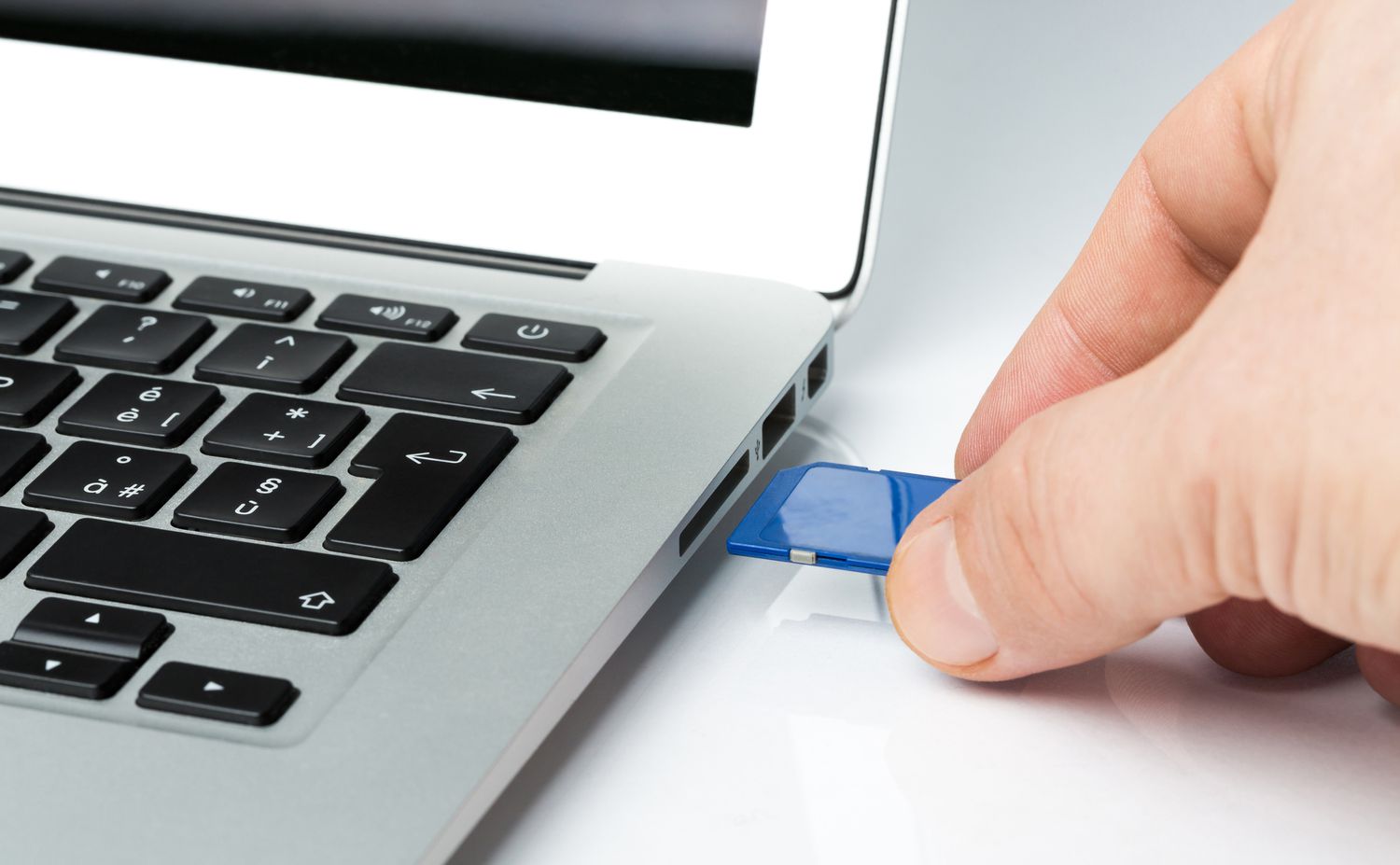
Before inserting the card, double-check your device's manual or manufacturer's website. If you are using a card reader with your computer, ensure the reader itself supports SDUC; many older USB card readers do not.
Step 2: Insert the card properly
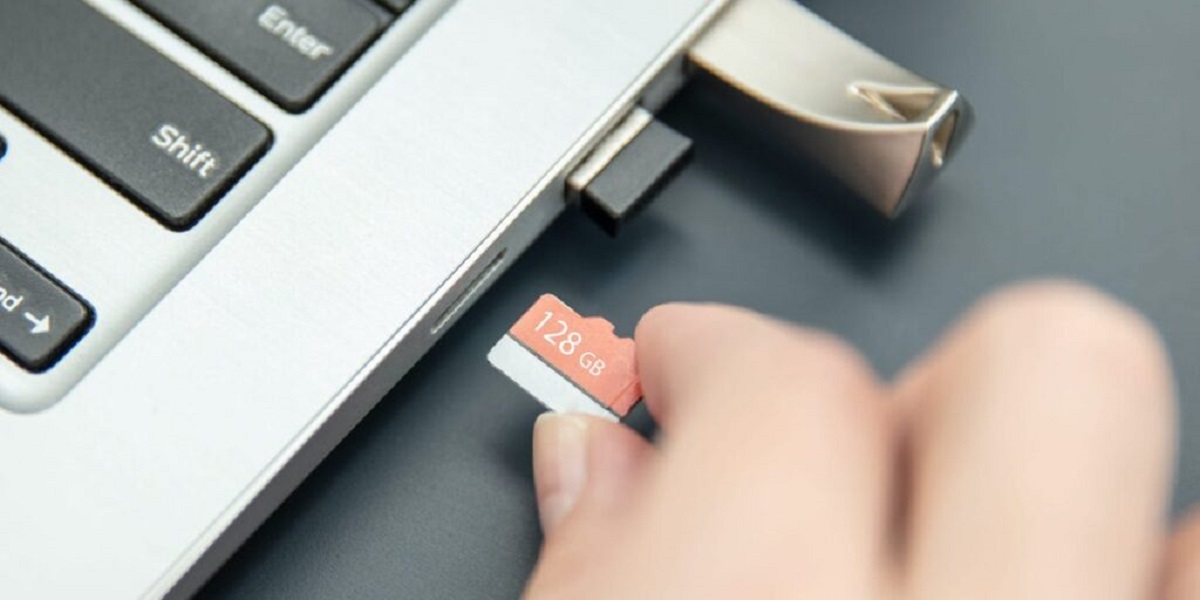
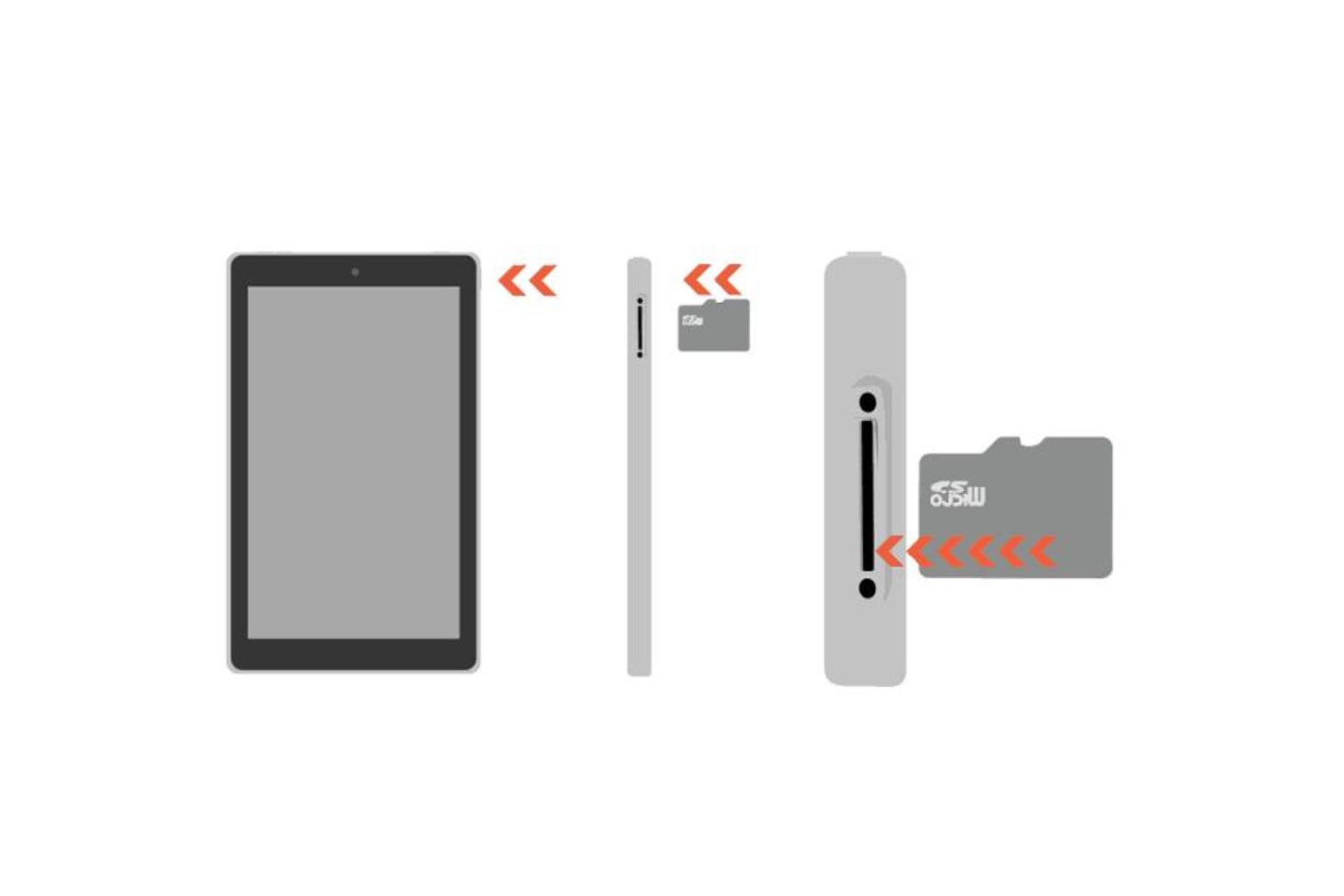
Insert the 2TB micro SD card into the slot with the gold contacts facing down (or as indicated by your device). Push gently until it clicks into place. Do not force it. If it doesn't fit, you are likely inserting it incorrectly or using the wrong slot.
Step 3: Format the card using the official tool
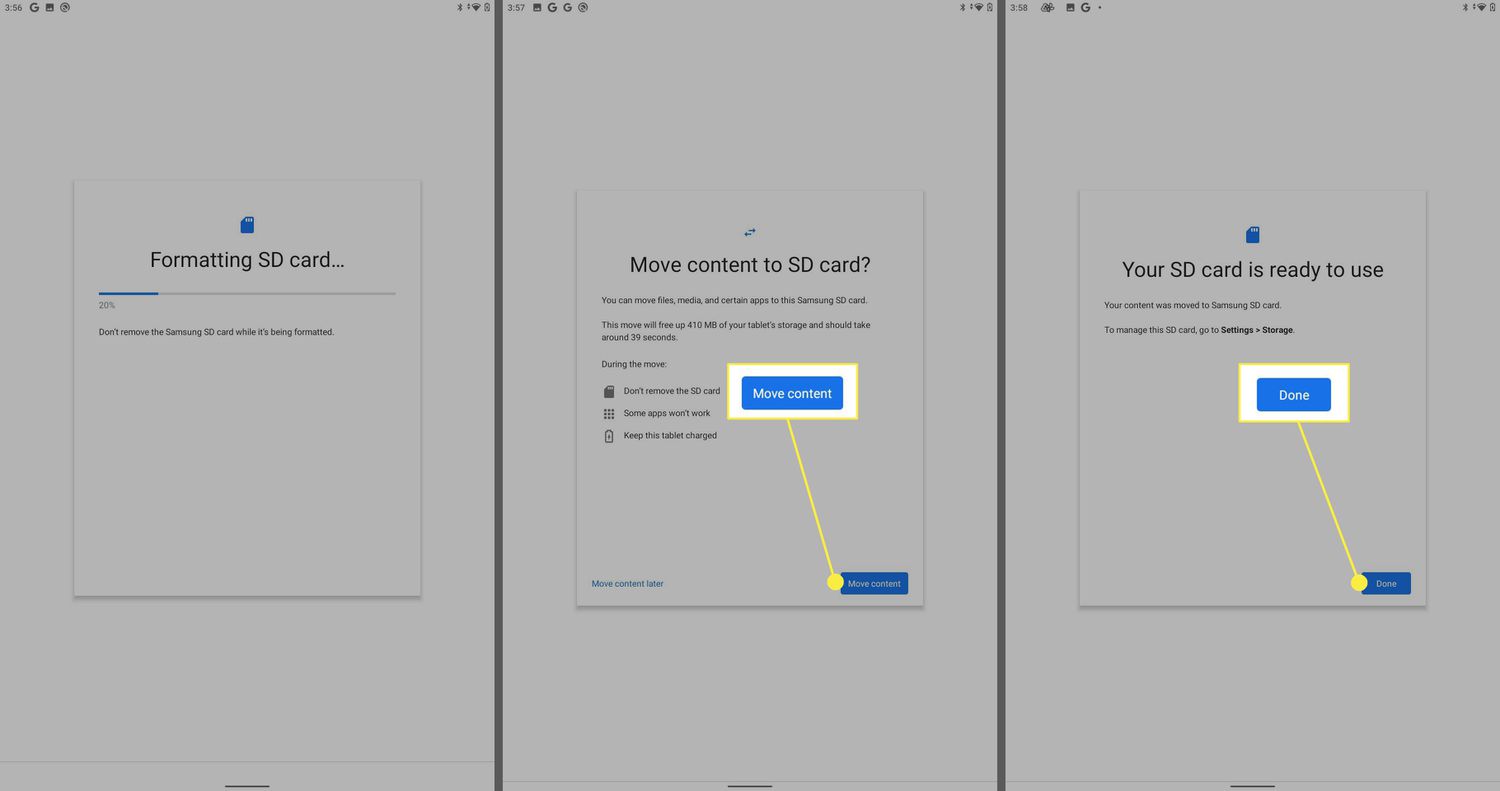
Formatting is critical for a new high-capacity card. Do not use your device's generic format function. Instead, download the official SD Memory Card Formatter from the SD Association's website. This tool is specifically designed to format cards according to the correct SDUC specification, ensuring maximum compatibility and performance. Connect the card to your computer via a compatible card reader, run the formatter, and select the card. This will erase all data and set the correct file system (exFAT for SDUC).
Step 4: Transfer data and back up regularly
After formatting, you can transfer files. Given the massive capacity, set a reminder to back up critical data to an external hard drive or cloud service. Never rely solely on the card for important files. When removing the card from any device, always use the "Safely Eject" or "Unmount" option to prevent data corruption.
Frequently asked questions
What is the maximum file size on a 2TB micro SD card?
Because SDUC cards use the exFAT file system, the maximum file size is 16 exabytes (EB), which is effectively unlimited for practical use. You can store single video files that are hundreds of gigabytes in size, which is not possible with older FAT32-formatted cards that cap files at 4GB.
Can I use a 2TB card across multiple devices?
Yes, but only if each device explicitly supports SDUC. If you move the card from a new SDUC-compatible phone to an older SDXC-only camera, the camera will not read the card. You will need to keep the card in SDUC-compatible devices or use a high-speed SDUC card reader for your computer.
What is the future of micro SD card capacities?
The SDUC standard allows for up to 128TB, but we are likely years away from that. The next milestone will probably be 4TB cards, which will require further advances in NAND flash memory density. For now, 2TB is the largest micro SD card you can buy, and it will remain so until manufacturing costs drop enough to make 4TB viable.
Where can I buy a 2TB micro SD card?
You can purchase 2TB cards from major electronics retailers like Amazon, Best Buy, B&H Photo, and directly from manufacturers like SanDisk, Samsung, and Lexar. Always buy from authorized sellers to avoid counterfeit cards, which are common at this capacity level.
Is a 2TB card worth it for a smartphone?
Only if your phone explicitly supports SDUC. If your phone supports it, a 2TB card is ideal for storing 4K videos, large game files, and offline maps. If not, you will be limited to a 1TB SDXC card.