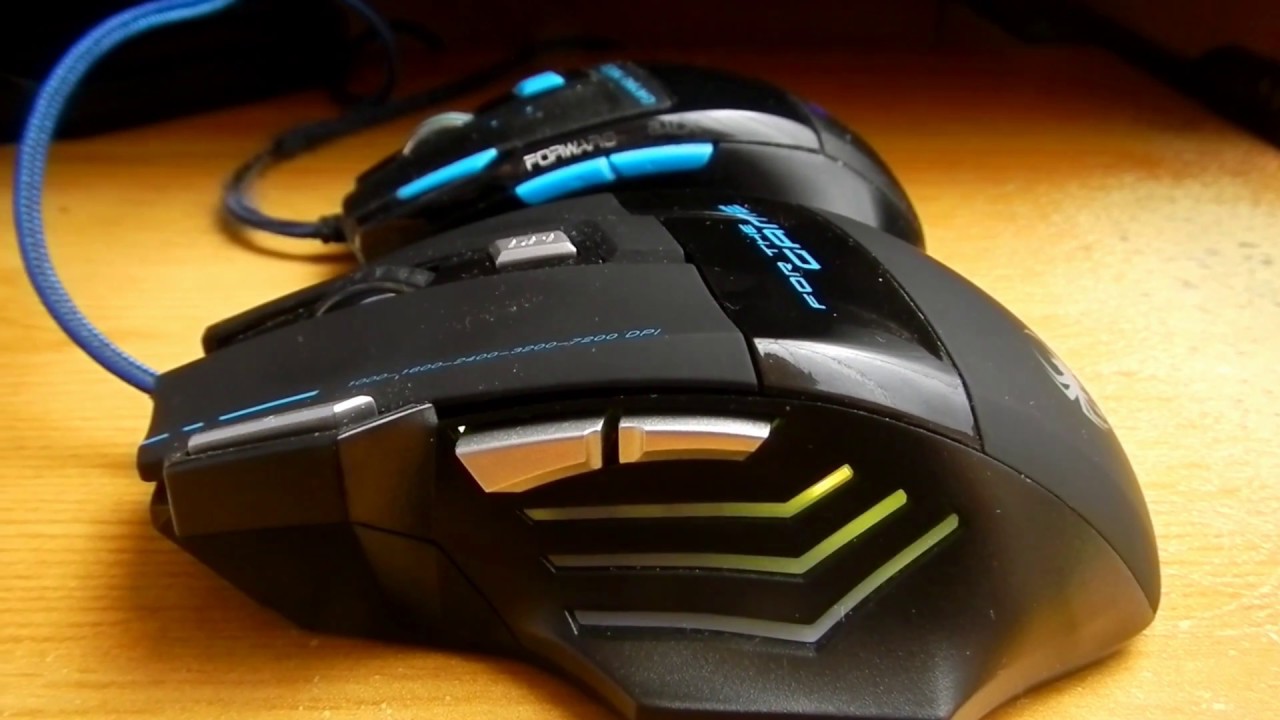
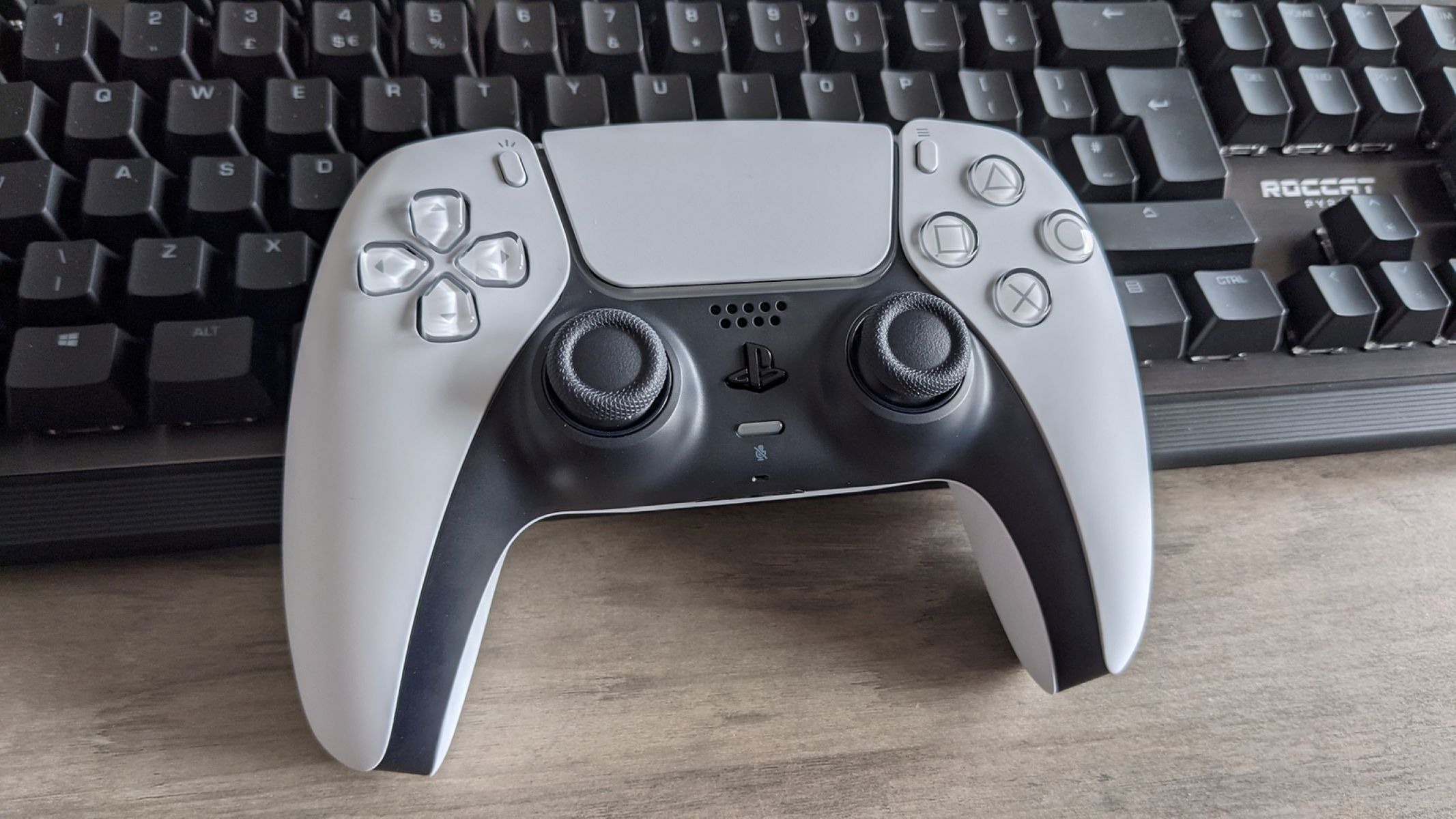
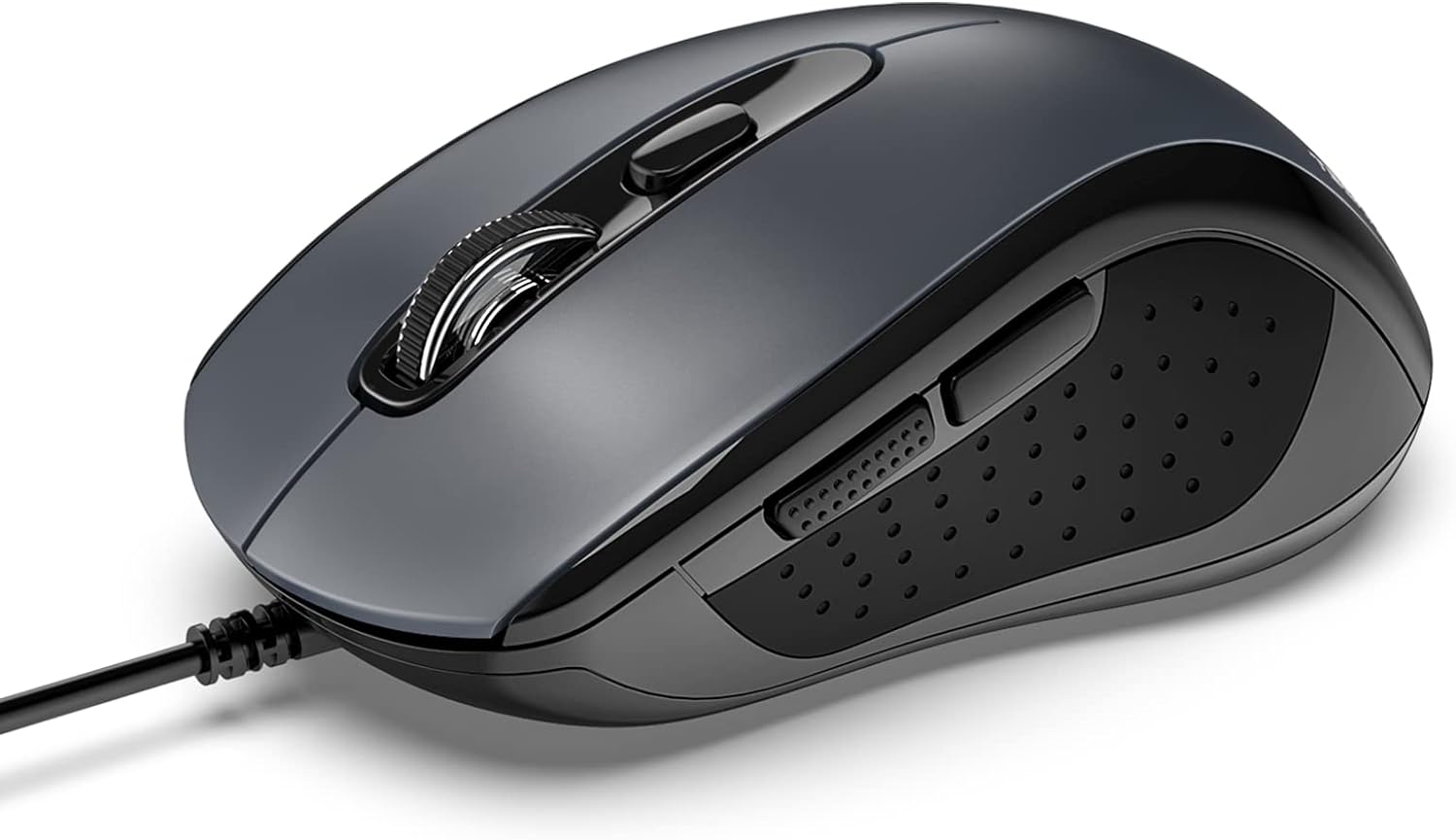
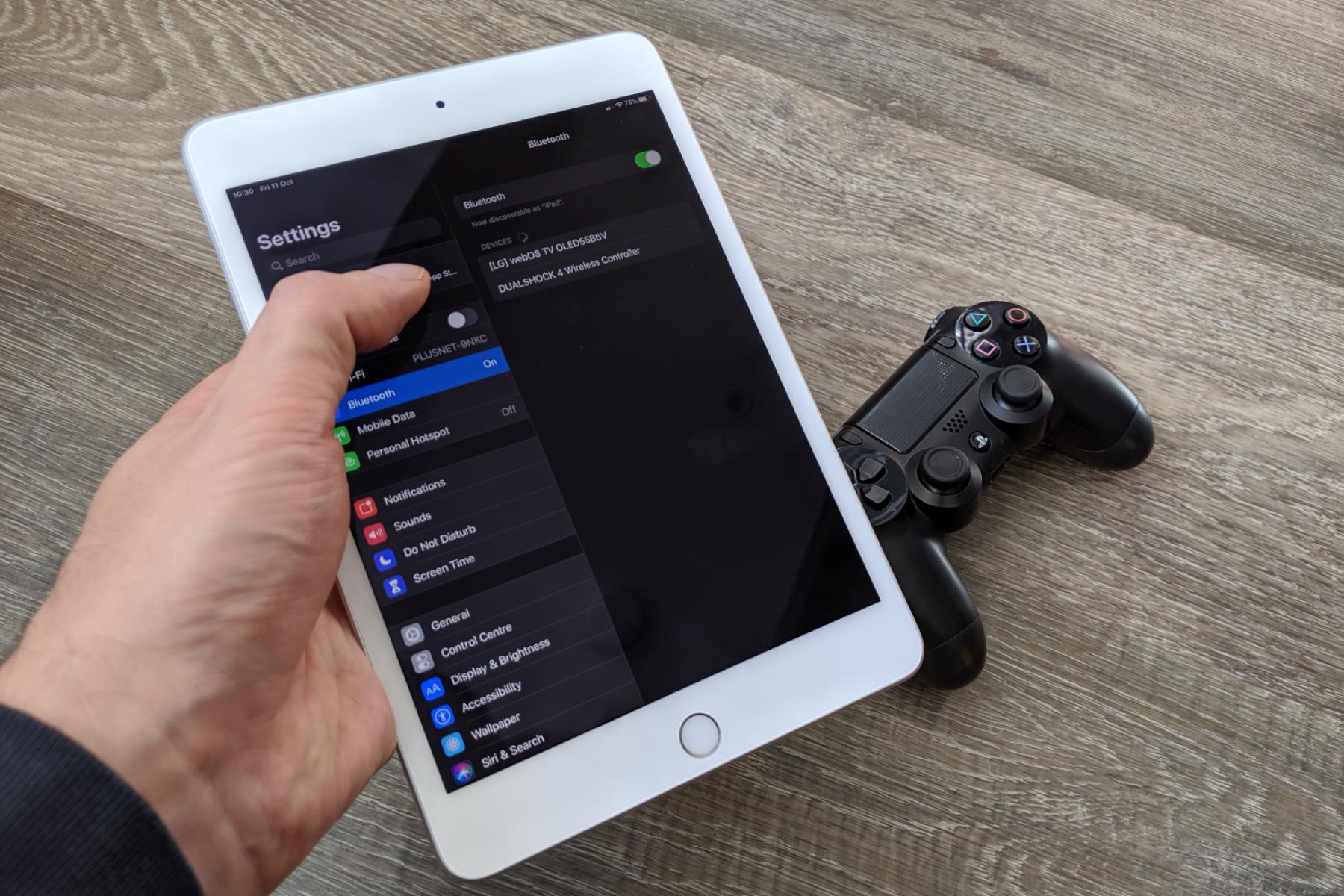
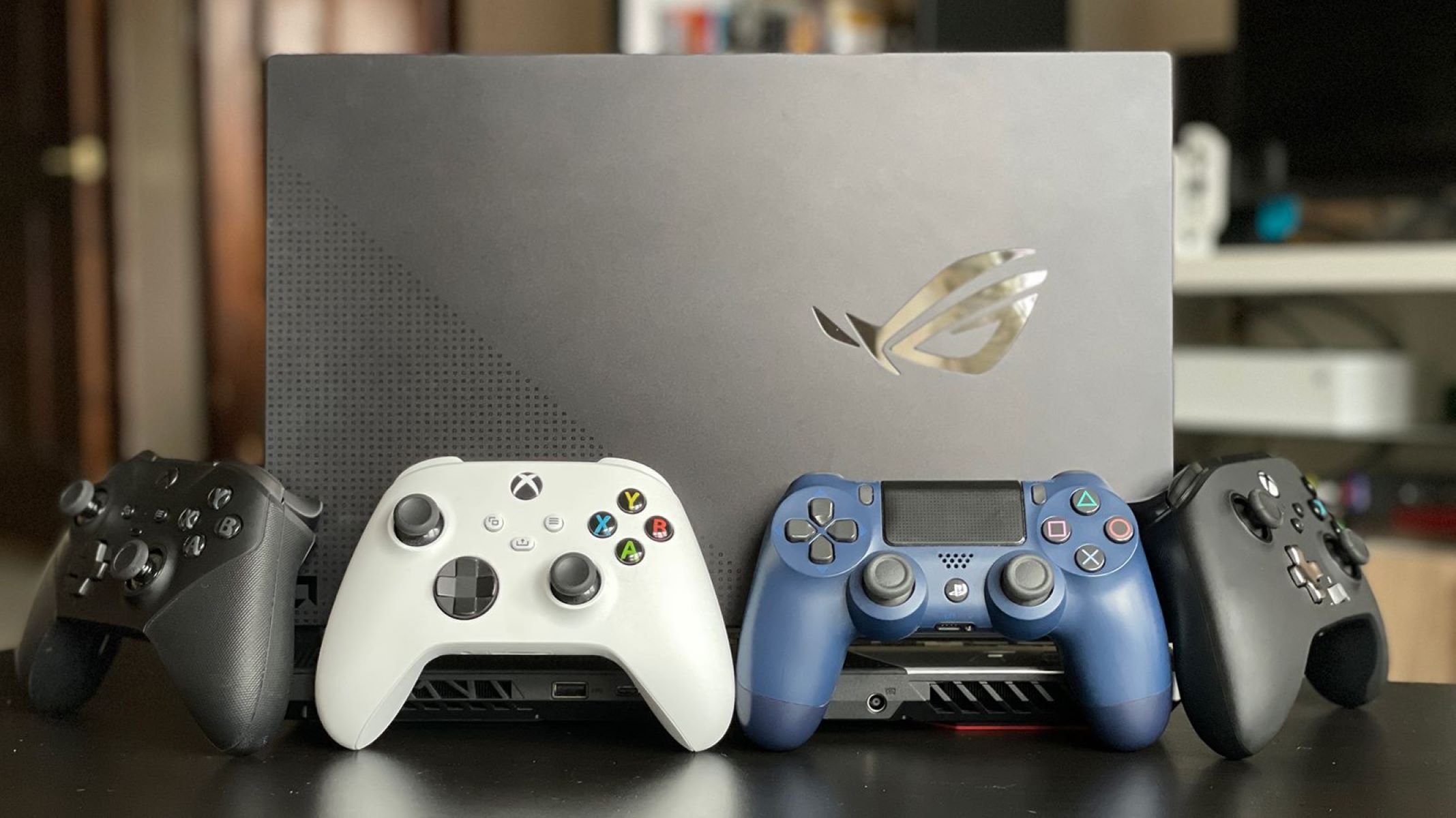
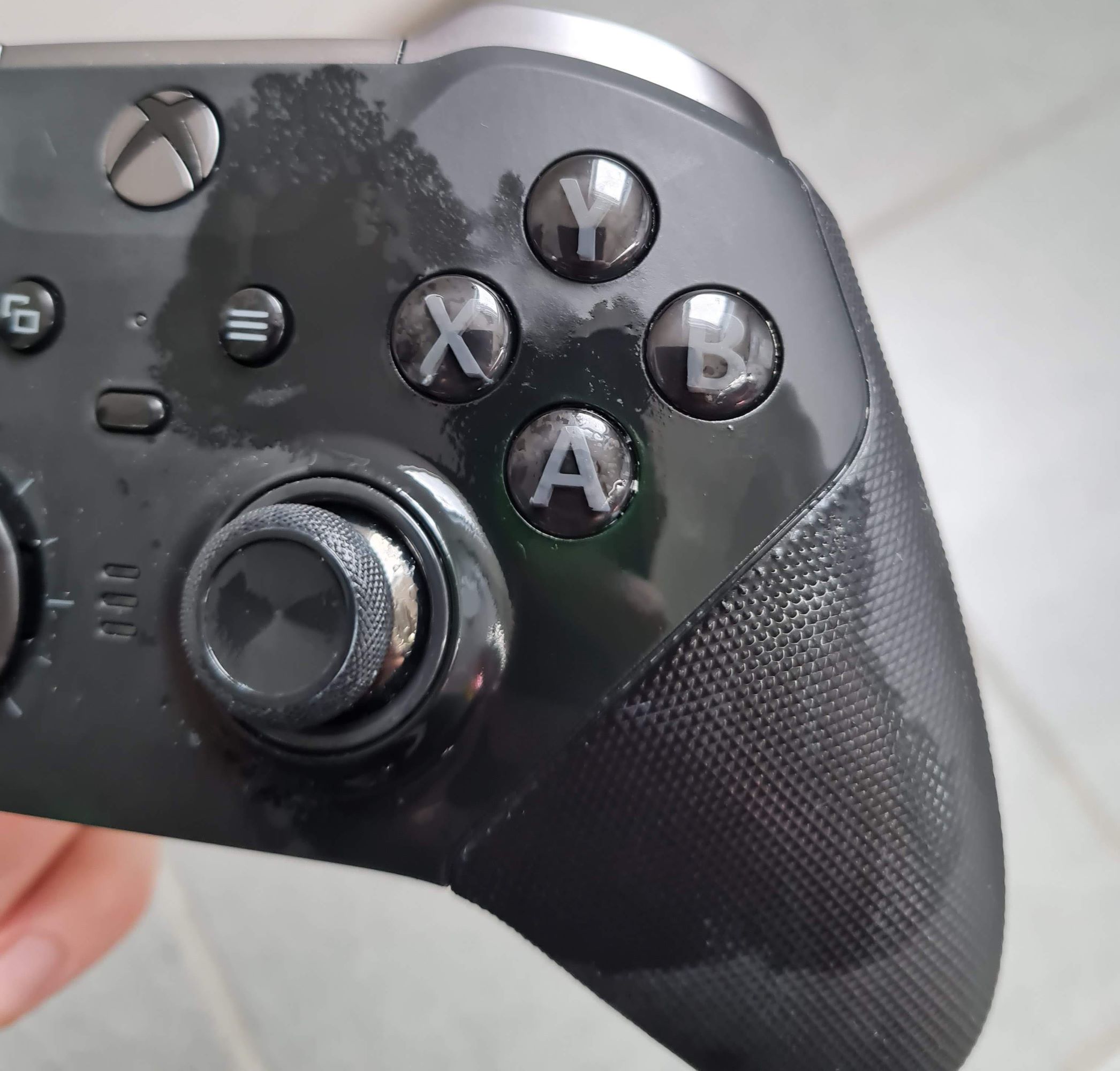
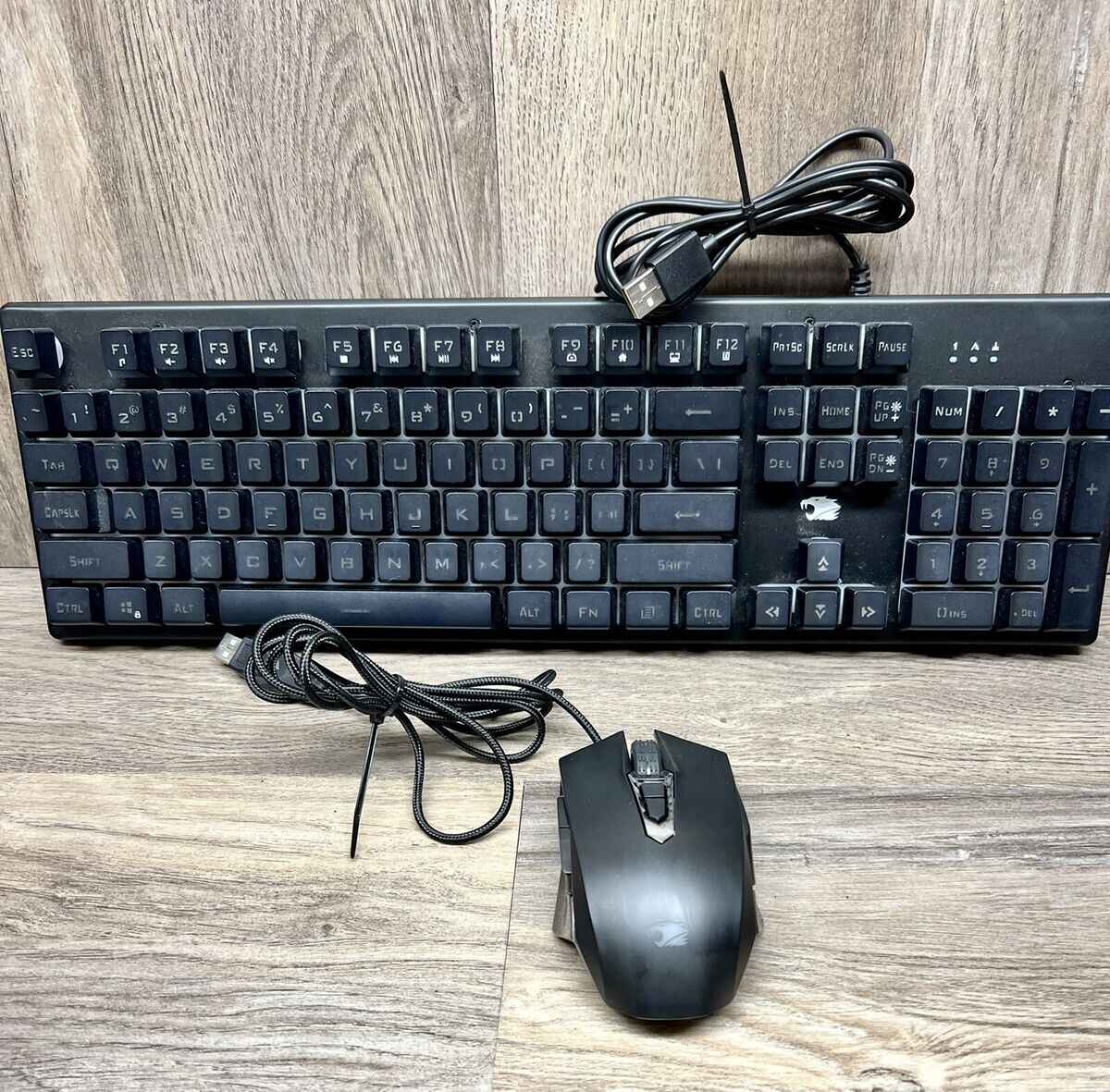
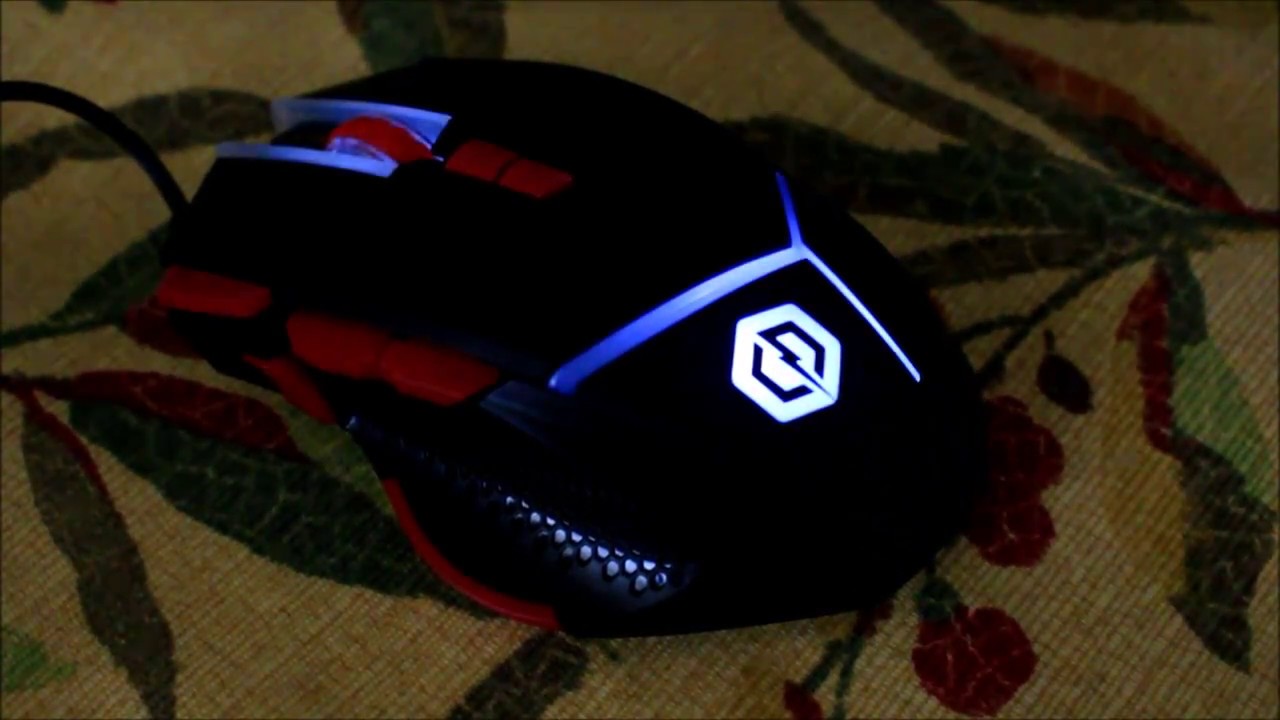
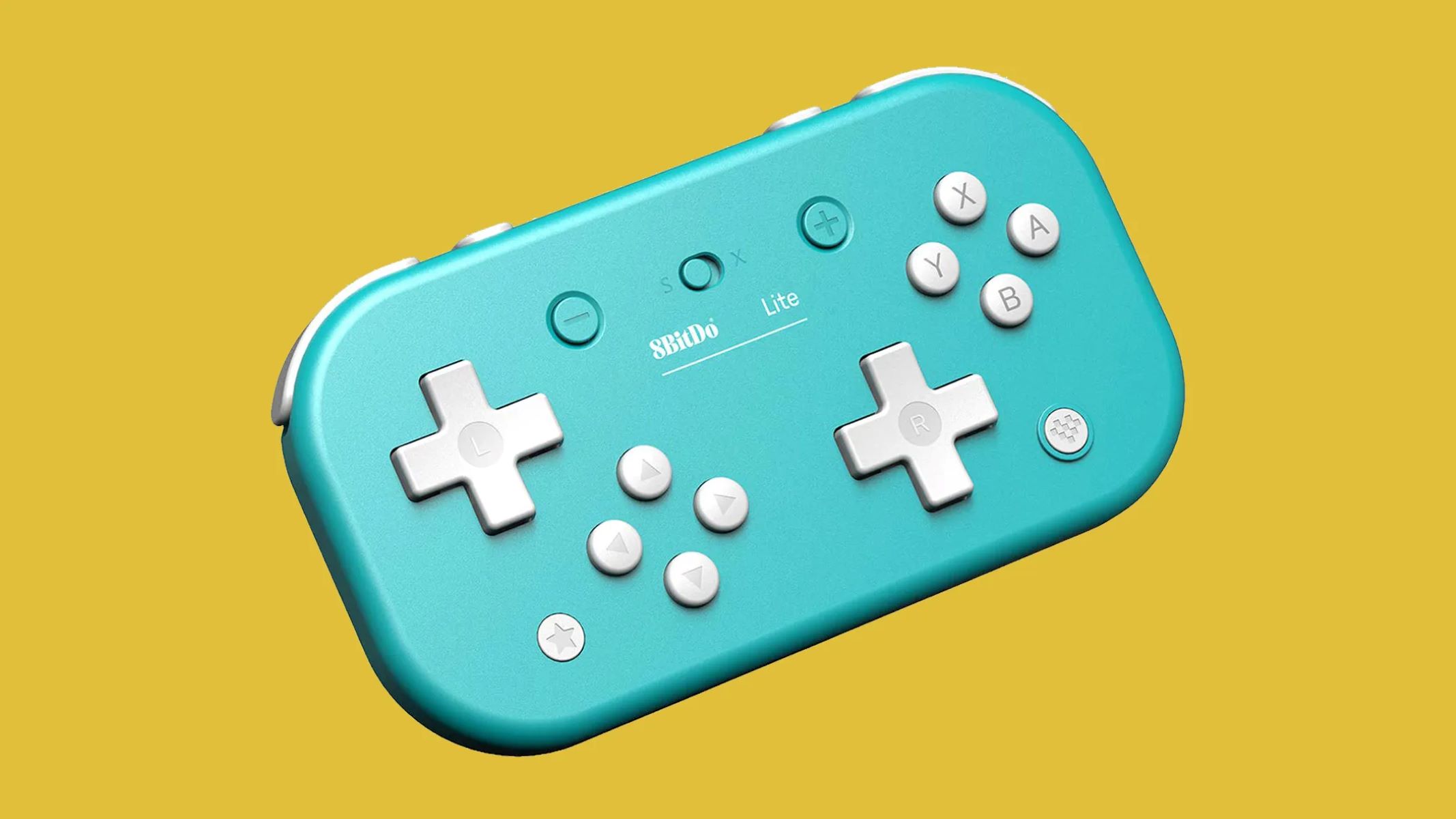
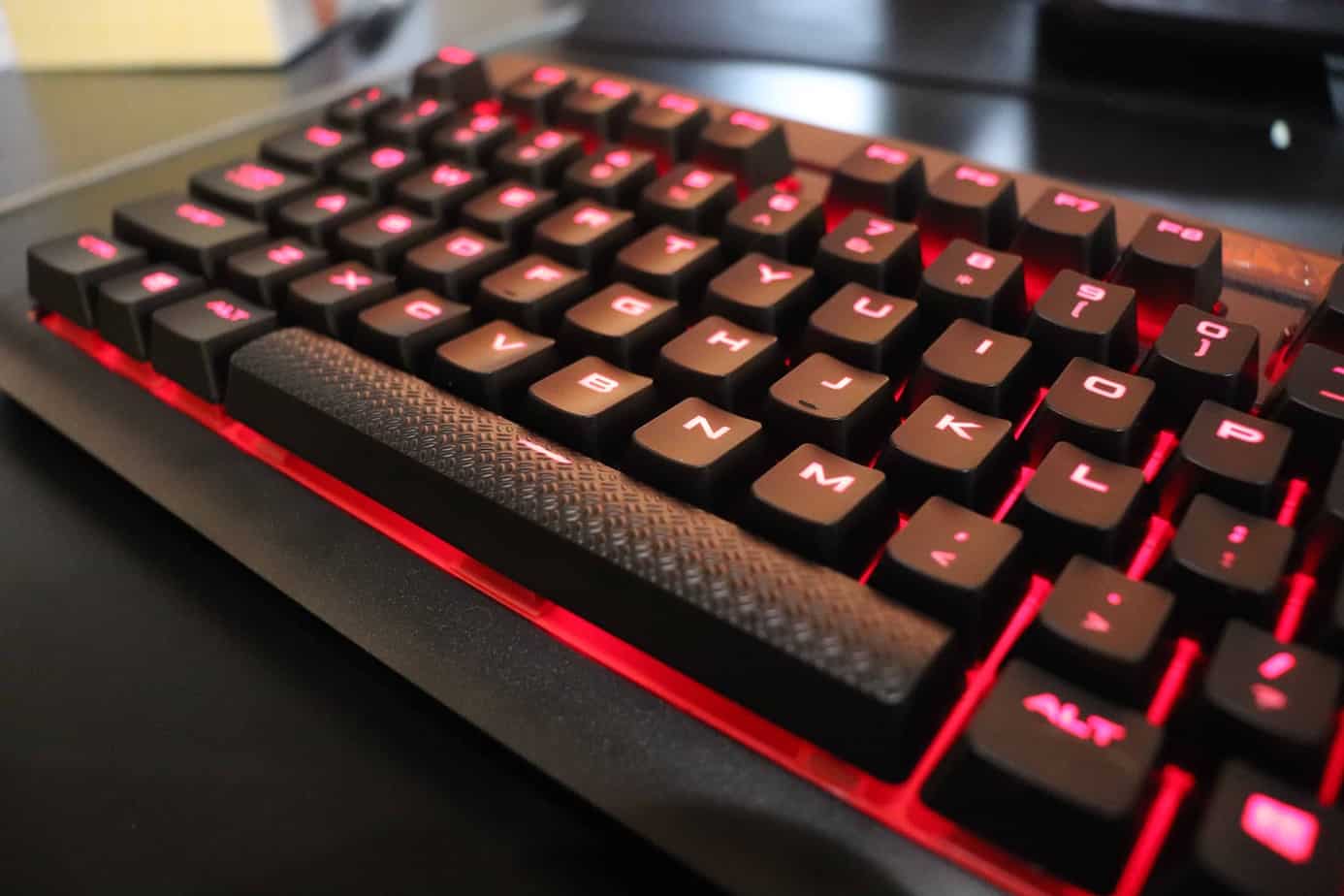
PC Gaming is where you’ll find practical, step-by-step help for the games, hardware, and software that make up your desktop setup. Whether you’re just getting started with a new title or trying to get an older favorite running, the guides here focus on clear instructions you can follow right away. You’ll see direct answers to common questions like how much a Minecraft realm costs, how to download GTA 5 or Gmod, and how to get Mortal Kombat 9 on PC. For your gear, there are also walkthroughs for changing the color of an AULA gaming keyboard, programming gaming mouse buttons and macros, and setting up a game controller on Windows.
Beyond the basics, the section branches into two useful themes. One is customization and troubleshooting: you can learn how to fix AULA keyboard lights that won’t turn on, save Zelotes mouse profiles to onboard memory, or change colors on a Cyberpower PC keyboard. The other theme is discovery and play, articles cover the best free game download sites, free games you can claim from Epic Games, and online games to play with friends. You’ll also find guides for specific in-game tasks, like making a night vision potion in Minecraft, finding buried treasure, or checking how long Fortnite takes to download.
For players who want to go deeper, there are lists of top mods for Minecraft, the best armor sets in Fallout 4, and nostalgic games still worth playing today. The articles help you get your software and hardware working, customize your experience, and find your next game, all with straightforward, actionable advice.