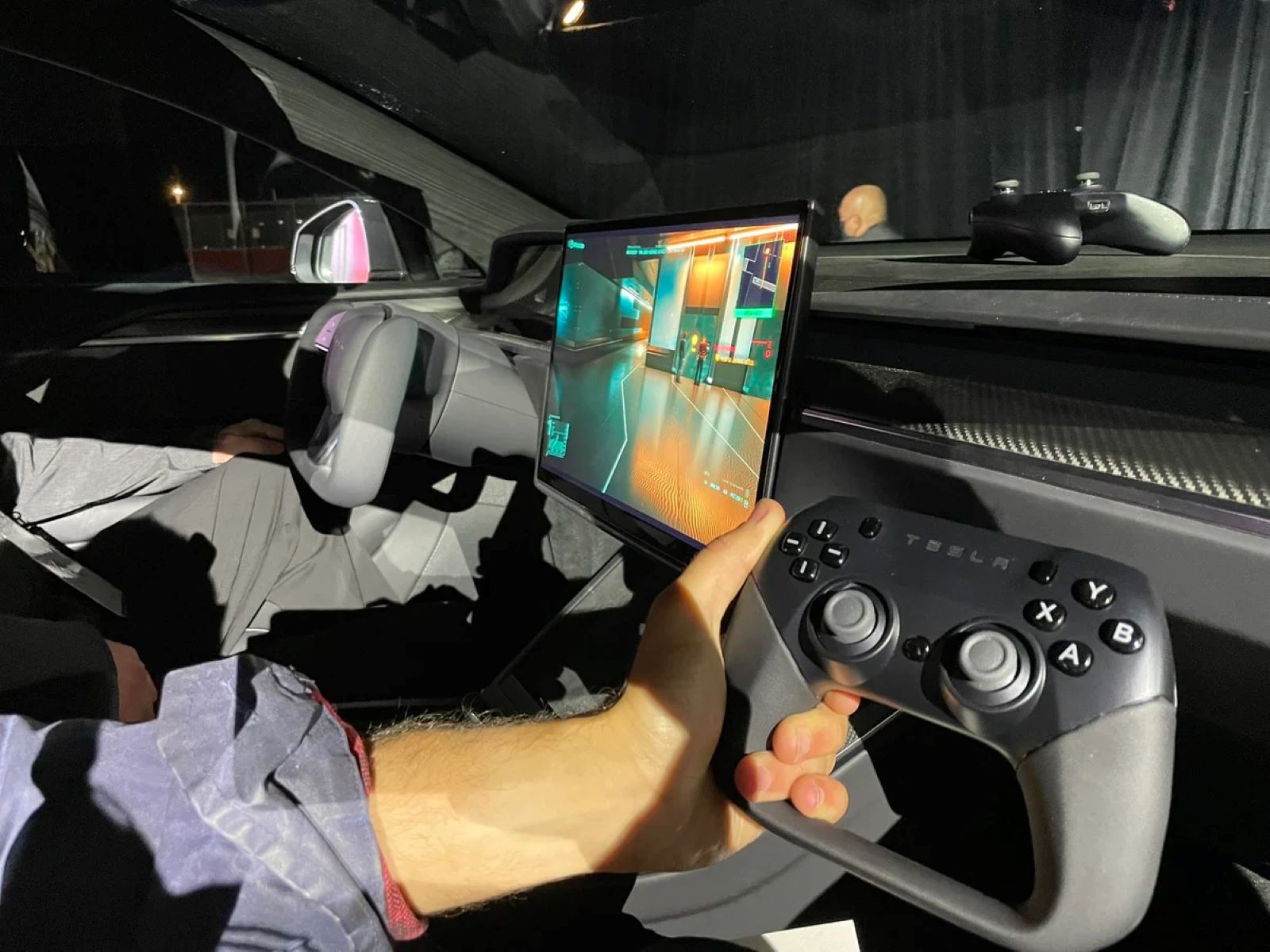
When you plug a game controller into a car's USB port, the immediate result is that the controller will charge, but it will not function as an input device for the car's infotainment system. In other words, while the port supplies power to the controller, the car's software will not recognize it as a gamepad, so you cannot use it to play games on the screen. This is the direct answer to what happens, and it's the most common outcome for virtually all factory-installed car USB ports.
Why your car only charges the controller
Car USB ports are designed with a specific, limited purpose: to provide power for charging and to support media playback from storage devices like USB flash drives or smartphones. They are not built to host the complex input device drivers that a game controller requires. Unlike a computer or a game console, which have operating systems that can install and manage drivers for a wide range of peripherals, a car's infotainment system runs on a closed, proprietary platform. This platform is optimized for audio, navigation, and vehicle settings, not for recognizing or interfacing with external input devices like a gamepad. The hardware and software simply lack the necessary protocols to interpret the controller's signals as commands, so the only thing the car's USB port can do is deliver power to the controller.
Charging speeds: USB-A vs. USB-C in cars
When it comes to charging, the type of USB port matters. USB-A ports, which are the older, rectangular connectors, typically provide up to 7.5 watts of power. USB-C ports, the newer oval-shaped connectors, can offer faster charging speeds, potentially up to 240 watts, though the vehicle's power output limits may restrict this. This means that if your car has a USB-C port, your controller could charge noticeably faster than with a USB-A port, but only if the car's electrical system can deliver that higher wattage. In practice, many cars cap the power output even on USB-C ports to protect the vehicle's battery and alternator, so the actual charging speed may be lower than the theoretical maximum. The key takeaway is that while USB-C has the potential for faster charging, the car's own limits are the final factor in how quickly your controller gets its battery topped up.
The rare exception: cars with full infotainment systems
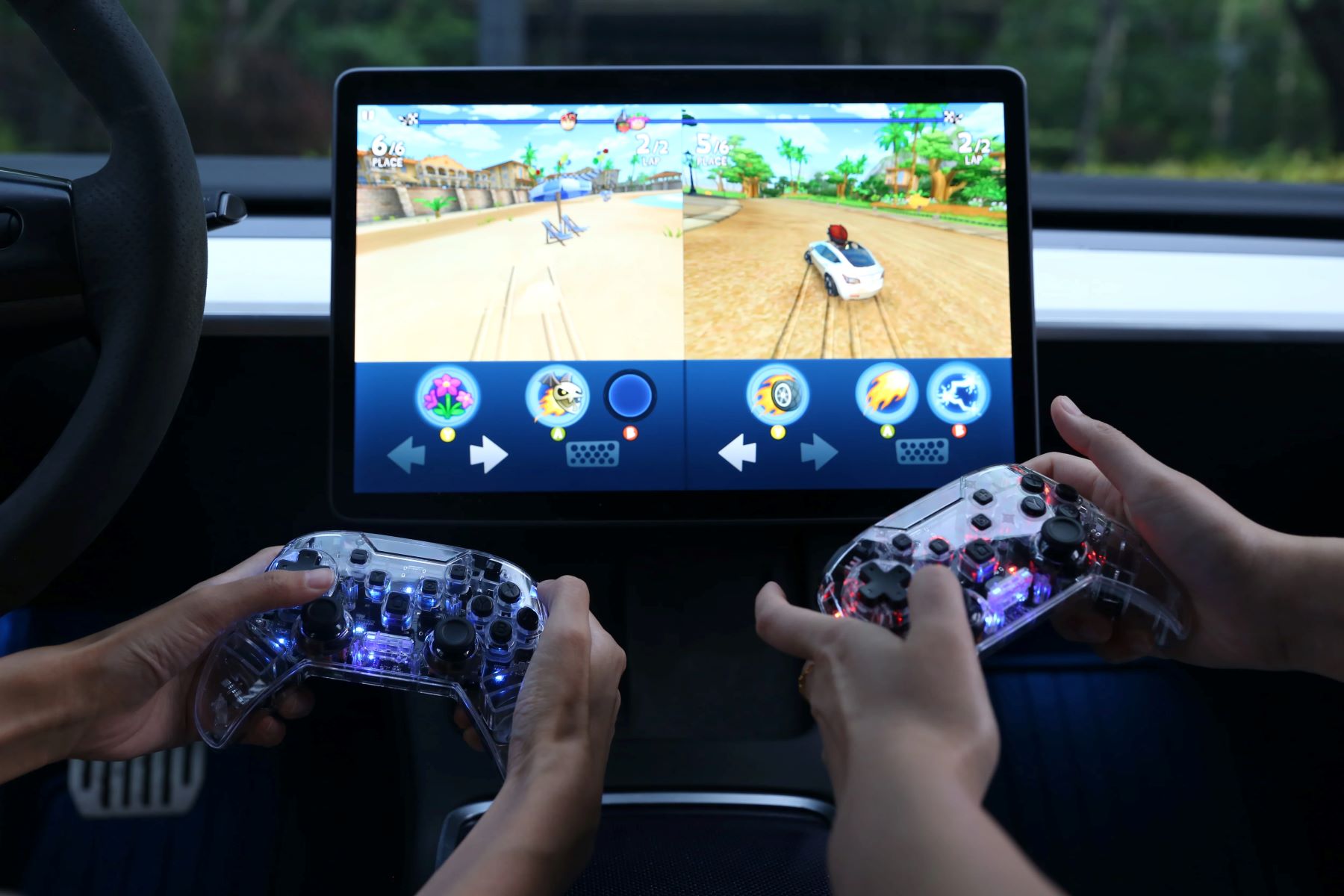
There is a rare exception to this rule, but it comes with heavy caveats. These systems are not standard in most production vehicles; they are typically installed by hobbyists or in specialized vehicles like electric concept cars. Even then, the functionality is often limited to specific apps or games that are designed to accept external input. For the vast majority of drivers with a factory-installed infotainment system, this scenario does not apply. So, while it is technically possible in a narrow set of circumstances, it is not a feature you can rely on in a standard car.
Safety and practical considerations
Beyond the technical limitations, there are important safety and practical reasons to avoid expecting your car's USB port to work as a gaming input. The most critical is driver distraction. Using a game controller while driving is extremely dangerous and illegal in many jurisdictions, as it diverts your attention from the road. Even as a passenger, you should be mindful of where the controller cable is routed. A loose cable can interfere with the gear shift, handbrake, or steering wheel, potentially causing a safety hazard. Additionally, you should protect the controller from the car's environment. In-car heat can damage the battery and internal components of a game controller, and constant vibration from driving can loosen connections or cause wear over time. To avoid these issues, unplug the controller when not in use and store it in a cool, dry place, like the glove compartment. By understanding these practical concerns, you can safely use the USB port for its intended purpose, charging, without risking your safety or the integrity of your equipment.
\nRelated reading: How to Set Up a Game Controller on Windows, How To Connect A Beboncool Game Controller To PC Games, and How To Make A Game Controller Out Of An Arduino Uno.