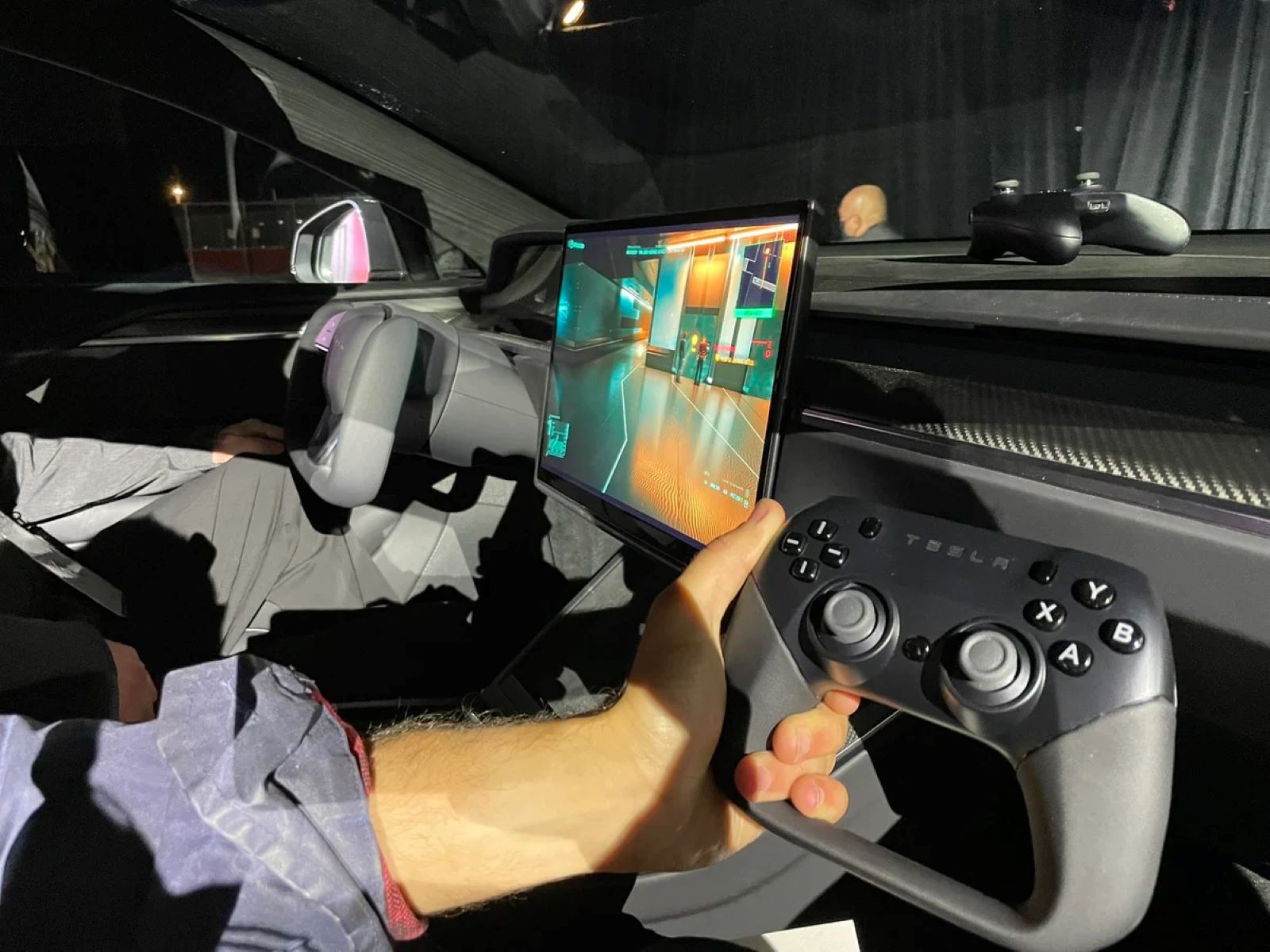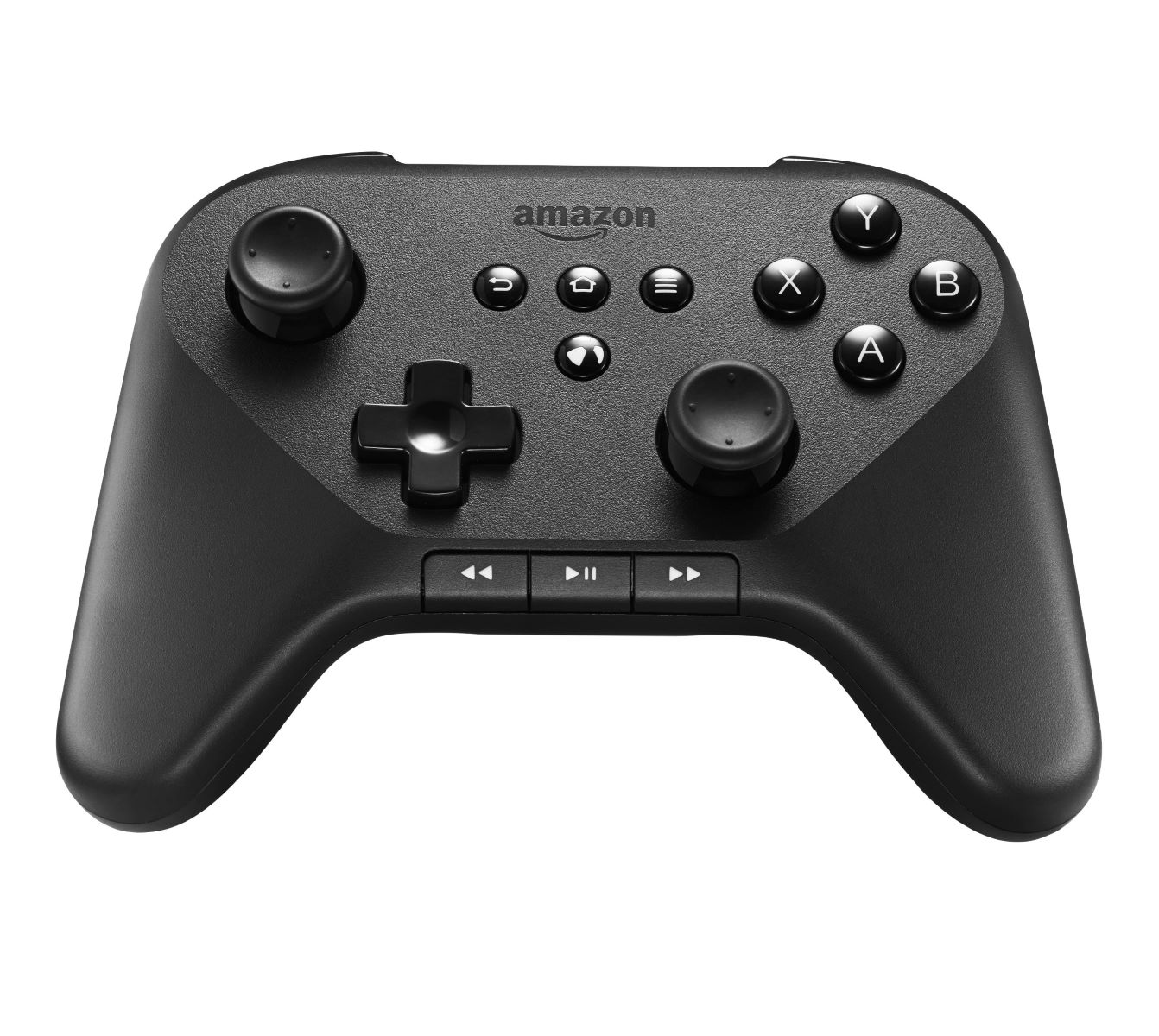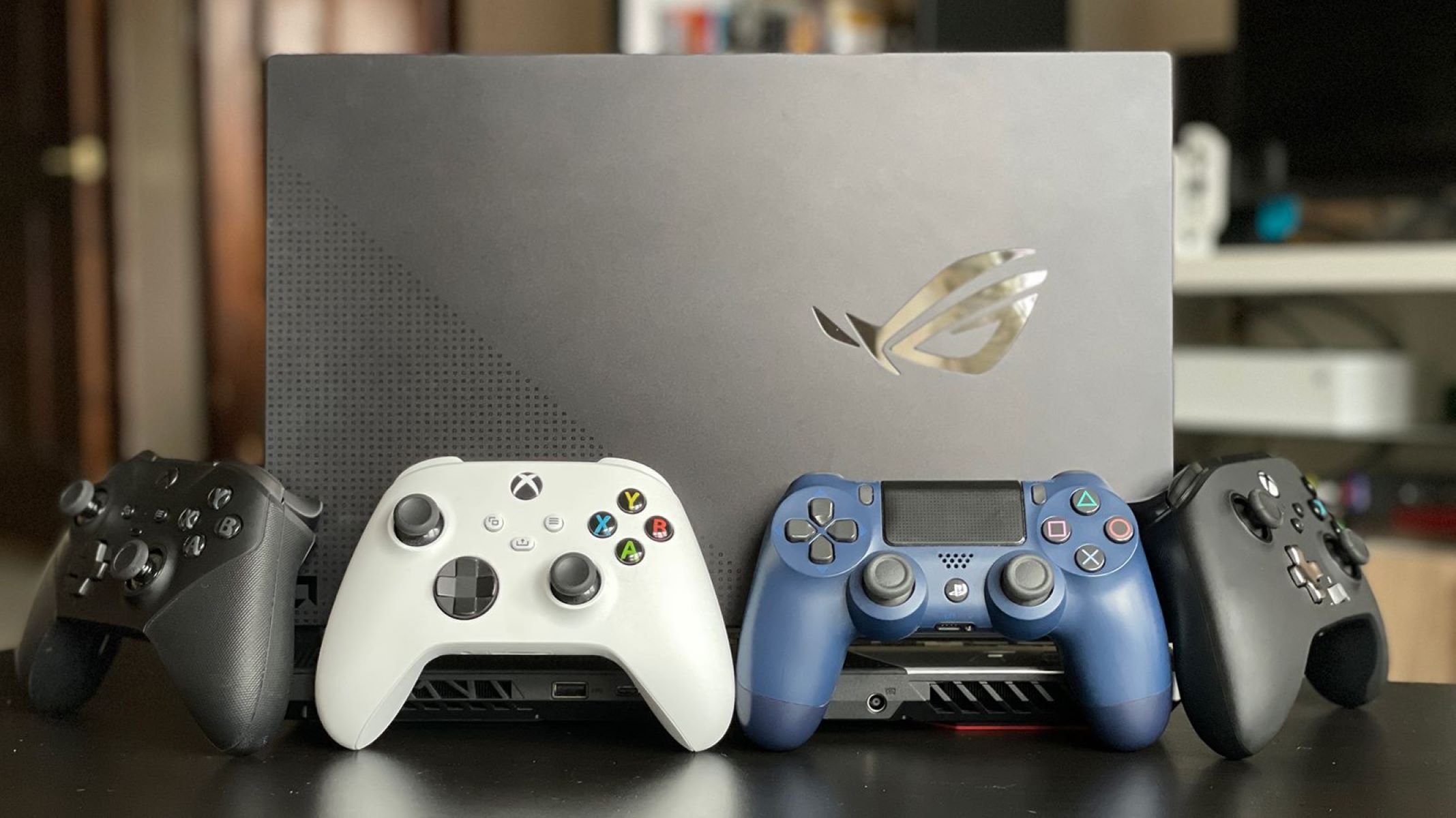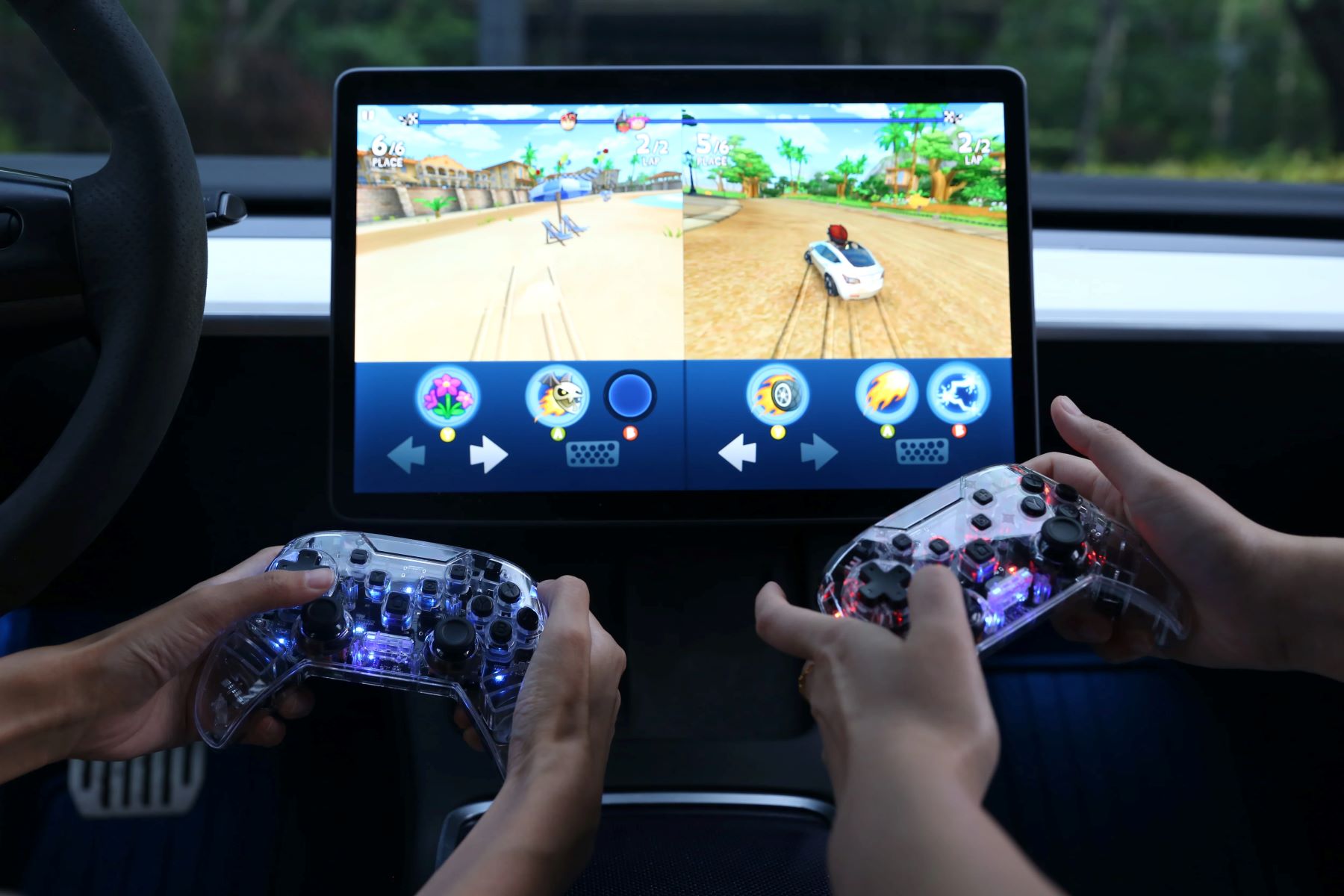
Which game controllers work with Tesla? The short answer: Tesla vehicles support Xbox Series X/S controllers, PlayStation DualSense and DualShock 4 controllers, the Nintendo Switch Pro Controller, and generic USB-compatible game controllers, connecting either wirelessly via Bluetooth or through a wired USB connection. You can pair a controller using Bluetooth for wireless play, or plug one into a data-supported USB port for a wired setup, and most Tesla Arcade games support two controllers for multiplayer sessions.
How to connect controllers: USB ports and model year changes
The most important detail for wired controllers is knowing which USB port in your Tesla actually carries data. In vehicles manufactured before approximately November 1, 2021, the front USB ports in the center console support data for controllers, so you can plug your controller directly into those ports. For vehicles built after that date, the center console USB ports may be charge-only, meaning they won't recognize a controller; instead, you must use the USB port inside the glove box for data. If you want to connect multiple wired controllers at once, you can use a USB hub plugged into a single data-supported port, which lets you expand the number of controllers without needing extra ports.
Bluetooth controllers and device limits
For wireless play, you can pair Bluetooth controllers directly with the vehicle's entertainment system. Tesla supports up to two Bluetooth devices simultaneously, which can be two controllers or one phone and one controller, so you can keep your phone connected for calls while a friend uses a controller. Most modern controllers, including Xbox Series X/S, DualSense, DualShock 4, and Switch Pro Controller, have built-in Bluetooth and need no extra hardware. However, some wireless controllers, particularly older or third-party models, require a USB dongle that you must plug into a data-supported USB port for connectivity, so check the controller's documentation before assuming it works over Bluetooth alone.
Xbox controllers: which models are compatible
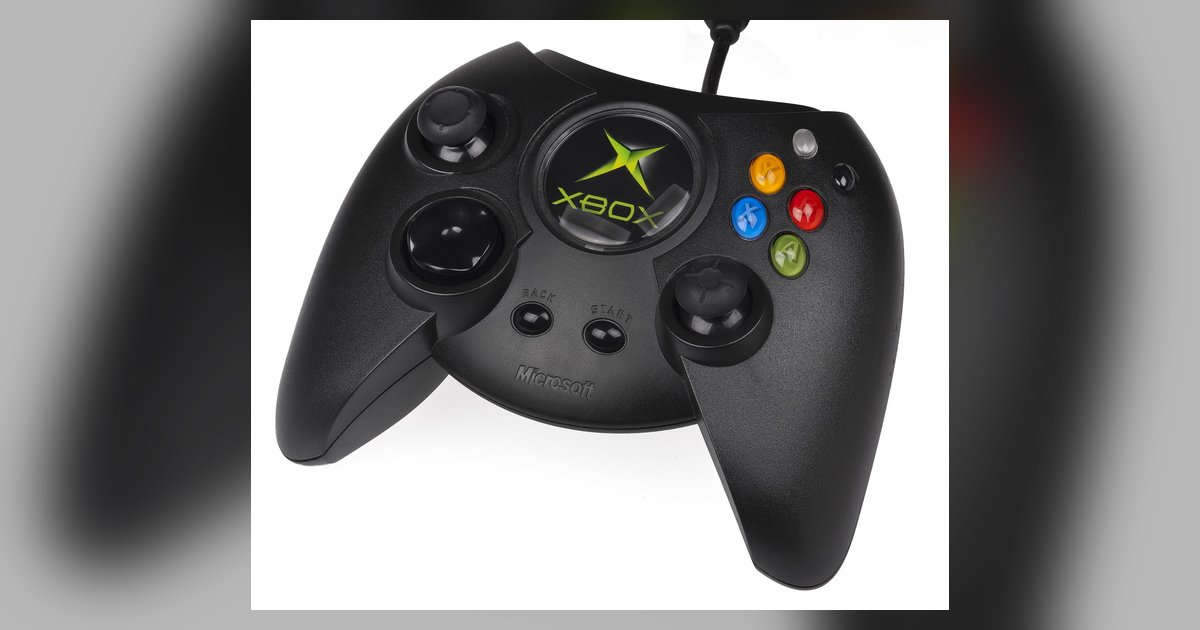
When it comes to Xbox controllers, the newer Xbox Series X/S generation is the reliable choice because these models have built-in Bluetooth and feature two buttons in the middle of the controller. These connect directly to your Tesla without any additional accessories, making them a straightforward pick for gaming. Older Xbox One controllers may also work, but they often lack Bluetooth and require a USB dongle to communicate with the vehicle, so if you have an older model, be prepared to use a wired connection or purchase a compatible wireless adapter.
PlayStation controllers: DualSense and DualShock 4
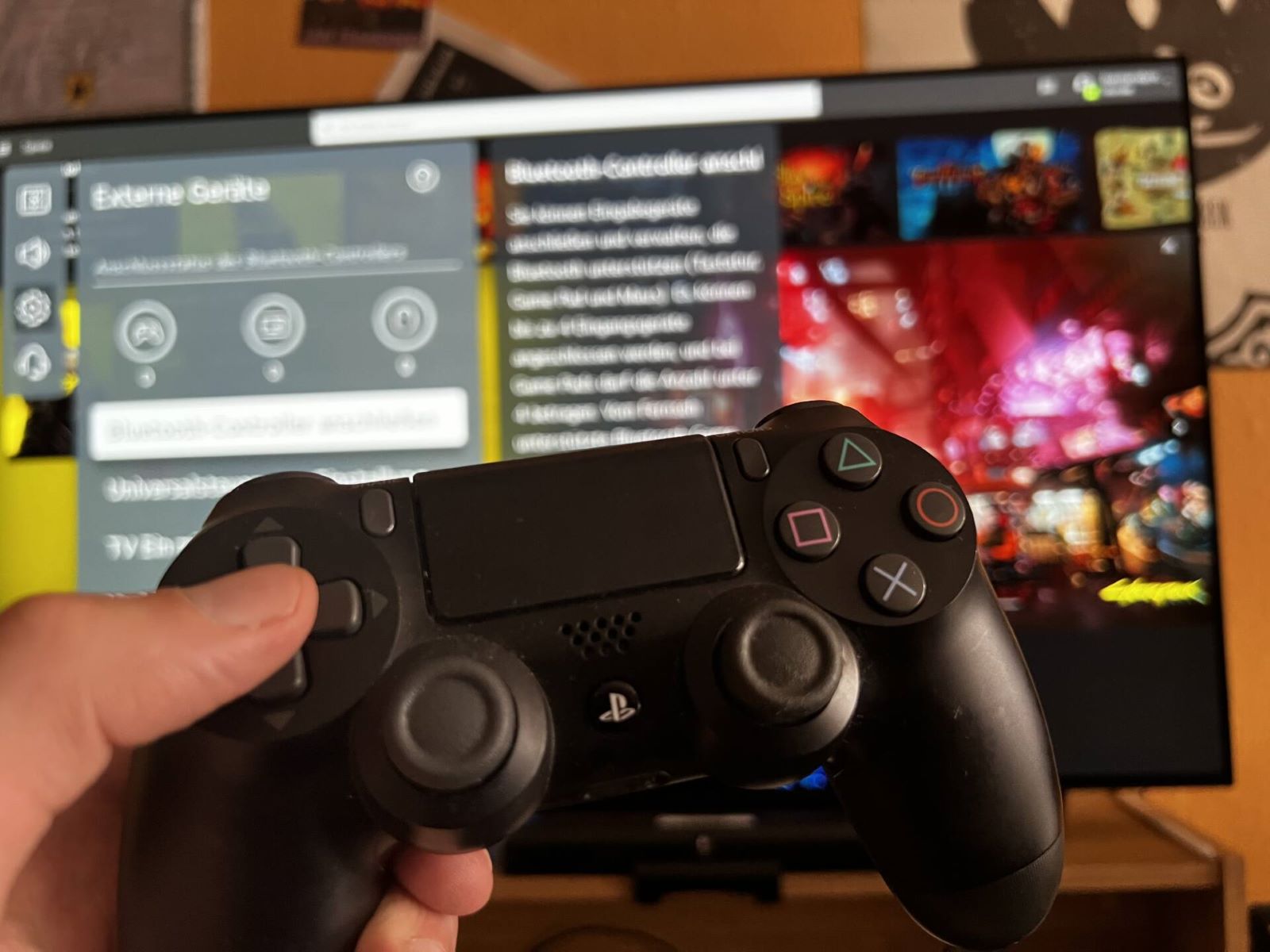
PlayStation controllers are fully supported via Bluetooth, so you can pair either the DualSense (from the PS5) or the DualShock 4 (from the PS4) without needing a dongle. The pairing process is the same for both: put the controller into pairing mode and select it from the Tesla's Bluetooth menu. The DualSense offers haptic feedback and adaptive triggers that can enhance supported games, while the DualShock 4 provides a lighter, more traditional feel, both work seamlessly for arcade-style titles and more complex games in the Tesla Arcade.
Nintendo Switch Pro Controller and third-party options
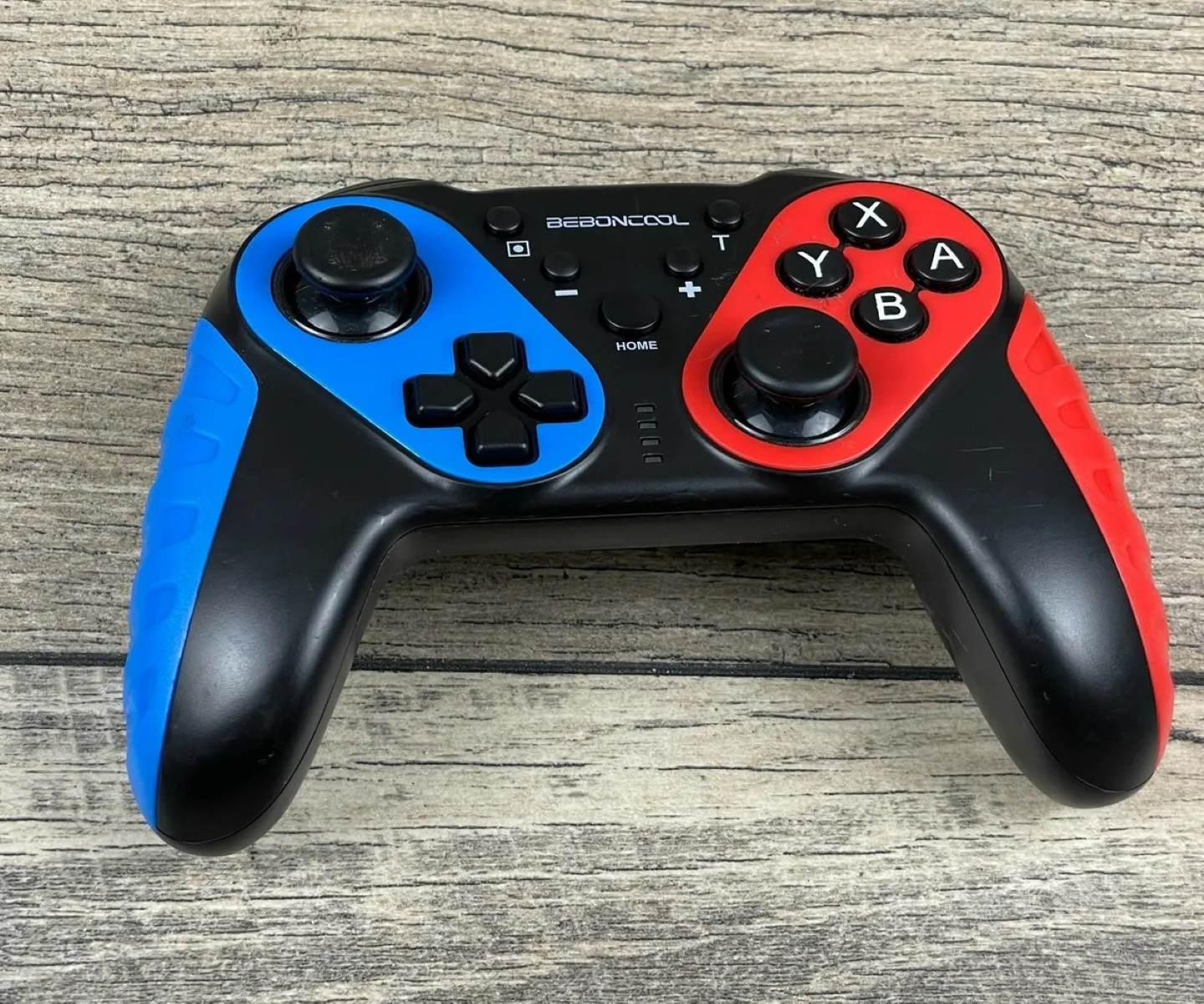
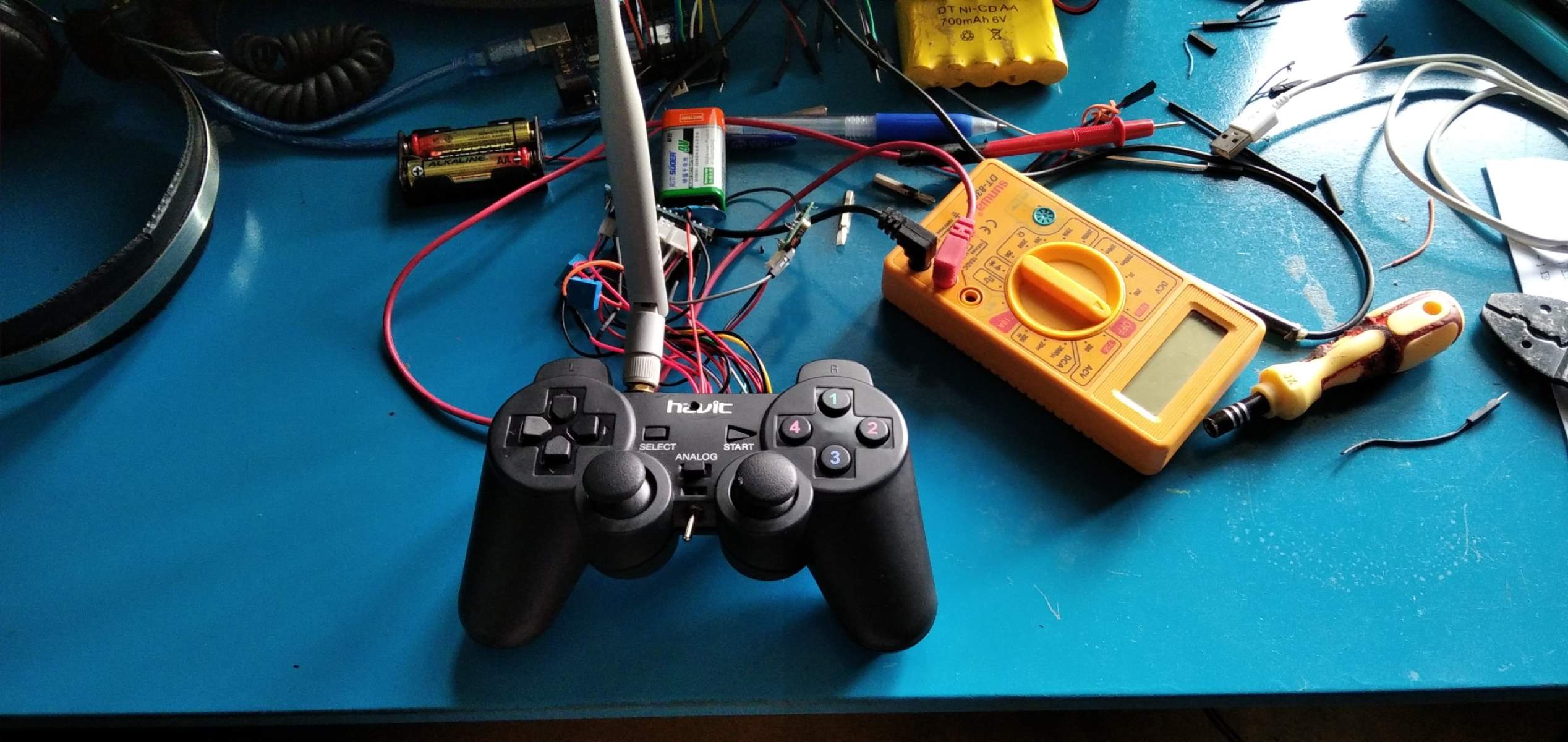
The Nintendo Switch Pro Controller is another Bluetooth-compatible option, pairing directly with your Tesla just like the PlayStation and Xbox controllers. This gives you access to a familiar layout with a comfortable grip, ideal for long gaming sessions. Beyond first-party controllers, generic USB-compatible game controllers are generally supported, and many third-party brands offer wireless models that work via Bluetooth or a USB dongle. These third-party options can be more affordable or offer unique features like programmable buttons, but you should verify that the specific model explicitly states Tesla compatibility, as some cheaper controllers may not support the vehicle's input protocol.
Model S and Model X compatibility notes
While all Model 3 and Model Y vehicles are compatible with game controllers, Model S and Model X have a caveat based on build date. Vehicles built after March 2018, or those that have received the MCU2 infotainment upgrade, support game controllers and the full Tesla Arcade experience. If you own a Model S or Model X built in March 2018 or earlier, you can purchase an Infotainment Upgrade from Tesla to unlock expanded Arcade games and controller support, so older vehicles aren't permanently left out, but the upgrade is required first.
Checking if a Tesla Arcade game supports your controller
Not every game in the Tesla Arcade supports controllers, so before you launch a title, look for the controller icon in the game's information or check if the "Play" button is illuminated blue. If you see the controller icon or the blue Play button, the game is confirmed to work with your gamepad; if the button appears gray or the icon is missing, that game is likely touchscreen-only. This quick check saves you from launching a game and discovering mid-session that your controller inputs are ignored, so you can stick to titles that actually respond to your hardware.
\nRelated reading: How to Set Up a Game Controller on Windows and How To Connect A Beboncool Game Controller To PC Games.