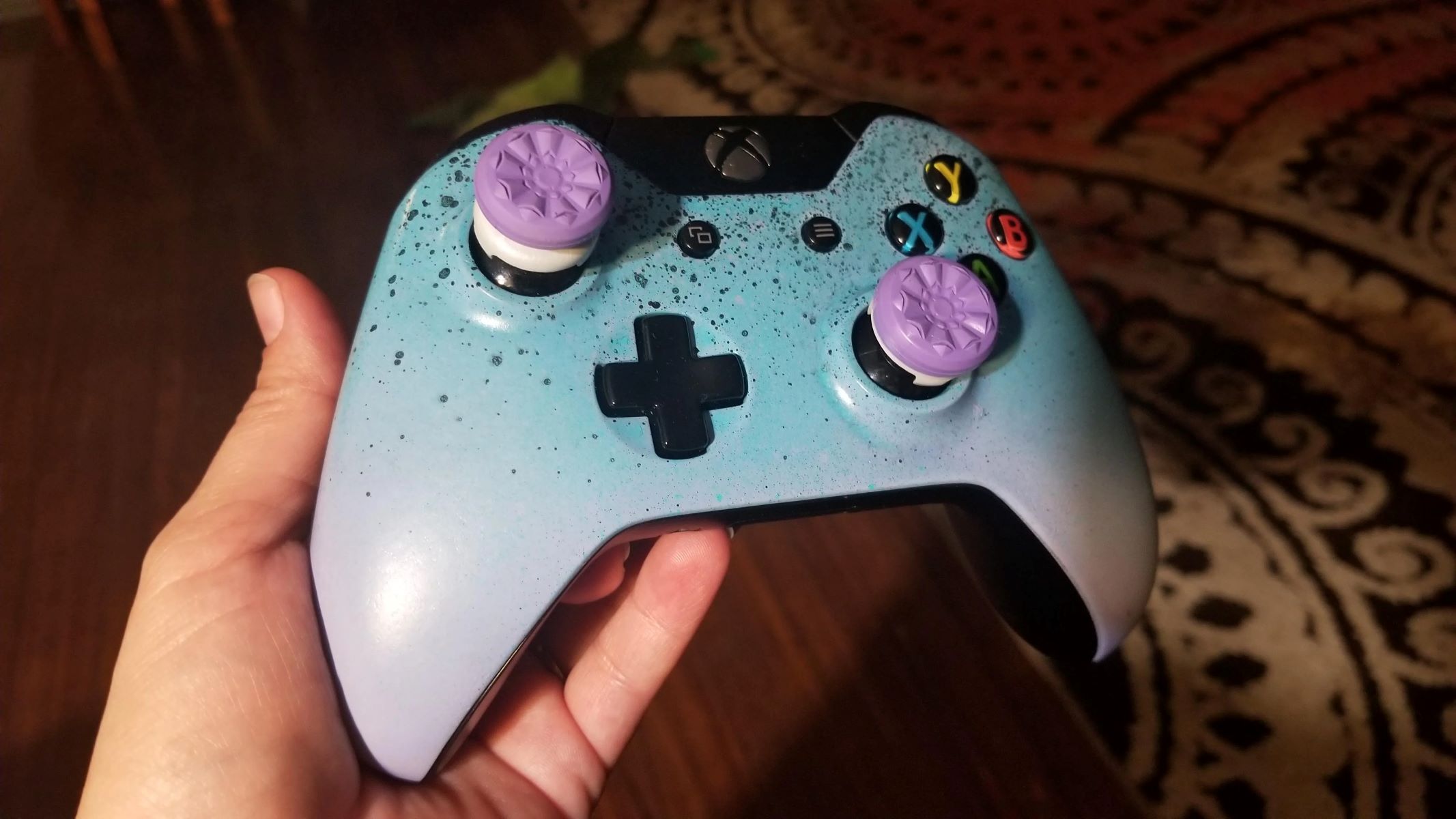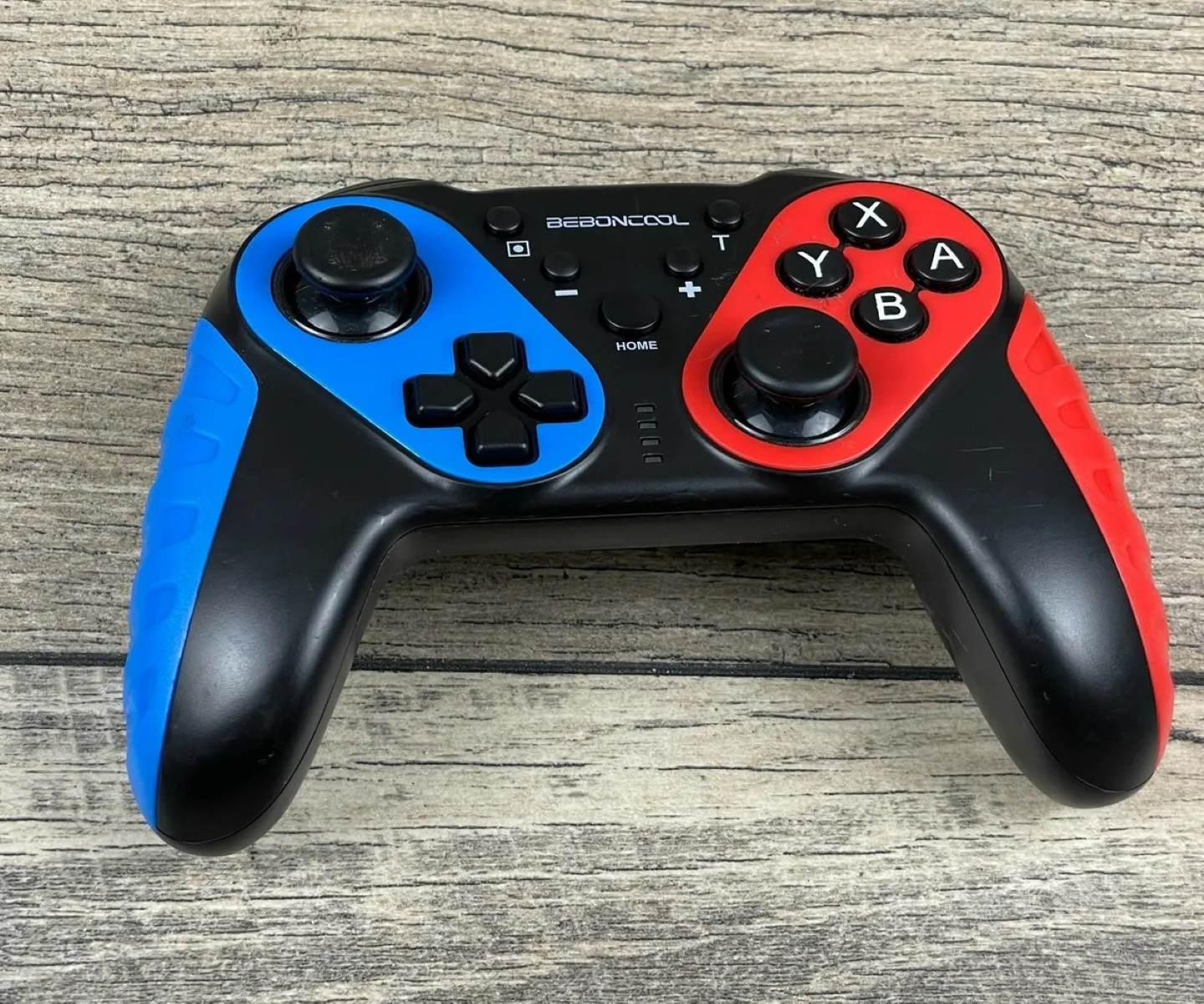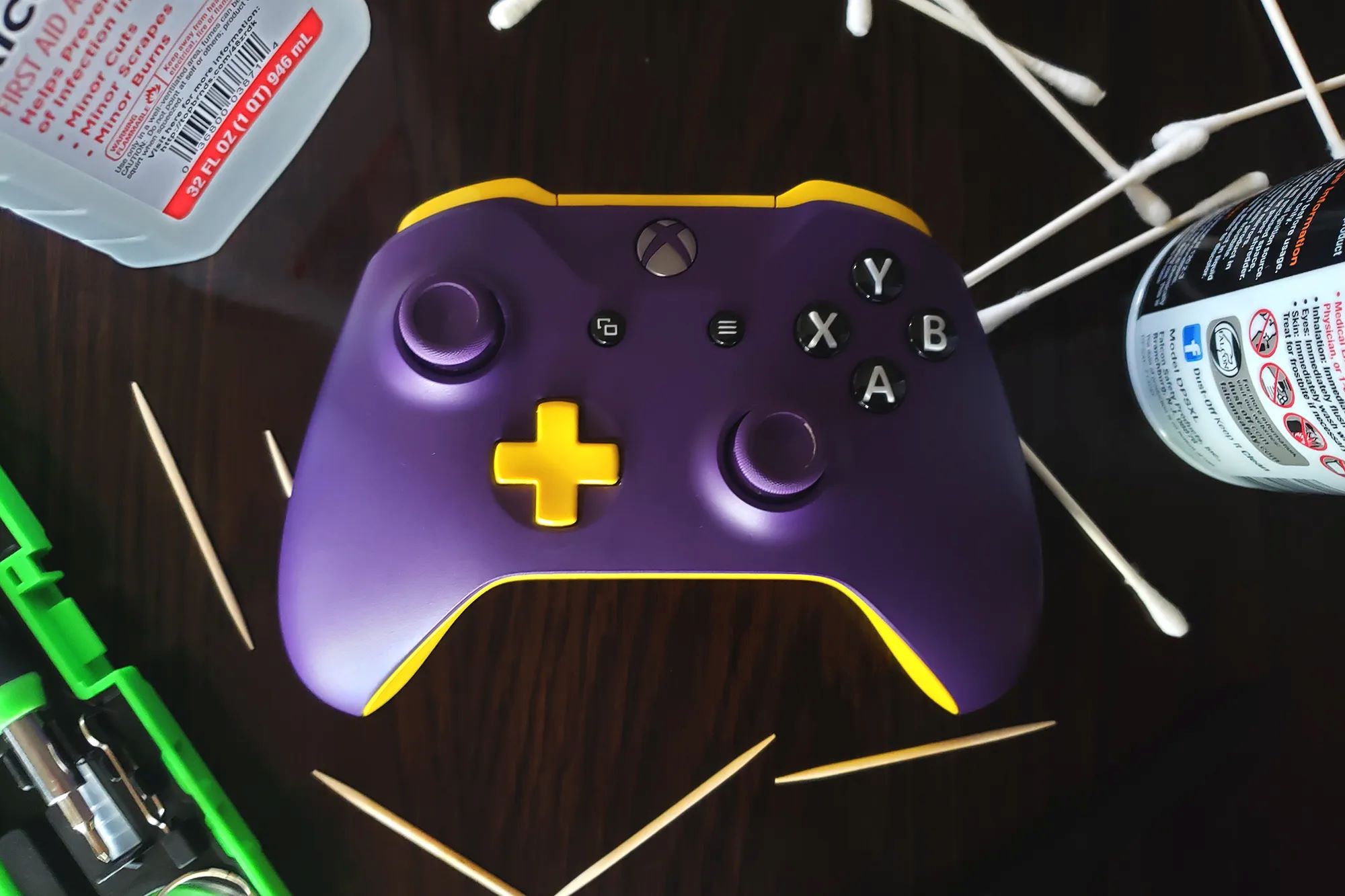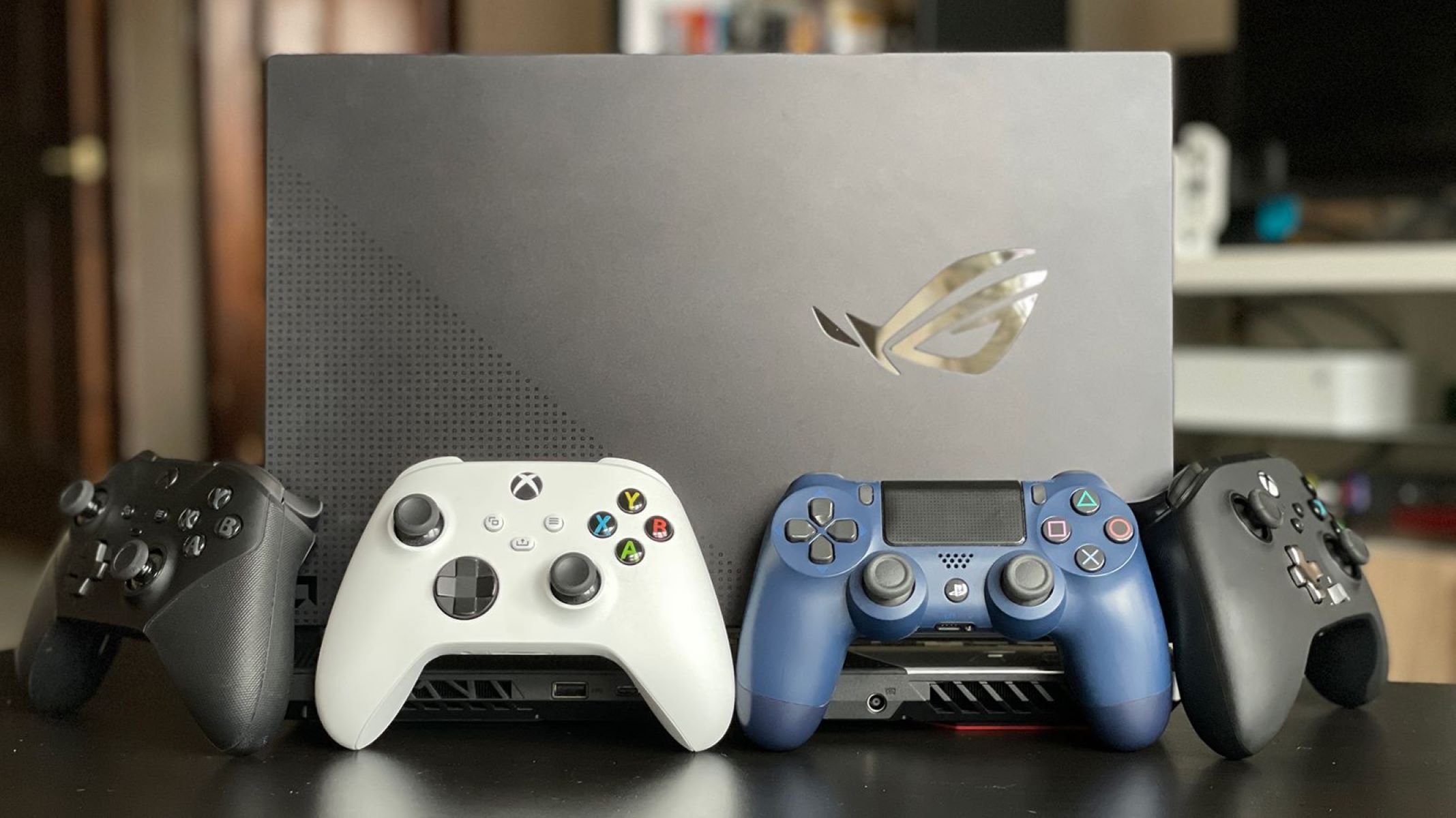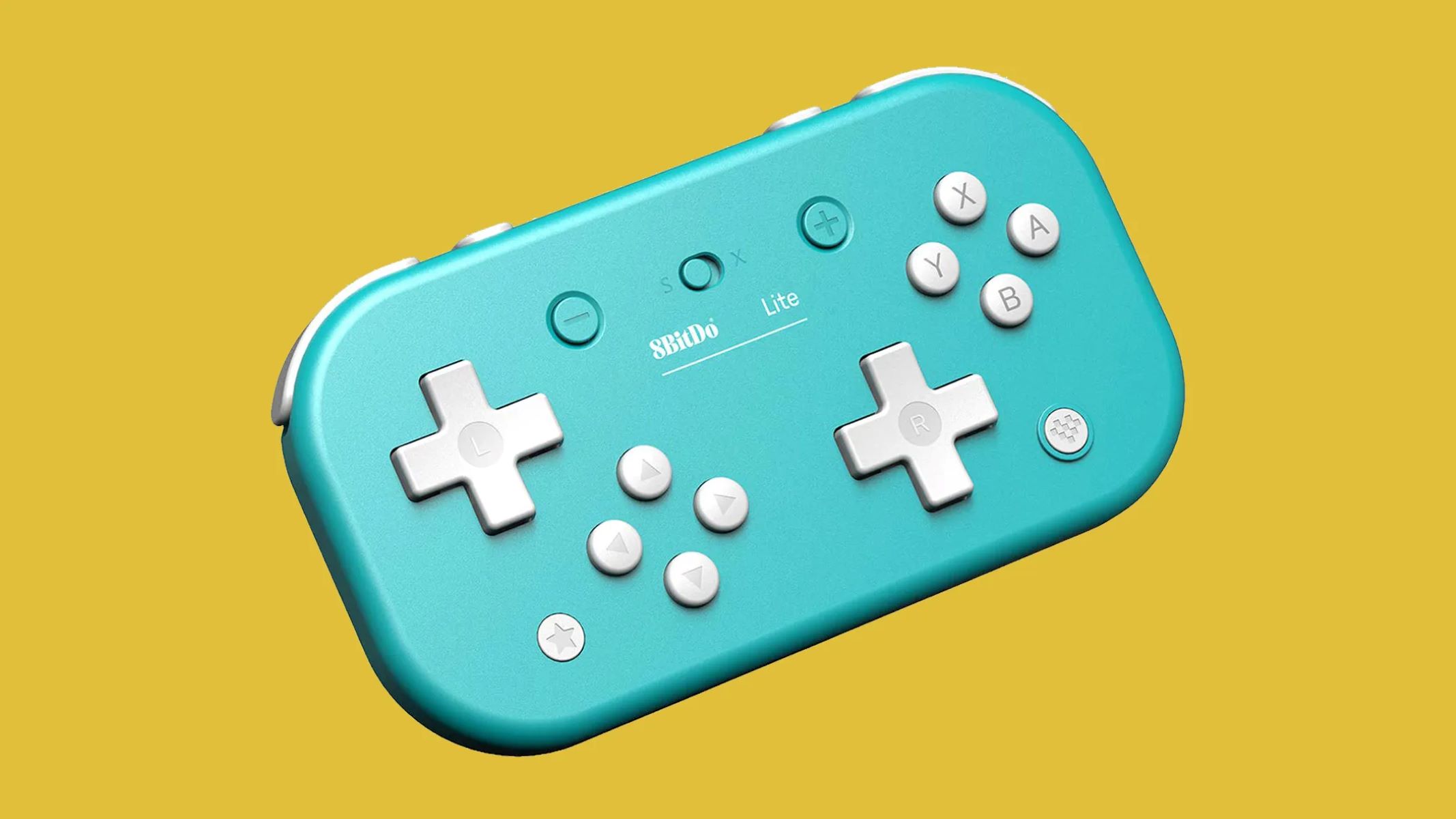
The game controller letters meaning comes down to this: the lettered face buttons (A, B, X, Y, or Cross and Circle) and the shoulder buttons (L1, R1, L2, R2) are labels for specific inputs that game developers map to in-game actions. In practice, A or Cross typically means "confirm" or "select," while B or Circle means "cancel" or "back," though the exact function can change from game to game.
What game controller letters mean: A direct answer
Every letter on a controller is a physical input that sends a signal to the console or PC. The face buttons, usually four, arranged in a diamond, are the primary action keys, while the shoulder buttons sit above the triggers for secondary inputs. The letters themselves don't have universal meanings baked in; instead, each game assigns them. However, a strong convention has emerged over decades: the bottom button (A on Xbox, Cross on PlayStation) is almost always the "yes" or "jump" button, and the right button (B on Xbox, Circle on PlayStation) is almost always "no" or "cancel." This consistency is why you can pick up a new game and instantly know which button to press to start a level.
The origin of A, B, X, and Y on game controllers
The Nintendo Entertainment System (NES) controller, released in 1983, was pivotal in establishing the D-pad and A/B button layout, which became a blueprint for future gamepads. Before the NES, most home consoles used a joystick and a single button. Nintendo's design placed two buttons, labeled A and B, on the right side of the controller, with B on the right and A on the left. The idea was that B (the rightmost button) would be the primary action and A (closer to the center) would be secondary. When Sega and later Sony and Microsoft adopted the four-button diamond layout, they kept the A/B naming for the two rightmost buttons and added X and Y above them. That original NES decision, putting the "confirm" action on the right button, still echoes in every modern controller, even though the exact positions have shifted.
What the face buttons do: A, B, X, Y, Cross, and Circle
On Xbox and Nintendo controllers, A is the bottom button and serves as the universal confirm or jump input. B, on the right, is cancel or back. X (left) and Y (top) are contextual: they might reload a weapon, switch items, or perform a special move depending on the game. On PlayStation, the buttons are labeled with shapes, Cross, Circle, Square, and Triangle, rather than letters. The conflict here is real: in Japan, Circle typically means "yes/confirm" and Cross means "no/cancel." In Western games, this was often reversed. However, on PS5 consoles, the Cross button is standardized for selecting items, and the Circle button is for canceling a command in the console menu. So if you're playing a Japanese import on a Western PS5, you might find the confirm/cancel mapping flipped from what you expect, but the console's own menus will always use Cross for confirm and Circle for cancel.
What L1, R1, L2, and R2 mean on a controller
The L and R stand for Left and Right, referring to the two shoulder positions on each side of the controller. L1 and R1 are the bumpers, small, clicky buttons near the top edge. They're used for quick actions like aiming down sights, cycling through weapons, or performing a light attack. L2 and R2 are the triggers, larger, curved buttons that sit below the bumpers. These are analog, meaning they can detect how far you press them. That makes them ideal for variable inputs like accelerating a car, applying throttle in a flight SIM, or gently squeezing to fire a semi-automatic weapon. In most shooters, R2 fires and L2 aims; in racing games, R2 accelerates and L2 brakes. The exact mapping varies, but the pattern is consistent: bumpers for discrete actions, triggers for continuous or pressure-sensitive actions.
What clicking the sticks does: L3, R3, LSB, and RSB
Both analog sticks can be pressed down vertically, like a button. On PlayStation, this is called L3 (left stick) and R3 (right stick). On Xbox and Nintendo, it's referred to as LSB and RSB, Left Stick Button and Right Stick Button. Clicking the left stick is almost always mapped to sprint in first-person and third-person games. Clicking the right stick is usually melee, crouch, or a camera reset. Some games use the stick click for less obvious actions, like toggling a flashlight or switching fire modes, but sprint and melee are the near-universal defaults. Because the sticks are analog, clicking them doesn't interfere with their directional input, you can press forward and click L3 at the same time to sprint without stopping.
Other important symbols on a game controller
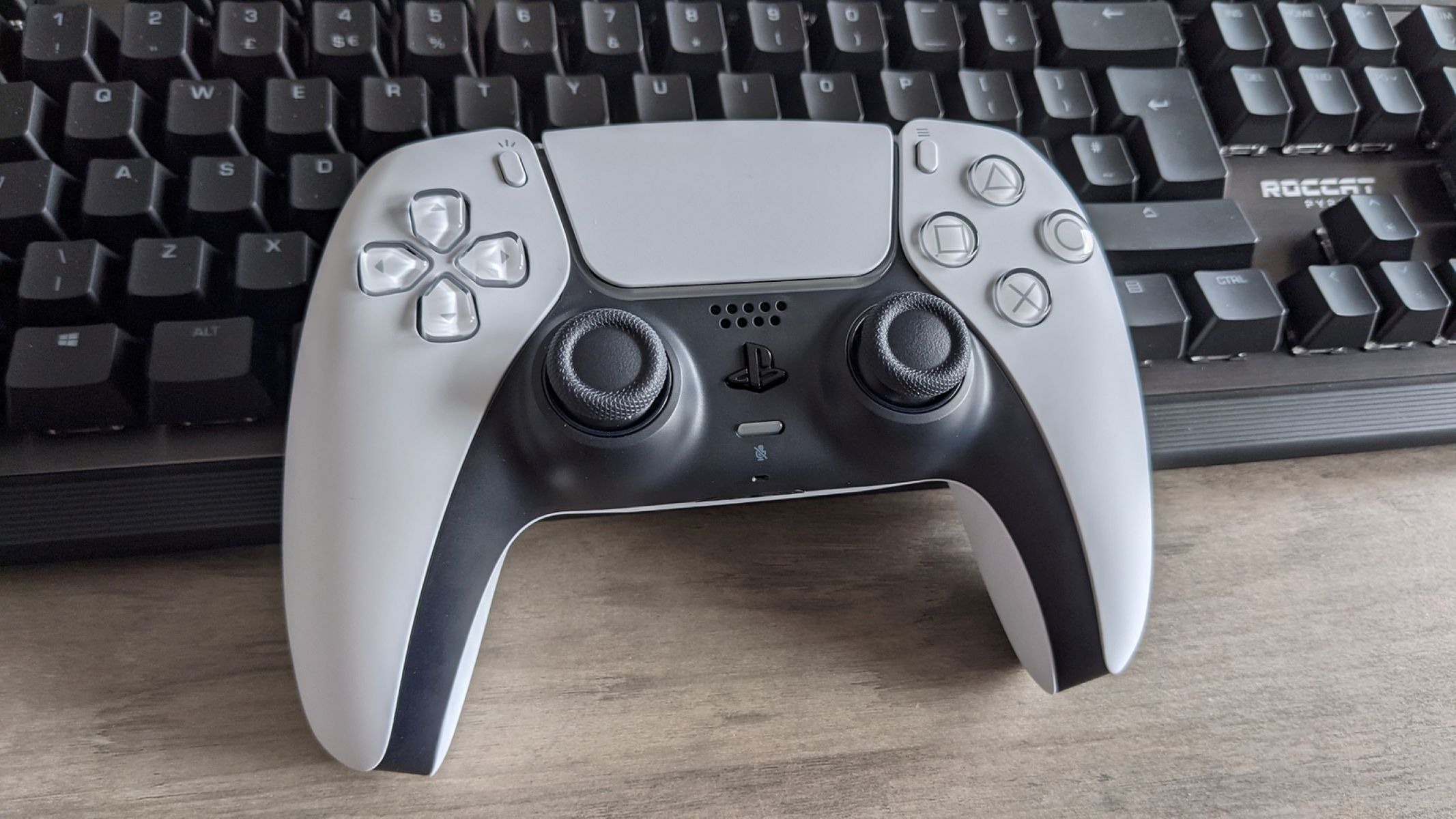
Beyond the letters, a few non-lettered controls matter just as much. The D-pad, the plus-shaped directional pad on the left, highlights items on the screen and is used for menu navigation, quick item selection, or switching weapons in games that don't use the sticks for that. The PlayStation controller also has a touchpad in the center; pressing it acts as a button for gameplay functions, and swiping it can trigger gestures. The Options button (on PlayStation) displays the options menu, while the Create button displays the create menu and allows taking screenshots and video clips. The PS button, marked with the PlayStation logo, accesses the control center with a single press, returns to the home screen when held, and can wake the console from Rest Mode. Double-tapping it brings up recent cards or notifications. There's also a Mute button that mutes the controller's microphone and speaker. On the DualSense Edge and Access controllers, you can remap most buttons, though the Mute button and touchpad swipe function are not available for mapping on the Access controller. Understanding these system-level controls is what separates a casual player from someone who can navigate menus, capture clips, and adjust settings without ever looking down at the controller.
\nRelated reading: How To Professionally Paint A Game Controller, Why Is My Game Controller Power A Blinking Red, and How To Use A Game Controller For Rocket League.