If you need money to arrive in a linked bank account within minutes and want to avoid fees entirely, Zelle is the better choice for most everyday transfers between friends and family. If you frequently split dinners, group trips, or rent with friends and enjoy a social feed with emojis and comments, Venmo offers a more engaging experience, but you'll pay a 1.75% fee for instant transfers and 3% for credit card funding. In short: Zelle wins for speed and zero cost; Venmo wins for social features, bill-splitting tools, and optional Venmo Card spending.
Venmo vs Zelle: what is Venmo?
Venmo is a mobile payment service owned by PayPal, launched in 2009 and acquired in 2013. It allows U.S.-based users (18+, with a U.S. cell phone and verified identity) to link bank accounts, debit cards, or credit cards to send money. Its signature feature is a social feed where you can see friends' payment activity (amounts are private by default) and add comments or emojis. Venmo also offers split payments for group expenses, a Venmo Card (a debit card linked to your Venmo balance), and integration with third-party apps for seamless checkout. You must be physically located in the U.S. to use Venmo, and international transfers are not supported.
What is Zelle?
Zelle is a digital payment network owned by Early Warning Services, LLC, a consortium of major U.S. banks. It is integrated directly into over 1,000 banking and credit union apps, allowing users to send money directly between eligible U.S. bank accounts. There is no separate social feed or balance to manage, money moves from one bank account to another. To use Zelle, you need an eligible U.S. bank account; the standalone Zelle app requires a participating bank for full functionality. Transfers between enrolled users typically complete within minutes because the funds move through the existing banking rails. If you split your finances across different banks, you can still streamline everything by setting up Zelle with multiple accounts. If your financial institution is a credit union, you can set up Zelle with Suncoast credit union to see the enrollment steps firsthand. Zelle does not support business transactions, credit card funding, or international transfers.
Key differences at a glance
| Feature | Venmo | Zelle |
|---|---|---|
| Fees (standard) | Free for standard bank transfers | Free for all consumer transfers |
| Fees (instant) | 1.75% (min $0.25, max $25) | No fee (bank-dependent, usually free) |
| Credit card funding | 3% fee | Not available |
| Transfer speed | Standard: 1-3 business days; Instant: ~30 min | Within minutes (enrolled users) |
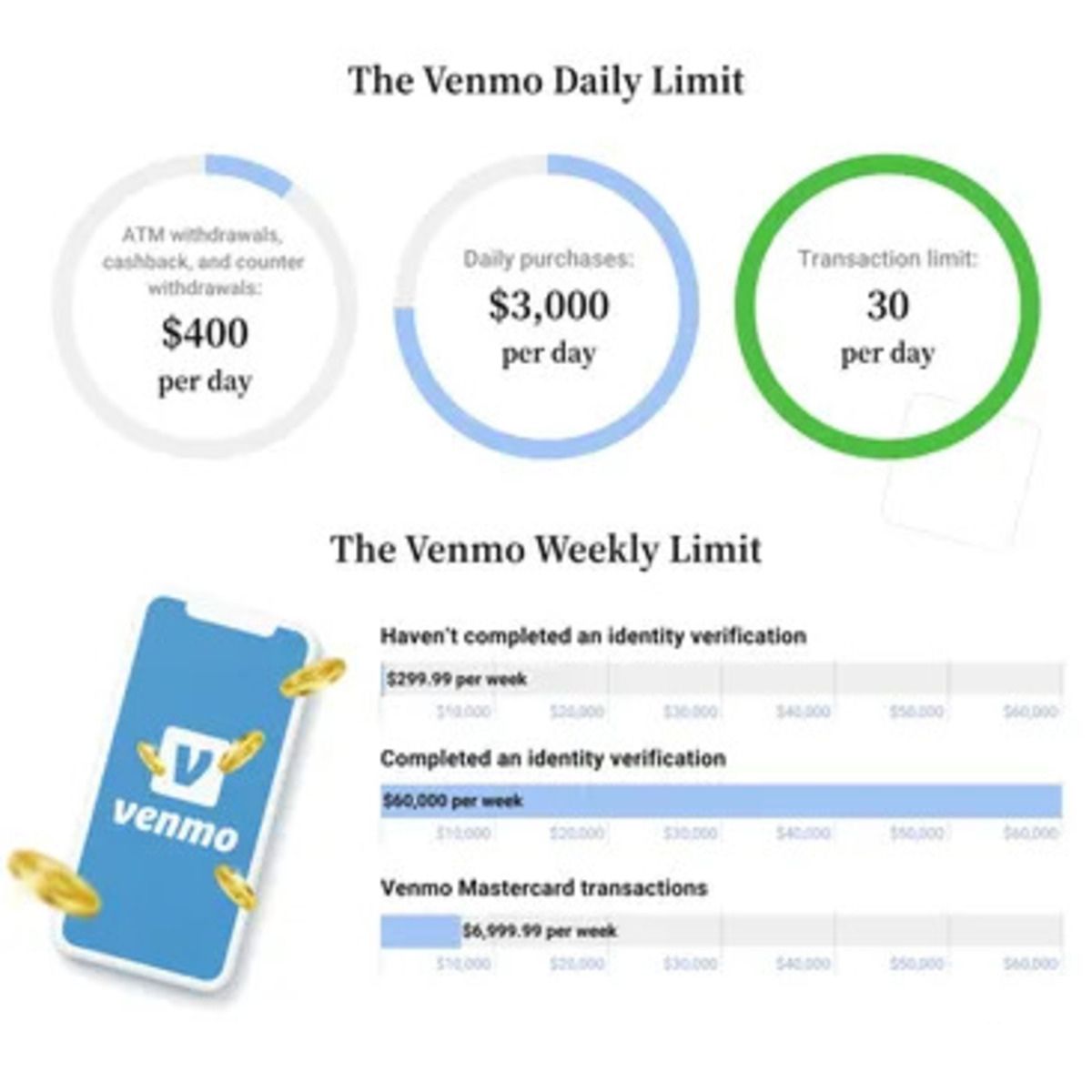
| Sending limits | $299.99/week unverified; $4,999.99/week verified | Bank-set: $500, $10,000+/day; standalone app: $500/week send |
| Social features | Feed, comments, emojis, split payments | None, pure transfer |
| Business use | Yes (2.99% goods/services; 1.9% + $0.10 business profile) | No |
| Integration | Standalone app + third-party apps | Directly in 1,000+ bank apps |
Fees comparison
Zelle typically charges no fees for consumers to send or receive money. While some banks might charge a small fee, most financial institutions offer Zelle transactions without additional costs. Venmo, by contrast, has a multi-tier fee structure: standard transfers to a linked bank account are free (1-3 business days), but instant transfers incur a 1.75% fee (min $0.25, max $25). Using a credit card to fund a Venmo payment costs 3%. For business transactions, Venmo charges 2.99% for goods/services on a personal account, or 1.9% + $0.10 for a Venmo Business Profile (2.29% + $0.10 for Tap to Pay). If you want to avoid fees entirely for person-to-person transfers, Zelle is the clear winner.
Transfer speed
Zelle transfers between enrolled users typically complete within minutes because the money moves directly between bank accounts. Venmo's standard transfer takes 1-3 business days, but you can pay a 1.75% fee for an instant transfer that arrives within 30 minutes. Venmo's instant option is useful in a pinch, but the fee adds up over time.
Sending limits and requirements
Zelle sending limits are set by individual banks and vary widely, commonly ranging from $500 to $10,000+ per day, with monthly caps. If you use the standalone Zelle app without a participating bank, sending is limited to $500 per week and receiving to $5,000 per week. Venmo starts with a $299.99 weekly sending limit, which can be raised to $4,999.99 after identity verification. Both platforms require U.S. residency, a U.S. phone number, and identity verification. Venmo requires you to be at least 18 years old; Zelle requires an eligible U.S. bank account. If you need to send larger amounts regularly, Zelle's bank-integrated limits are often more generous.
How to send money with Venmo
To send money on Venmo, open the app, tap "Pay or Request", search for the recipient by username, name, phone number, email, or QR code, enter the amount, add a note, confirm the recipient and amount, then tap "Pay". The money will be deducted from your Venmo balance, linked bank account, or debit/credit card (credit card incurs a 3% fee). You can also split a bill by selecting multiple friends and dividing the amount evenly.
How to transfer Venmo balance to your bank
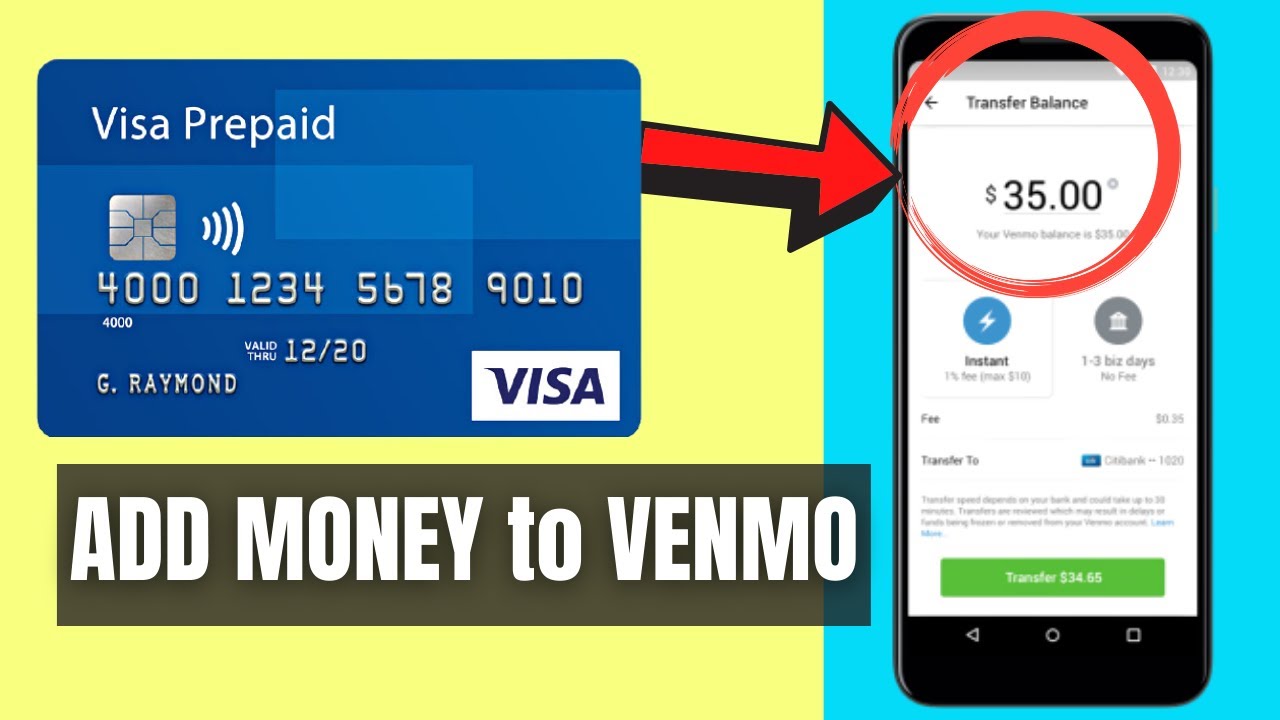
To transfer money from your Venmo balance to your bank, open the Venmo app, go to the "Me" tab (your picture or initials), tap "Transfer" (or "Add or Transfer" under "Wallet"), then tap "Transfer to Bank". Enter the amount, choose "Instant Transfer" (1.75% fee, arrives within 30 minutes) or "Standard Transfer" (free, 1-3 business days), and confirm. Standard transfers are free but slower; instant transfers are convenient but cost money. If you want to avoid fees, choose Standard and wait a couple of days.
Business use
Venmo supports business transactions: receiving payments for goods and services on a personal account incurs a 2.99% fee, while a Venmo Business Profile charges 1.9% + $0.10 per transaction (2.29% + $0.10 for Tap to Pay). Zelle does not support business transactions at all, it's strictly for person-to-person transfers between bank accounts. If you're a freelancer, small business owner, or sell goods, Venmo's business tools (including purchase protection for buyers) are useful. If you only need to pay friends or family, Zelle's fee-free model is simpler.
Which should you choose?
Pick Zelle if you want instant, fee-free bank transfers and don't need social features, it's ideal for paying rent, splitting utilities, or reimbursing a friend quickly. Pick Venmo if you value social features, credit card payments, or business transactions with disclosed fees, it's better for group dinners, shared trips, or when you want to use a credit card to earn rewards (despite the 3% fee). For a more interactive, feature-rich experience with optional instant transfers, Venmo is the stronger choice.
For the wider topic, see get a Zelle account.