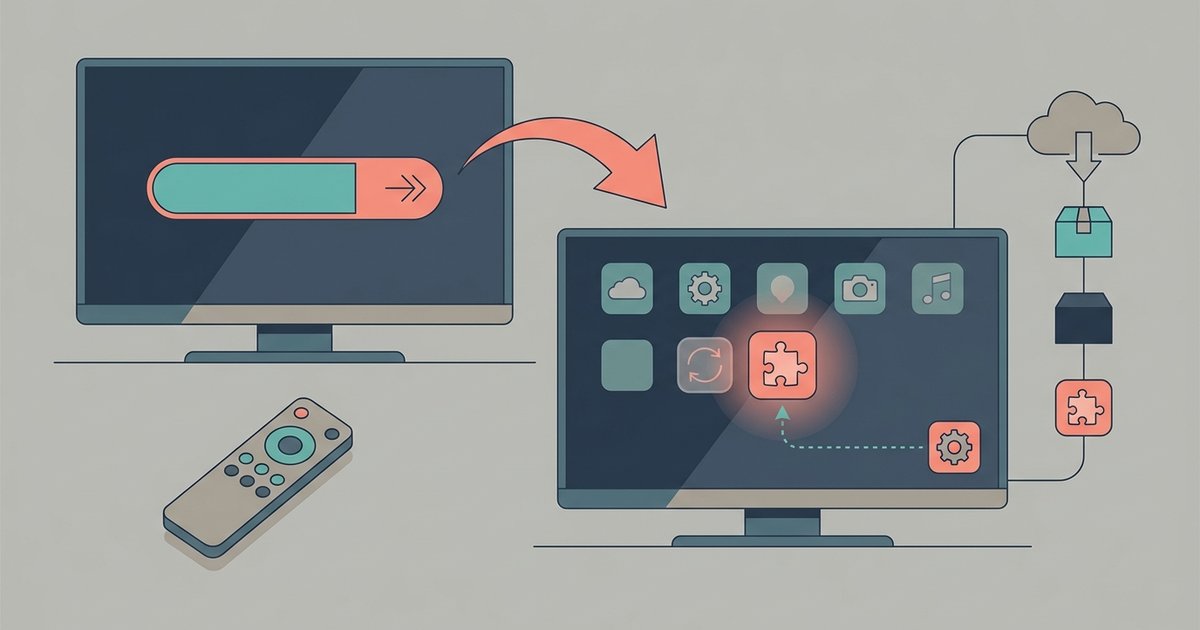
System firmware updates often run a compatibility script that resets the app package state to 'enabled' as a default, because the manufacturer's update manifest lists pre-installed bloat as a mandatory system dependency rather than an optional user app.
Why a disabled app re-enables after an update
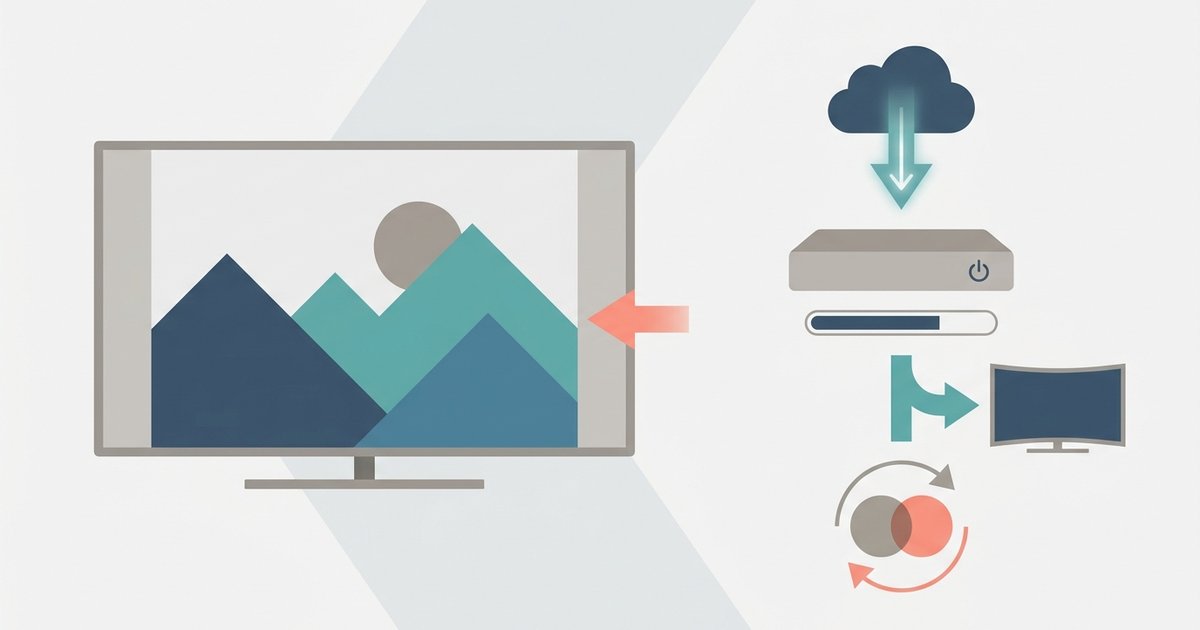
Every firmware package shipped by TV makers includes a manifest file. This hidden list tells the operating system exactly which apps must be present and active after the update installs. The manifest does not simply list optional programs. It categorizes bloatware like YouTube as a "system app" with a dependency flag. When the update script runs, it reads the manifest and performs a verification step. For every app in the whitelist, it checks whether the app's package state is set to "enabled." If it finds your disable flag, it immediately calls a system command to restore the app to its active state. On Android-based TVs, this is typically a pm enable command targeting the app's package name. The script does not respect your previous choice because the manifest defines the app as a required component, not a user-removable feature. The manufacturer considers the YouTube app essential for casting, voice search integration, or embedded software license compliance. Its absence could break other features or violate distribution agreements.
Why disabling the app again won't stick
When you deactivate YouTube on your smart TV, you are telling the operating system to hide or turn off a component that the manufacturer considers essential for the core system to function correctly. The update script, designed to restore the TV to a "known good" state, treats your deactivation flag as an anomaly and overwrites it with the manufacturer's intended configuration. You may have already tried to deactivate YouTube again after the update, only to find it resurrected after a reboot or the next update cycle. The failure occurs because the deactivation flag you set is stored in a volatile data partition. On Android TV, this is the /data partition. On other smart TV operating systems, it is the equivalent user-data area. The system partition, where the core system software lives, is read-only and cannot be modified by user actions. When a system software update runs, it often reformats or overwrites the data partition as part of the installation process. This wipes any user customizations, including your deactivation flag. Even if the update does not wipe the entire partition, the compatibility script explicitly scans for and resets any flags that conflict with the manifest whitelist. Your action of turning off the app is stored in a temporary, unprotected location. The manufacturer's re-enable command is executed from the permanent, read-only system partition. This is why the app keeps coming back: the operating system always trusts the immutable system partition over your mutable user settings.
Block the update server instead of fighting the app
The only permanent method to prevent YouTube from re-enabling itself is to stop the update script from ever running. Blacklist the manufacturer's system software update domains at your router level, or turn off auto-update in the TV's engineering menu. To remove YouTube from smart TV entirely, you must combine this domain block with a permanent deactivation. Even if you delete the app via ADB commands, the update script will restore it. The TV's system software will otherwise reinstall the app with every automatic update. On many Hisense and Philips models, enter the service menu using the manufacturer-specific remote code and toggle automatic updates off. On Vizio TVs, block the manufacturer's update domain in your router's firewall settings, and if you need to remove YouTube app from Vizio smart TV beforehand, do so before the block. This approach prevents the system software package from downloading and executing the compatibility script that re-enables the app. Fighting the app itself is futile; the battle must be against the update server that enforces the manufacturer's manifest.
The manufacturer's update script treats your disable flag as an anomaly and overwrites it because the manifest defines YouTube as a mandatory system dependency, not a user-removable feature.
For the wider picture, see removing apps from a smart TV.