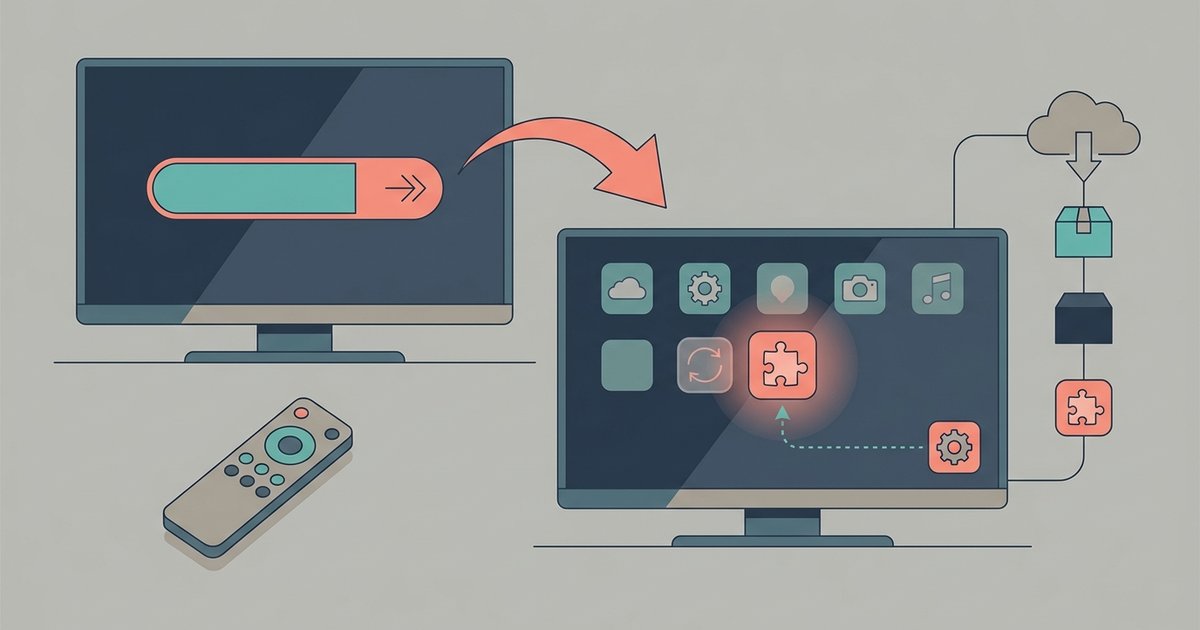
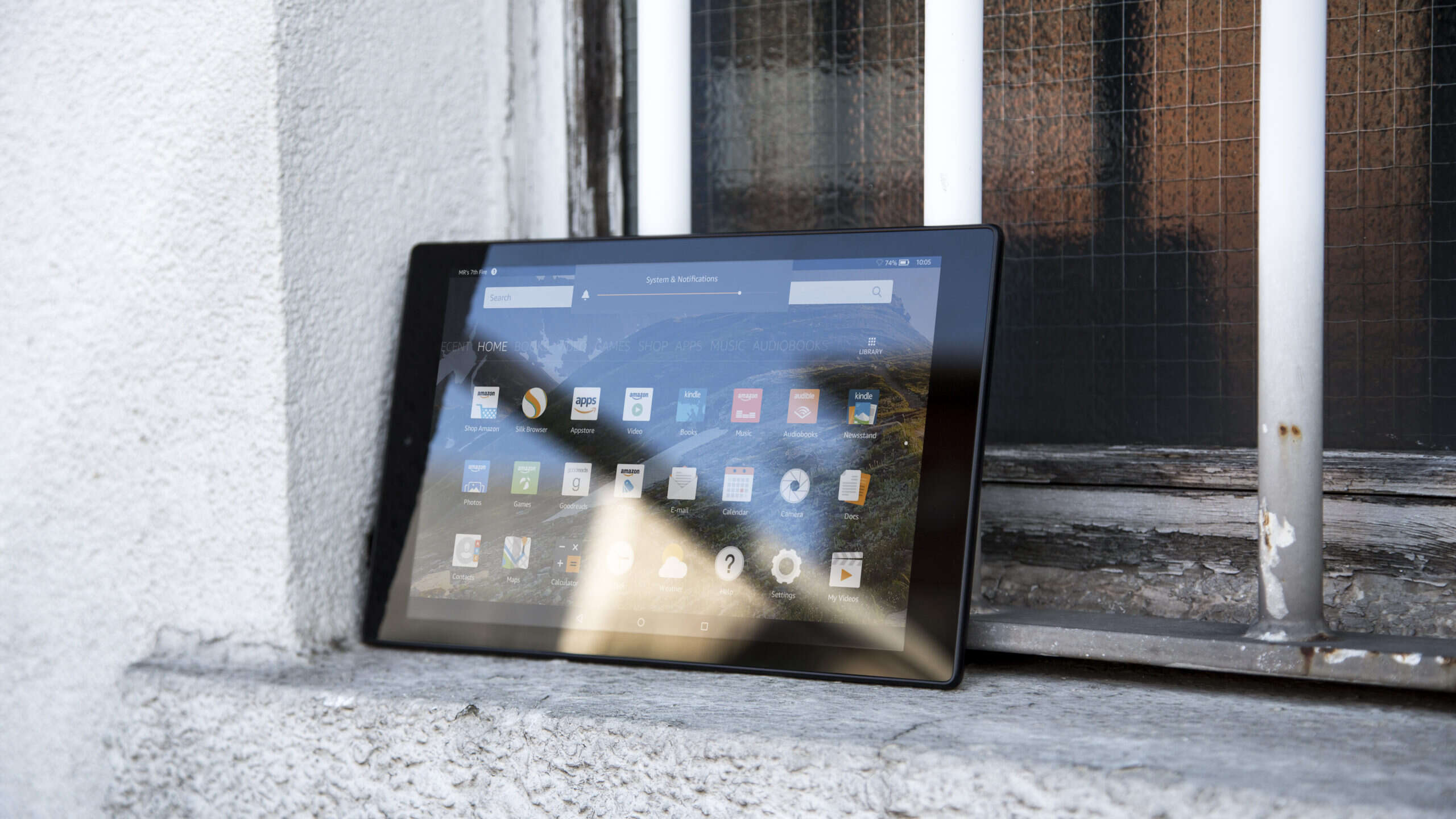
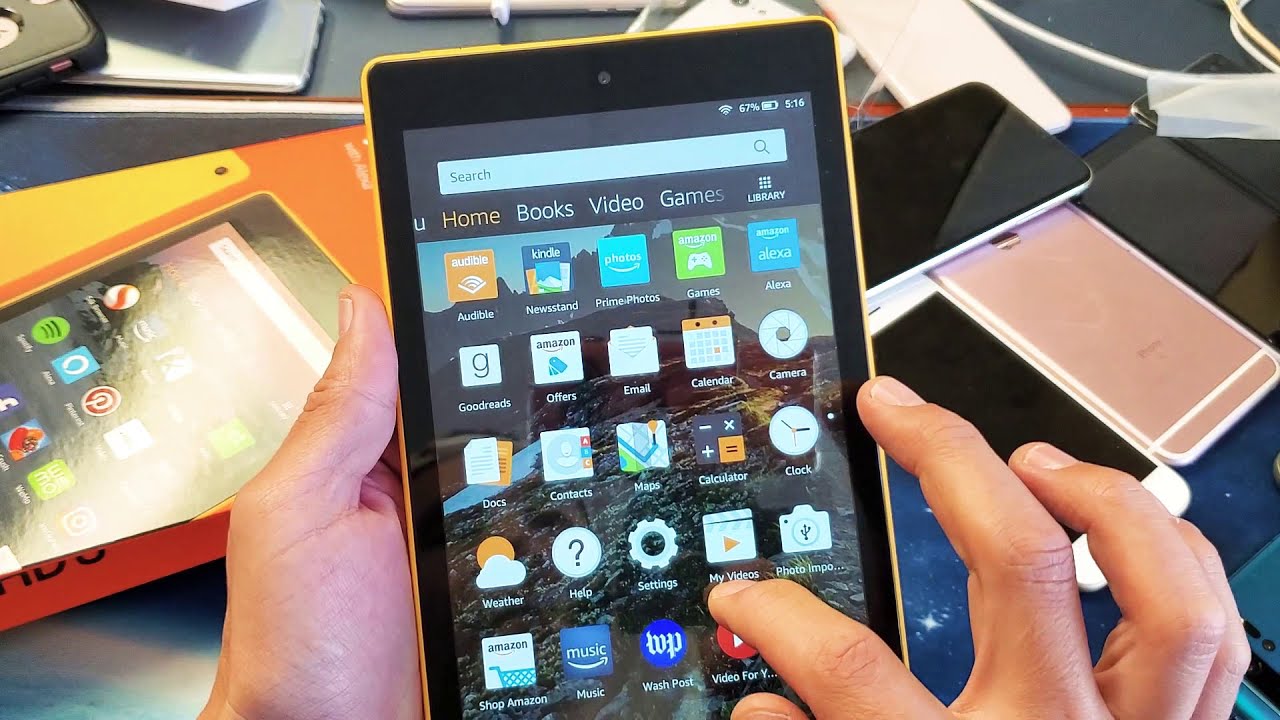
This tag collects articles about managing the applications installed on your devices, with a strong focus on Amazon Fire tablets and TCL Smart TVs. It is written for everyday users who want to take more control over their own hardware, whether that means freeing up space, hiding what they don’t use, or understanding why an app they disabled keeps coming back. These are practical, non-technical guides for people who own their devices and want them to run more smoothly, without resorting to risky workarounds.
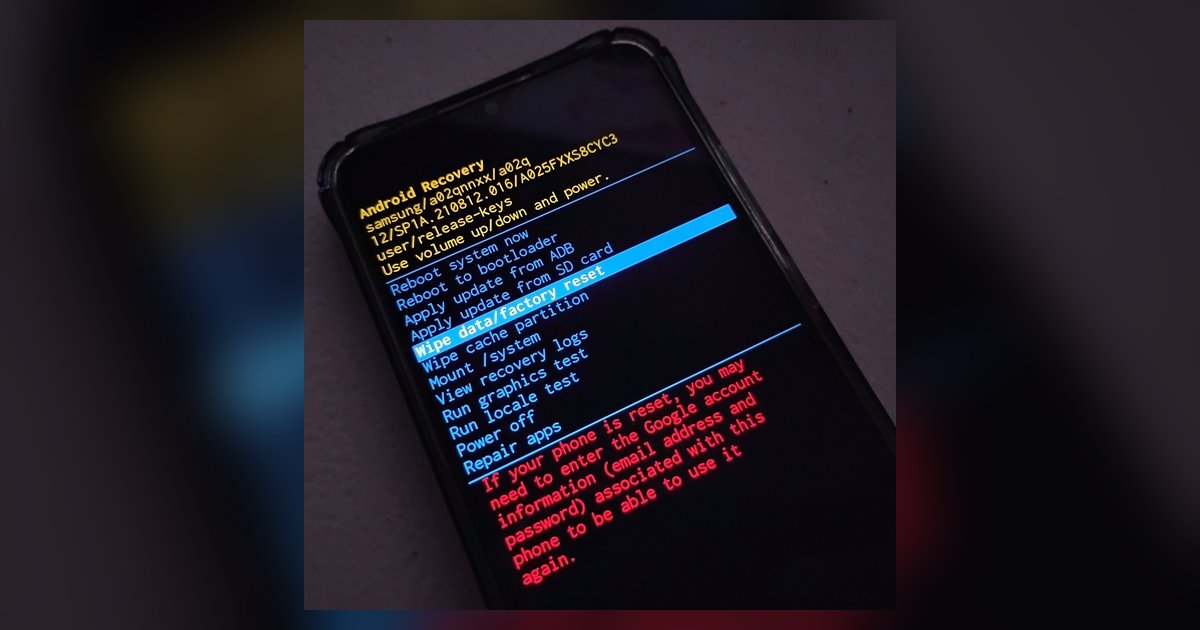
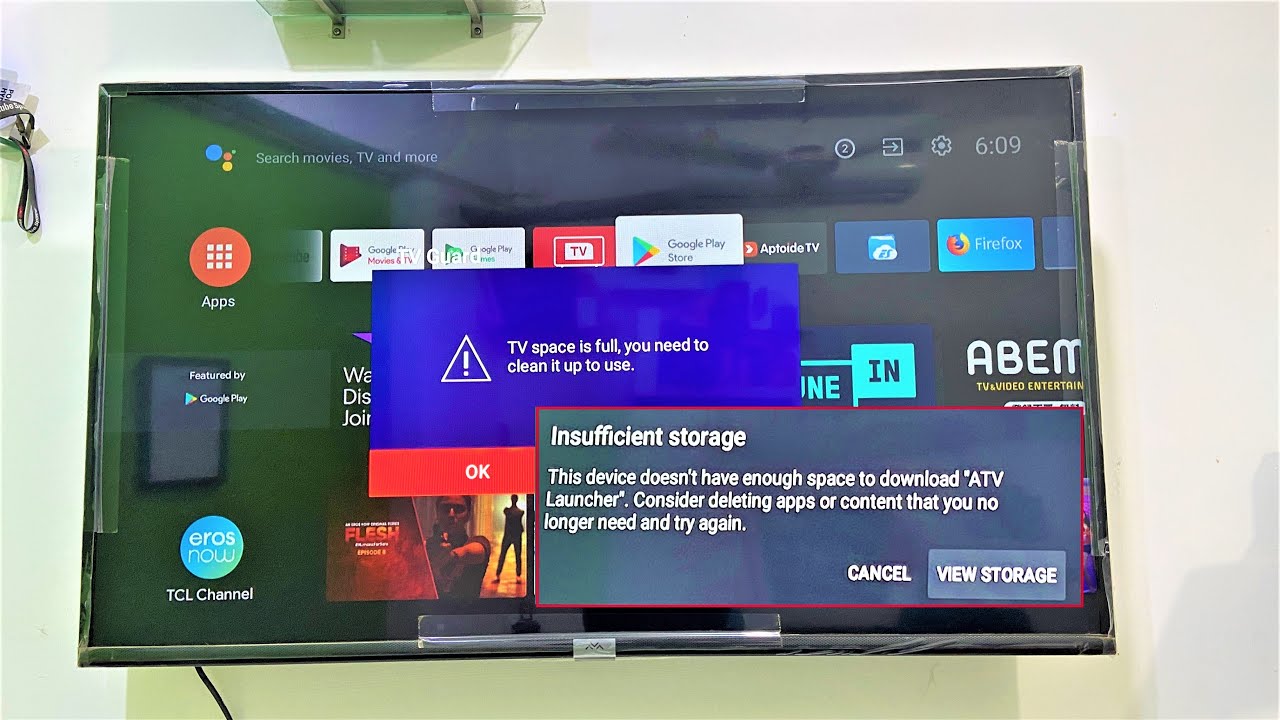
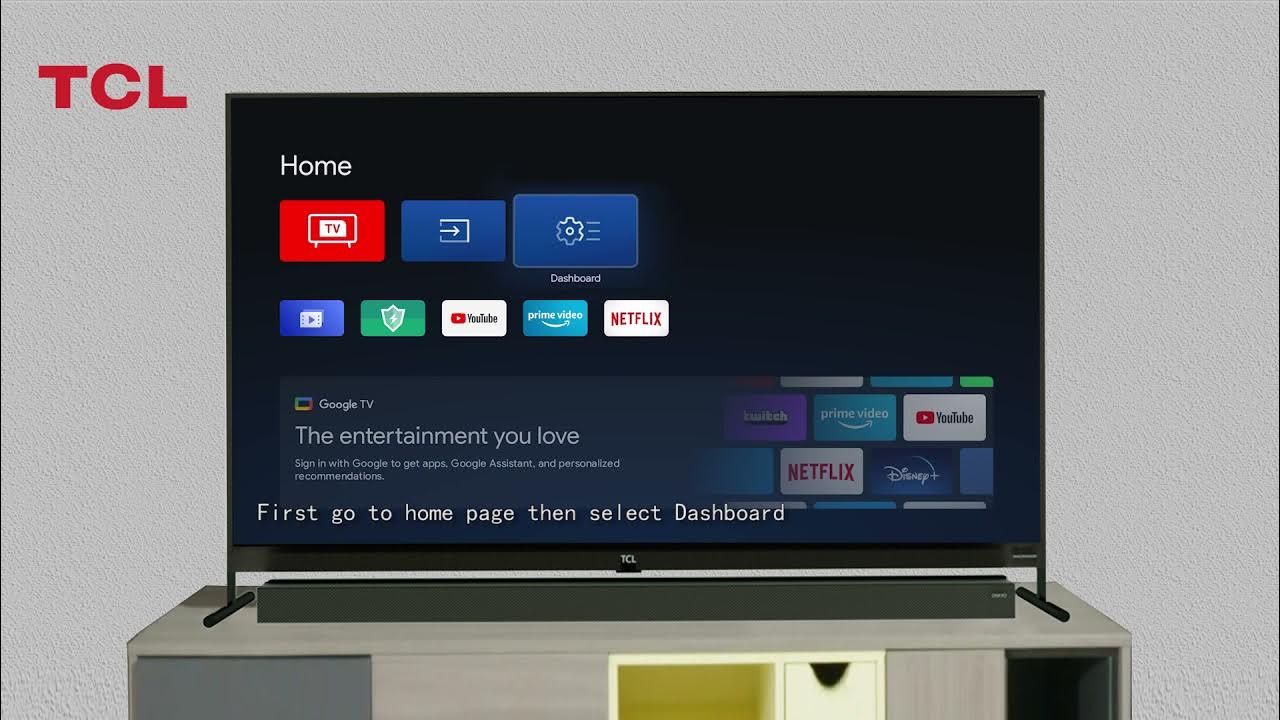
The articles fall into two clear themes. The first is storage and memory management: you’ll find straightforward help on moving apps to an SD card from the Play Store, clearing storage on a Fire tablet, and freeing up memory on a Smart TV. The second theme is app visibility and control, specifically, how to block, hide, or disable apps on Fire tablets, and how to delete apps on a TCL TV. A third, smaller theme addresses the “why” behind app behavior: one piece explains why a disabled app re-enables itself after a software update, and another clarifies whether a factory reset will bring back all the apps you disabled. These two are less about doing a task and more about understanding the system’s rules, which can save you from repeated frustration.
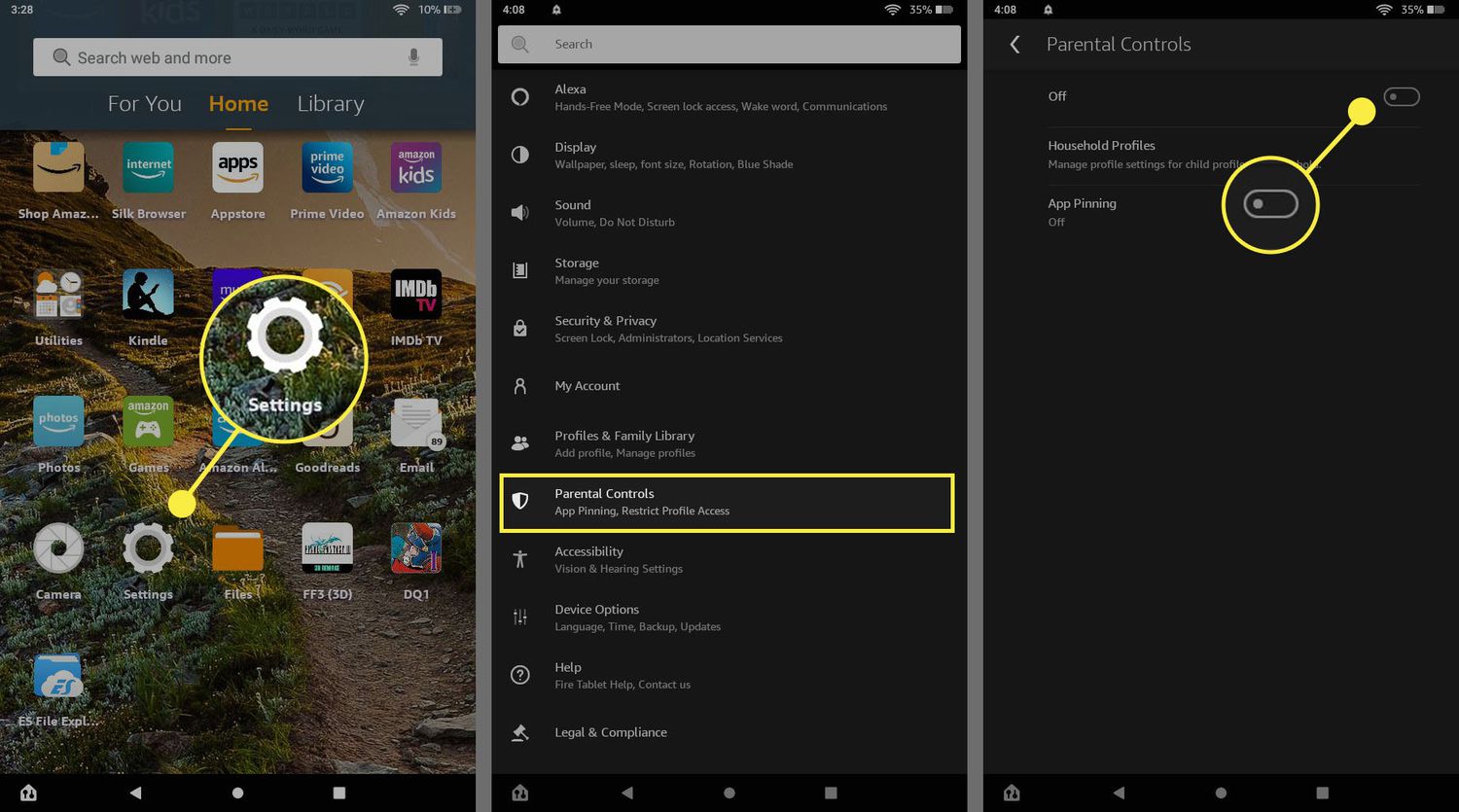
For the safety and security angle, the articles on disabling and blocking apps help you restrict what runs on your own device, useful for parental controls or for stopping pre-installed bloatware from draining your battery or data. They do not cover rooting, sideloading, or any other bypass method; instead, they show you the legitimate, built-in options available to any owner. If you have ever wondered why an app you turned off seems to have a mind of its own, or what a reset will actually do, these guides give you the clear, no-surprises answer.