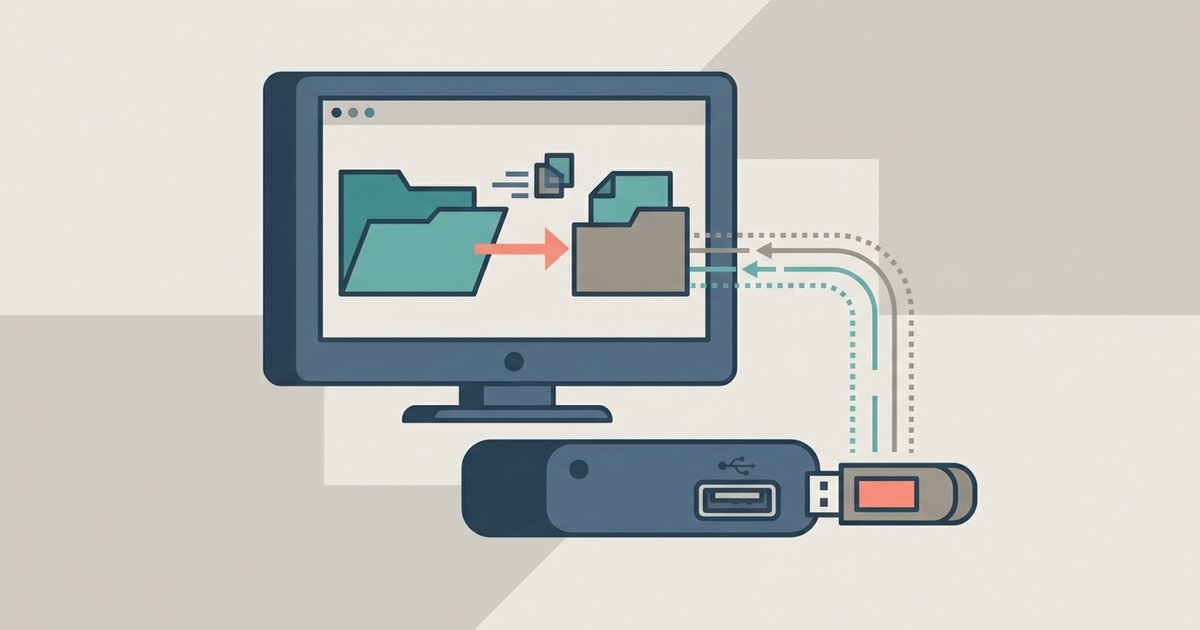
DIRECTV does not provide a direct method to export recordings in a standard, universally playable file format that users can freely access and play on other devices. Recordings are encrypted and not directly accessible as standard files with recognizable extensions. It is not a standard playable video file. You cannot play these files directly without first using specific software to bypass or remove the scrambling. Even after a successful transfer, your computer will treat the file as unreadable. The video and audio streams are locked behind a digital rights management layer that only the original DVR can decode.
Why the directv file format won't play on your computer
When you attempt to open an exported DIRECTV recording in VLC, Windows Media Player, or QuickTime, the player immediately fails. The file is locked with a key tied to the unique access card inside your specific DVR. The DVR applies this protection to recordings, and there is no direct export process via USB or network transfer that yields playable files. The resulting .mpeg or .tsp file is essentially a scrambled container that standard decoders cannot interpret. The scrambling is not a simple password. It is a proprietary scheme that requires the DVR’s hardware ID and access card serial number to unlock. If you move the file to another DIRECTV receiver or a PC, the decryption key is missing. That is why every consumer media player returns an error like “file cannot be played” or “unsupported format.” Many users assume the file is corrupted, but the issue is entirely about the DRM wrapper, not the underlying video data.
The actual container and codec inside
Beneath the protection layer, the raw format is typically MPEG-2 video with AC3 audio wrapped in a custom transport stream. The format is technically standard but locked behind a scrambling layer. The video stream uses the MPEG-2 codec at resolutions up to 1080i, matching the broadcast signal from DIRECTV’s satellites. The audio is Dolby Digital (AC3) at 384 kbps. The container itself is a variation of the MPEG Transport Stream (TS), a common format for broadcast television. DIRECTV adds proprietary headers and security metadata that break compatibility. If you could strip the protection, a tool like FFmpeg could remux the streams into an .mp4 or .mkv file without re-encoding. However, because the unlock key is missing, you cannot access even the basic stream information. The file’s header is unreadable, so no player can determine the codec, resolution, or duration.
What people get wrong about directv file formats
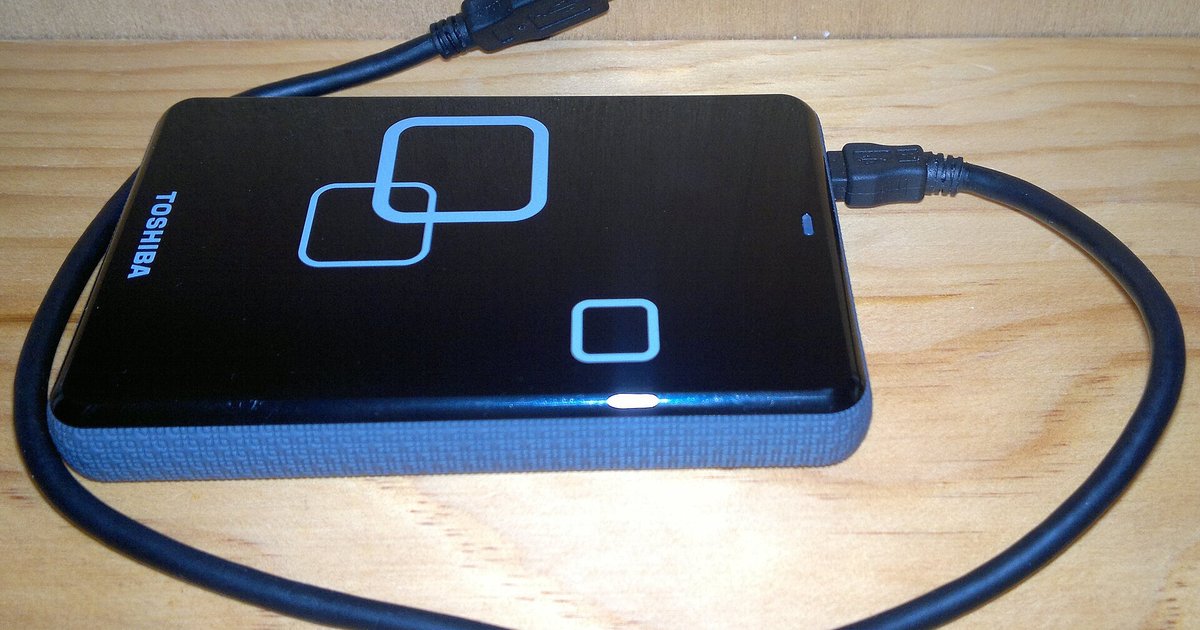
A common misconception is that renaming the file extension to .mp4 or .mkv will make it playable. This never works because the scrambling remains intact regardless of the filename. Changing the extension only tells the operating system which program to open the file with. It does not alter the binary data inside. The protected transport stream is still protected. Even if you rename it to .mp4, VLC will still attempt to demux the file and immediately fail at the decoding stage. Some users try to “repair” the file with video fixer tools, but those utilities cannot strip proprietary DRM either. The only legitimate way to play these files is to use software that specifically supports DIRECTV’s locking system, such as VideoReDo TVSuite (with the DIRECTV plugin) or third-party unlocking tools that require the original DVR’s access card. Without that hardware, the file is permanently unplayable. If you want to keep recordings for long-term use, you must either stream them directly from the DVR (using the Genie or DIRECTV app) or use an external capture device that records the analog output in real time. The core transfer process is the only method to download recordings from a DIRECTV DVR. You must transfer recorded shows from a DIRECTV DVR to an external hard drive using the DVR’s own menu system. There is no built-in way to transfer DVR recordings to an external hard drive as playable files due to encryption. Unlike a DIRECTV DVR, the process to record TV shows on a smart TV saves unprotected files that any computer can play immediately.
Every DIRECTV recording is encrypted and cannot be directly accessed or transferred as a playable file, which is why understanding the broader topic of recording TV shows and moving recordings is essential for anyone looking to manage their media beyond a single receiver.