The DVR tag collects practical, step-by-step guidance for people who want to get more out of their existing television recording hardware and services. It is written for everyday viewers, not technicians, who own a set-top box from a cable or satellite provider, a smart TV with built-in recording features, or a streaming device like a Fire Stick. The articles assume you already have a working setup and simply need clear instructions for the tasks that aren’t always obvious from the menu screens.
The problems these articles solve fall into two main themes. The first is getting recordings to play where you want them: several pieces explain how to move saved shows from a DIRECTV DVR or a Fire Stick to an external hard drive, and how to connect a DVR directly to a smart TV when the HDMI port is occupied or the signal isn’t cooperating. The second theme is about recording from sources that don’t traditionally offer a “record” button, for example, capturing live sports during the NCAA tournament or saving football games streamed through Amazon Prime. A third, smaller thread deals with file formats and quality: one article clarifies what file format DIRECTV uses for exported recordings, and another answers whether transferring recordings to a hard drive reduces video quality, which helps you decide whether the trade-off is worth the extra storage space.
Several articles also address the legal and safe way to keep your content. Instead of describing any kind of workaround or piracy, they explain the official export and transfer functions built into your device, like downloading recordings from a DIRECTV DVR or using the Dish app on a Samsung smart TV, so you can archive your library without losing quality or violating your service agreement. The tag is a straightforward resource for anyone who wants to watch their shows on their own terms, without breaking the rules.
Recording TV shows on your TV If you want to record TV shows without a separate DVR box, start by checking what your specific model actually supports. Many smart TVs...
DIRECTV does not provide a direct method to export recordings in a standard, universally playable file format that users can freely access and play on other devices. Recordings are encrypted...
No, transferring recordings directly from a DIRECTV DVR to an external hard drive using the native export function does not reduce video quality. The process copies the original MPEG-2 or...
To connect a DVR to a smart TV, use an HDMI cable to link the DVR’s HDMI Out port to an available HDMI In port on the TV, then select...
To record TV shows on your smart TV, you need a USB storage device and a live digital broadcast signal, not a streaming app. Most modern smart TVs include a...
To add Dish Anywhere app to Samsung Smart TV, you need to press the Home button on your remote, navigate to Apps, and search for "Dish Anywhere" to install it....
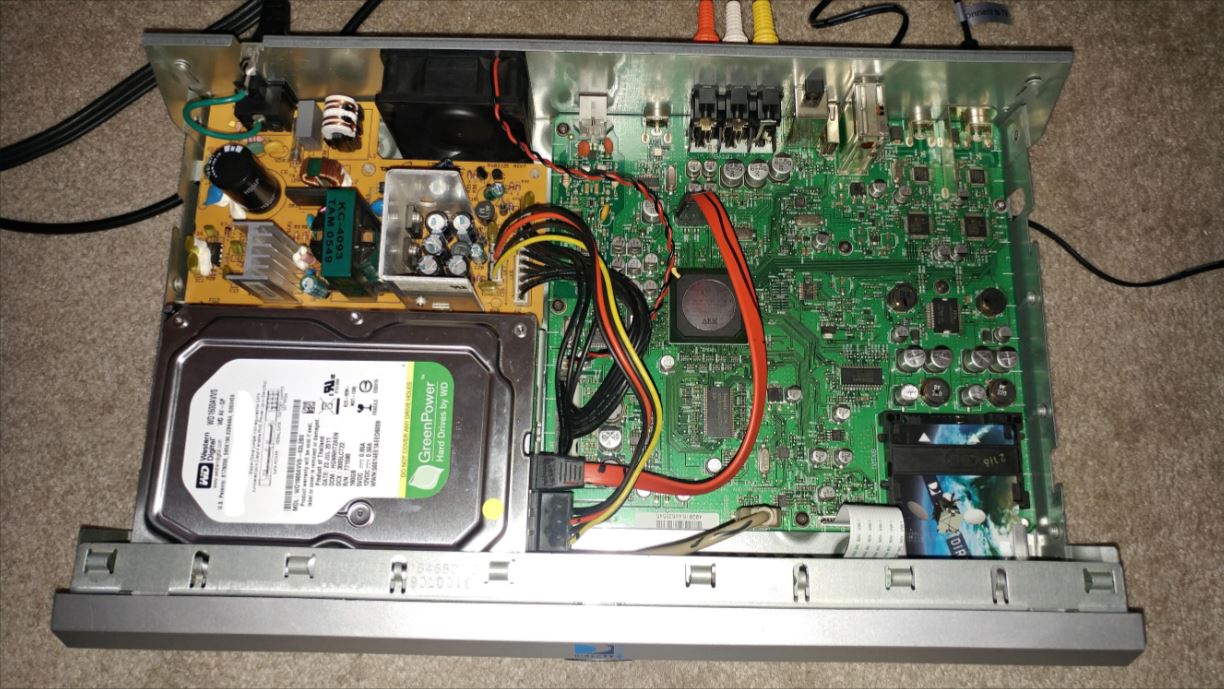
If you want to free up space on your DirecTV DVR, using a DirecTV DVR external hard drive will not let you transfer playable recordings to a computer or other...
Why you usually can't transfer DVR recordings to an external hard drive The immediate answer is that for most cable and satellite DVRs, you cannot transfer DVR recordings to an...
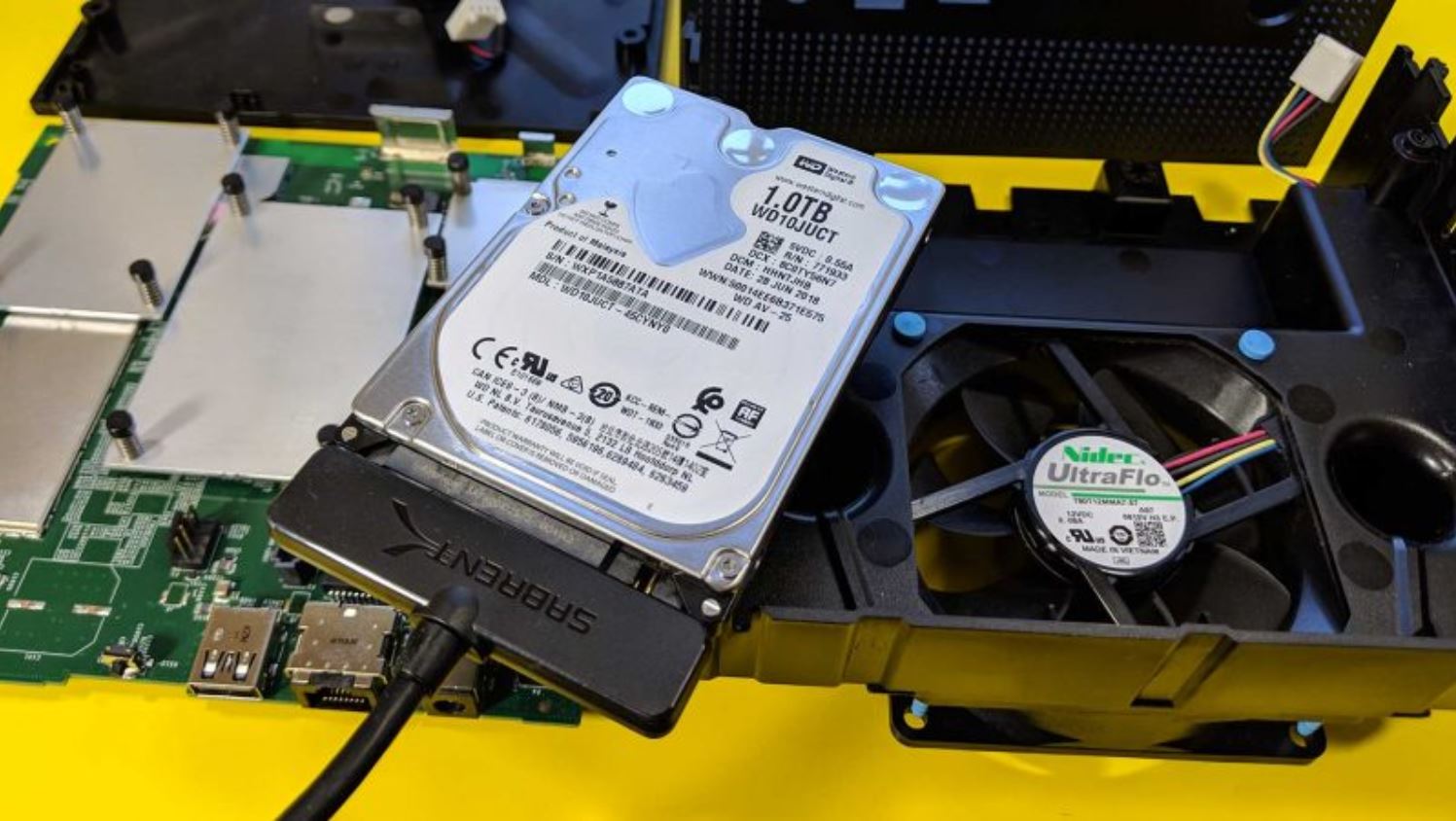
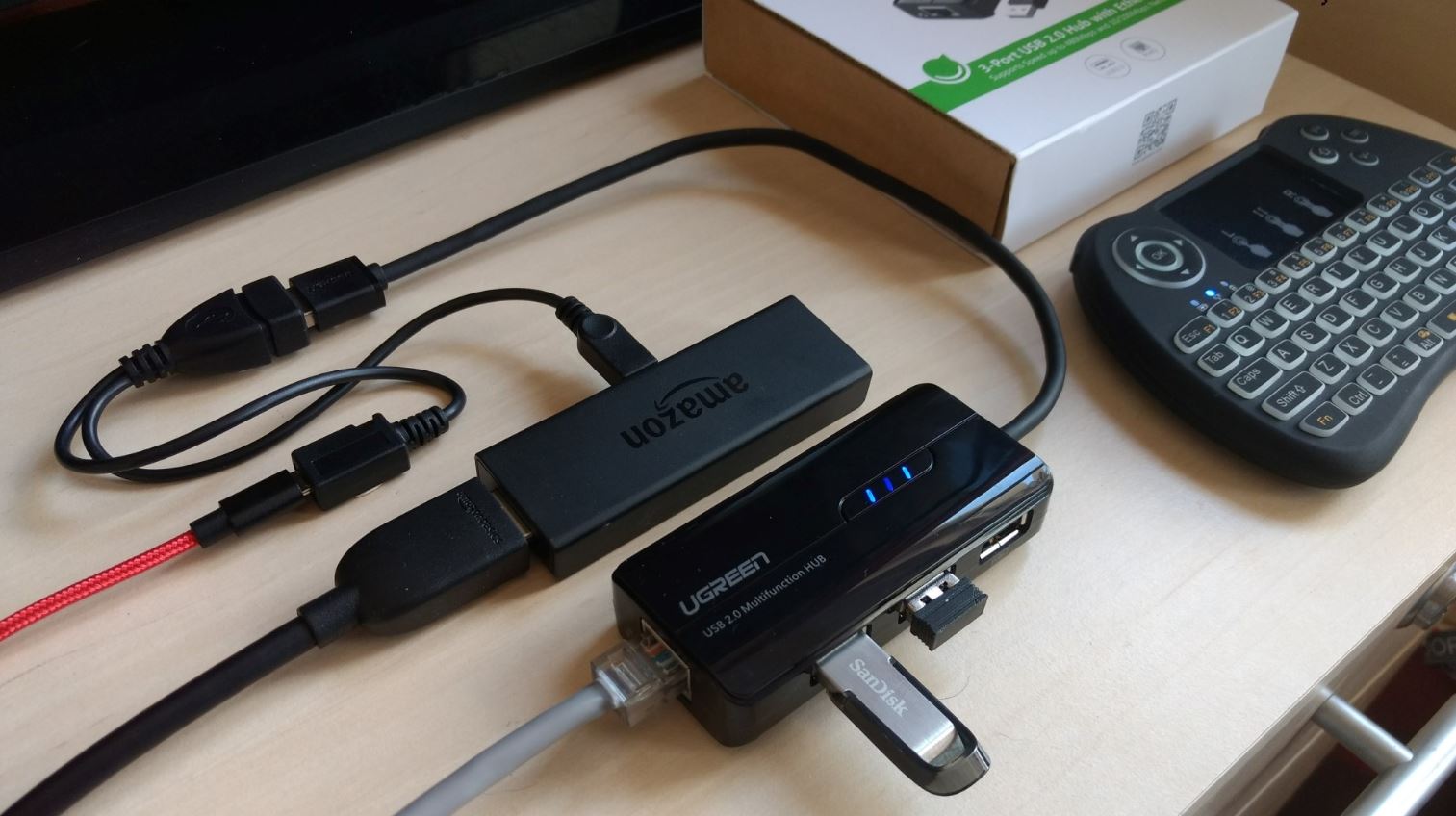
You cannot record from Firestick to an external hard drive using the device’s built-in features, because the Firestick is a streaming device and does not natively function as a DVR....
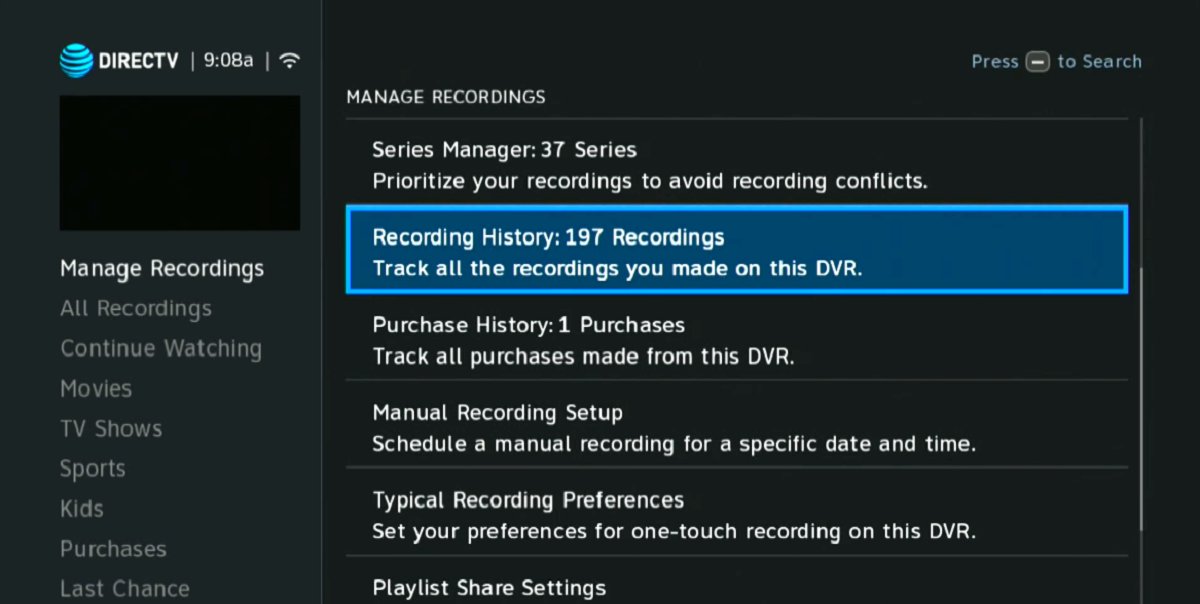
To download recordings from DIRECTV DVR, you need to capture the video signal in real time using an analog connection and recording software on your computer, there is no direct...
To record Thursday Night Football on Amazon Prime, use the built-in recording feature available on the game's detail page within the Prime Video app. This feature lets you save live...
To watch the NCAA tournament without missing a single game, you need access to four channels: CBS, TBS, TNT, and truTV. The simplest path is a single live TV streaming...