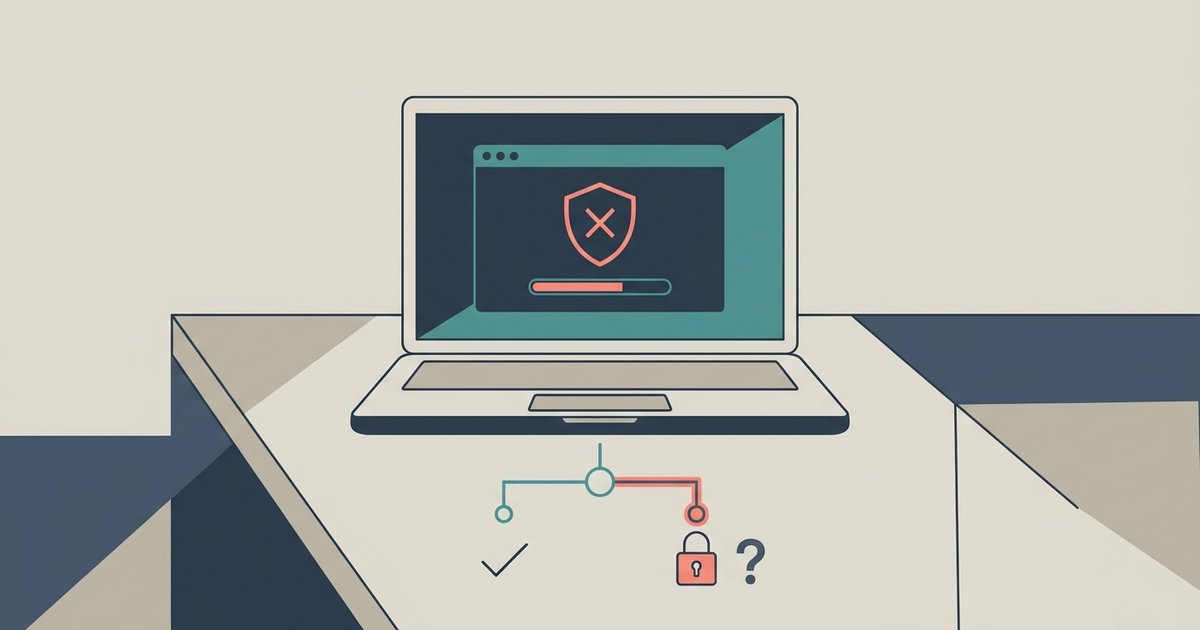
If your Lockdown Browser exam was flagged, it does not mean you cheated or automatically fail; it simply alerts your professor to review a specific moment in your recording. Your professor will watch the evidence clip, compare it against your exam answers, and decide whether to dismiss the flag or escalate it through your school’s academic integrity process. Nothing is decided yet, and you have not been penalized. The notification you saw is a routine automated alert, not a verdict.
What a lockdown browser flagged alert actually means
The flag you saw is a machine-generated marker, not a human judgment. When you use Lockdown Browser, the software continuously monitors your environment for unusual behavior, such as your face leaving the webcam frame, a second person entering the room, or a sudden sound spike. If one of these triggers occurs, the system logs a timestamped event and sends a notification to your reviewer’s dashboard. A common misconception is that a flag equals a cheating verdict, but in reality, it is simply an invitation for a human to look at a 10-second clip. Your faculty member knows that many flags are false positives caused by a cough, a pet, or a glance at the ceiling while thinking.
What your reviewer sees in the review dashboard
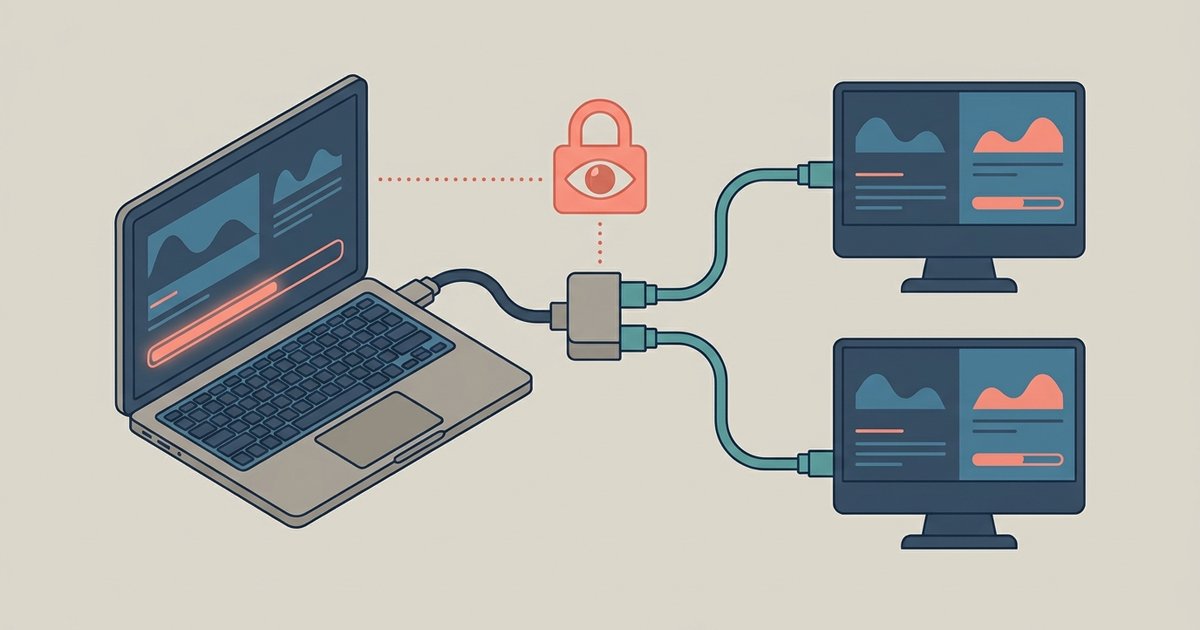
When your examiner opens the dashboard, they see an evidence package: a short video clip of the flagged moment, a screen recording of your monitor during that time, and an event log of flagged behaviors. The dashboard uses a priority-ordered review list to help instructors identify which flagged events to examine first. Your evaluator can review the clip and compare it against your exam answers. They also see a priority-ordered review list of all flags across the class, which helps them spot patterns. For example, if multiple students had a flag at the exact same second, it might indicate a technical glitch rather than misconduct. Importantly, the dashboard does not show any attempt to get around Respondus Lockdown Browser; that phrase appears in your school’s policy manual as a prohibited activity.
The academic integrity escalation path
If your proctor decides the flag shows credible evidence of a violation, they will first contact you via email or your school’s learning management system to request an explanation. You typically have 48 to 72 hours to respond. After reviewing your response, the adjudicator can either dismiss the flag, adjust your exam score (e.g., deduct points for the flagged section), or formally refer the case to your school’s academic integrity office or honor board. That referral triggers a separate investigation where you may submit a written statement and attend a hearing. The entire process can take one to three weeks. You will receive written notice at each step, including the specific evidence and the policy section allegedly violated. The escalation path is designed to ensure fairness; no one is automatically failed based solely on a flag. The operation of Respondus Lockdown Browser is governed by your school’s proctoring policy, which explicitly states that automated flags are not final judgments.
When flags get dismissed
The most common outcome is dismissal. Your course leader routinely clears flags that show no evidence of misconduct. False positives are frequent: a student coughing during an essay question, looking away to check the time on a wall clock, or a loud background noise from a roommate’s video game. In one documented case, a student’s flag was triggered because their cat jumped onto the desk, the instructor laughed and dismissed it. Panic over these events is unnecessary. Your course leader has seen hundreds of similar flags and knows to distinguish genuine cheating from ordinary behavior. They are not trying to hack browser games or catch you in a trap; they are simply following a standard review protocol. If your flag is dismissed, you will see no change to your exam score and receive no further communication. The system logs the dismissal, and you move on.