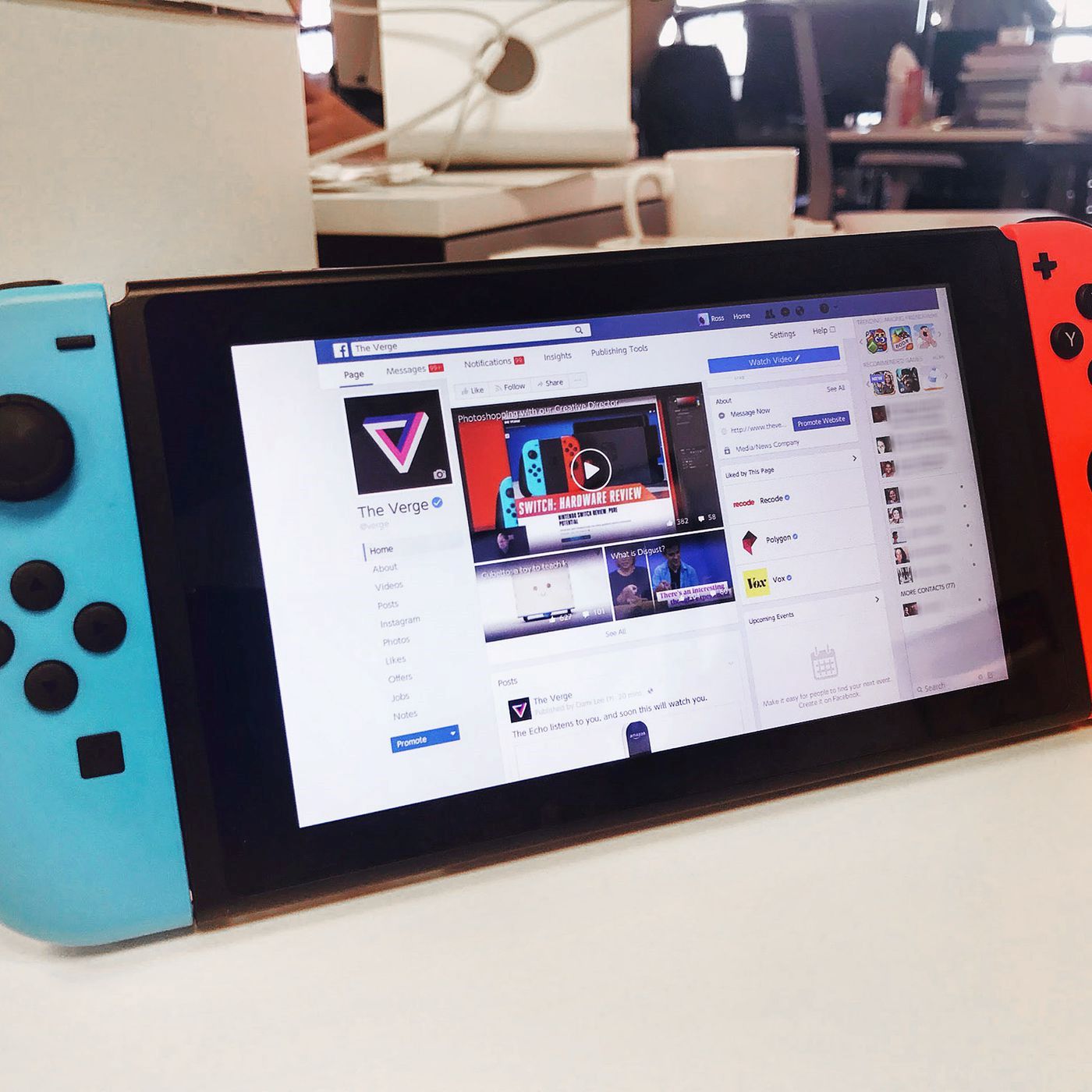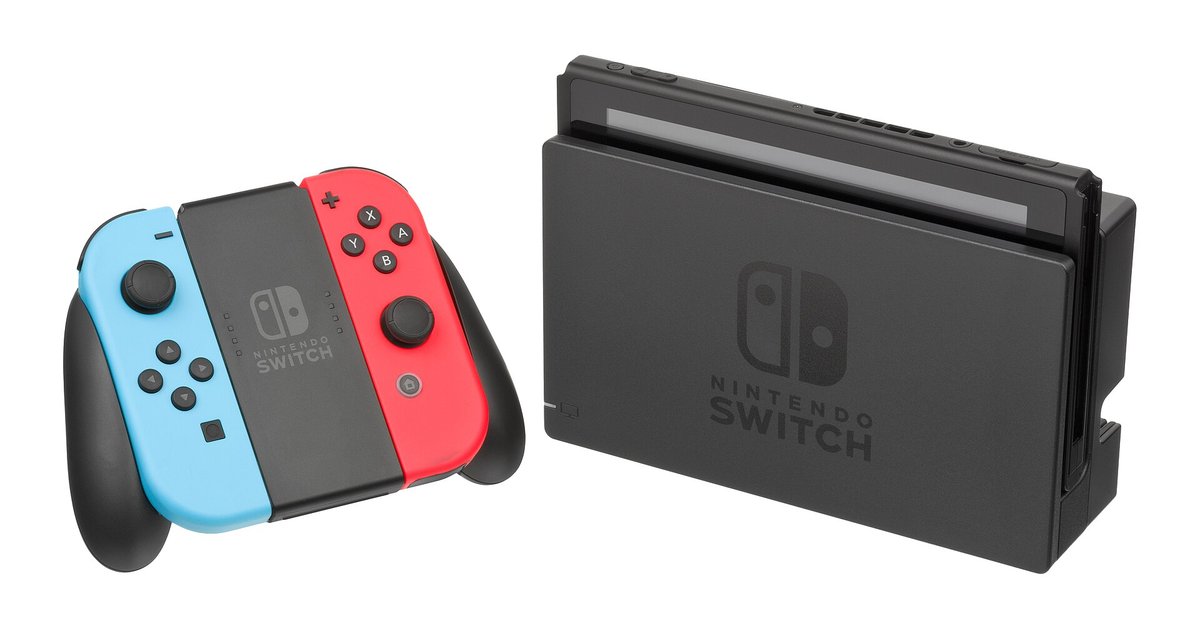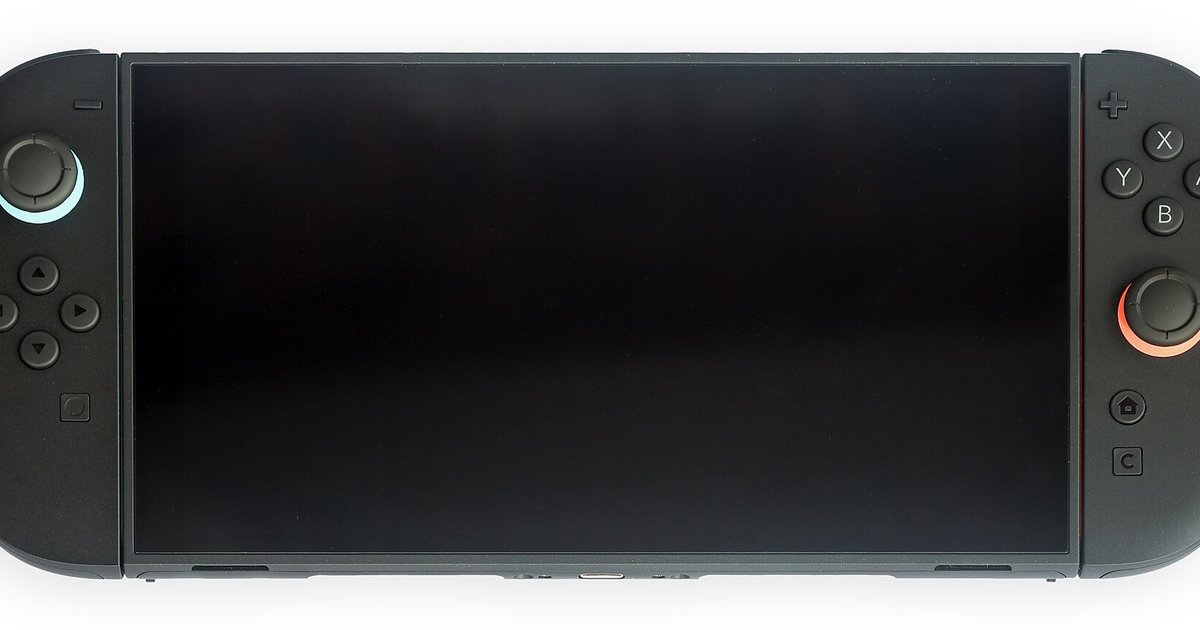
The Switch browser OLED and Lite compatibility is identical to the standard model because the hidden browser relies on system software, not hardware. All models run the same Switch OS, so the DNS workaround functions exactly the same way. If you have already followed the generic DNS-based browser guide, you can apply those same steps to your OLED or Lite console without any modification.
Why the switch browser OLED model doesn't matter
The browser is a software component built into the Switch OS, not a hardware feature. It is present and identical across all retail models. When you attempt to connect to a public Wi-Fi network through System Settings > Internet > Internet Settings, the system may display the browser for captive portal authentication. This displays the browser, which is primarily intended for captive portal logins. The OLED and Lite units use the exact same firmware version and system architecture as the original Switch. The only prerequisite is that your console is updated to the latest system software. No model-specific patch or setting exists. To learn the full setup, you can refer to the hub for this topic: How To Get a Browser on Switch.
The one thing that can go wrong
The common failure case where users on any model, including OLED and Lite, accidentally trigger the captive portal instead of the browser, and how to recognize that mistake. This happens when you select a network that requires a login page rather than an open, unrestricted network. The Switch OS is programmed to display the captive portal for authentication before it ever reaches the DNS redirect. To avoid this, ensure you are connecting to a network that does not present its own login page before the connection test completes. If you see a page asking you to "agree to terms" or "enter a code," you have hit the captive portal. Close the connection test, forget the network, and choose a different open network. Once you are in the Web Applet, you can use the browser to navigate. Remember that the browser has no video codec support. For media playback, see the related article: How To Watch Videos on Switch Browser, which covers streaming workarounds using HTML5 sites.
What actually differs between models
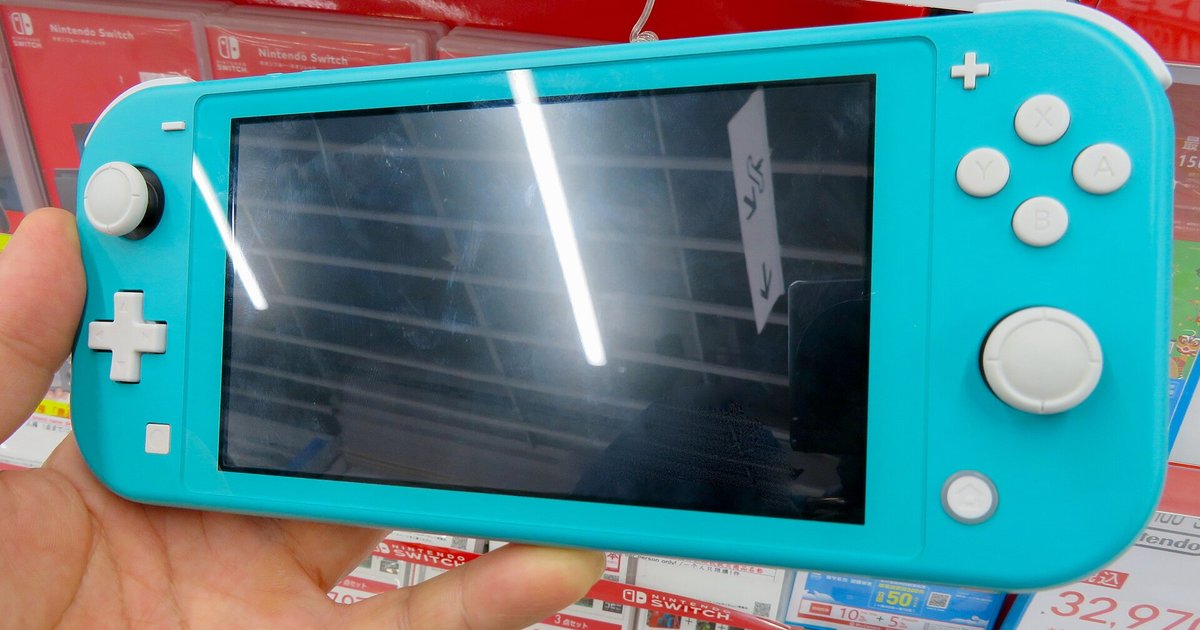
The only real difference is the screen quality and form factor, not functionality. The browser renders the same way, just on a larger OLED display or a smaller Lite screen. The OLED model's 7-inch, 720p screen with rich colors makes text and images appear crisper and more vivid, but the browser's rendering engine and JavaScript support are identical. The Lite’s 5.5-inch screen is smaller and non-detachable, which means you cannot dock it to use the browser on a TV. All models share the same 4 GB RAM and Tegra X1 processor, so page load times and tab limits are identical. If you want to use the Switch browser to control a remote play setup, you can read the related article: How To Play Switch on Laptop Without Capture Card, which explains using the browser as a remote desktop client. Alternatively, for streaming your gameplay to a PC without a capture card, check the related article: How To Stream Switch Without Capture Card on PC, which leverages the browser's network capabilities.