This tag collects articles about the Domain Name System (DNS) as it applies to everyday consumer tech, particularly gaming consoles and home networking. It is written for people who want faster downloads, lower lag, or a more reliable connection, without diving into deep network administration. The focus is practical: what DNS settings do, how to change them on specific devices, and what real-world difference they make.
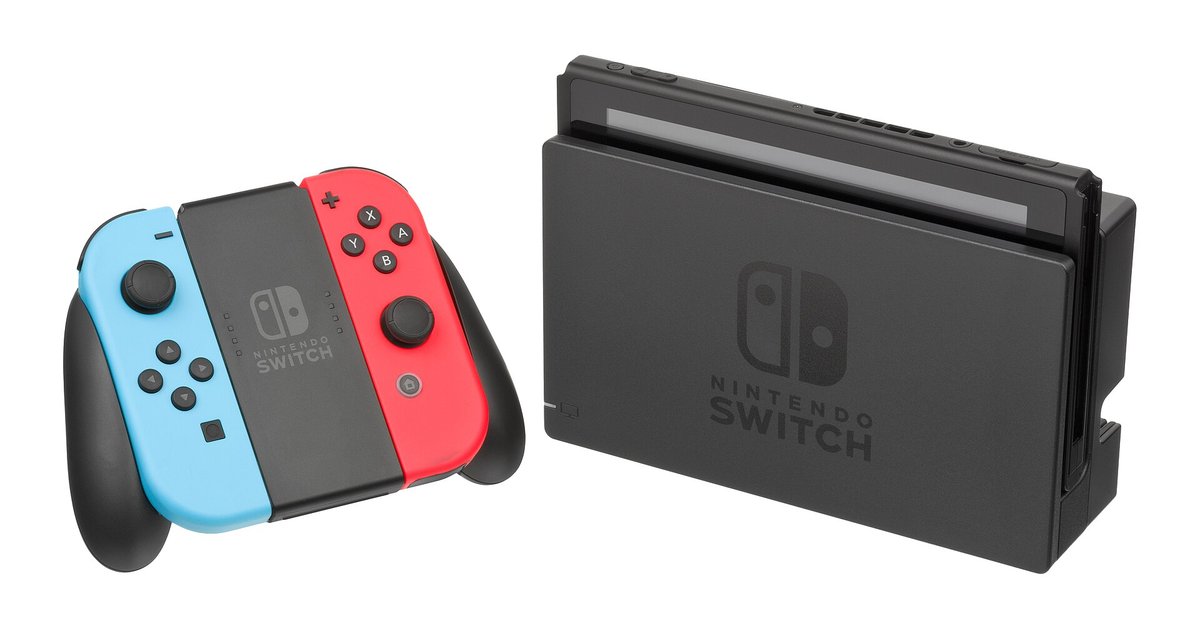
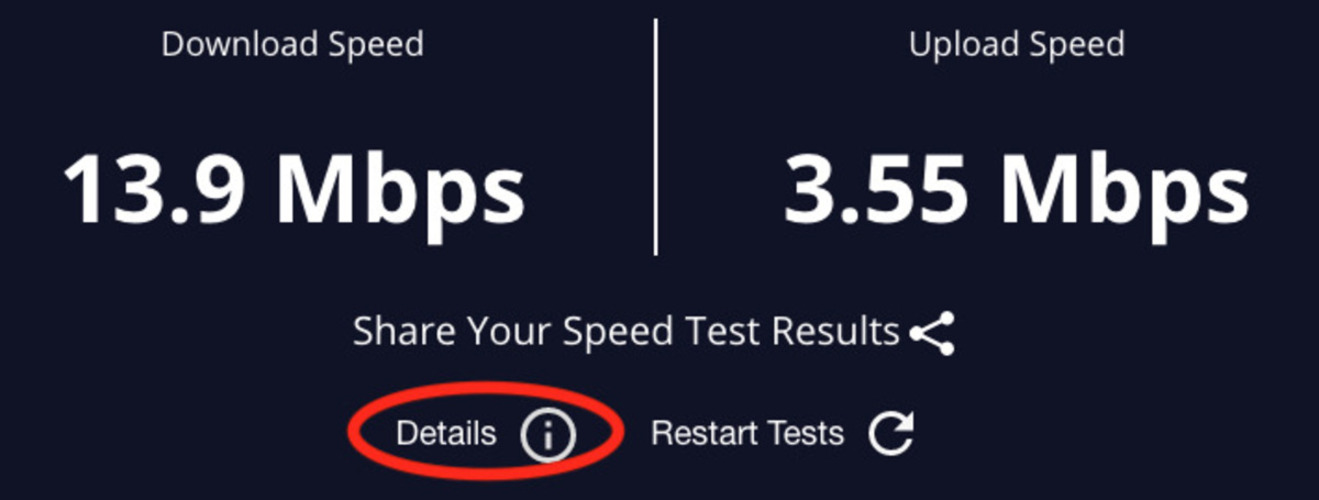
The articles cluster around two main themes. The first is performance: several pieces explain how to choose and configure public DNS servers (like the roundup of 12 best public DNS servers) to speed up game downloads on a Nintendo Switch or reduce high download latency on a home network. The second theme is access and compatibility on locked-down devices. Here, the tag covers how to connect to an IP address in a browser, how to get a browser on the Switch, and whether the Switch hidden browser works on OLED and Lite models. These pieces help readers understand what their hardware can actually do and how to use built-in features legally and safely.
Specific topics addressed include the best DNS server addresses for the Switch’s hidden browser, how to join servers on Minecraft PS4, and how to make Switch games download faster. One article takes a security-minded approach, explaining whether changing DNS actually gets you banned from PlayStation Network, so readers can make informed choices without risking their accounts. Overall, these guides help readers troubleshoot connection issues, optimize their console’s network settings, and use DNS as a legitimate tool for a smoother online experience.