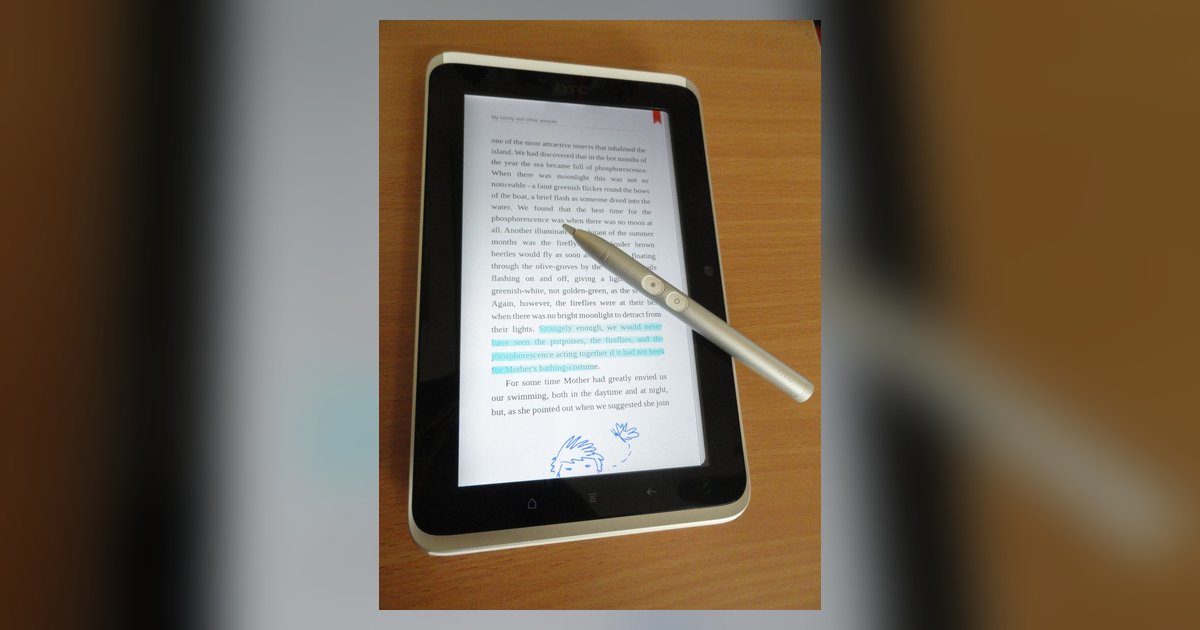
Yes, passive stylus wear eventually stops the tool from working, but not because it loses conductivity. The rubber tip is conductive all the way through. It fails when the tip loses its smooth, rounded shape. This causes drag, skipping, or failure to register on the capacitive screen. The core issue is physical deformation, not electrical degradation. Understanding that distinction saves you from throwing away a perfectly functional tool.
Why passive stylus wear is about shape, not conductivity
The rubber tip on a passive stylus is a homogeneous conductive material, typically carbon-impregnated silicone or a similar polymer. Because the conductivity is embedded throughout the entire tip, there is no surface coating to wear off and no internal wire to break. The stylus will never stop conducting electricity. The rubber itself remains just as conductive from its first tap to its last. What changes is the geometry of the contact patch. A capacitive touchscreen detects the electrical disturbance caused by your finger or a stylus. It needs a broad, smooth, rounded surface to create a stable capacitive coupling. When the tip flattens into a little plateau, develops a rough edge from scraping across glass, or tears at the rim, the contact area becomes irregular. That irregularity breaks the capacitive connection. It produces skipped strokes or requires you to press harder, which accelerates further wear. Even a small flat spot can cause the stylus to register only every third or fourth tap. This makes it feel "dead" even though the rubber is still electrically conductive.
The mistake people make about the rubber degrading
Many users assume the tip stops conducting electricity over time. This happens especially after reading about active stylus tips that require replacement when the nib wears down. With an active stylus, the tip is a mechanical switch or a conductive transmitter that can indeed fail electrically. For a passive stylus, however, the rubber does not degrade electrically. It remains conductive until it physically disintegrates. The common error is to think that a tip which feels sticky or slightly rough has lost its electrical properties. In reality, the rubber's surface has simply become contaminated with oils, dust, or micro-abrasions that change its friction, not its conductivity. If you clean the tip with a mild alcohol wipe and it still skips, the problem is almost certainly a misshapen contact patch, not a loss of electrical function. This is why you can often restore a "failing" passive stylus by carefully reshaping the tip back to a smooth dome. Use a very fine abrasive (such as 1000-grit sandpaper or higher) if the manufacturer confirms the tip material can be safely sanded. You are reshaping the rubber, not re-conducting it. If reshaping fails to restore smooth gliding, swapping out your stylus tip entirely may be the only way to regain a flawless contact patch.
When a passive stylus is actually dead
A passive stylus is truly dead when physical wear reaches a point where reshaping is no longer possible. Look for visible cracks that run deep into the rubber. Those gaps prevent the tip from maintaining a consistent contact area. A sticky texture that remains after cleaning may indicate the rubber has begun to degrade, which can affect its structural integrity and performance. The most definitive sign is when the tip has worn down to the hard plastic or metal stem underneath. Once the conductive rubber is gone, the stylus becomes nothing more than a blunt object that cannot register at all. At that stage, no amount of sanding or cleaning will restore function. Replace the entire stylus immediately. For users considering tablet stylus alternatives, a fine-point capacitive pen or a mesh-disk stylus are good options, both of which offer replaceable tips. If you are curious about the technical differences between passive and active models, read the active stylus demystified article to see exactly why active pens require battery power and firmware updates. For those with an active stylus that supports swapping out your stylus tip, skip the passive options entirely because many passive tips are molded as one piece and not designed to be replaced. And if you own an active stylus that suddenly stops responding, check the manual’s troubleshooting section first and follow the instructions for turning on your stylus before assuming the tip is dead. A passive stylus failure is purely mechanical, not electronic. For more guidance on connecting and using a stylus pen, see the full guide.