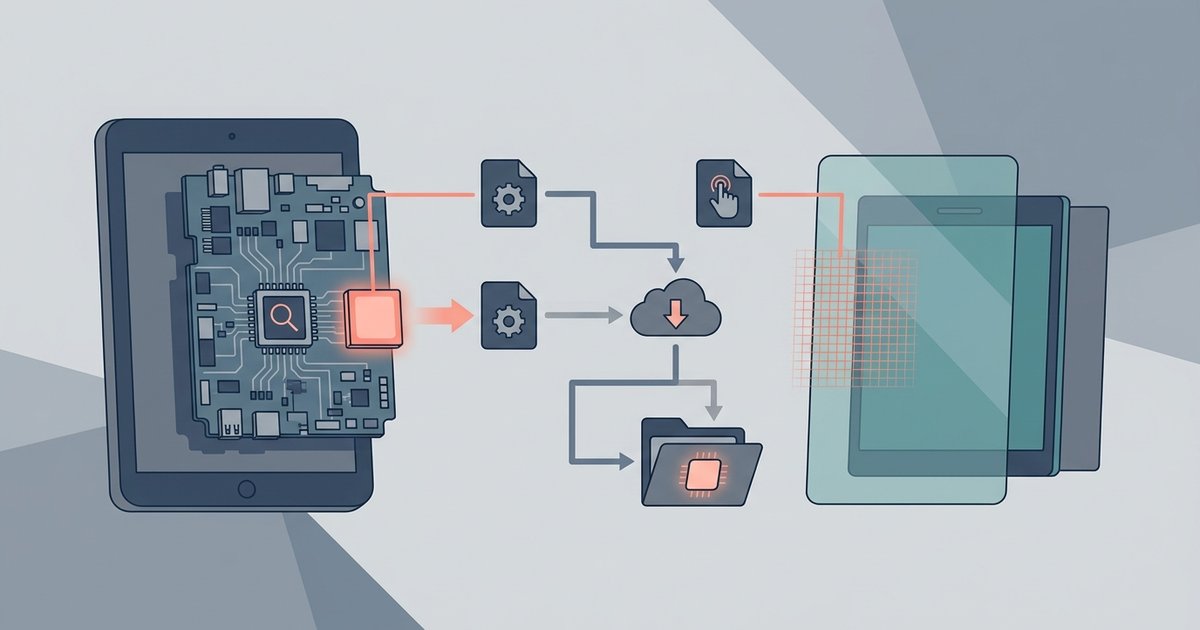
You find a tablet SoC kernel in your device's dedicated XDA Developers forum thread, usually labeled by your exact tablet model, SoC (like MT8163), and touchscreen IC (like GT911). If no thread exists for your specific combination, a working kernel does not exist and you cannot proceed without building one from source. This is the only reliable location because a kernel compiled for a different board, even with the same SoC, will fail to boot or render the touchscreen unusable.
Search XDA by tablet SoC kernel board id, not just brand
Your tablet's marketing name (e.g., "Lenovo Tab M10") is useless for finding a kernel. Every Android device has a board codename stored in the stock firmware's build.prop file under the line "ro.product.board". For example, a tablet sold as "Teclast P80X" might have the board id "PX08" or "TLA016". Boot the stock ROM, install a terminal app, and run "getprop ro.product.board", or extract the build.prop from a stock firmware dump. Then search XDA for that exact board id plus "kernel" (e.g., "PX08 kernel"). Ignore threads for the brand alone. To install new Android OS on tablet, you must first know this board id; otherwise you will flash a kernel for a different device that hard-bricks the tablet. The kernel thread title will typically read "[KERNEL][PX08][GT911][LineageOS]" or similar, confirming both SoC and touchscreen.
Match touchscreen hardware to kernel filename
Even a kernel compiled for your exact SoC will produce a black screen if the touchscreen driver module is missing. Most tablet SoCs use a loadable kernel module (a .ko file) for the touch controller. For example, a Goodix GT911 touchscreen requires the "gt9xx.ko" module. Open the kernel thread and look for a "features" list or a file listing inside the download. If you see "gt9xx.ko" listed, the kernel supports your touchscreen. If only "synaptics_dsx.ko" appears and your tablet uses a GT911, the kernel will boot but the screen will be unresponsive. This is critical when you want to put Linux on a tablet: the same touchscreen driver must be present or you will have no input. Always download the kernel zip and inspect its contents before flashing. A thread that says "works with GT911" is safe; one that says "works with MTK" without specifying the touch IC is a gamble.
When the kernel simply doesn't exist
For tablets from obscure brands (e.g., Chuwi, Onda, or no-name Chinese models), no developer may have compiled a kernel for your specific board-touchscreen combination. Flashing a kernel from a similar device (same SoC but different board id) will almost certainly cause a boot loop or a dead touchscreen. The kernel binary contains board-specific pin mappings for GPIO, I2C addresses for the touch controller, and display timings; these are not interchangeable. The only safe option is to build a kernel from source using the tablet's vendor-provided kernel tree and your device tree. This requires a Linux environment, the GCC cross-compiler for your SoC architecture, and the ability to enable the correct touchscreen driver in the kernel config. If you lack these skills, you cannot install Android OS on tablet from PC using a prebuilt kernel because one does not exist. Similarly, to update old tablet Android, you must either find a thread with your exact board id or abandon the project. No shortcut exists.