Practical, reader-supported articles for anyone who owns or maintains a tablet, convertible laptop, or any device with a touch display. Whether you are a casual user trying to get a stylus to work, a hobbyist tinkering with an older tablet, or a developer curious about how touch input behaves at the system level, these pieces address everyday friction and troubleshooting. The common thread is straightforward help: making touch input more reliable, understanding the hardware you are already using, and knowing what settings or components actually do.
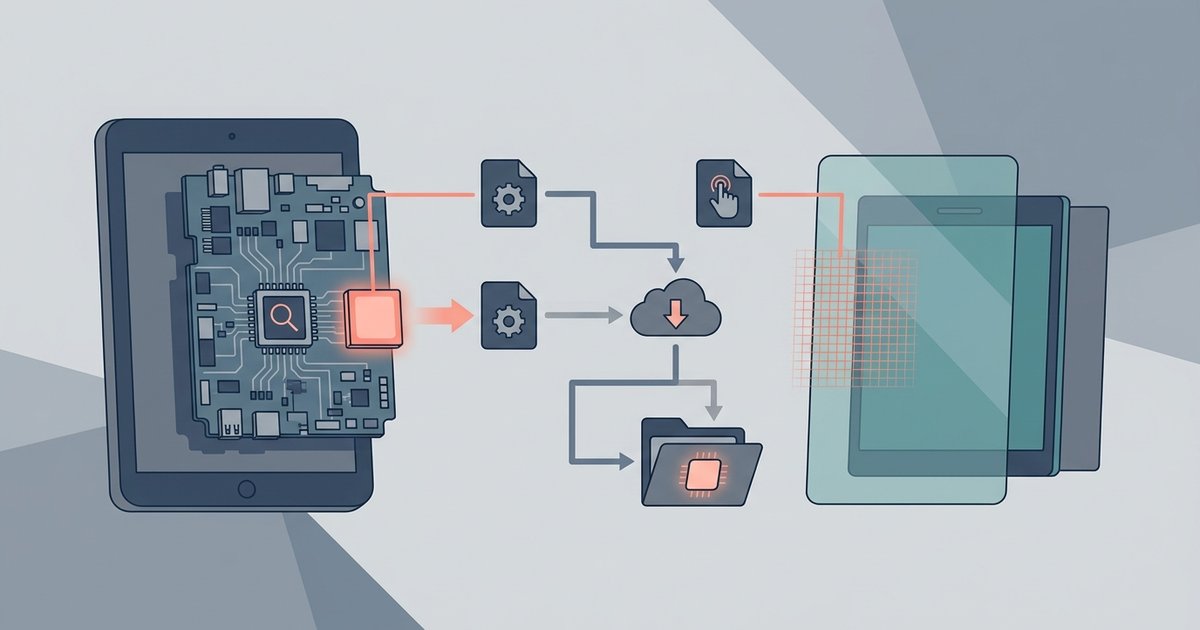
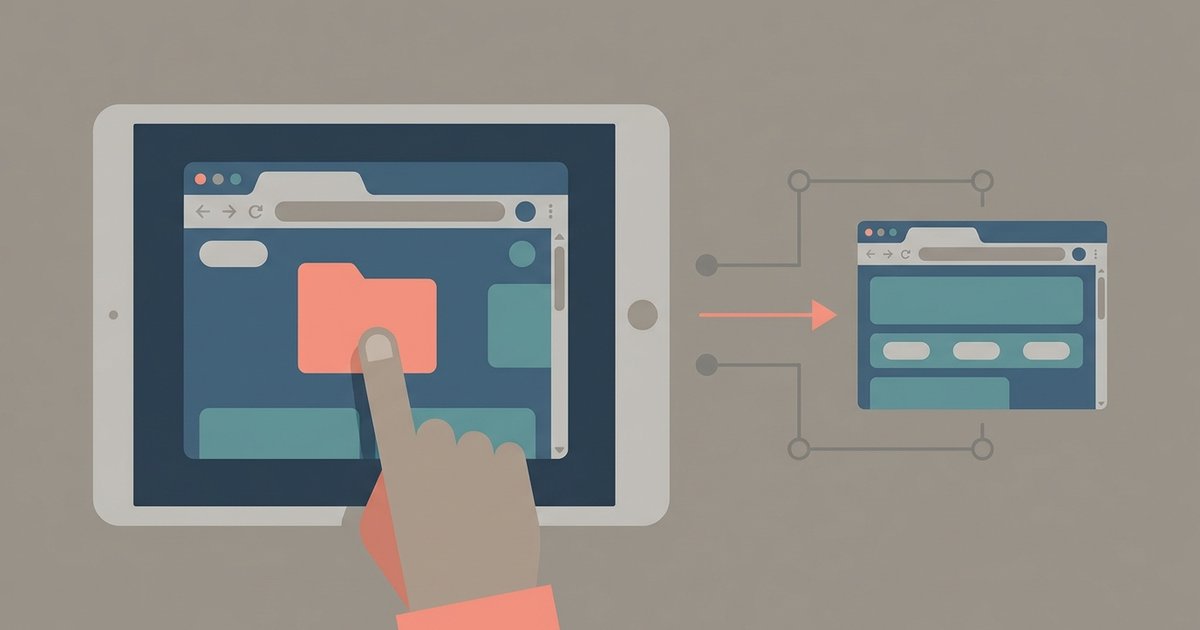
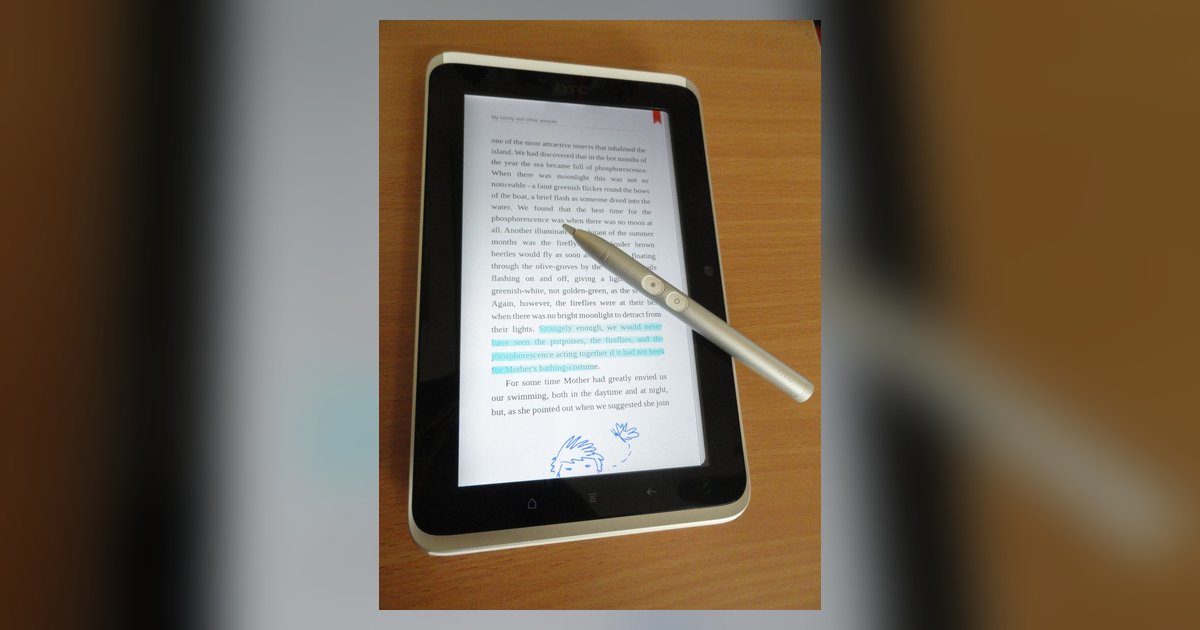
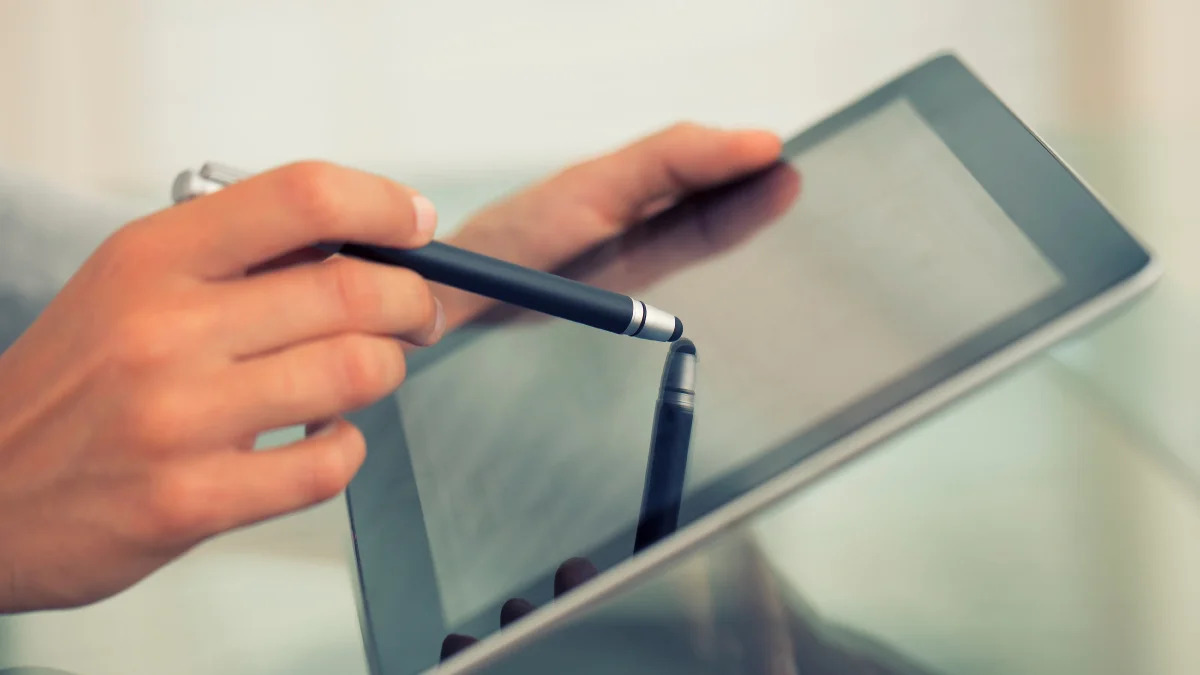
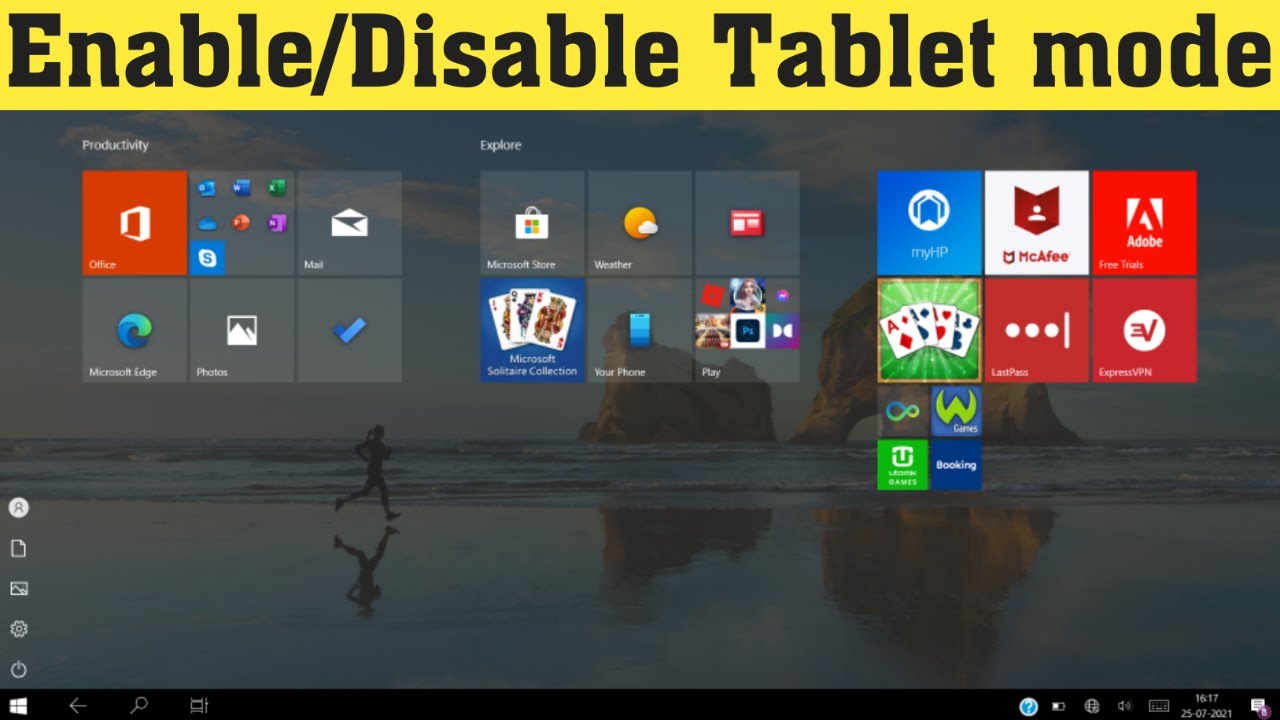
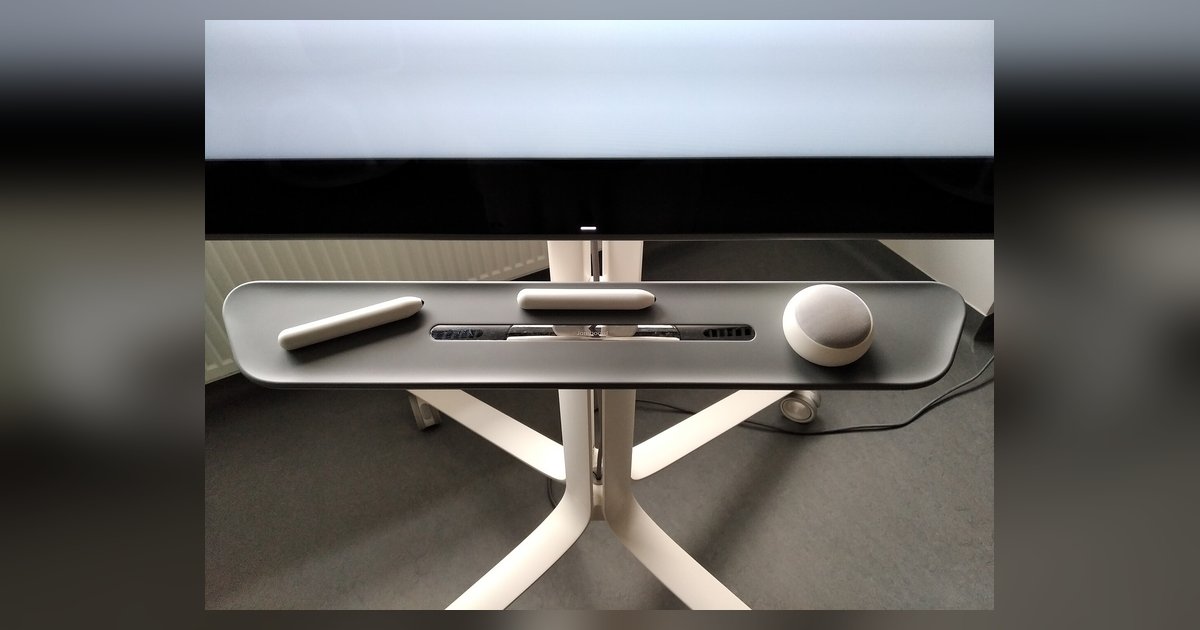
The articles group around a few clear themes. One is configuration and interface, for example, turning on Tablet Mode in Windows 11, or checking whether Chrome’s touch UI layout flag still has any effect in 2024. Another theme is stylus hardware and alternatives, which covers what you can use in place of a stylus, how to connect and use a stylus pen, and the technical difference between active and passive pens. A third, more technical theme involves system-level troubleshooting, such as finding the right kernel for a specific tablet SoC and touchscreen, which is useful for custom firmware or Linux installs.
Several articles also address durability and safe usage from a maintenance perspective. Instead of showing risky workarounds, they explain whether a passive stylus wears out and stops working, and what that means for your daily use. These pieces help you make informed choices about accessories, avoid unnecessary purchases, and extend the life of your existing hardware, all without venturing into bypassing, hacking, or unsupported modifications.