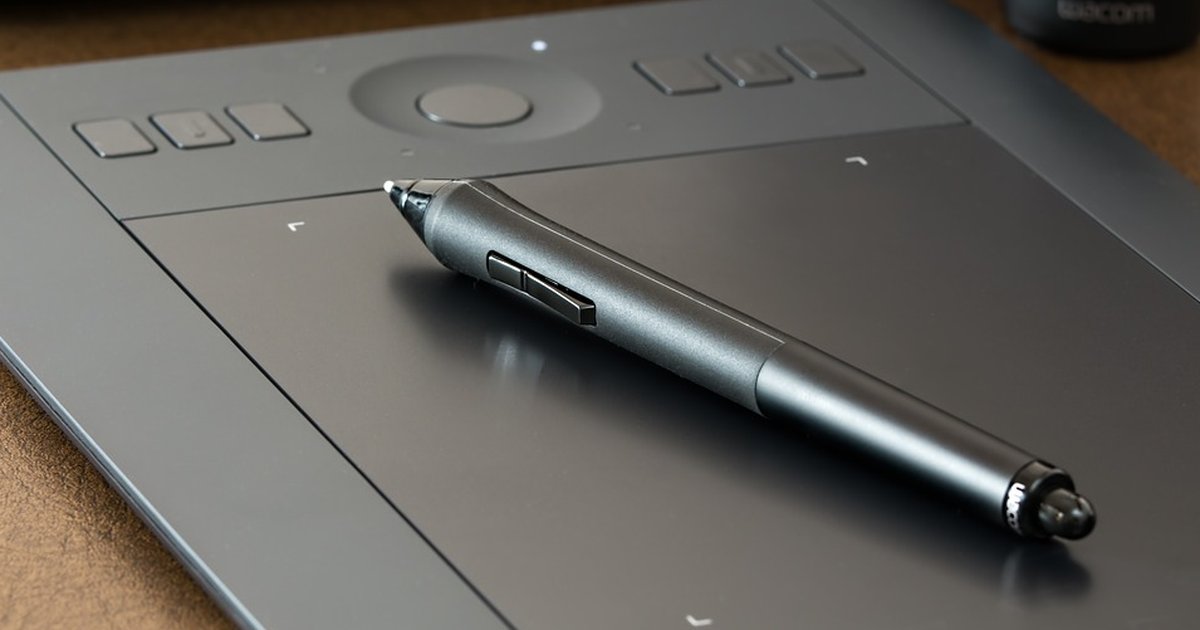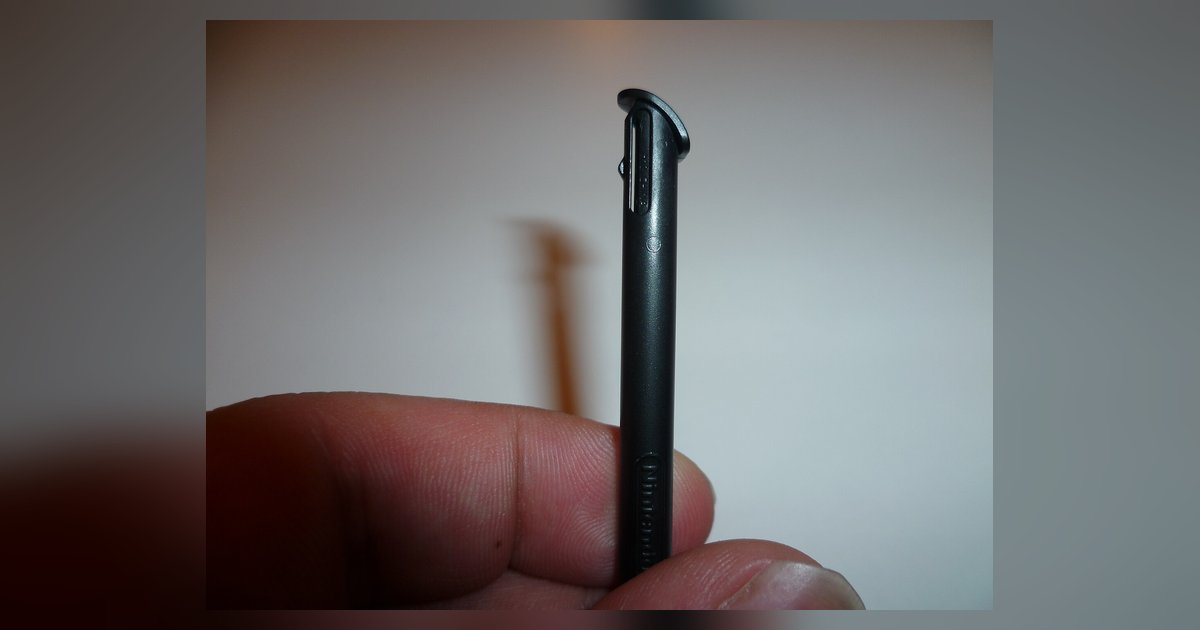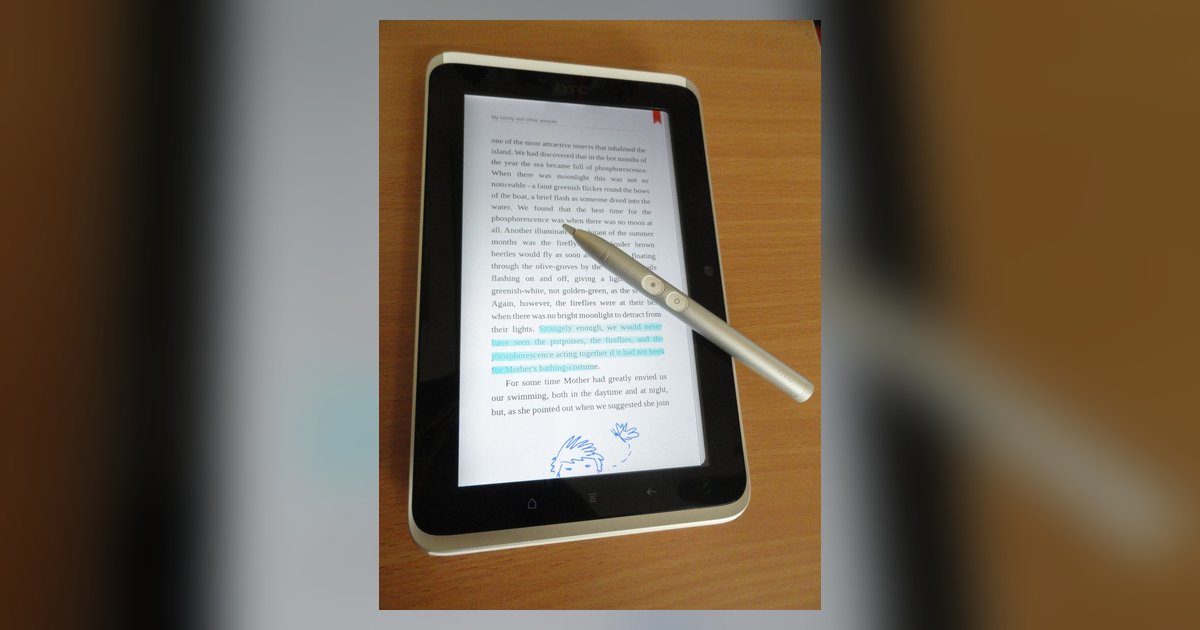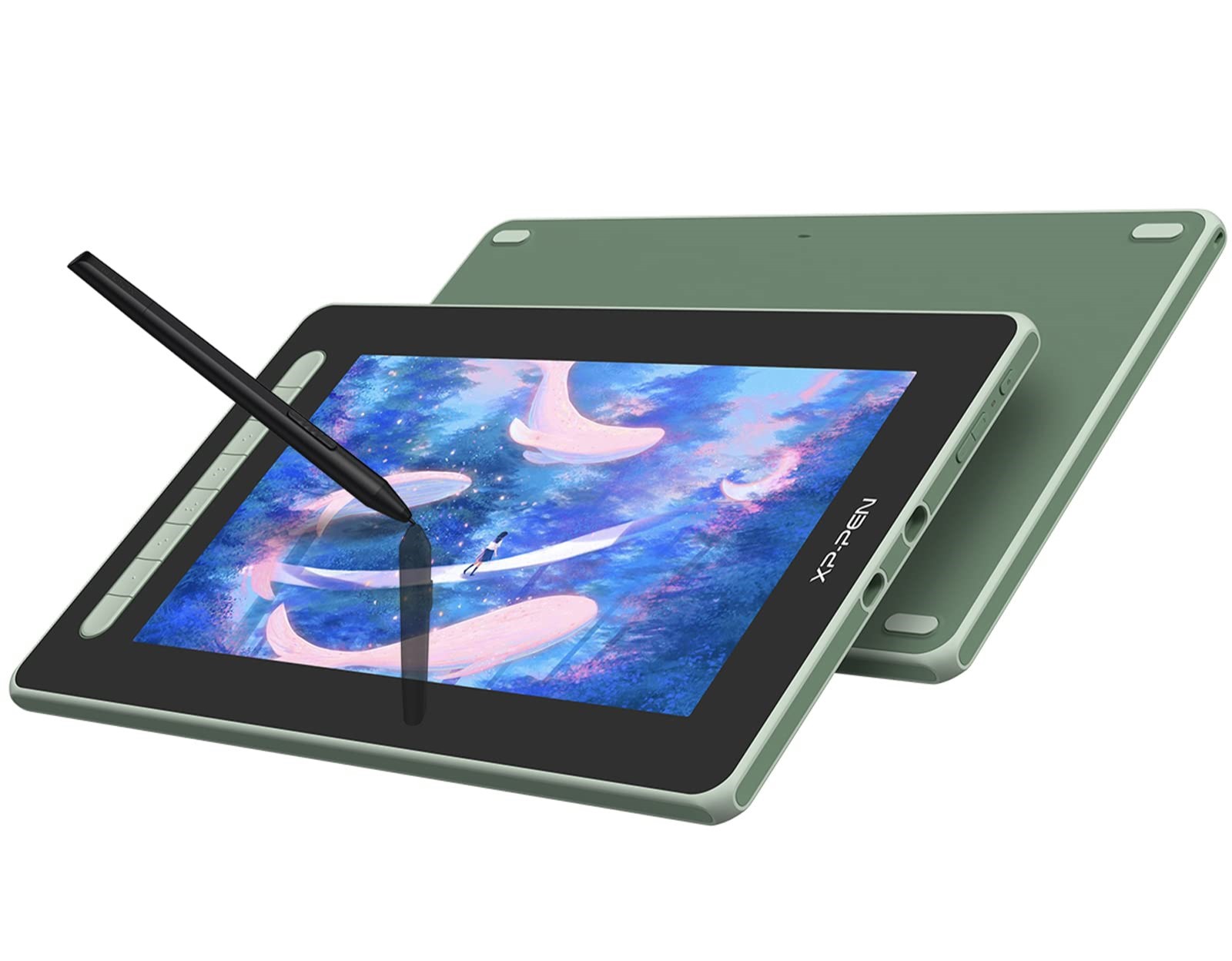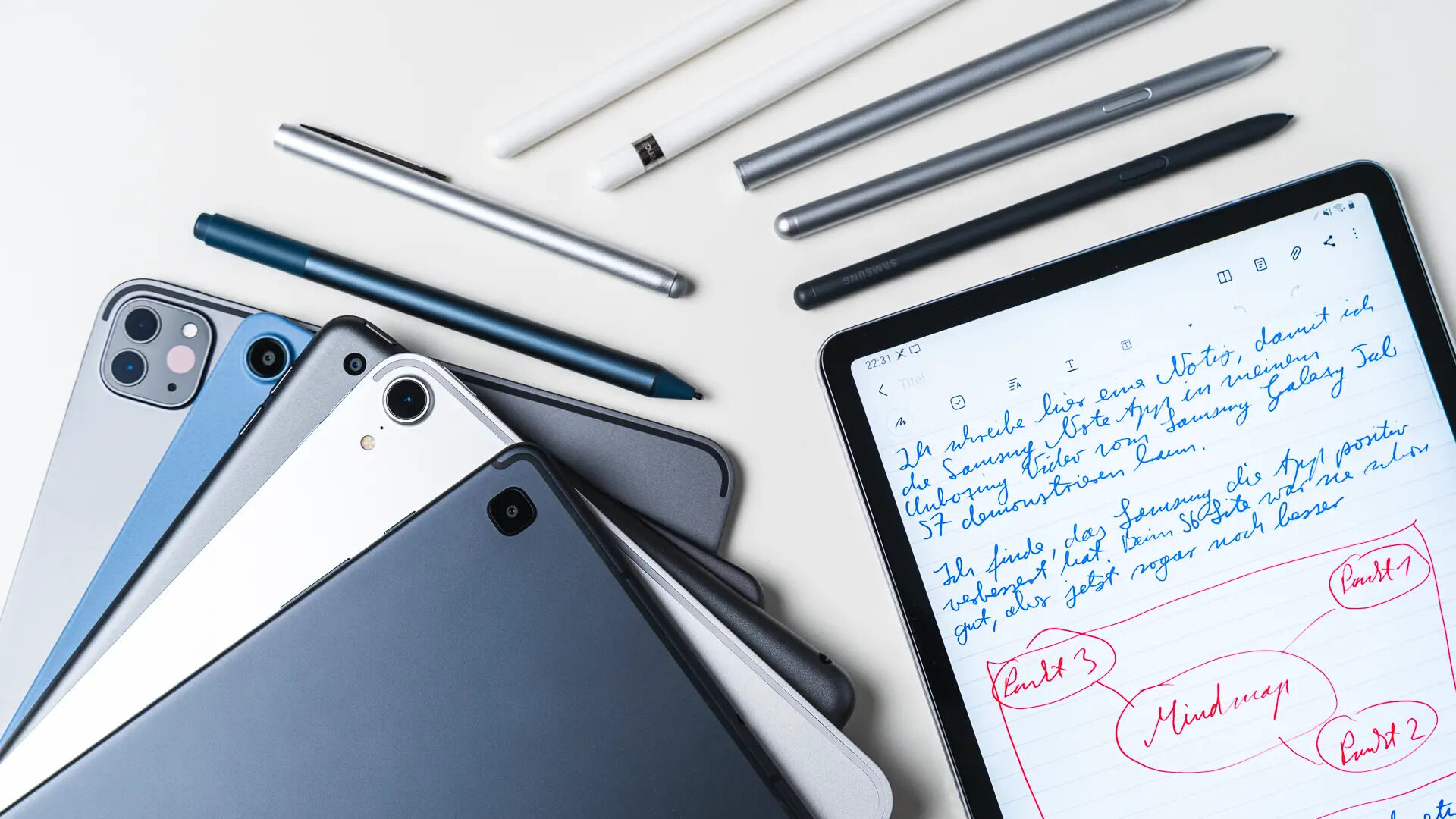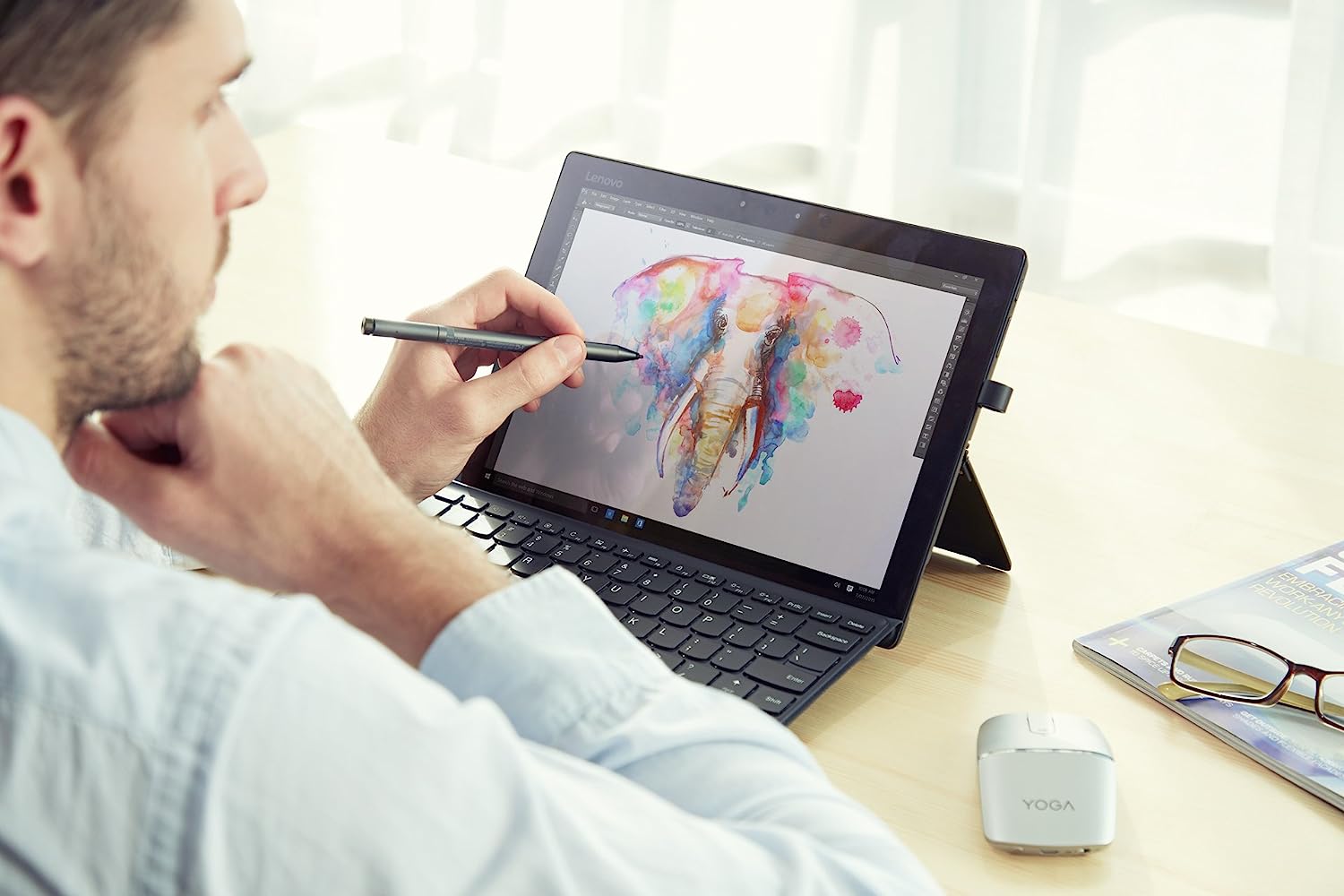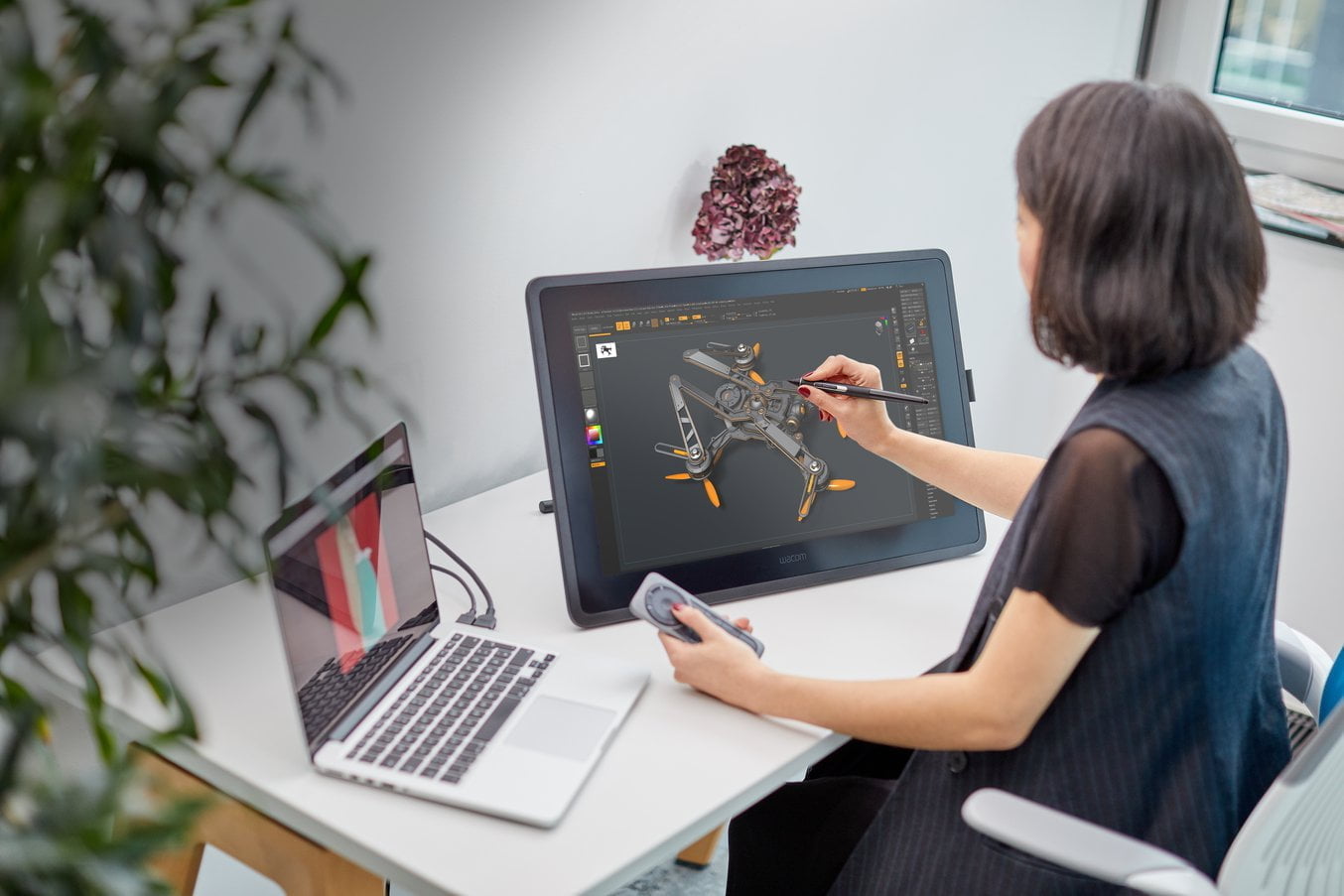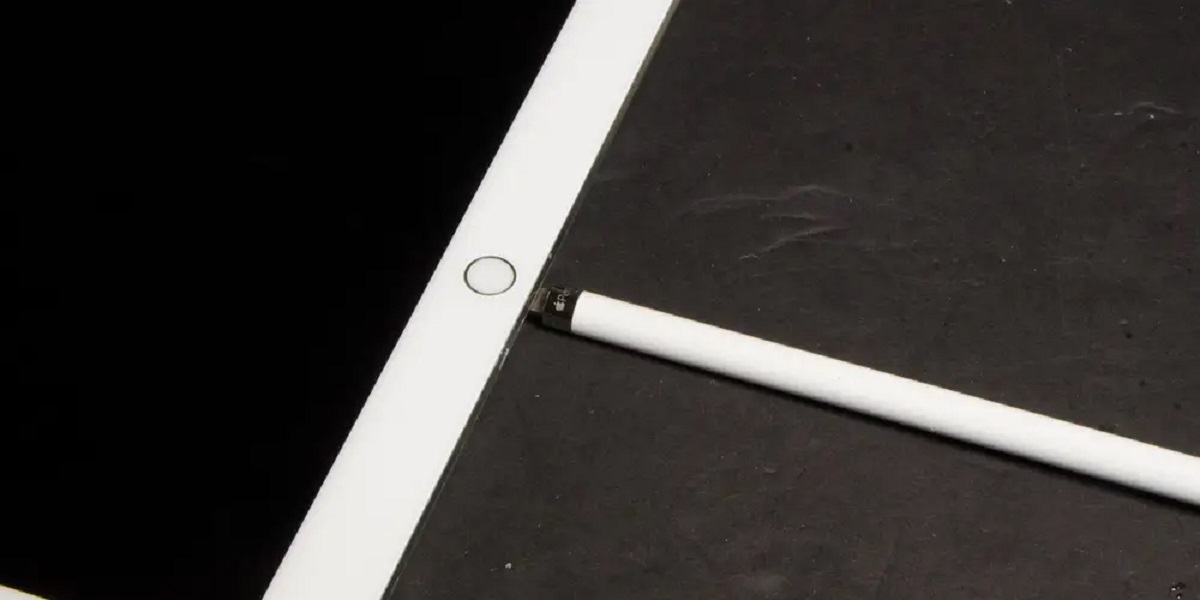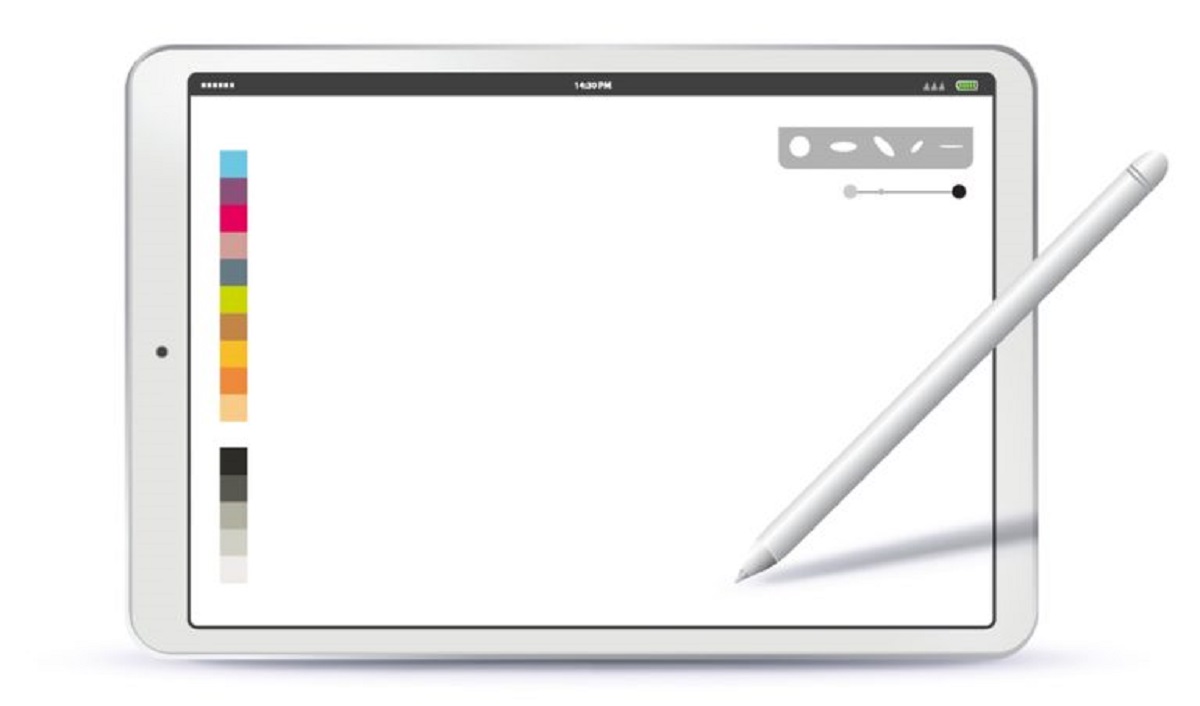
The pens and digital writing tools used with tablets, phones, and touchscreen laptops. It is written for everyday owners and hobbyists who want to get more out of their hardware, whether that means fixing a pen that has stopped working, connecting it to a new device, or simply understanding what type of stylus they own. The material assumes no deep technical background, so it is equally useful for students, remote workers, and casual artists who just want their input device to behave.
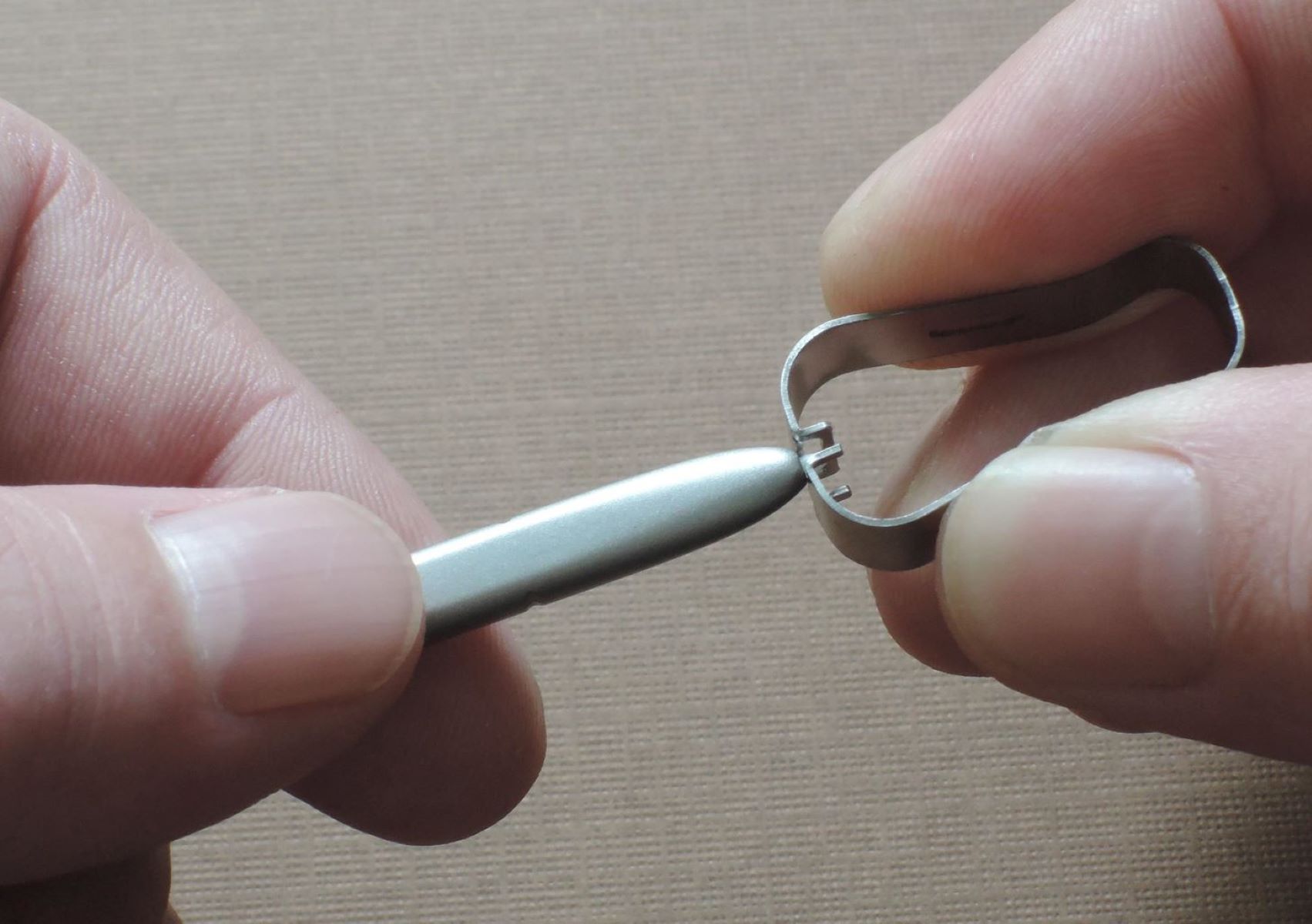
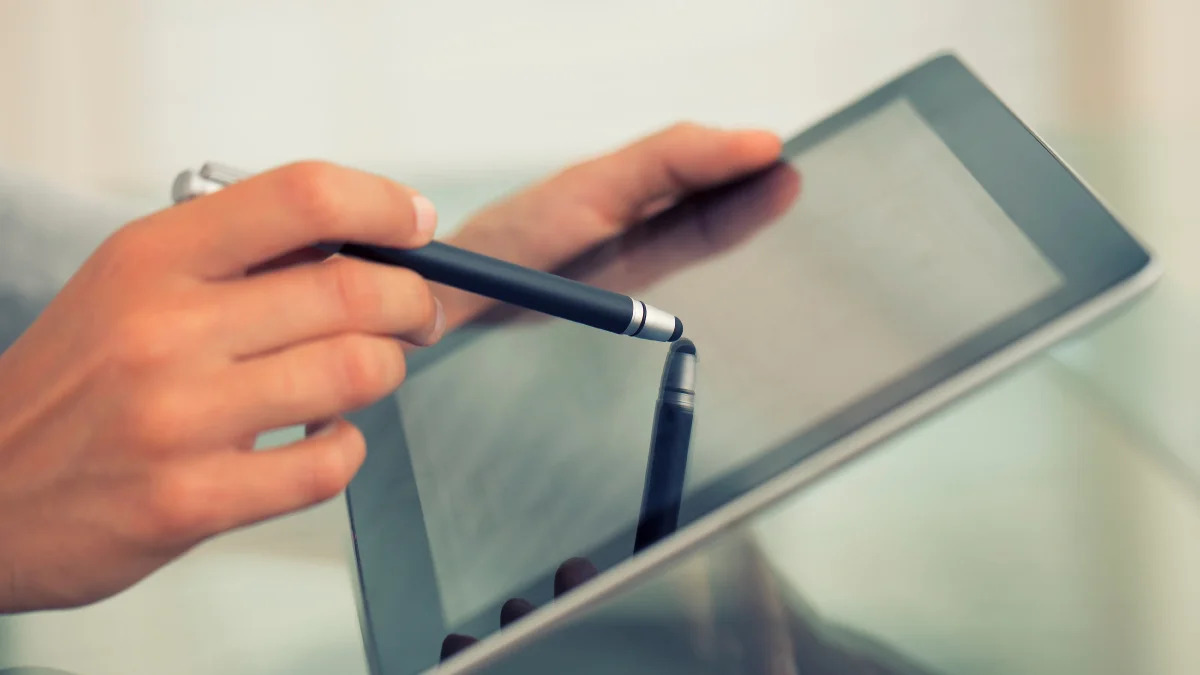
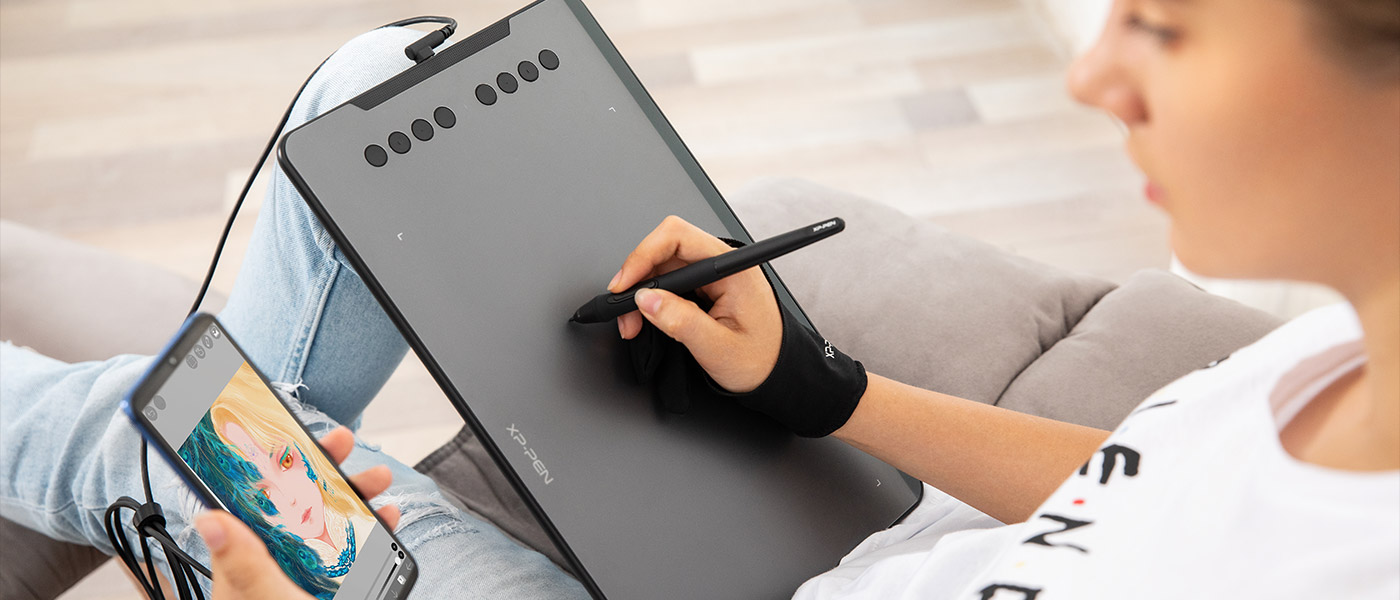
Most of the articles solve practical, hands-on problems. One clear theme is identification and maintenance: you can learn how to tell which Apple Pencil model you have, how to calibrate it, how to know if it is dead, and how to swap out a worn tip. Another theme is cross-device and alternative usage, for example, using your phone as a drawing tablet for your PC, turning your tablet into a drawing pad, or finding a substitute for a stylus when you don’t have one. A third theme covers troubleshooting and technical background, including why an active stylus might skip or draw wavy lines, how tablet PC pens work, and whether a passive stylus wears out. A few articles also address compatibility and safe choices, such as whether you can use a stylus from a different brand if the protocol matches, and how to activate an XP-Pen stylus correctly.
Across these pieces, the goal is to help you diagnose, connect, and maintain your stylus, so you can keep drawing, writing, and note-taking without frustration. The content focuses on legitimate fixes and clear explanations, not on circumventing software or hardware restrictions.