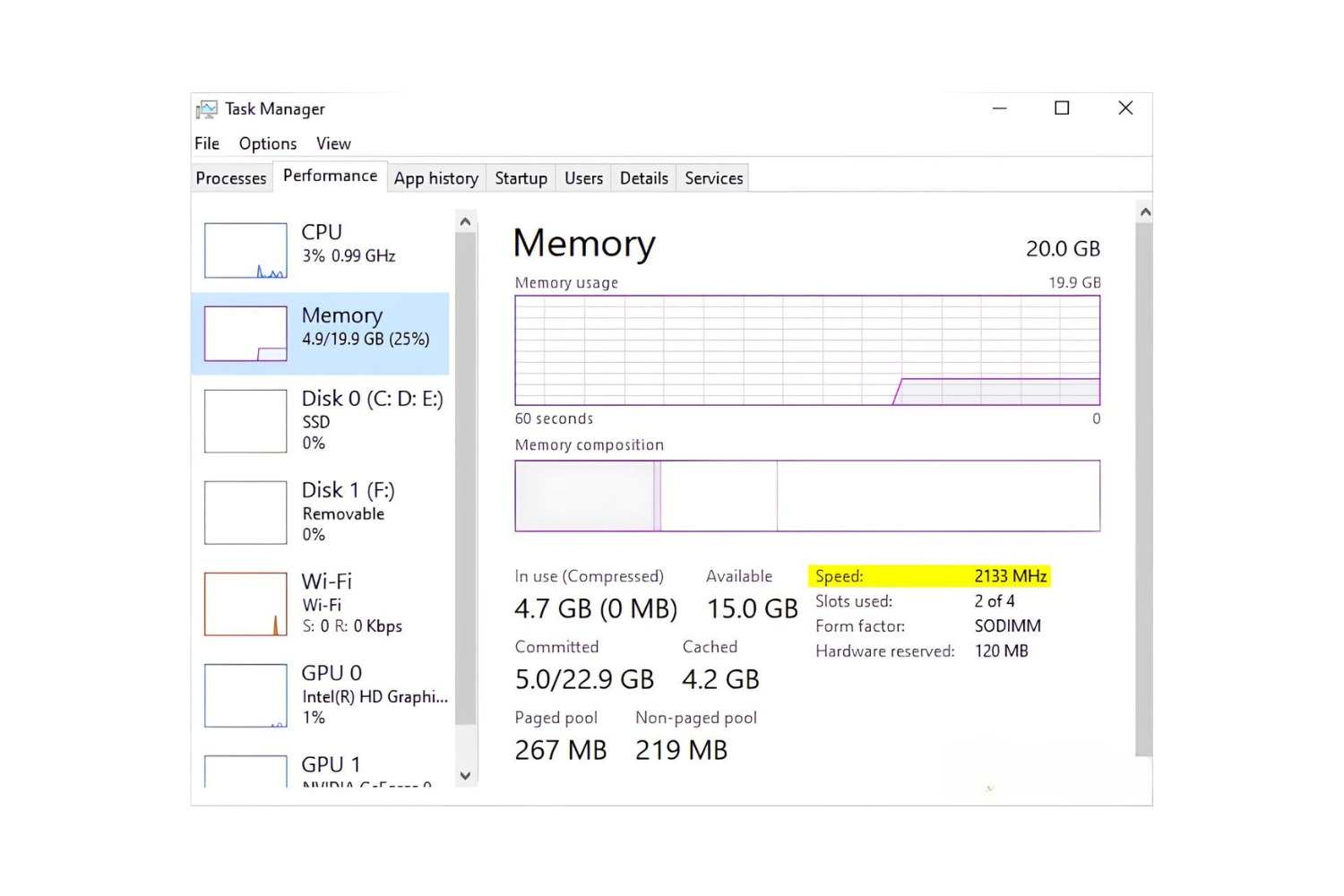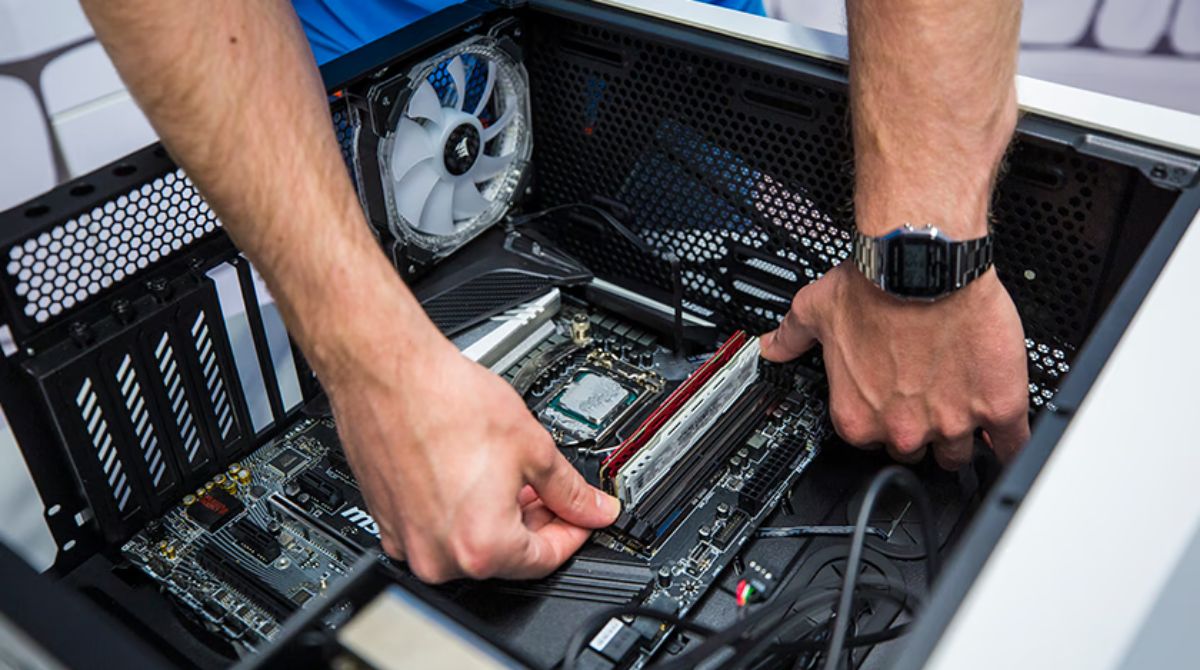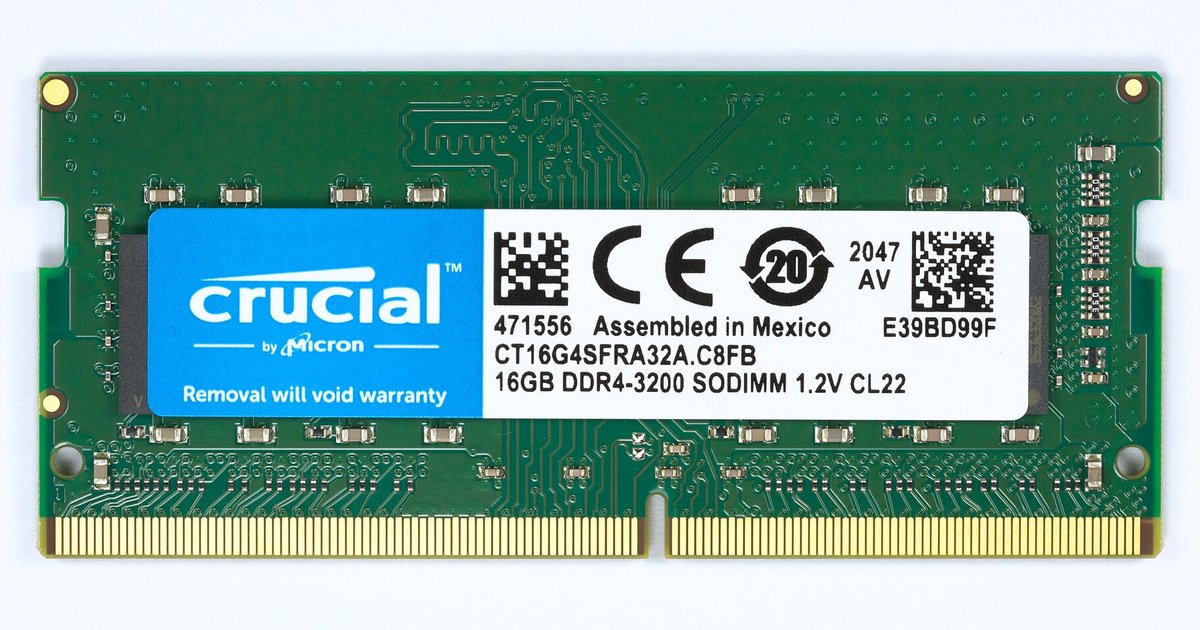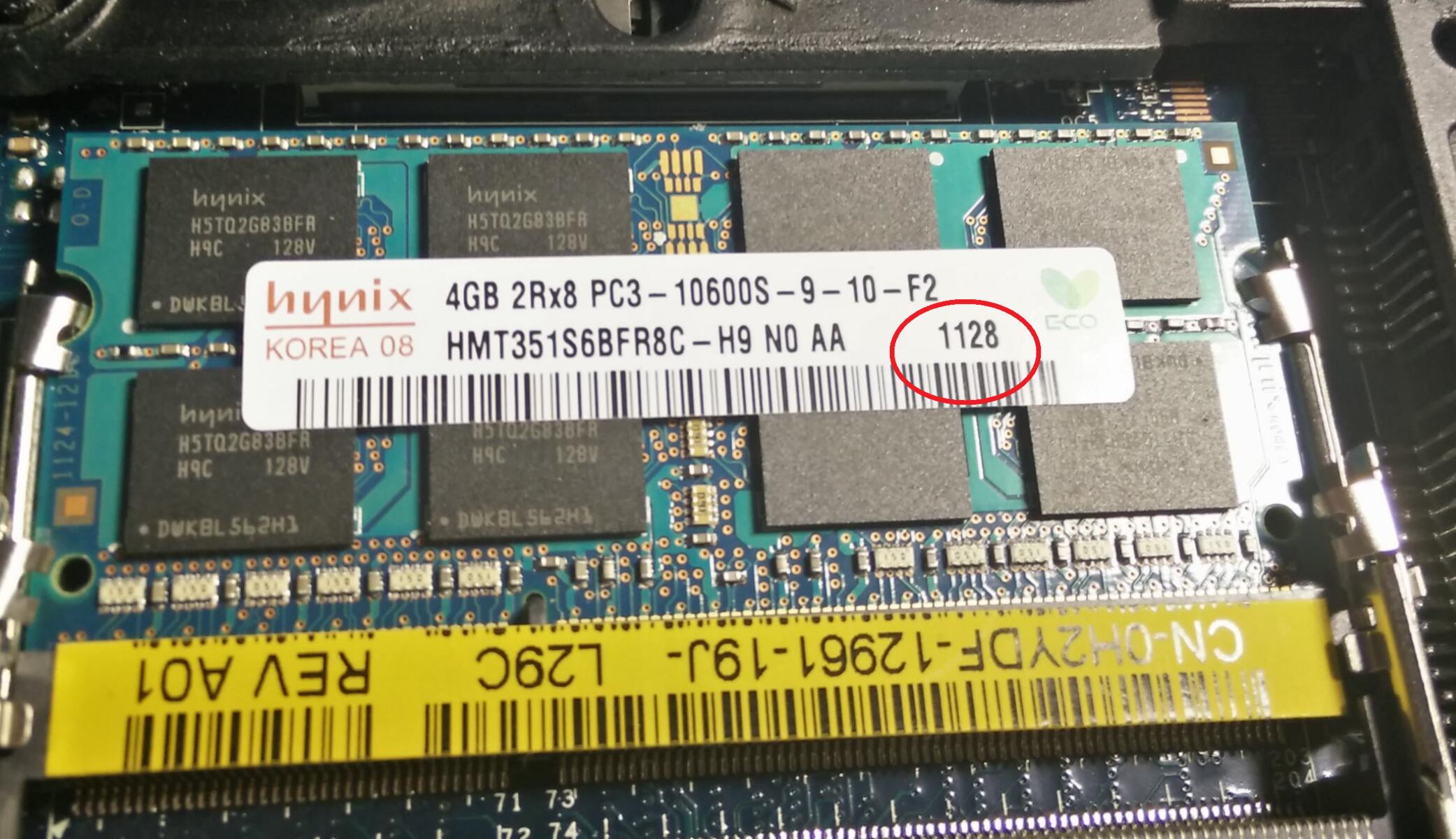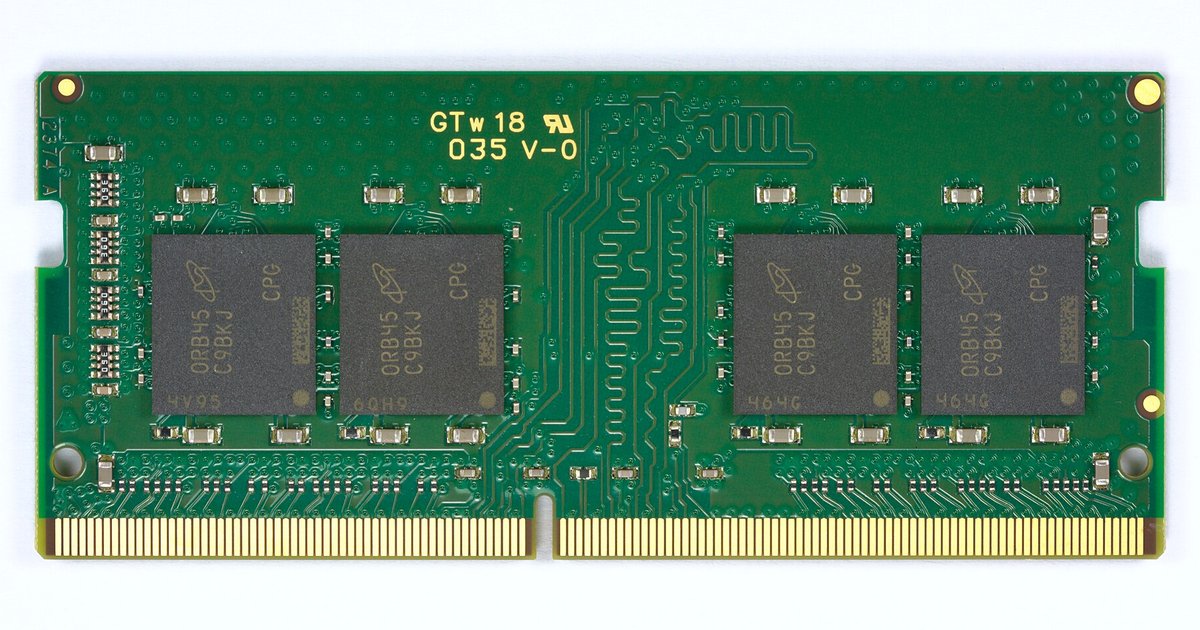
Yes, you can physically mix different speeds or brands of 8GB RAM, and the system will usually boot, but all sticks will downclock to match the slowest module's speed and loosest timings. You also risk system instability, random crashes, or failure to enable XMP/DOCP profiles.
What happens when mixing ram sticks with different speeds
When you install one 8GB stick rated at 3200MHz and another rated at 2400MHz, the motherboard’s memory controller forces both to operate at the lowest common denominator. This is typically 2400MHz with the slower module’s JEDEC timings. The faster stick’s XMP or DOCP profile contains its factory-tuned overclock settings. That profile may fail to apply because the controller cannot run two different speed sets simultaneously. Even if you manually enter timings in the BIOS, the system may refuse to post or will revert to safe defaults after a power cycle. This is why a single kit of matched sticks is always recommended for achieving rated speeds. Mixing guarantees you lose the higher stick’s performance potential entirely, and the resulting bottleneck can shift the RAM versus processor speed impact balance in your system.
The brand mismatch myth
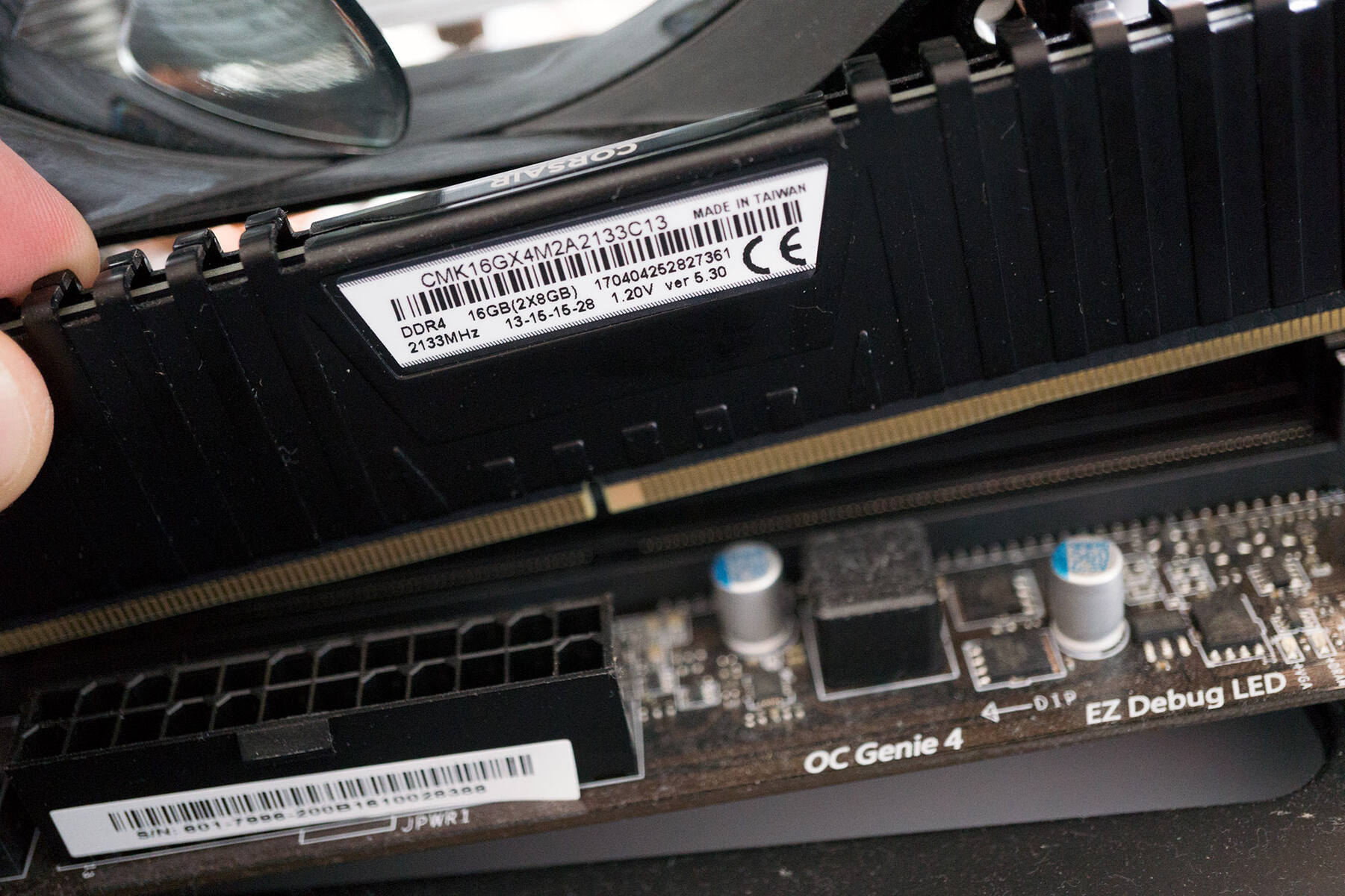
Many builders worry that mixing brands will cause immediate failure, but the real risk is deeper than the logo. Different brands often source memory chips from different manufacturers or use different die revisions. Even if both sticks are labeled as “DDR4-3200 CL16,” their internal ranks, voltage tolerances, and signal behavior can differ. The motherboard may detect these mismatches and experience stability issues. It may also apply a single set of timings that one stick cannot stabilize. You might see a successful first boot, but under sustained load, the memory controller has to constantly re-train between sticks. This leads to random crashes. Mismatched RAM still operates at DRAM speed and may cause system instability.
When mixing works and when it doesn't
Mixing 8GB sticks sometimes works perfectly if both modules share the same JEDEC speed and the same die type from the same manufacturer, even if the brand labels differ. However, the most common failure cases are significant. Dual-channel mode breaks, so your CPU’s memory bandwidth drops by up to half. Random blue screens occur under gaming or rendering loads because one stick cannot meet the timing demands of the other. A successful first boot may lead users to overlook potential intermittent errors that appear later. If you are upgrading a system that already has 8GB of RAM, adding a second mismatched stick is a gamble. You may get a working 16GB configuration at a lower speed, or you may waste hours troubleshooting. Mismatched RAM can affect system performance because the memory controller must manage incompatible modules, and the difference between 8gb and 16gb RAM becomes stark when a faulty dual-channel setup negates the capacity upgrade. And if you are comparing to console specs, note that the PS5 has 16GB of unified GDDR6, which is a tightly integrated system.
When you mix different RAM sticks, the system forces all modules to run at the slowest stick’s speed and timings, permanently discarding the faster module’s performance headroom.