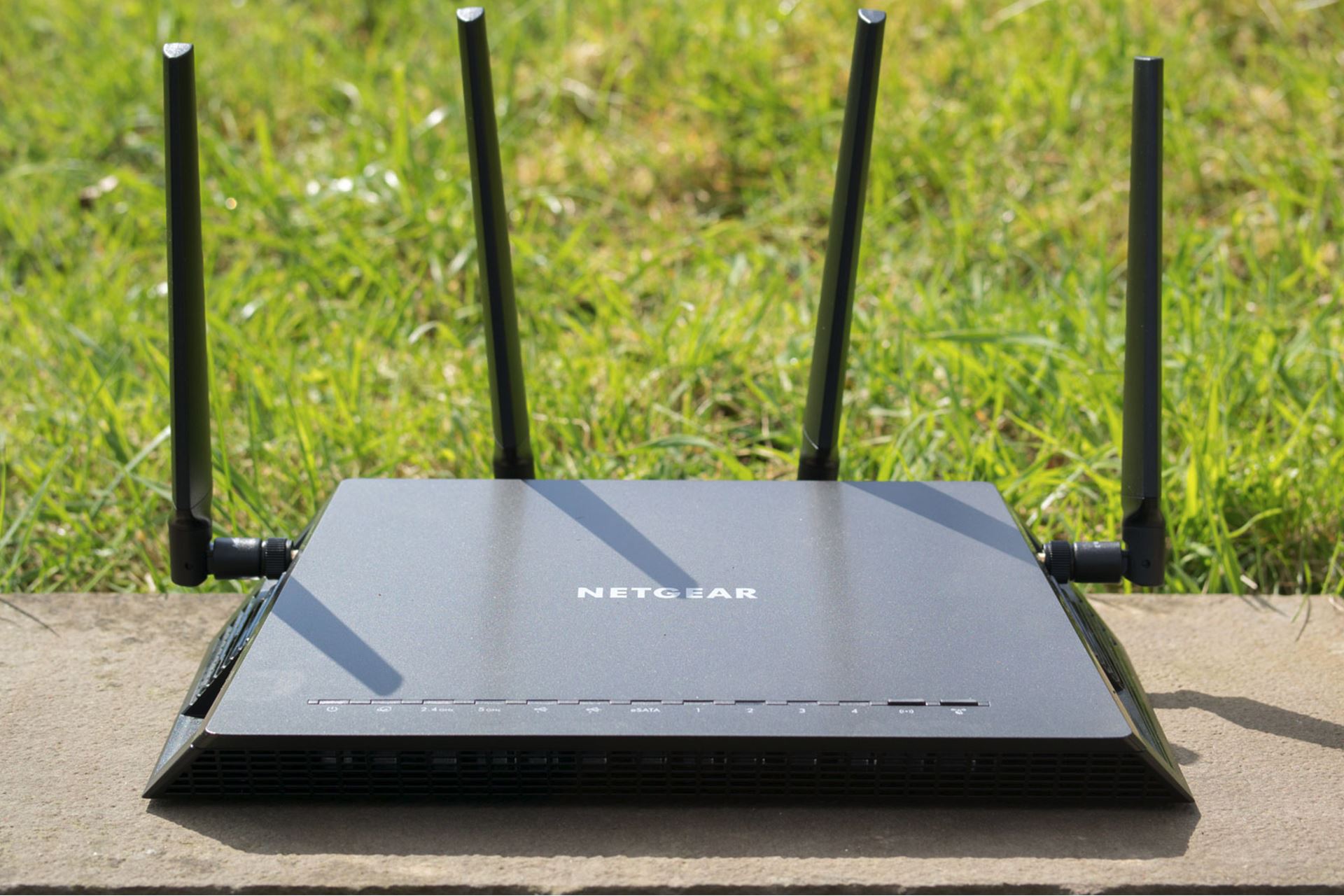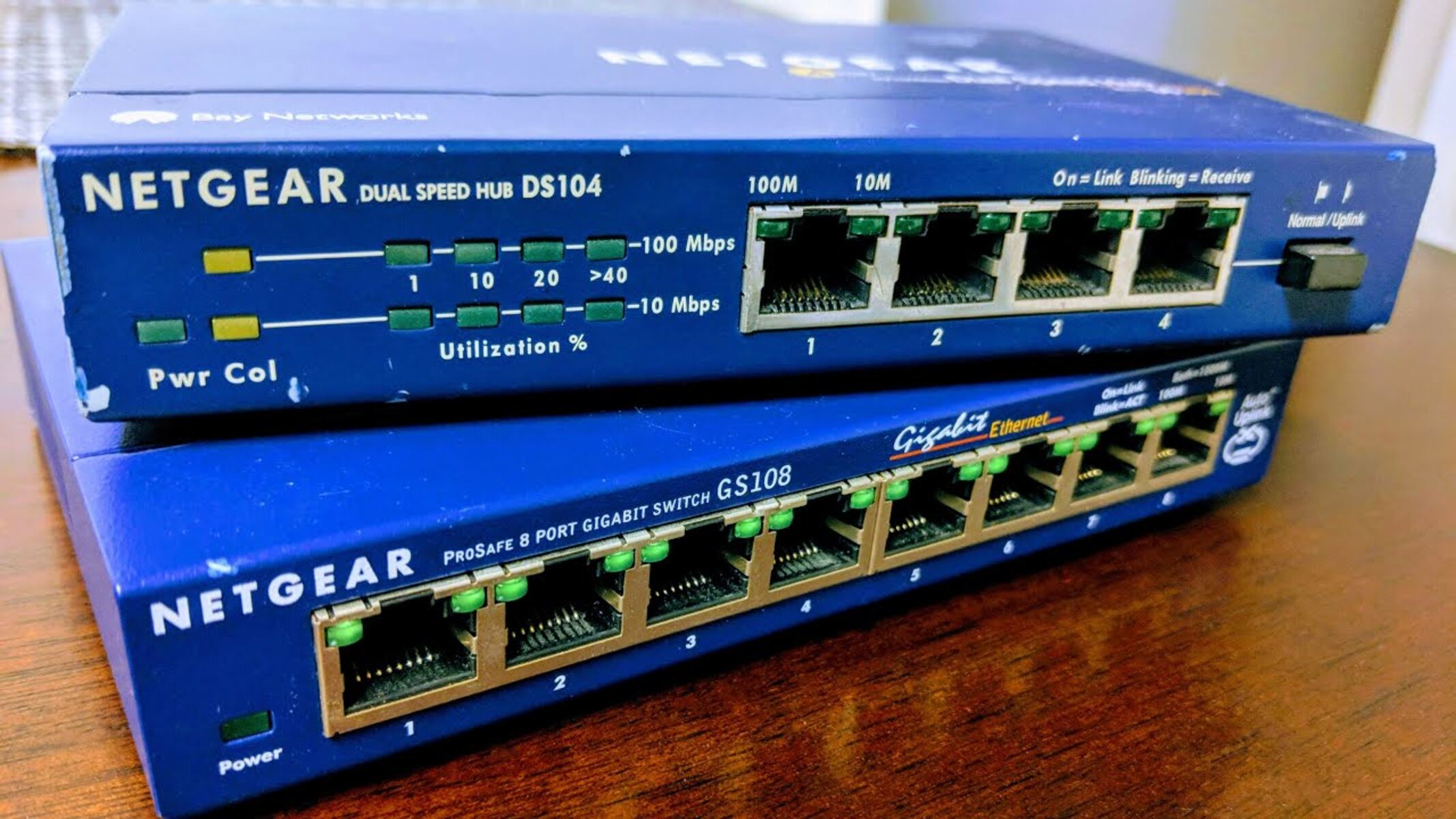
Set the second router to a static IP in the first router's subnet, disable its DHCP server, and connect them LAN-to-LAN. This turns the second router into a simple access point and switch, eliminating the second layer of NAT without needing bridge mode.
Why LAN-to-LAN fixes double NAT by bypassing the routing layer
When you connect the upstream router to the second router’s WAN port, the second router treats that traffic as internet traffic and applies Network Address Translation (NAT), creating a separate subnet. By instead plugging the Ethernet cable from the primary router into one of the second router’s LAN ports, you skip the WAN interface entirely. The second router no longer sees that link as an internet connection, so it does not initiate NAT. Combined with disabling the DHCP server on the second router, all devices on the second router now request IP addresses directly from the primary router. The second router functions strictly as a wireless access point and a four‑port switch. This method turns a standard router into a transparent access point without relying on any special firmware feature. If you need to preserve a dedicated wired segment, you can choose between bridge mode and access point mode on a second router instead.
When this workaround fails
This workaround fails in three common situations. First, some routers, particularly older consumer models, do not allow you to disable the DHCP server at all, the toggle is missing or greyed out. Without disabling DHCP, both routers will assign conflicting IP addresses, causing intermittent disconnects. Second, a few routers force NAT on all traffic even through LAN ports, a design flaw that makes the LAN‑to‑LAN method ineffective. Third, you may specifically need isolated subnets, for example to separate guest traffic from your main network for security or VLAN purposes. In that case, double NAT is actually the intended behavior, and you must either replace the hardware with a model that supports bridge mode or live with double NAT. If you hit these limits, consider using a network switch with 2 routers instead: connect both routers’ LAN ports to the same switch, give each a static IP in the same subnet, and turn off DHCP on the secondary router. This keeps the same topology without relying on the second router’s routing capabilities.
Setting a static IP to avoid conflicts
After disabling DHCP, the second router must have a fixed IP address inside the primary router’s subnet to remain accessible. First, log into the primary router and note its IP range, for example, 192.168.1.1 with a subnet mask of 255.255.255.0, which allows addresses 192.168.1.2 through 192.168.1.254. Then check the primary router’s DHCP pool, often found under a “DHCP Settings” or “LAN Setup” menu. Choose an IP address outside that pool but inside the subnet, such as 192.168.1.200. Log into the second router, navigate to its “LAN” or “Network” settings, and change its IP address to that static value. Save the change and reboot the second router. You can now access its management page using that static IP. Similarly, when you access a Netgear network switch or set up a TP-Link 5-port gigabit Ethernet network switch, you will repeat this static‑IP step to keep the switch reachable on your single subnet.
For the wider picture, see use a network switch with 2 routers.