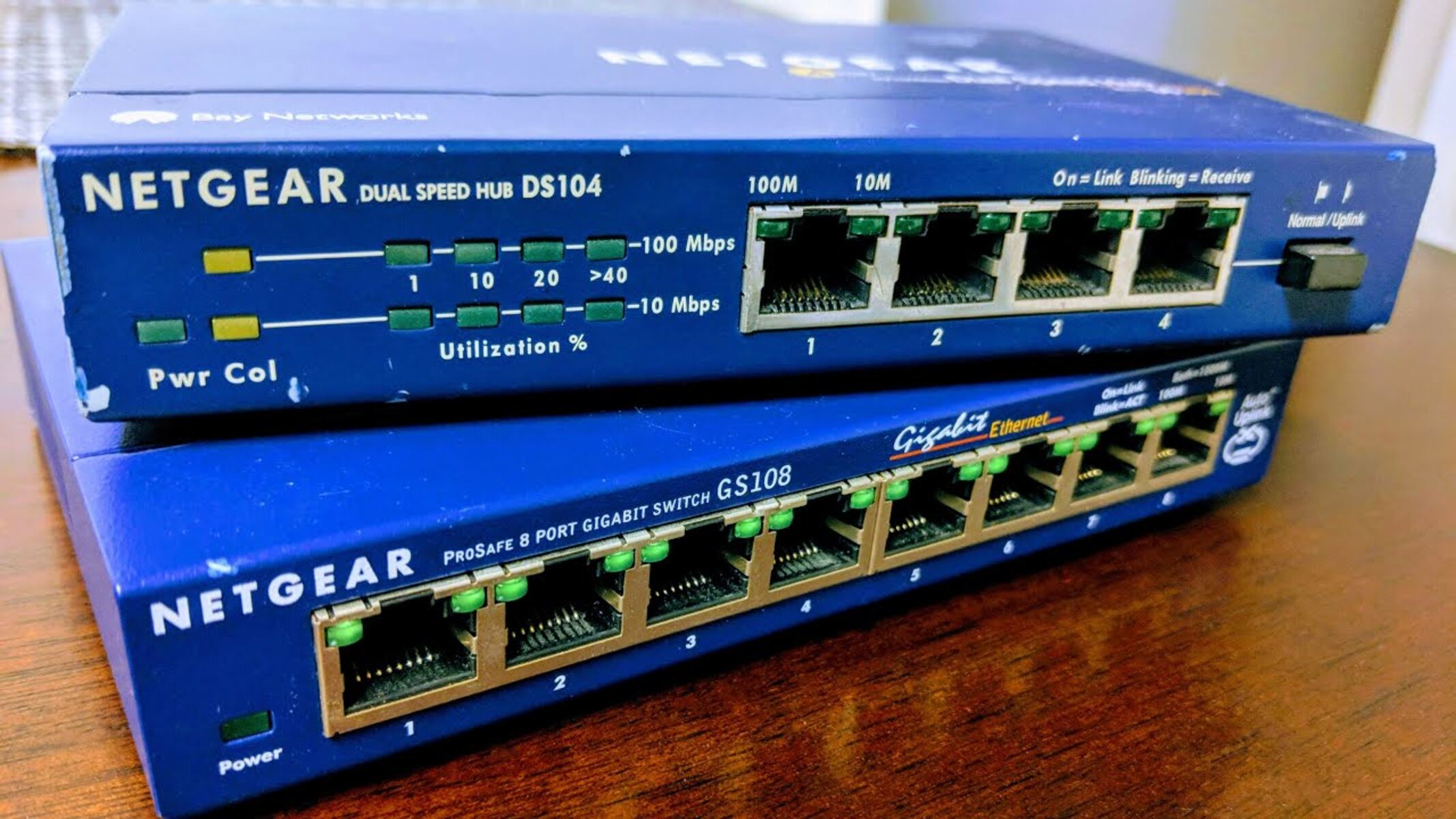
This tag collects articles about extending and managing home Wi-Fi networks using additional routers, access points, and network switches. It is written for homeowners and small-office users who already have a primary router but need better coverage in a larger space, a detached building, or a room with thick walls. The focus is on practical, hardware-based solutions that do not require advanced networking certifications.
The articles fall into two main themes. The first is physical layout and cabling: they explain how to run an Ethernet cable from a main router to a second device, how to connect two Orbi or Netgear routers in a mesh-like configuration, and how to use a network switch to link multiple routers without losing speed. The second theme is configuration and troubleshooting, particularly around router modes. Several pieces address the common problem of double NAT, where two routers create conflicting private networks, and walk through the decision between bridge mode and access point mode. One article specifically covers what to do when the second router does not offer a bridge mode option, describing safe and supported alternatives such as adjusting DHCP settings or placing the second router in a DMZ, rather than any workaround that would violate firmware terms.
Readers will learn how to physically install a second router or access point, how to choose the correct operating mode for their setup, and how to fix connectivity issues that arise from running two routers on the same network. The guidance is practical and oriented toward getting a stable, secure connection across the whole home.