You dispute it exactly like a regular card transaction—the tokenized number is tied to your physical account, so the process is identical. The only difference is you might need to reference the last four digits of the Device Account Number from your wallet app when filling out the form.
Why you can dispute tokenized transactions
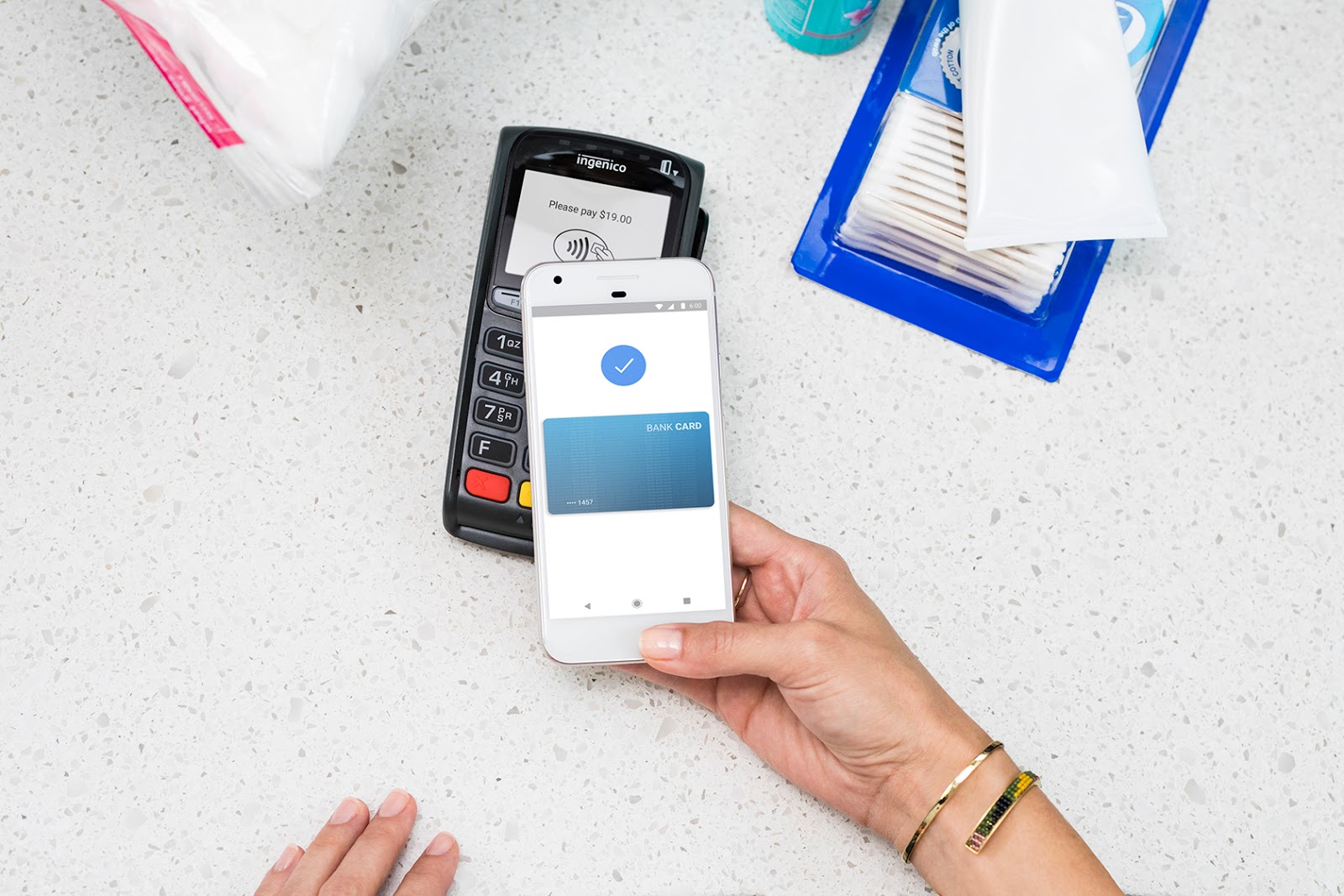
When you pay with Apple Pay, Google Pay, or Samsung Pay, the merchant never sees your actual 16-digit card number. Instead, they receive a token, a virtual card number generated by your bank’s tokenization system. That token is mapped directly to your real account in the bank’s ledger. So when you file a dispute for an incorrect amount, the bank’s fraud and claims team pulls up that token and traces it back to your account exactly as they would a physical card swipe. The same Regulation E protections apply, the same 60-day window for unauthorized transactions, and the same provisional credit timelines. You do not lose any rights because the transaction was tokenized. In fact, tokenization in digital banking actually strengthens your position by hiding your real card number from merchants, reducing the chance of account compromise. If you want to understand how this all fits together, you can use mobile banking to review your dispute history and see the tokenized charges listed alongside physical card swipes, but you first need to set up online banking with wells fargo to access those digital records.
Finding the right number for the dispute form
The most common hiccup occurs when you fill out the dispute form and enter the last four digits of your physical card. The bank’s system may not match that to the tokenized transaction, causing a delay. Instead, locate the Device Account Number (also called the virtual card number or digital card number) from your wallet app. In Apple Pay, open the Wallet app, tap the card you used, then locate the card details section to find the last four digits of the Device Account Number. In Google Pay, open the app, tap the card, then locate the card details to find the last four digits of the virtual card number. In Samsung Pay, go to the card’s settings and look for the token or device account number. Write down those four digits and enter them on the dispute form. Using the physical card digits can cause a mismatch, but the token digits link directly to the transaction. This practice also helps prevent fraud in banking because the token is unique to that device and cannot be reused elsewhere.
When the answer is no
Before you even start the dispute, check the transaction status. If the charge shows as “pending” in your mobile wallet or online banking, you cannot dispute it yet. Pending transactions have not fully posted to your account, the merchant has authorized the amount but the settlement has not completed. Banks will reject any dispute attempt on a pending transaction because the final amount may still change. You must wait until the transaction posts, which typically takes one to three business days. Once it appears as a posted charge, the amount is locked and you can proceed. This waiting period is a standard rule in the industry, and skipping it will waste your time. Remember, tokenization does not accelerate or delay this posting window. If you are concerned about security while waiting, you can protect your online banking by enabling push notifications for all posted charges, so you know the moment it settles and can act immediately.
If you see an incorrect posted amount from a mobile wallet purchase, your first instinct might be to panic about the virtual card number, but the underlying dispute path remains unchanged.