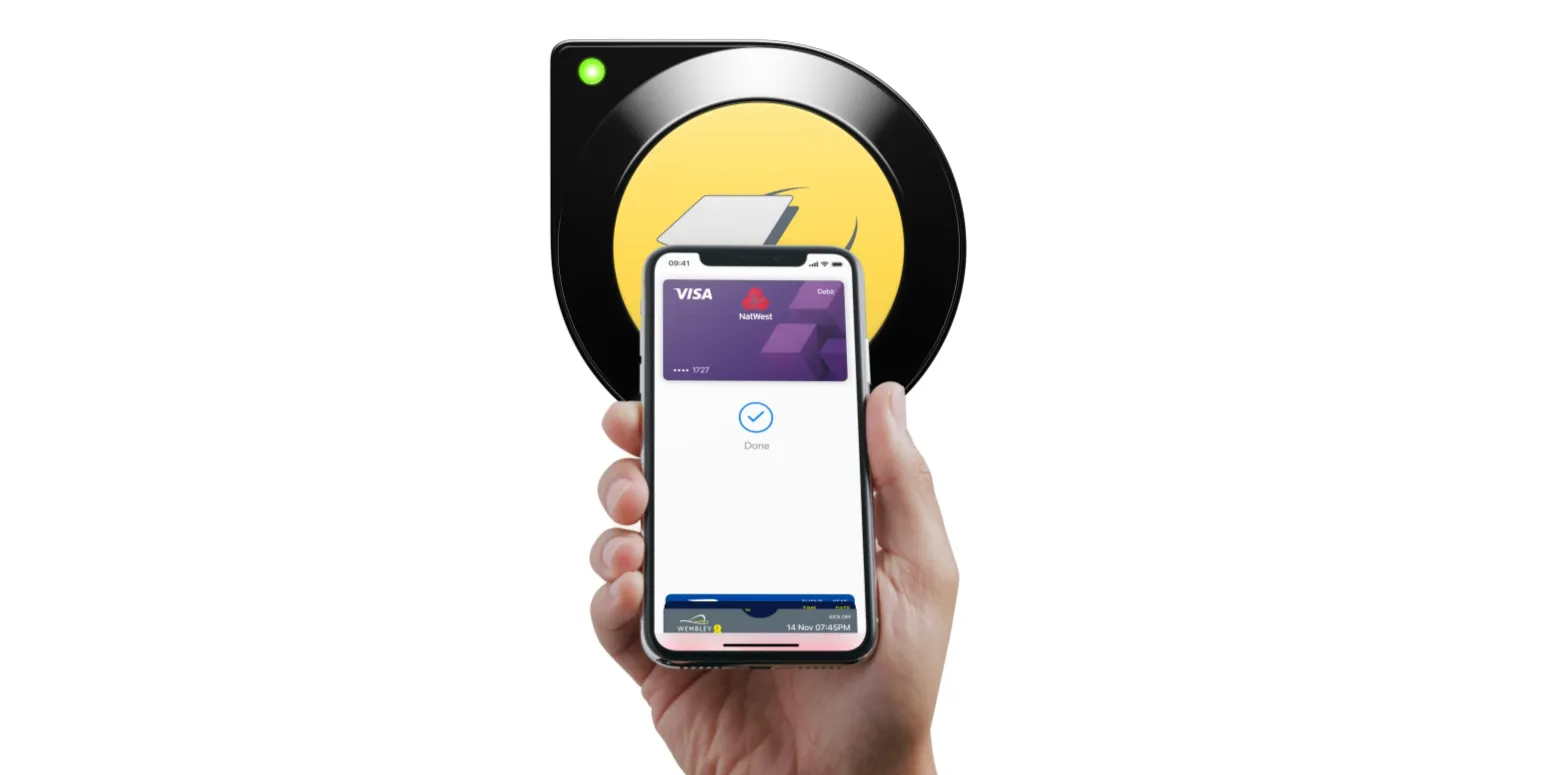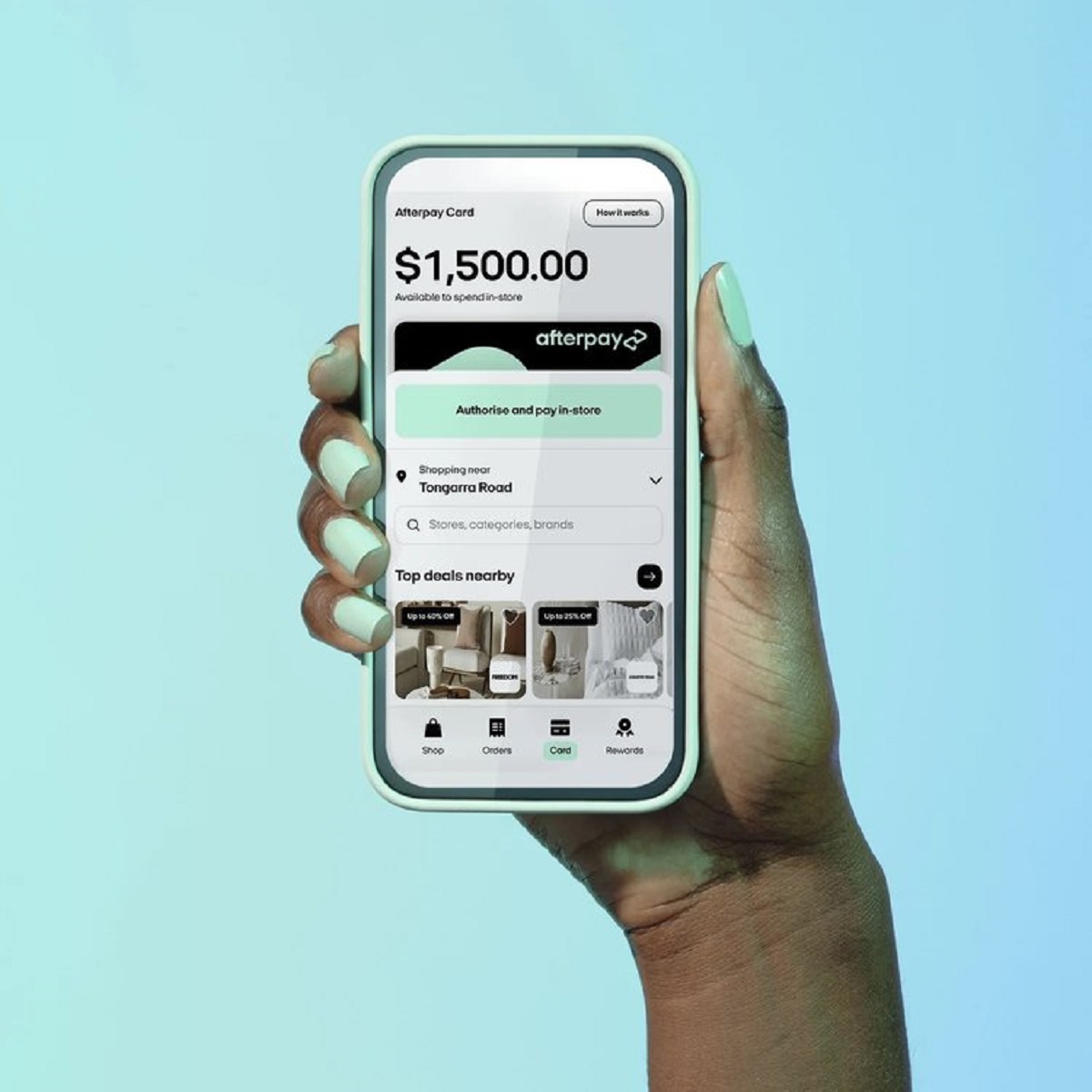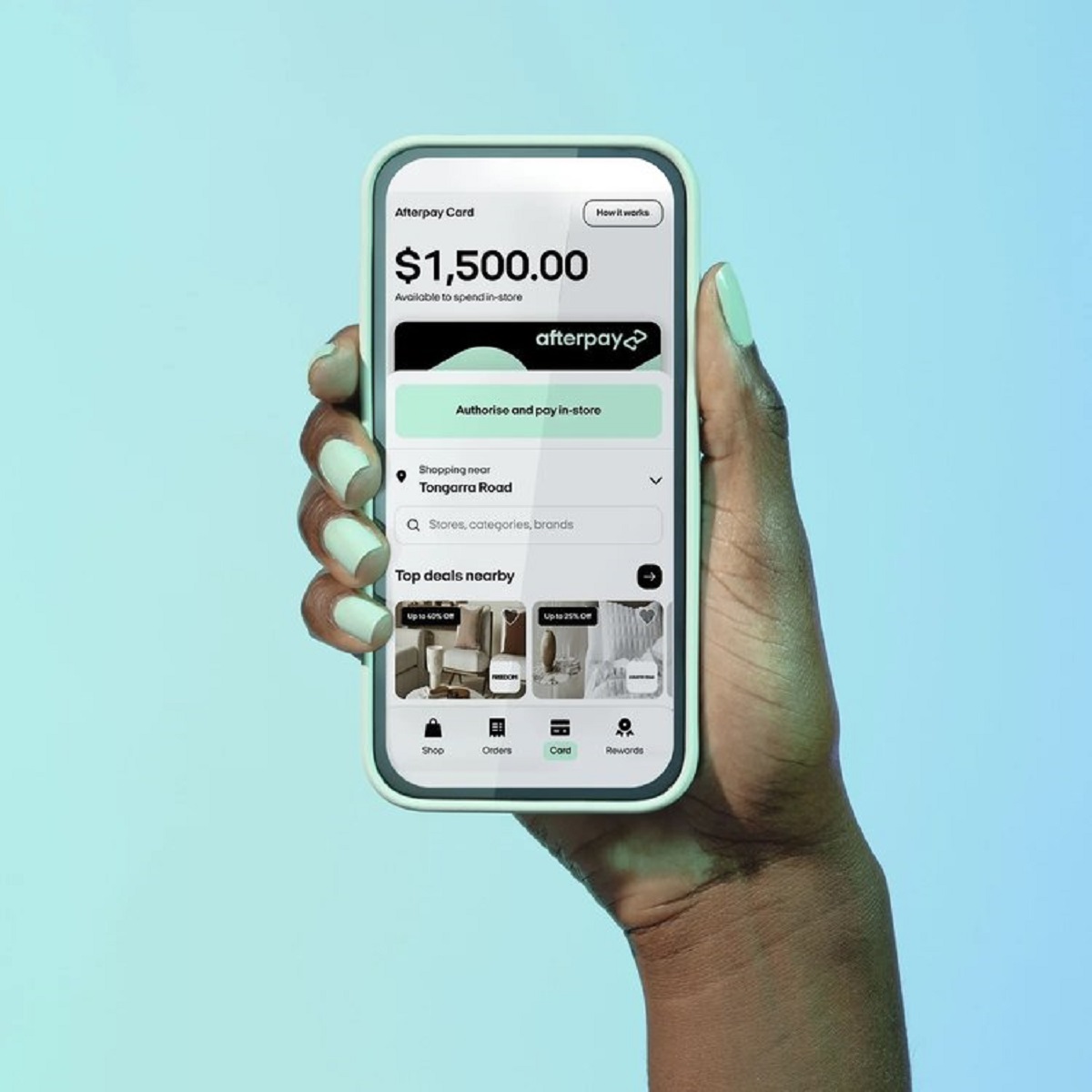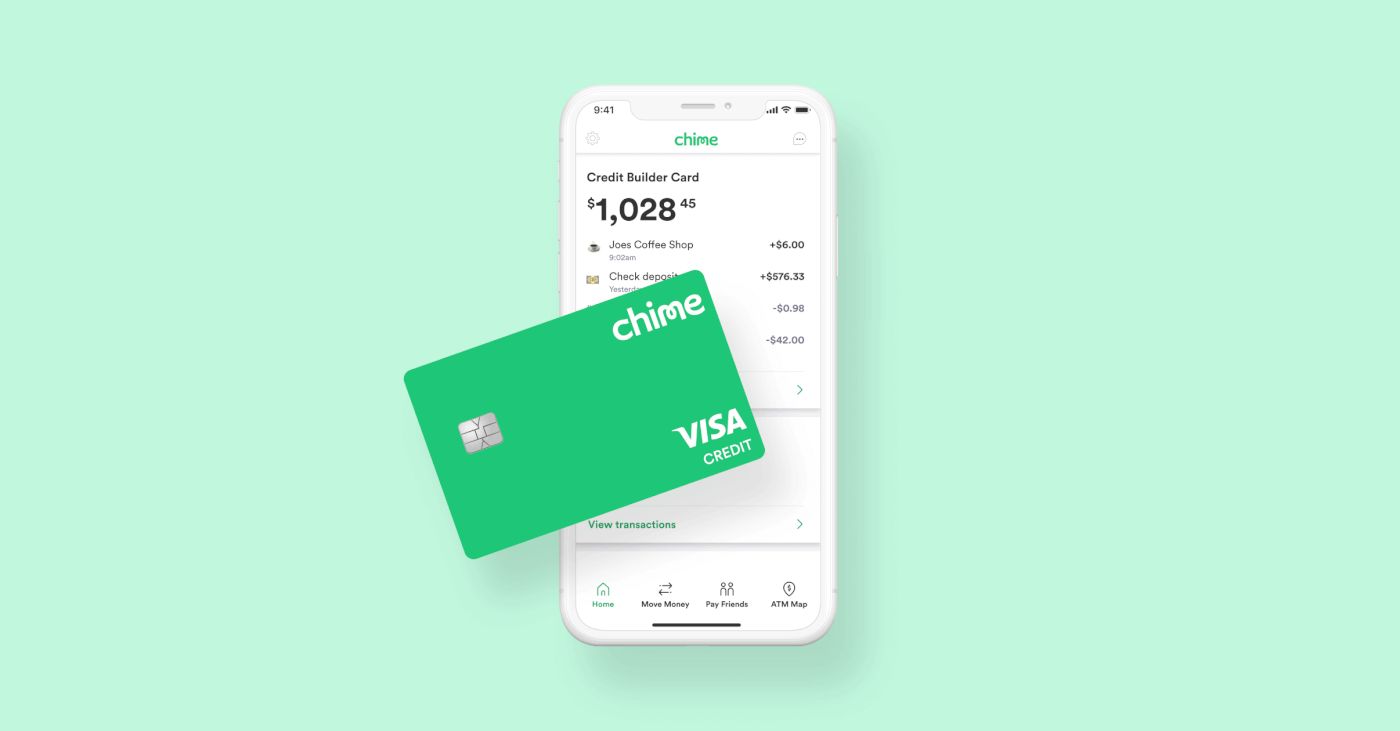
This tag collects articles about using and managing digital payment methods, with a strong focus on Apple Pay and its close relatives like Afterpay, Chime, and Cash App. It is written for everyday consumers who want to understand how these tools work in real-world situations, whether that means adding a card to a wallet, using a phone at a terminal, or handling a payment that did not go through as expected. The content is practical and aimed at people who are troubleshooting their own accounts or trying to get a specific task done without calling customer support.
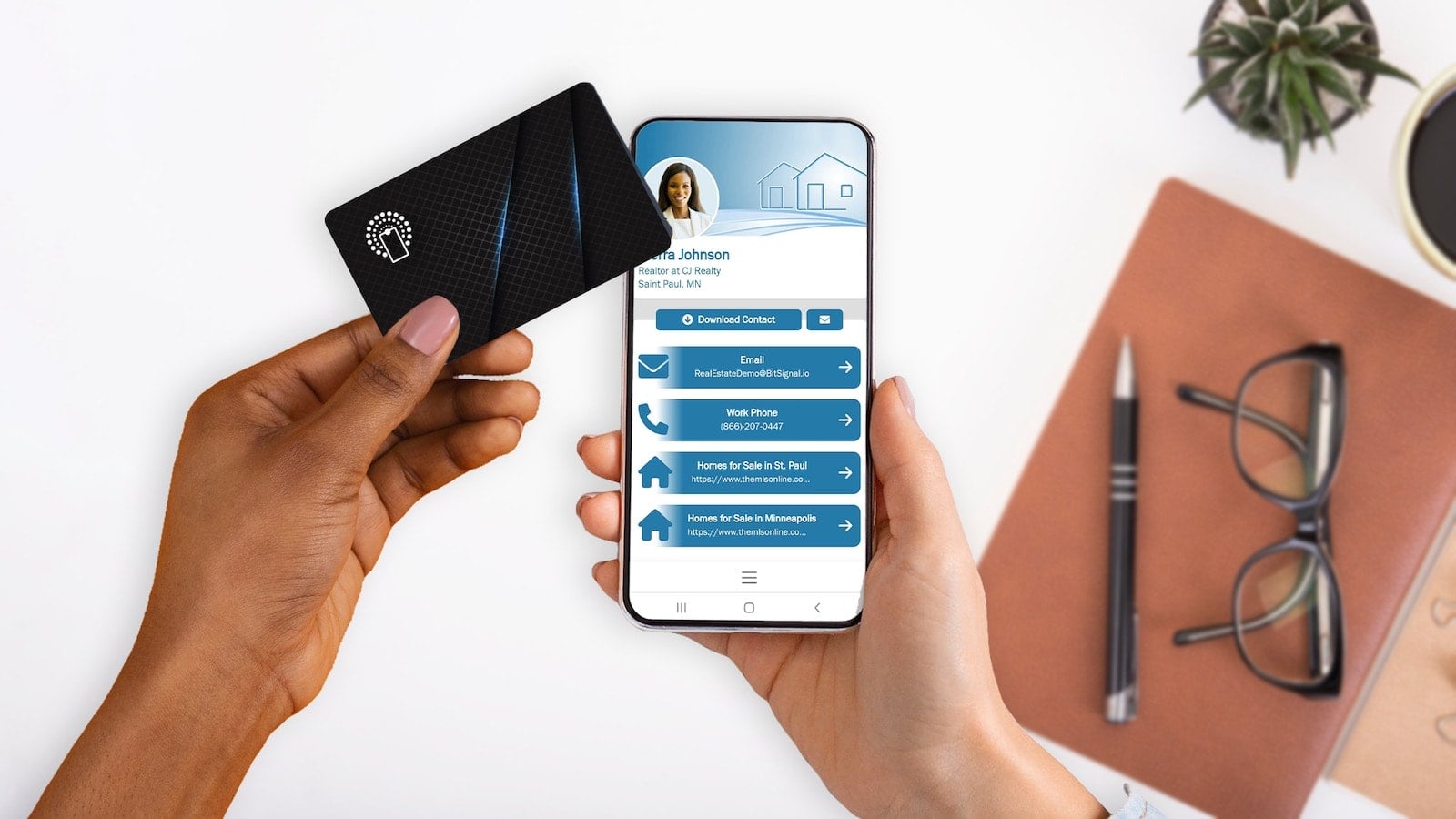
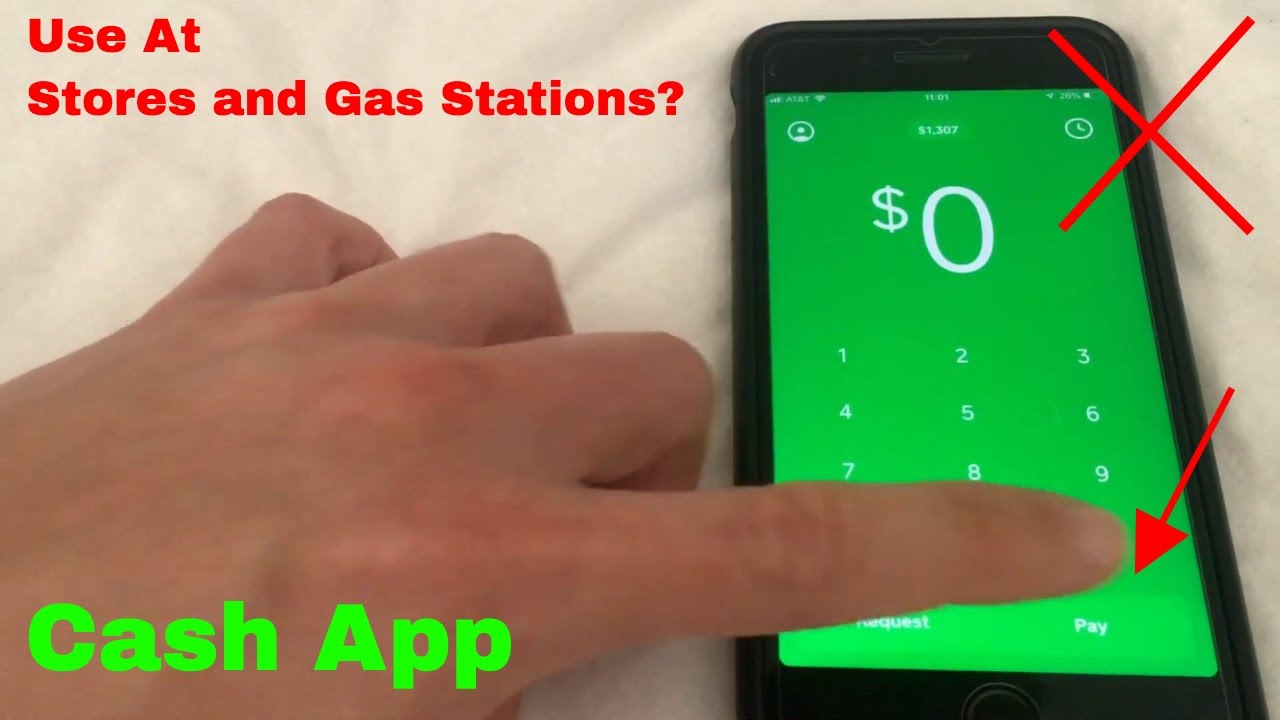
The articles here fall into two broad themes. The first is setup and everyday usage: how to add Afterpay to your digital wallet, how to see your Afterpay card number, and how to use your phone as an NFC card at a register. A second theme is security and dispute resolution, where the guides explain how to lock a Chime card, how to dispute a tokenized transaction that still posted incorrectly, and whether a locked Chime card can still be used with Apple Pay or Google Pay. A few pieces also address location-specific questions, like which gas stations accept Afterpay or how to use Cash App at a pump without a physical card.
Readers will learn how to complete legitimate actions, such as adding a payment method or verifying a card number. The security-focused articles help them protect their accounts and understand their rights when a transaction fails, rather than showing any workaround. The tag also covers how to use Apple Pay without Face ID, which is a convenience feature, not a bypass. In short, this is a resource for anyone who wants to use mobile payments confidently and safely, with clear steps for common problems.